Do I need coding or design experience?
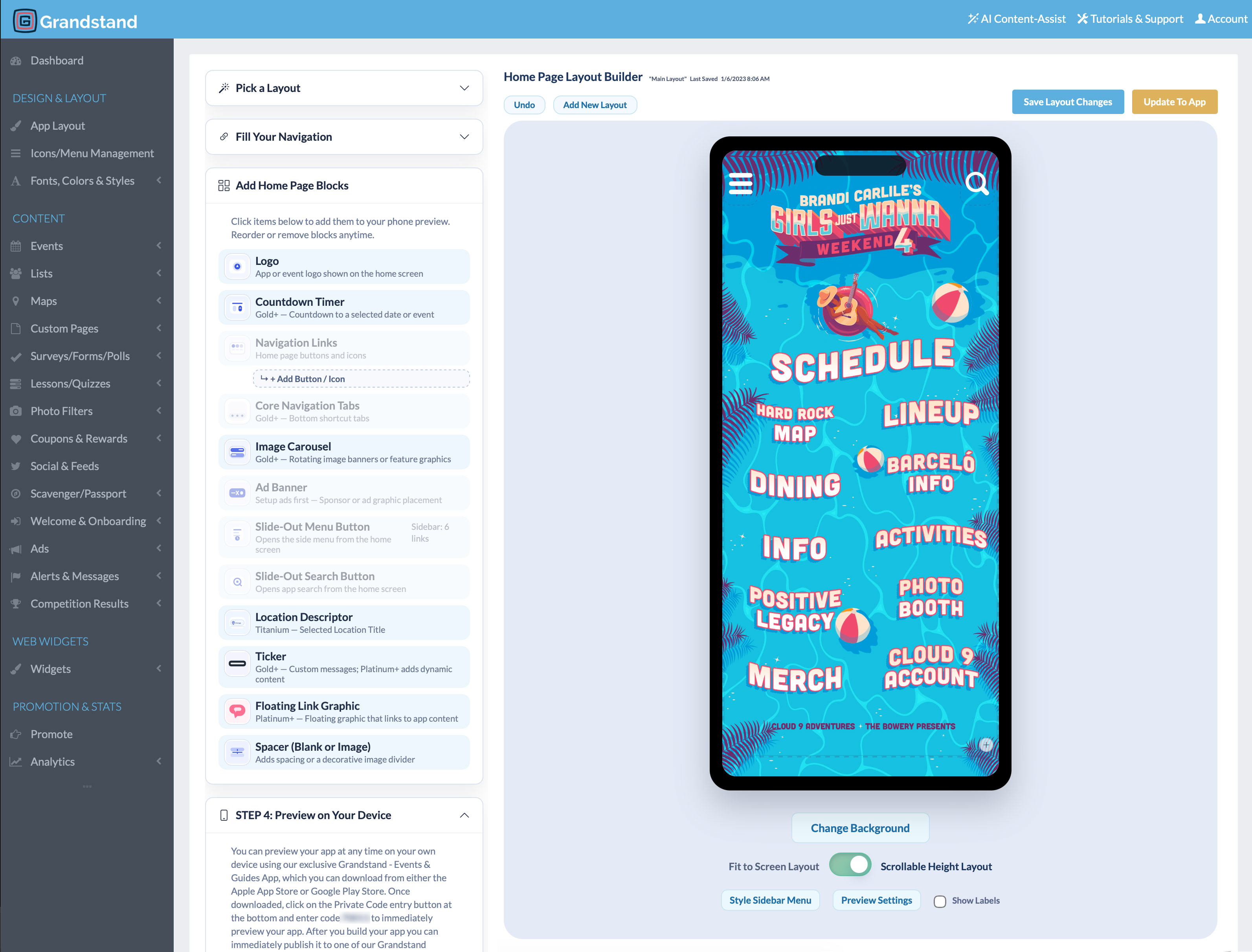
No. Grandstand’s browser-based tools let you organize content and customize your app without writing code. Tutorials and support are available when you need direction.
Can Grandstand help with design and content setup?
Yes. Design and content-loading assistance is available. We’ll discuss the work with you first; scope and any additional fees depend on the services selected.
Can I start myself and add assistance later?
Yes. You can begin in the Builder and contact our team when you need help. We’ll confirm the scope and cost of any additional setup services before work begins.
What should I prepare before getting started?
Your logo and brand assets, a rough outline of the app’s main sections, available schedules and visitor information, and a target launch date are useful. You can start exploring before everything is final.
How long does it take to launch?
Timing depends on your content, design, publishing option, and any app-store review that is required. Contact us with your target date so we can discuss the appropriate path.
Do I need Apple and Google developer accounts?
It depends on how your app is published. An eligible supported container option may not require your own accounts; stand-alone branded apps require Apple and Google developer accounts and are subject to store review. Review developer-account guidance.
What can I update after launch?
You can maintain supported content such as schedules, listings, maps, and pages in the Builder. Routine content changes are different from app-version changes, which may require Grandstand coordination and app-store review.
Can I reuse my app for another event or year?
Yes. Many teams refresh their existing app with new schedules, listings, and other supported content for a later event or season. Your publishing option and package continue to apply.