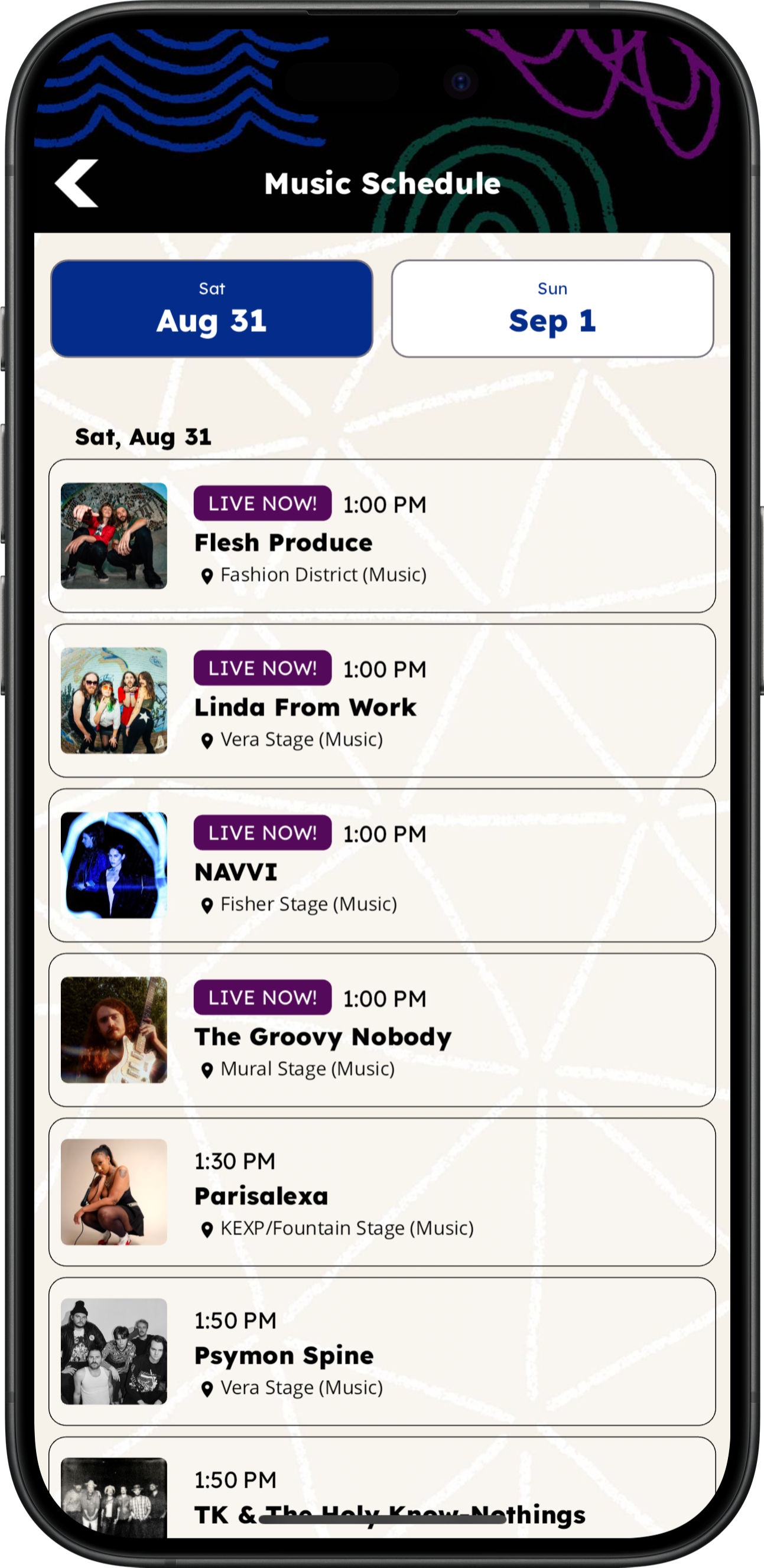
Live Now
Quickly spot activities currently underway, based on their scheduled start and end times.
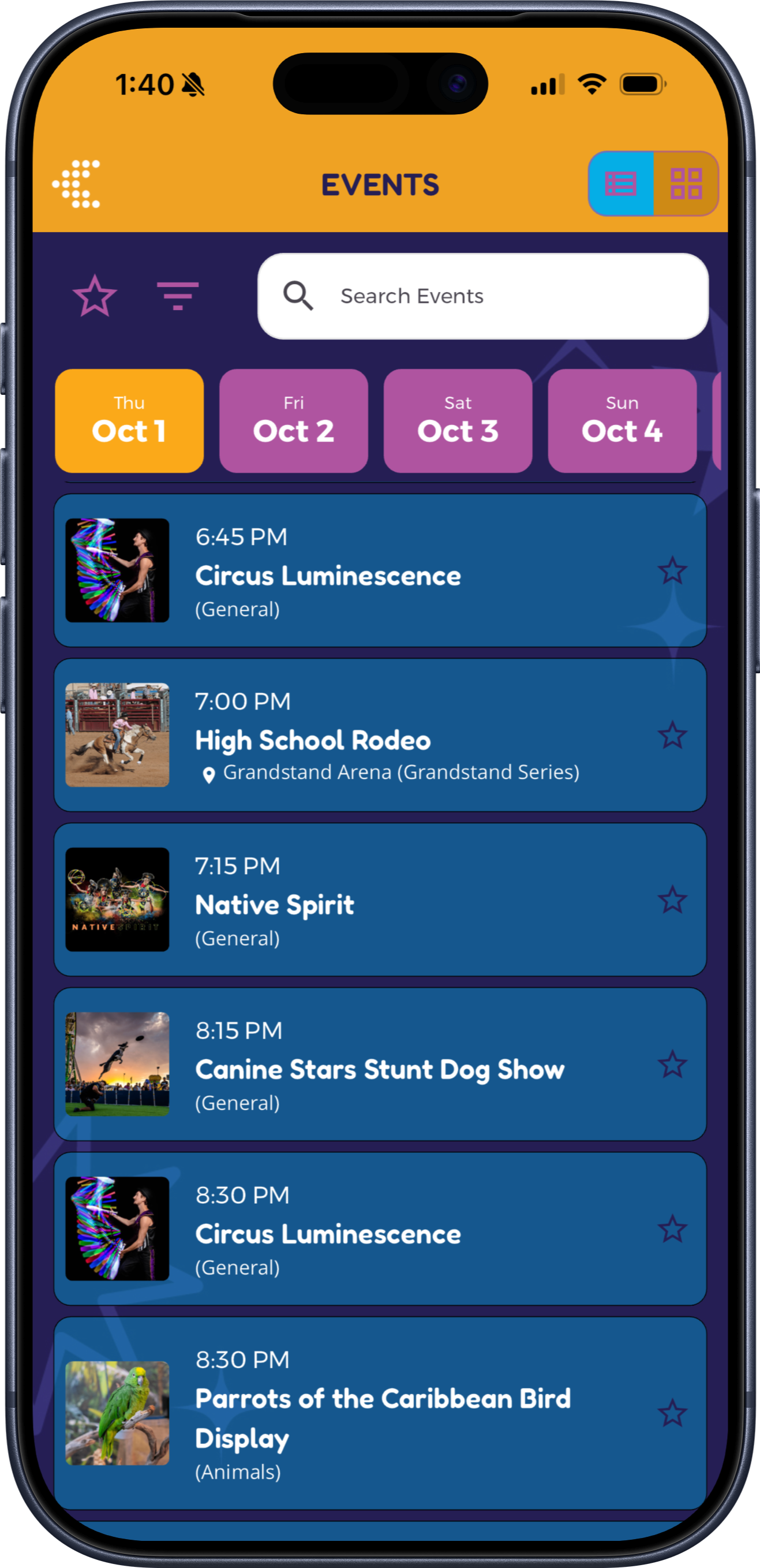
Event Schedules & Favorites
Help attendees browse the program, see what’s live or nearby, explore event details, and save their favorites—while your team keeps the schedule current in Grandstand.
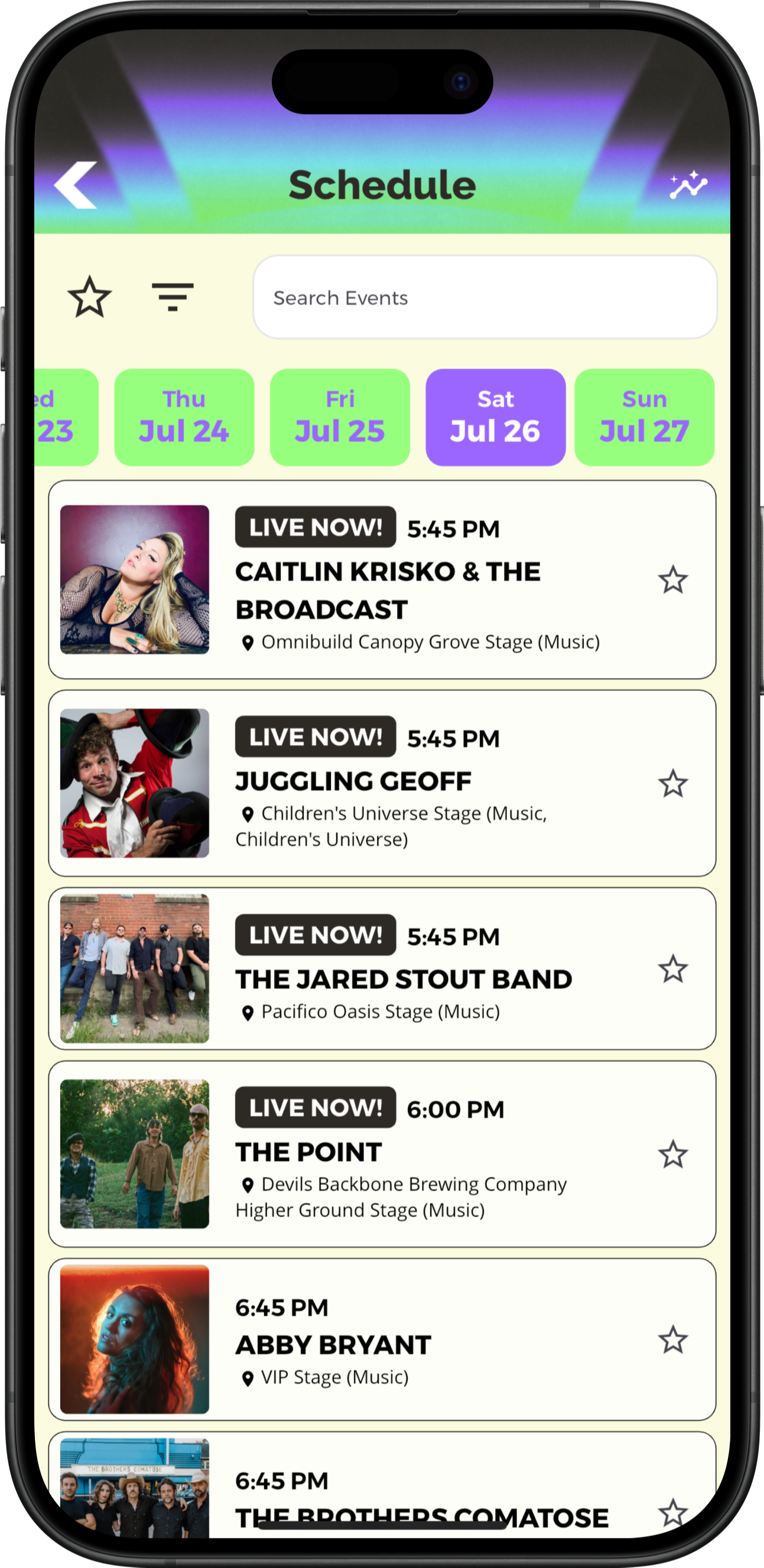
Find the right events
Organize a multi-day program so attendees can move through schedule dates, narrow the list by relevant categories or locations, and search schedule content. Event details can carry the context needed to decide what to attend.
Right now. Right nearby.
Help attendees choose their next activity based on both time and location. Live Now highlights events already underway, while Near Me helps surface nearby activities happening now or starting within the next 30 minutes.
Quickly spot activities currently underway, based on their scheduled start and end times.
Discover activities near your current location, making it easier to find something to do without searching the entire program.
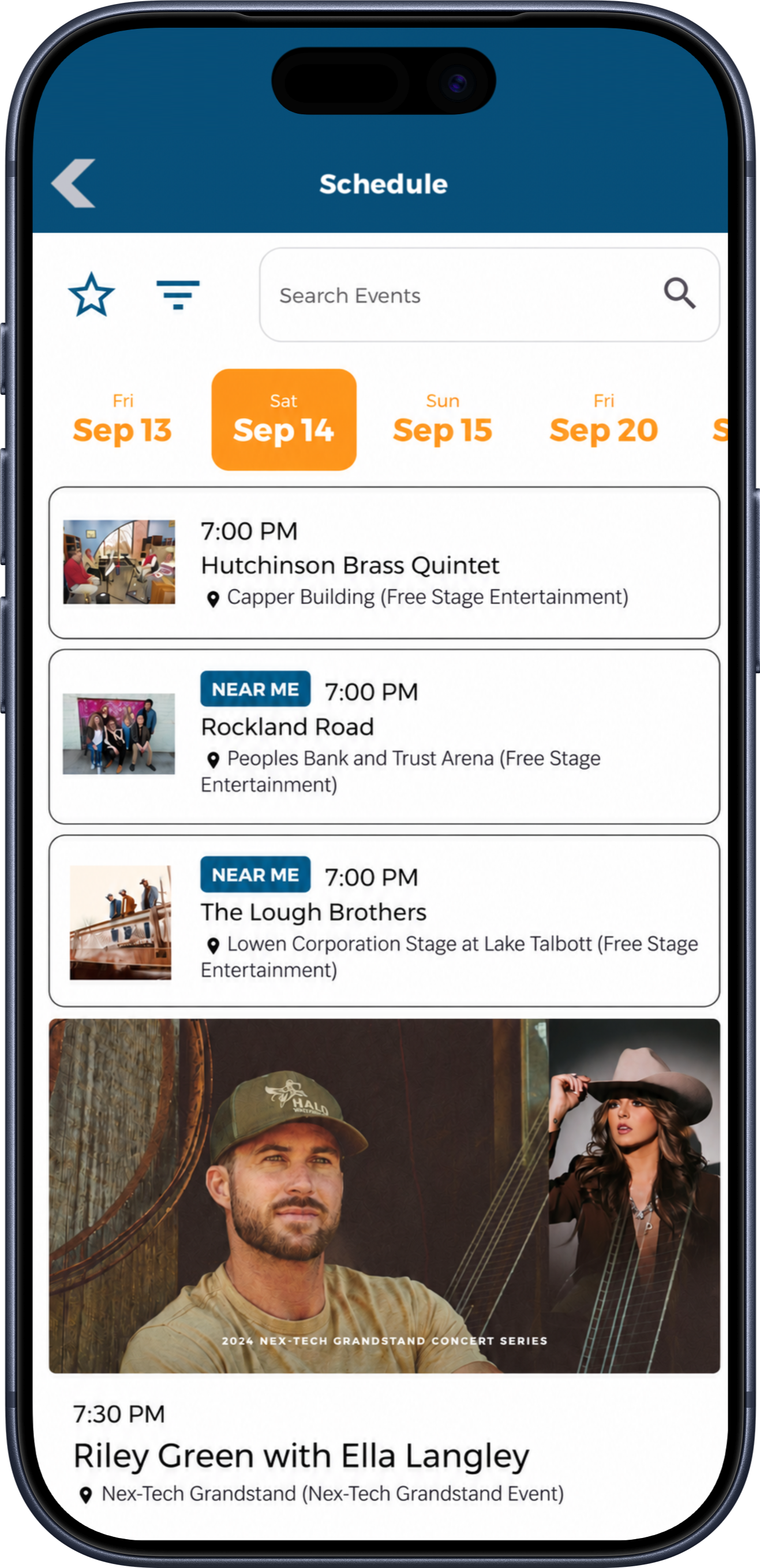
Near Me requires location access and events linked to mapped locations. It uses location and schedule information to filter results; it is not a notification, routing, or crowd-measurement feature.
Beyond the schedule
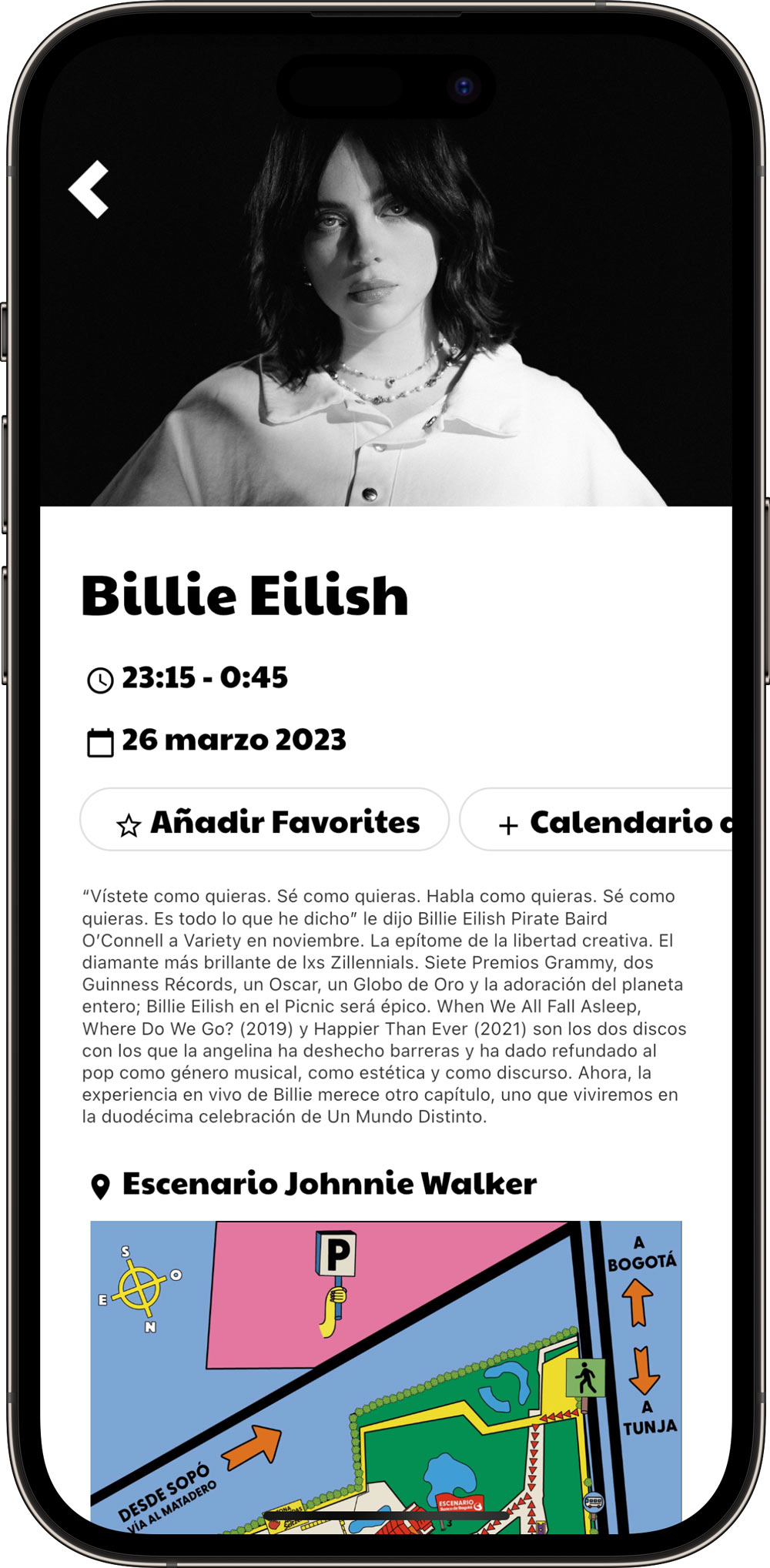
Help attendees decide what to attend with photos, descriptions, times, and location details—all together on a dedicated event page. Useful actions let them save the event, share it, or add it to their device calendar.
Images and brandingPresent the activity with imagery and styling that fit the app.
Event informationShow the title, date, start and end times, and descriptive content.
Venue and mapConnect its stage, room, or location to supported map presentation.
FavoritesSave the event for quick access later.
Device calendarAdd an individual event to a device calendar without ongoing two-way synchronization.
SharingShare event information through supported sharing actions.
Useful linksOpen configured website, performer, or external ticket links. External links are not native ticket purchasing.
Personal itinerary
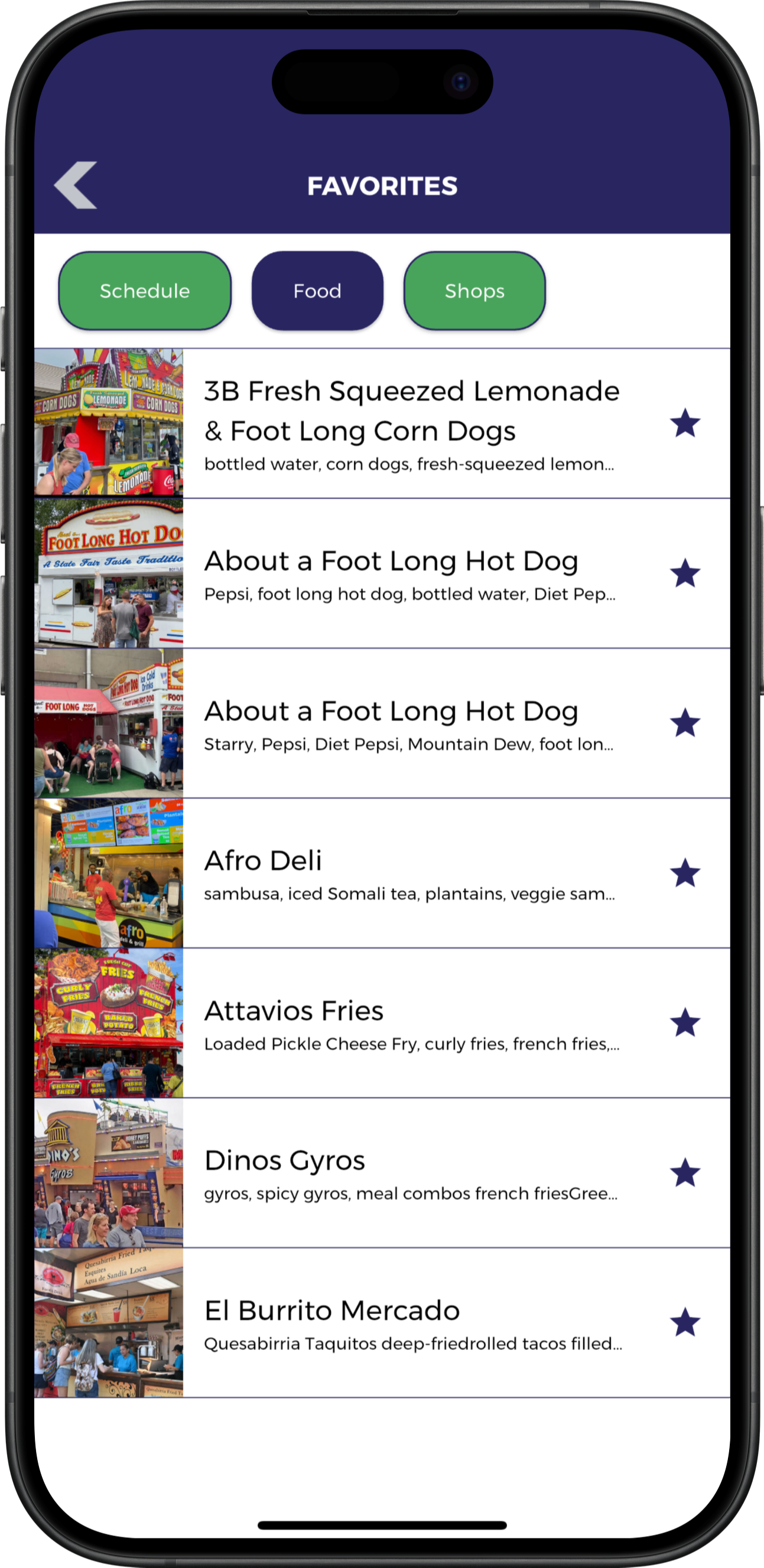
Attendees can star schedule items and view their saved activities together. Schedule reminders tied to favorites are available in supported packages, helping visitors return before an activity begins without implying that every schedule edit triggers an alert.
Flexible presentation
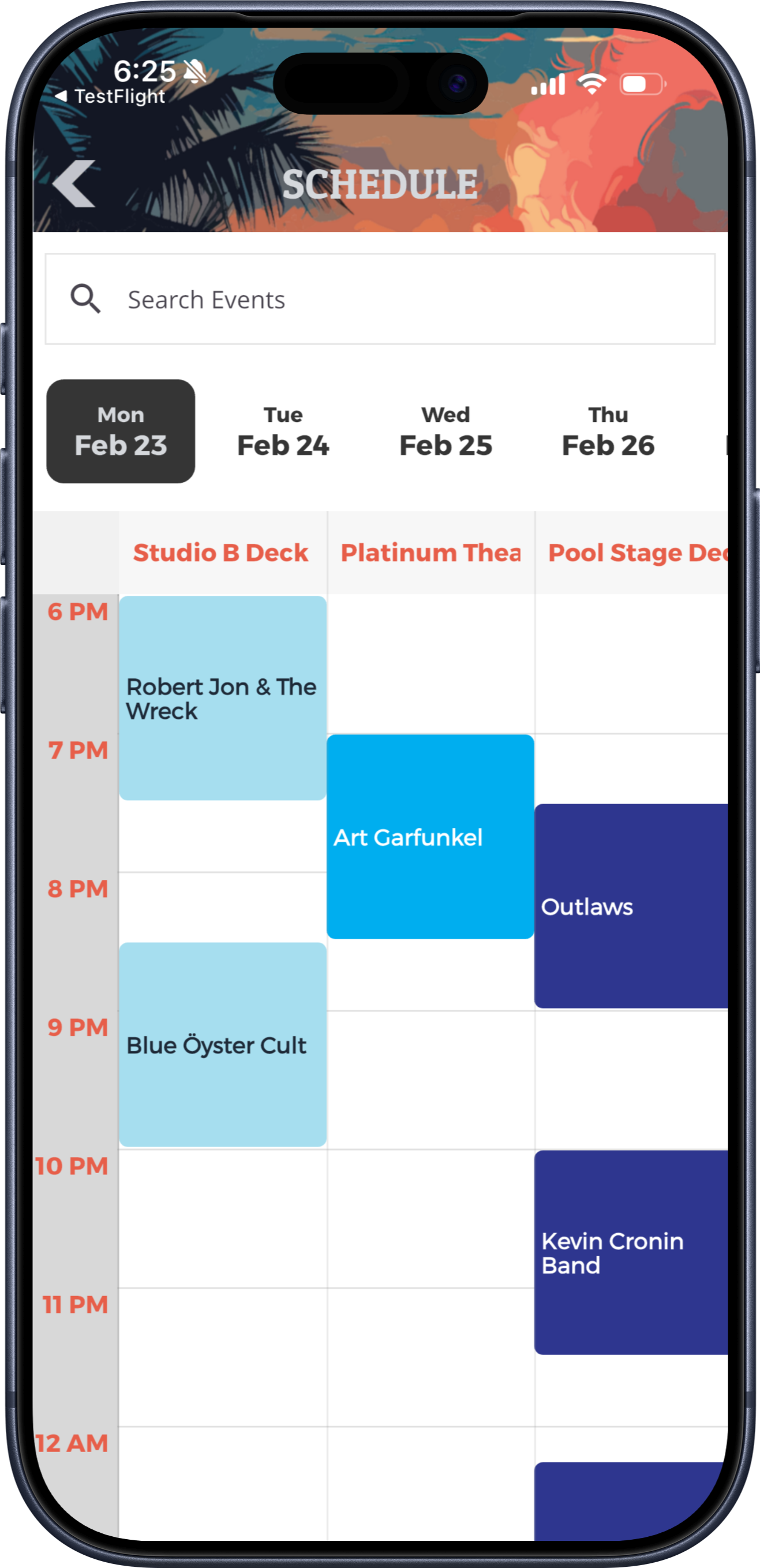
Use a chronological Schedule Feed View or a Timetable View for parallel stages and rooms. Package options determine whether one view or both views with a switcher are available.
Native app offline access
Downloaded schedules and event details remain accessible when reception drops, helping attendees continue exploring the program. Newly published changes become available when the app next refreshes while connected.
Your team manages content in the web-based Grandstand Admin. The app downloads content to the device and checks for updates at supported refresh points when a connection is available. Between updates, visitors can continue using the content already stored on their phones.
Plan ahead: Download and open the app before arriving. New content updates and features that use online services require a connection.
Connected and manageable
Link event details to venue information and supported map locations so attendees can move from an activity to where it happens.
Authorized staff can edit times, descriptions, locations, and recurring schedule entries through Grandstand, then publish updates. Explore Integrations & Content Tools.
Display supported schedule content through Grandstand Web Widgets. Web Widgets require an additional paid subscription.
Practical details
Yes. Attendees can favorite schedule items and return to a personal itinerary. Schedule reminders from favorites are available in supported packages.
Yes. Schedule feeds can display start and end times and identify events currently underway with a Live Now indicator.
Yes. Near Me uses the attendee’s location and mapped event locations to help identify nearby activities happening now or starting within the next 30 minutes. Location access is required.
Event pages can include images, descriptions, dates, times, venue information, and supported map connections. Depending on your configuration, attendees can also save favorites, share events, add them to their device calendar, and open relevant links.
Grandstand supports a chronological schedule feed and a timetable view. Availability of both views and the view switcher varies by package.
Yes. Authorized organizers can update event times, descriptions, recurring events, and connected locations in Grandstand and publish those changes. An edit does not automatically send a push notification.
Schedule Web Widgets can display supported Grandstand schedule content on an existing website. Web Widgets are a separate paid product.
Start a free trial to explore Grandstand’s schedule tools. Publishing and ongoing service require a paid package.