Attractions and local businesses
Showcase places to visit, restaurants, shops, and other local businesses with useful details and links.
Tourism & destination apps
Bring local businesses, attractions, maps, events, and stories together in one branded app. Help visitors and residents explore your downtown, cultural district, museum, or destination throughout the year.
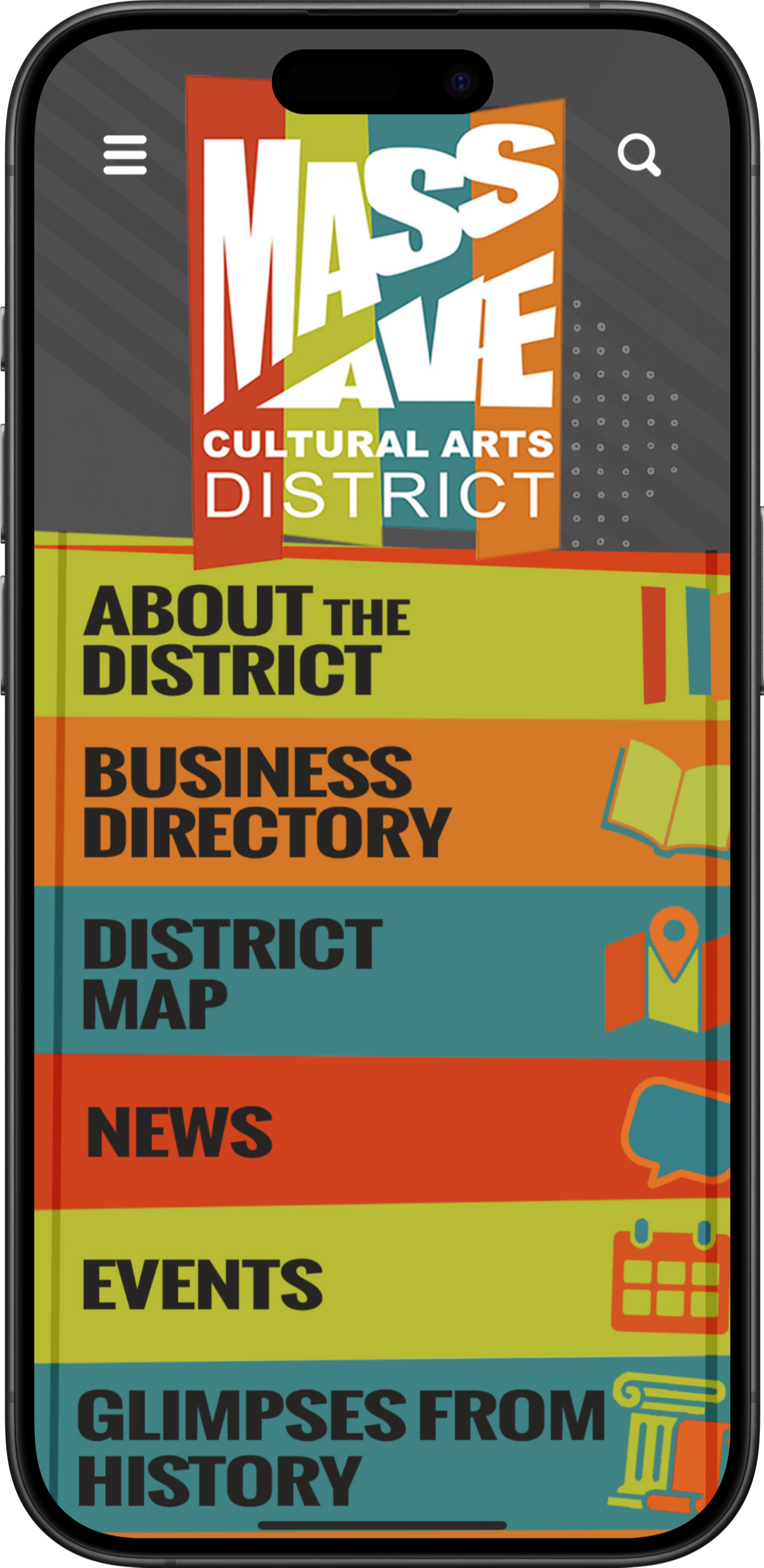
Core capabilities
Showcase places to visit, restaurants, shops, and other local businesses with useful details and links.
Connect listings with locations so visitors can explore what is around them and find their next stop.
Bring community events into one calendar and let users save supported content for later.
Organize themed collections of places and create interactive discovery activities using supported tour and scavenger-hunt features.
Highlight participating business promotions and connect supported rewards with activities.
Keep practical destination information, announcements, and timely reminders easy to find.
Native app offline access
Downloaded destination guides help visitors keep exploring attractions, historic sites, and places with limited reception.
Plan ahead: Download and open the app before arriving. New content updates and features that use online services require a connection.
Discover local places
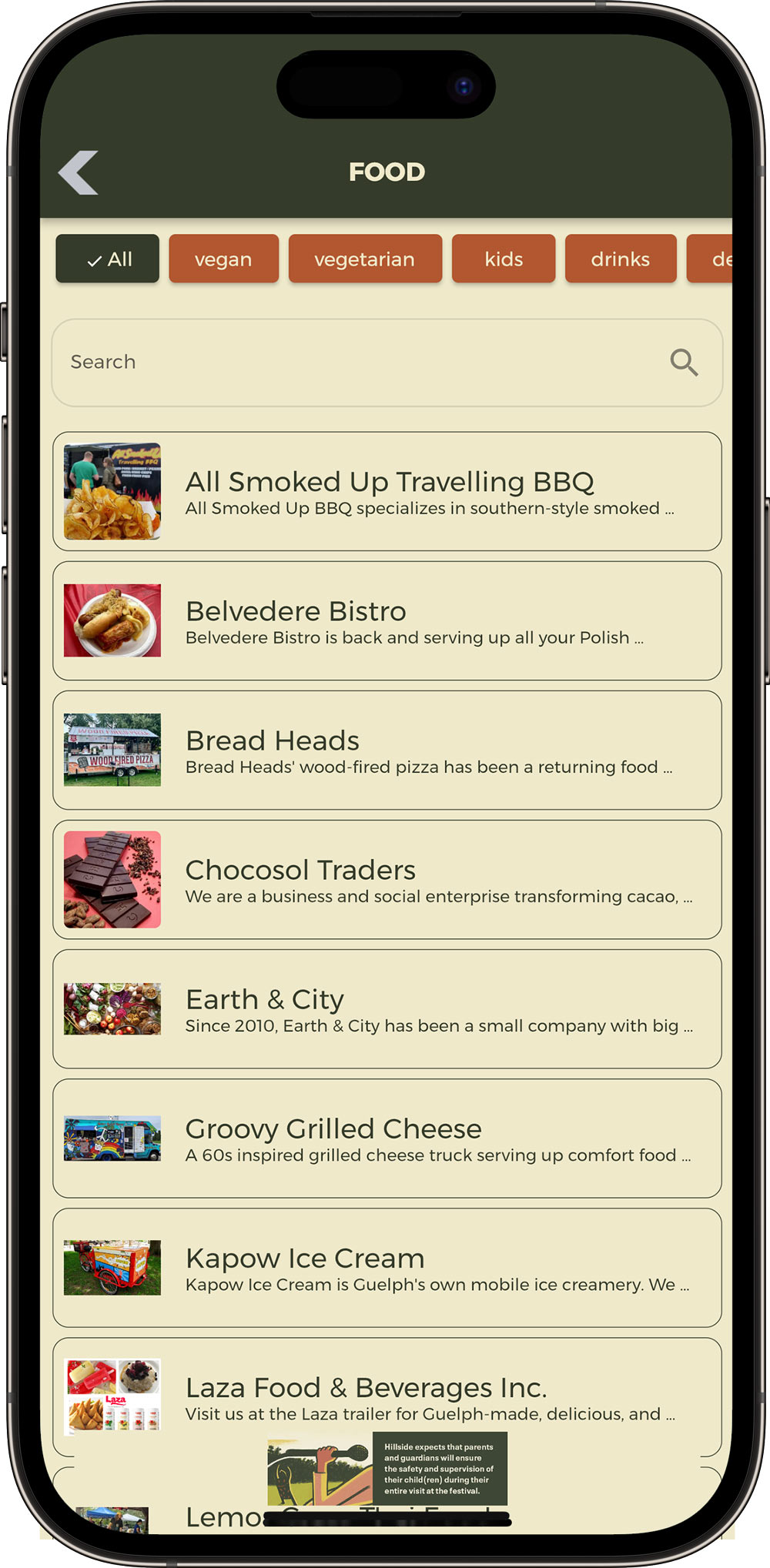
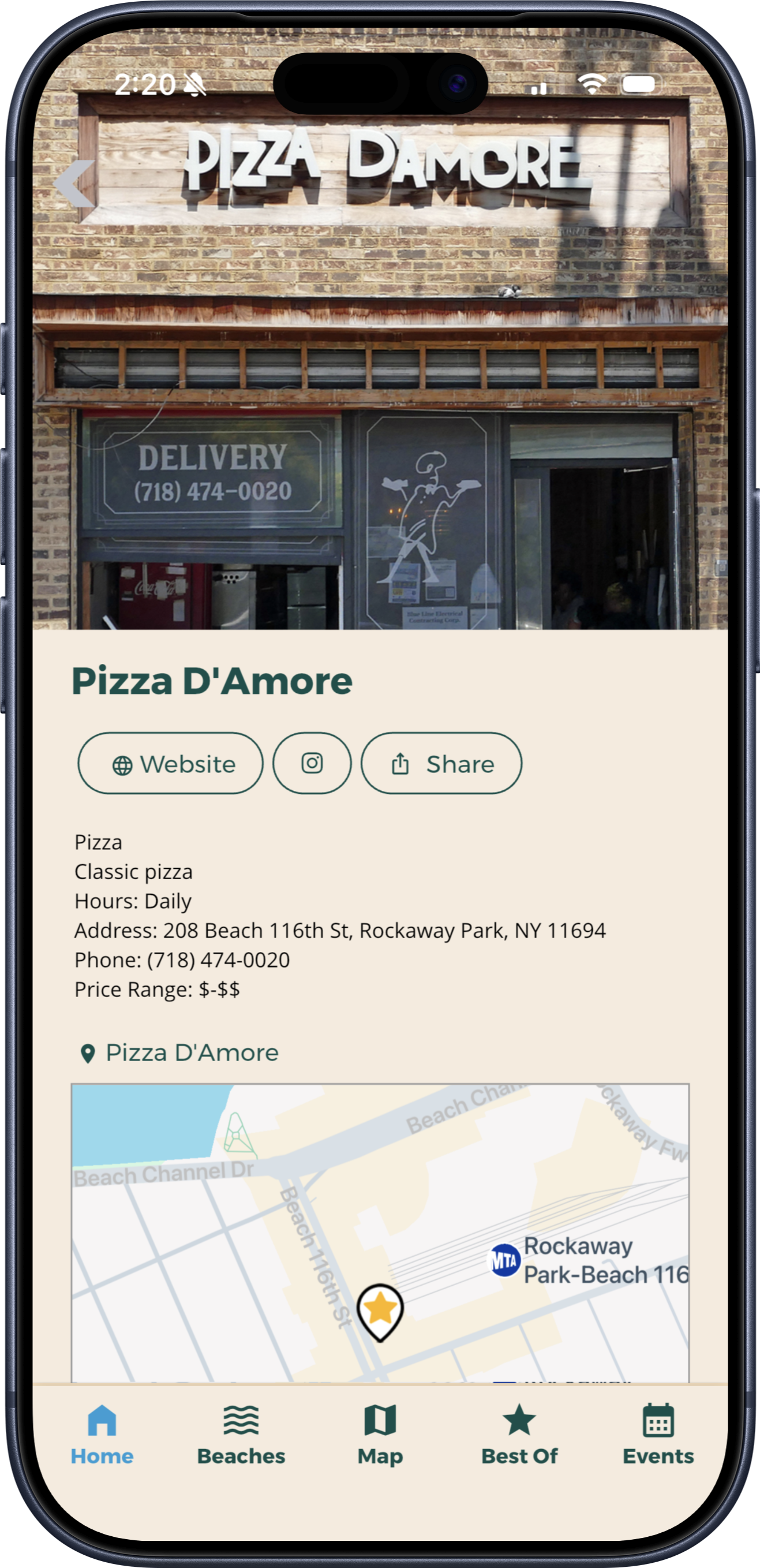
Give visitors a searchable guide to attractions, restaurants, shops, and local experiences. Listings can include photos, descriptions, categories, contact information, website links, and map locations to help people decide where to go next.
Your destination team maintains listing information; the app does not imply live inventory, automatically verified hours, reservations, or in-app purchasing.
Explore the area
Help visitors find attractions, restaurants, public art, visitor centers, and other useful locations. Searchable maps connect places with their details so users can move between exploring the area and learning about individual stops.
Supported categories and map pins can connect to listings or events. Native maps and uploaded custom graphical maps serve different needs, and favorites are available only with applicable packages and content types.
Explore Interactive Maps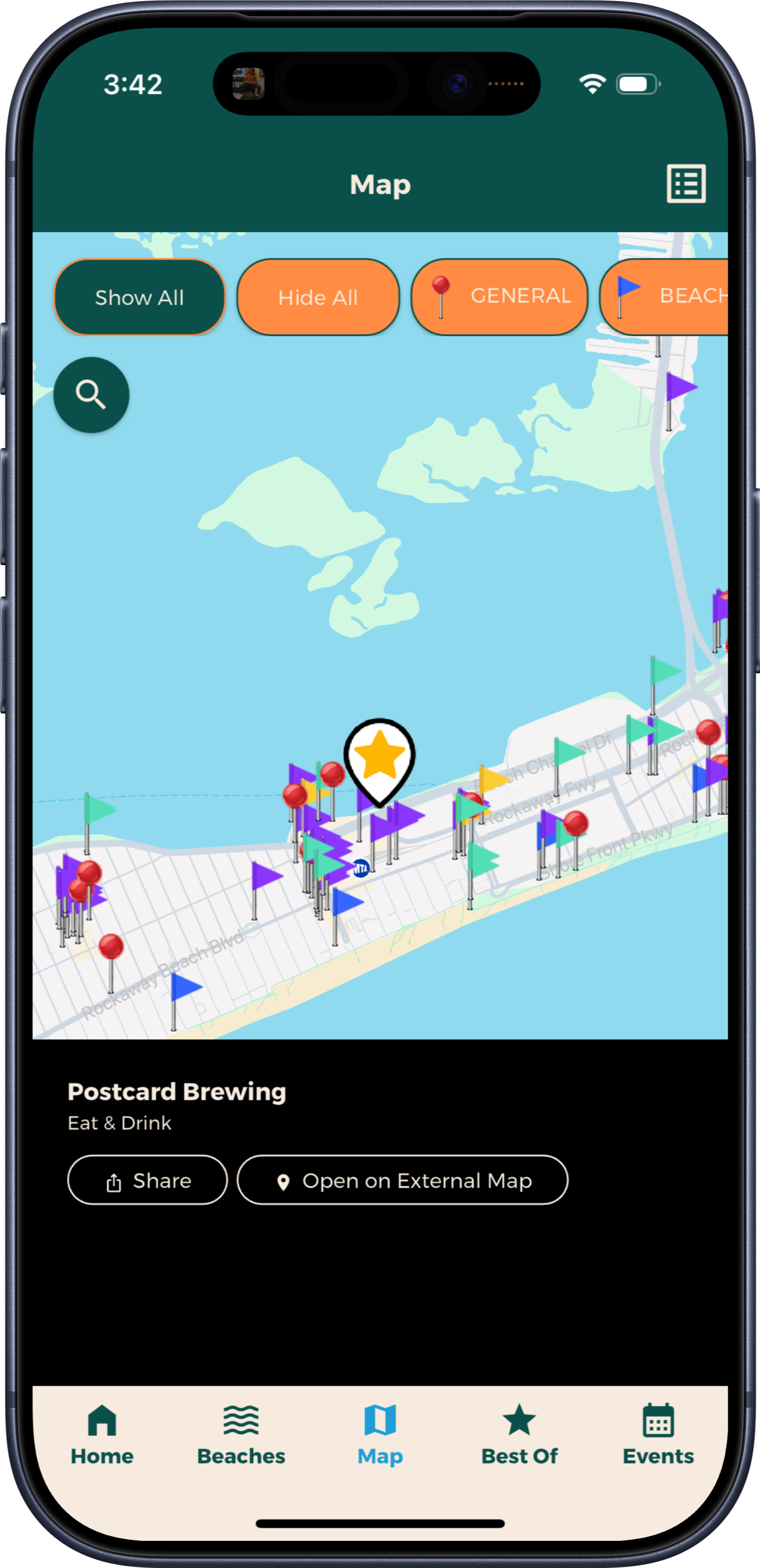
Encourage exploration
Connect the places and stories that make your destination distinctive. Build experiences around public art, neighborhood history, museum collections, food, or shopping.
Give visitors useful information at each stop, or add scavenger-hunt challenges and supported check-ins to make destination trails, cultural districts, and museum experiences more interactive. A curated collection lets visitors explore at their own pace. A scavenger hunt is a separate interactive activity with challenges, supported check-ins, and optional rewards.
Explore Scavenger Hunts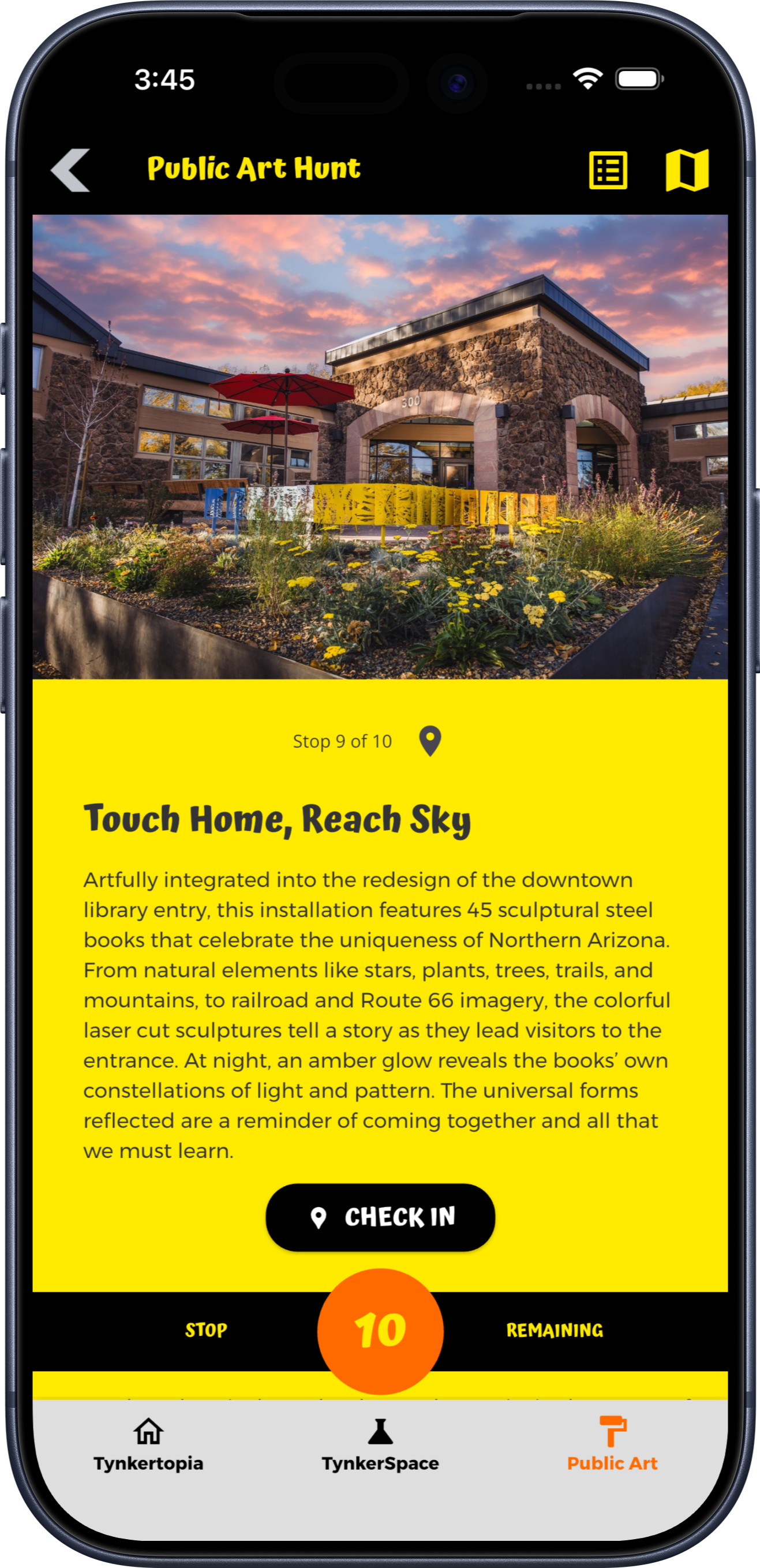
Customer spotlight · New York Transit Museum
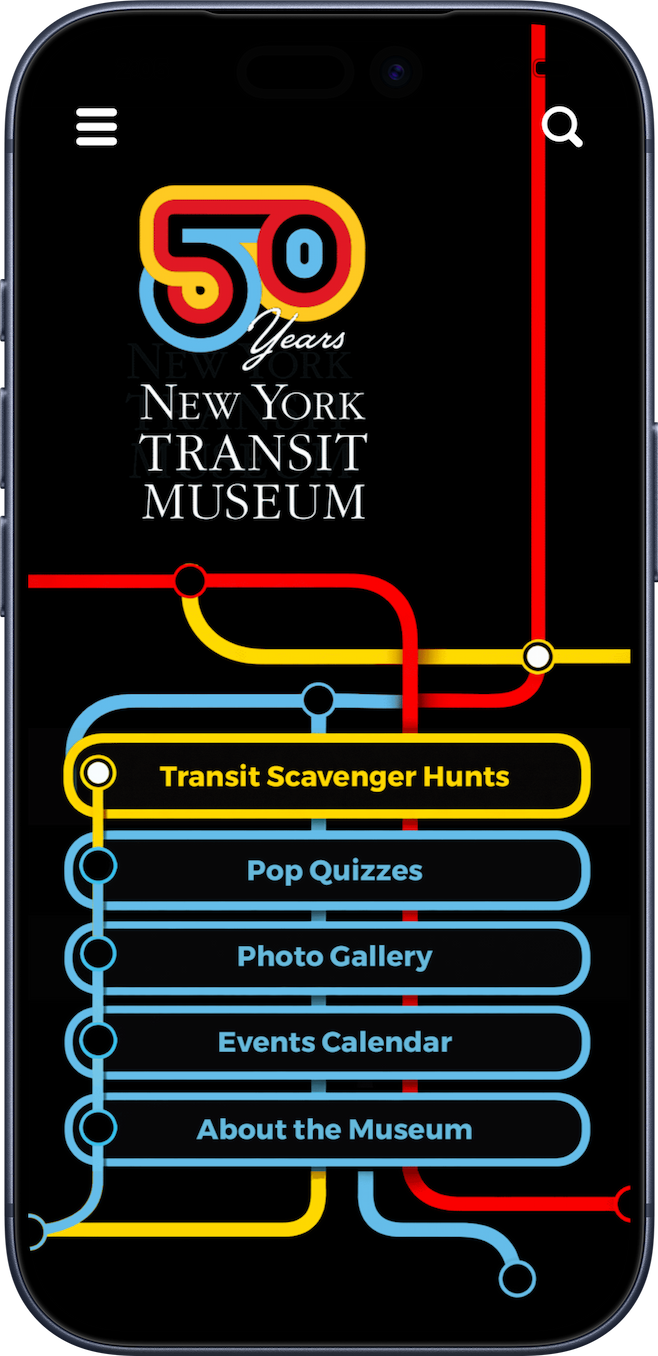
For its 50th anniversary, New York Transit Museum used Grandstand to connect museum content with exploration across New York City. Its branded app brings together scavenger hunts, transit trivia, photo filters, events, and museum information.
Find what’s happening
Bring concerts, markets, exhibitions, seasonal celebrations, and community activities into one clear calendar. Users can browse event details, find locations, and save favorites for an upcoming visit.
Supported month-at-a-glance and day-by-day views make the calendar easier to explore. Favorites help users plan; they do not book or reserve admission.
Explore Event Schedules & Favorites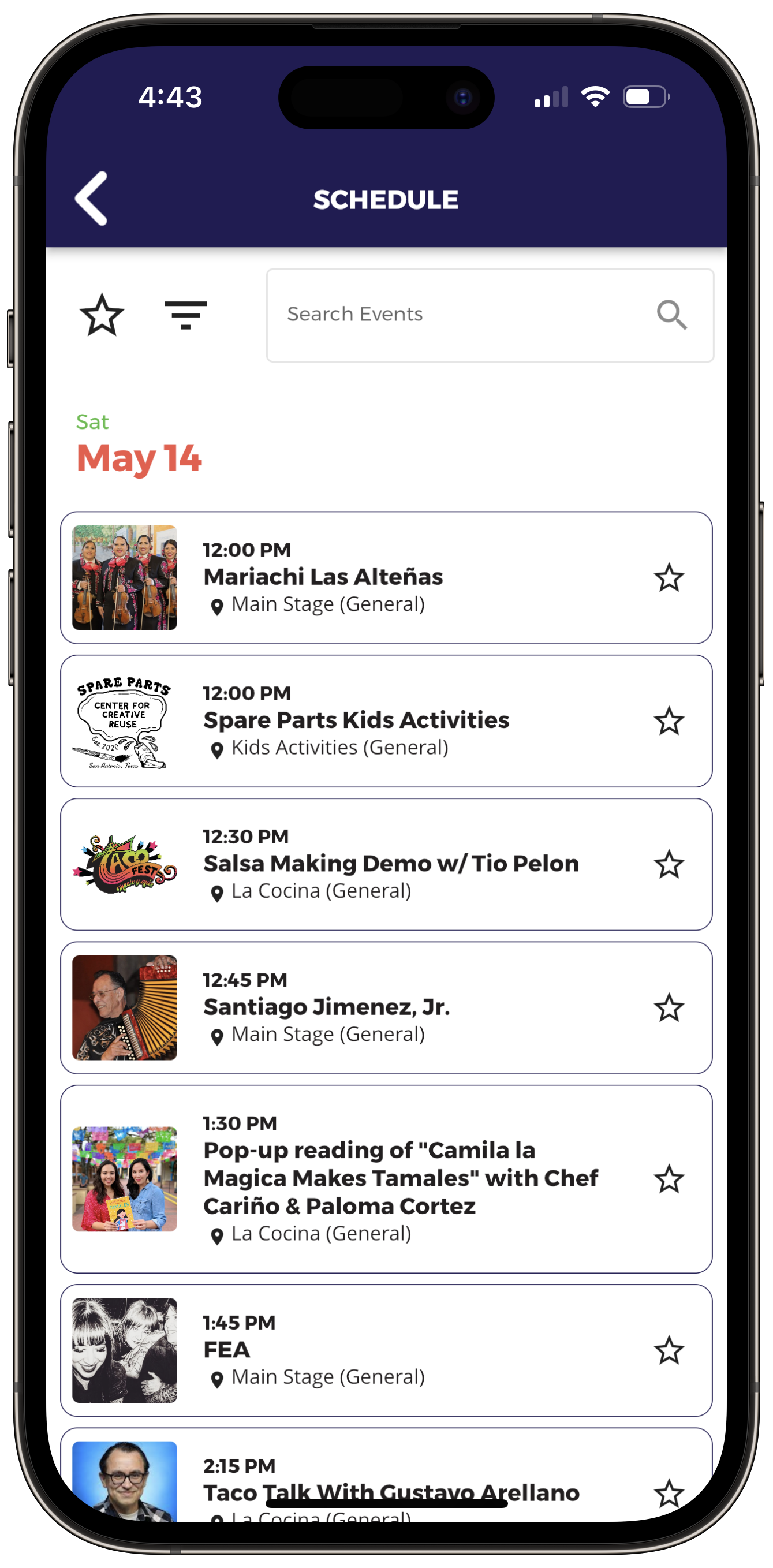
Keep visitors informed
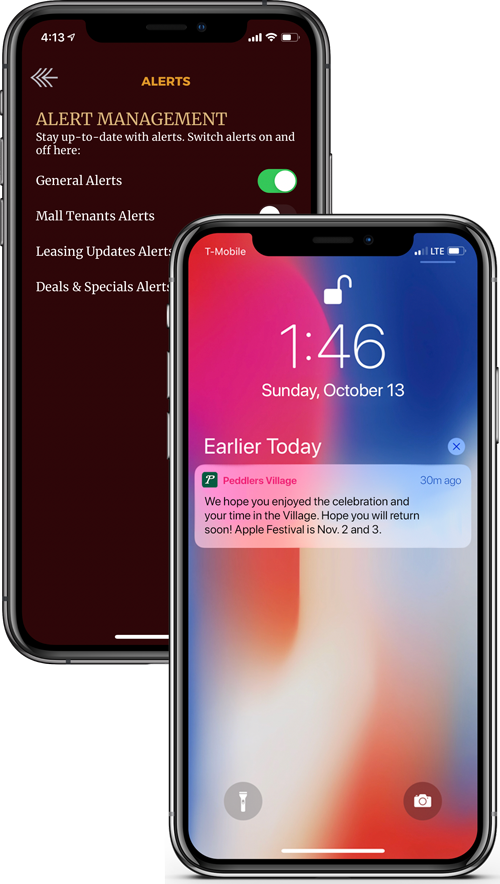
Send event reminders, seasonal highlights, changes to visitor information, and other useful announcements to app users who opt in. Link notifications to relevant places, events, or information in the app.
Management tools
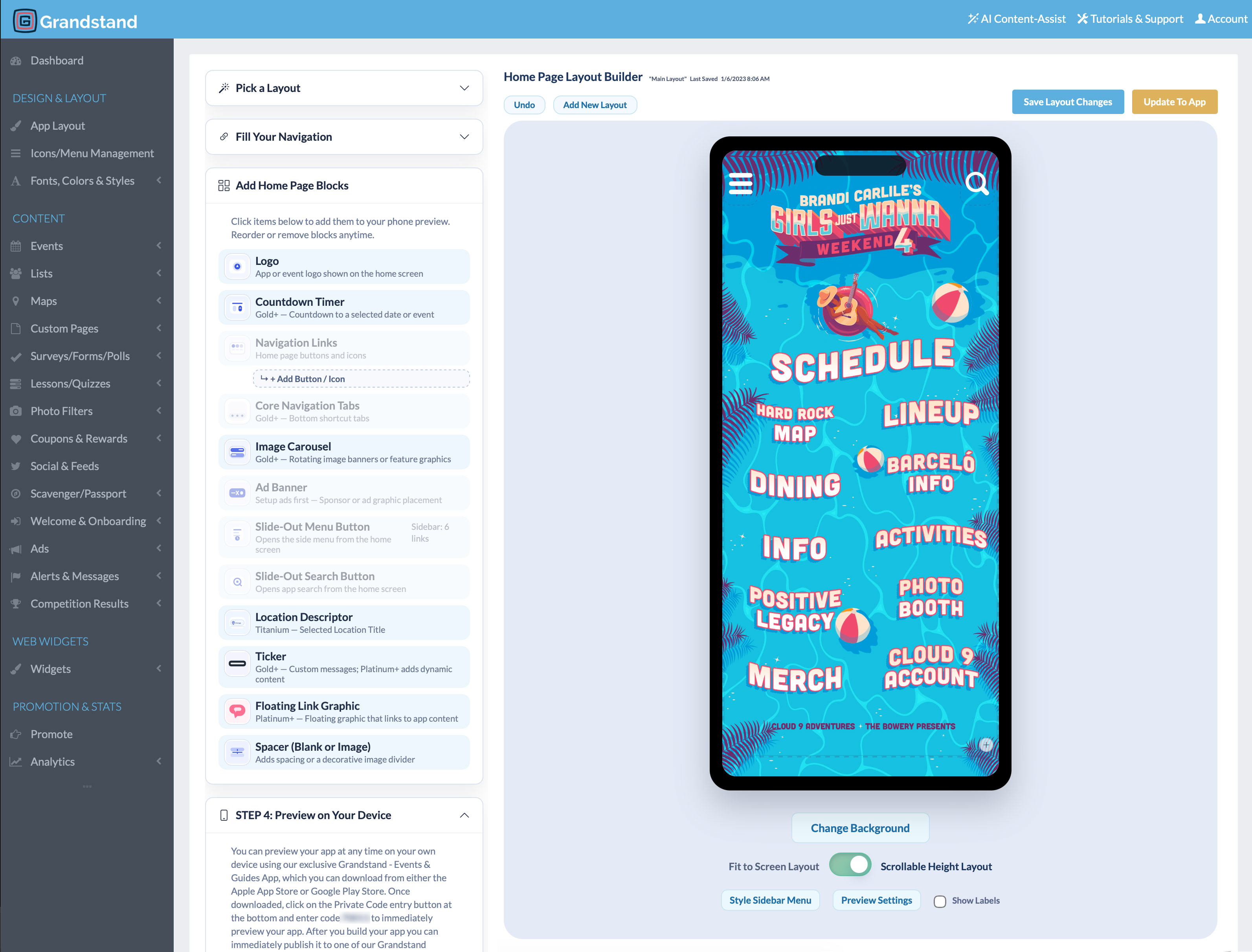
Manage everyday content: Update attractions, business listings, events, maps, offers, and announcements through Grandstand’s browser-based tools.
Get setup assistance: Design and content-loading help is available, with scope and fees depending on the selected package and services.
Refresh it throughout the year: Highlight seasonal activities, new businesses, and different reasons to explore your destination.
App Analytics & Audience Insights
Understand interest in attractions, local businesses, events, and destination information. Use searches and saved content to improve your visitor guide.
Available reports vary by package. Platinum and Titanium include realtime activity from the last 30 minutes and geographic heatmaps of recorded app usage.
Web Widgets
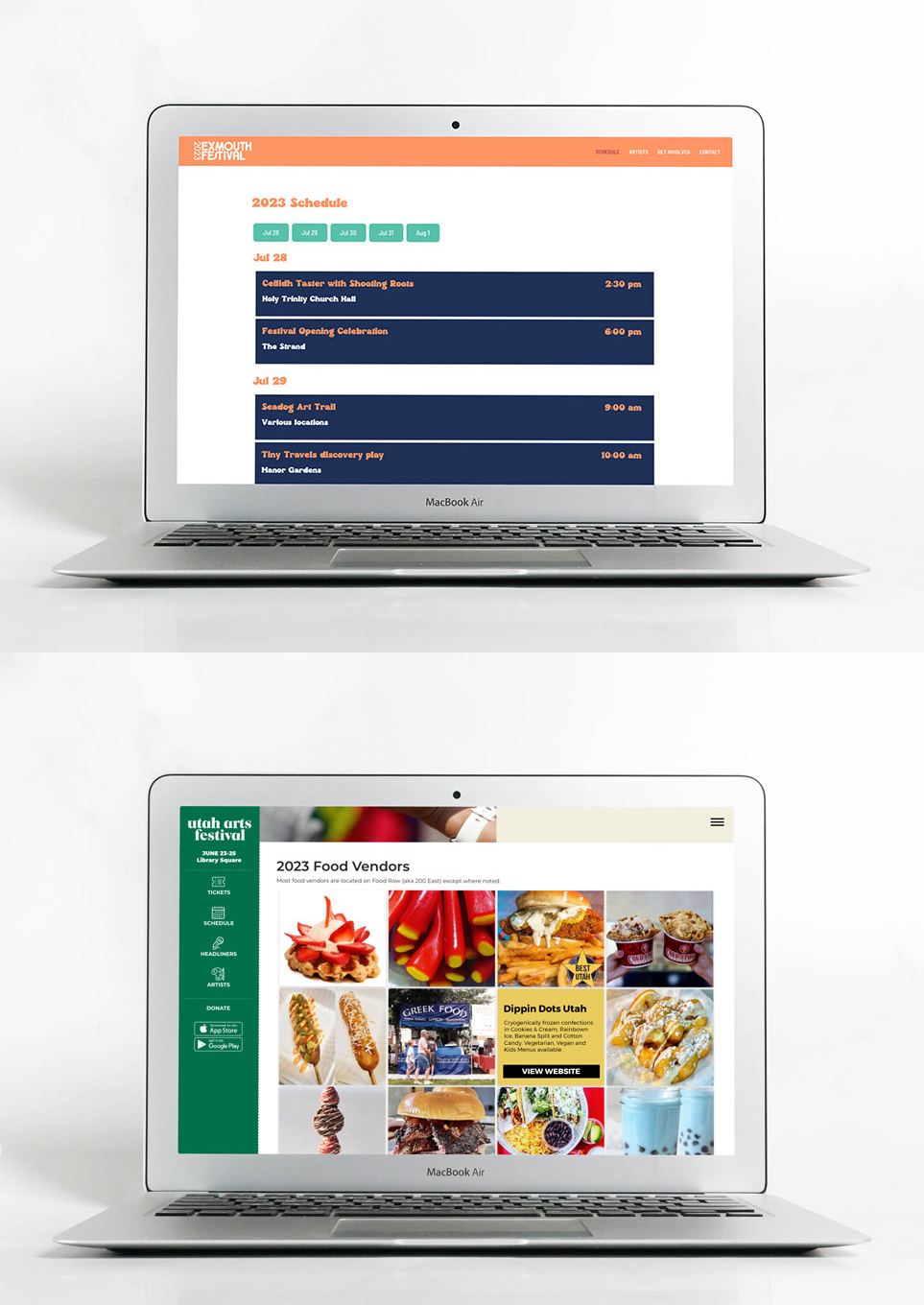
Manage supported directories and event schedules in Grandstand, then display that shared information in both your app and your destination’s existing website.
Additional fee: Web Widgets are a separate paid product.
Learn about Web WidgetsAdditional capabilities
Share participating business offers using supported redemption options.
Give local partners visibility through featured listings, banners, and sponsored activities.
Gather feedback about visitor interests and experiences.
Offer destination-themed frames for photos users can create and share.
Make parking guidance, accessibility information, visitor-center details, and other useful resources easy to find.
Discuss compatible content sources and connections with the systems your destination uses.
Planning and purchasing
Pricing depends on the publishing option and services selected. Review the Tourism & CVB Pricing page or contact Grandstand for help choosing an option.
Yes. A destination team can maintain year-round information for visitors and residents, including local places, community events, seasonal highlights, and practical resources.
Yes. Searchable listings can include destination-maintained descriptions, photos, categories, contact information, website or social links, and supported map connections.
Yes. Supported listings can connect to map locations so users can move between place details and the map. Native maps and uploaded graphical maps are available depending on the selected setup.
Yes. You can organize a curated collection of stops for self-guided exploration or create a separate interactive scavenger hunt with supported challenges, check-ins, and optional rewards. Available check-in methods depend on the selected package and setup.
Yes. Grandstand can bring places, events, visitor information, and educational content together in a branded app. A cultural district can highlight businesses and neighborhood history, while a museum can connect its content with activities and places beyond its building.
Supported content can include favorites so users can keep track of places or events they want to revisit. Favorites help with planning but do not book a reservation or admission. Availability depends on the selected package and content type.
Yes. Authorized staff can update places, directories, events, maps, offers, and announcements through Grandstand’s browser-based tools. Design and content-loading help is available; scope and fees depend on the selected package and services.
Yes. Grandstand’s native apps store downloaded content on the device, allowing visitors to keep using nearly all core app content without an internet connection. Visitors should download and open the app while connected before attending. A connection is needed to receive new content updates, push notifications, and access features that depend on online services.
Grandstand offers publishing within a supported container app as well as stand-alone branded app-store options. Stand-alone apps require Apple and Google developer accounts and are subject to the stores’ review and approval requirements. Availability, timing, and pricing vary by package.
Yes. Grandstand provides reporting on app usage and supported content activity, including views, favorites, shares, and searches. Available reports vary by package. Platinum and Titanium also include realtime analytics and geographic app-usage heatmaps. Explore App Analytics.
Start a free trial to explore the builder, or talk with Grandstand about the right publishing and service options for your destination.
View Tourism App Pricing