Agendas and personal schedules
Organize sessions by day, track, or room, and let attendees save favorites to plan their event.
Conference & trade show app builder
Bring agendas, speakers, exhibitors, maps, and updates together in one branded app. Keep your event guide open to everyone or require login, restrict selected content, and provide private pages available only to individual users.




Core capabilities
Organize sessions by day, track, or room, and let attendees save favorites to plan their event.
Connect speaker profiles with session descriptions and supporting information.
Help attendees explore exhibitors and locate booths, meeting rooms, and event amenities.
Require login for your app or restrict selected content to its intended audience.
Provide one-to-one pages that are available only to the user they are assigned to.
Share reminders, room changes, and important announcements with attendees.
Native app offline access
Crowded fairgrounds. Remote festival sites. Busy convention halls. Grandstand’s native apps keep nearly all core app content available offline once it has downloaded, so attendees can keep exploring when reception is weak or unavailable.
Your team manages content in the web-based Grandstand Admin. The app downloads content to the device and checks for updates at supported refresh points when a connection is available. Between updates, visitors can continue using the content already stored on their phones.
Plan ahead: Download and open the app before arriving. New content updates and features that use online services require a connection.
Access that fits your event
Your event may need a public guide, a login-required experience, or a mix of shared and restricted information. Grandstand lets you tailor access to your event, including private pages available only to a specific user.
Require attendees to sign in before accessing the event app when your event calls for a private experience.
Limit access to selected content within the app while making other information available more broadly.
Assign a private page to an individual user so that its content is available only to that person. This goes beyond favorites or displaying someone’s name: it delivers individual instructions, assigned details, or personal resources specifically for that user.
Plan the agenda
Organize multi-day agendas with parallel tracks, room assignments, and clear session details. Attendees can save favorites to create a personal plan for the event.
Explore Event Schedules & Favorites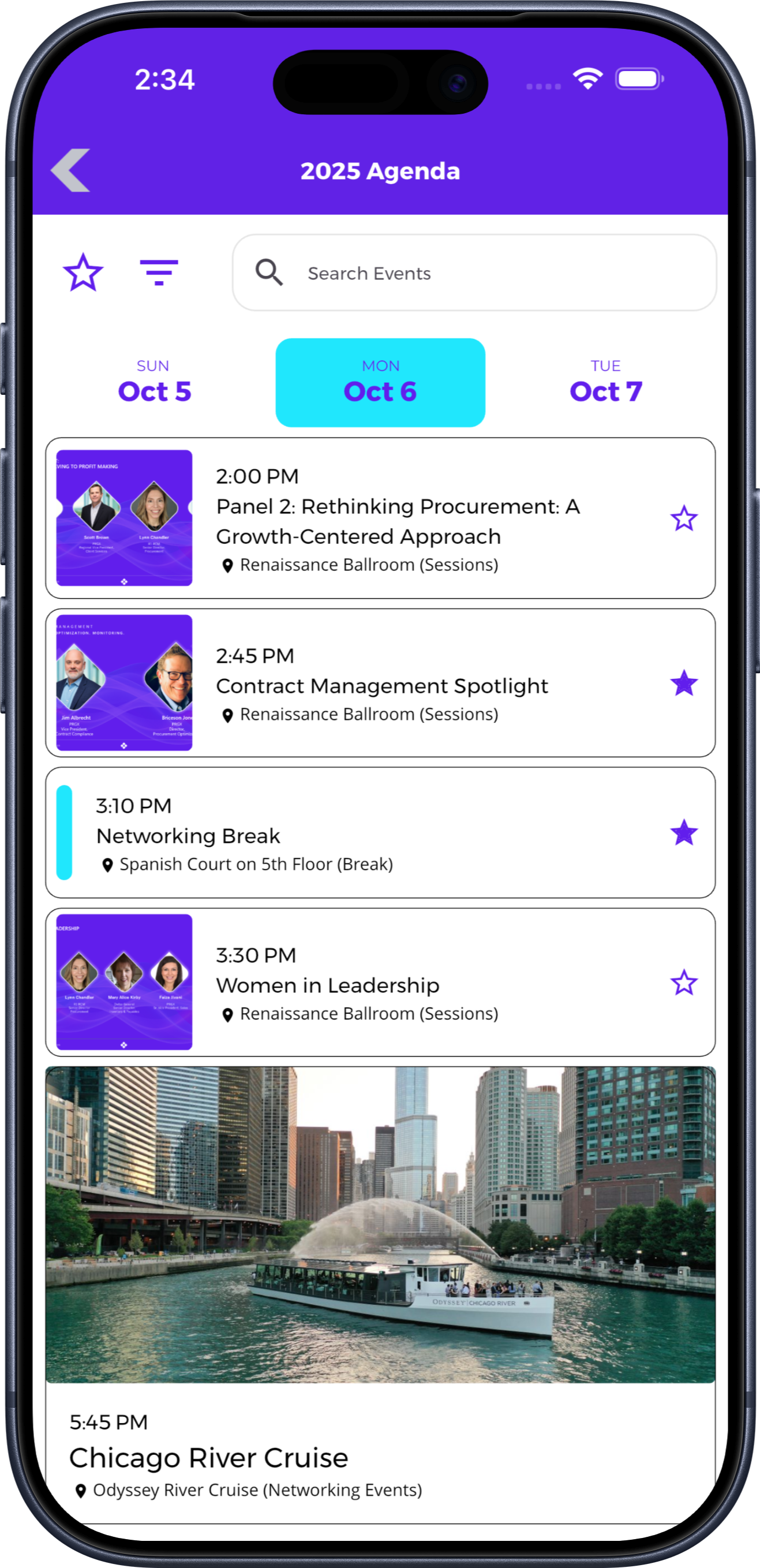
Build useful directories
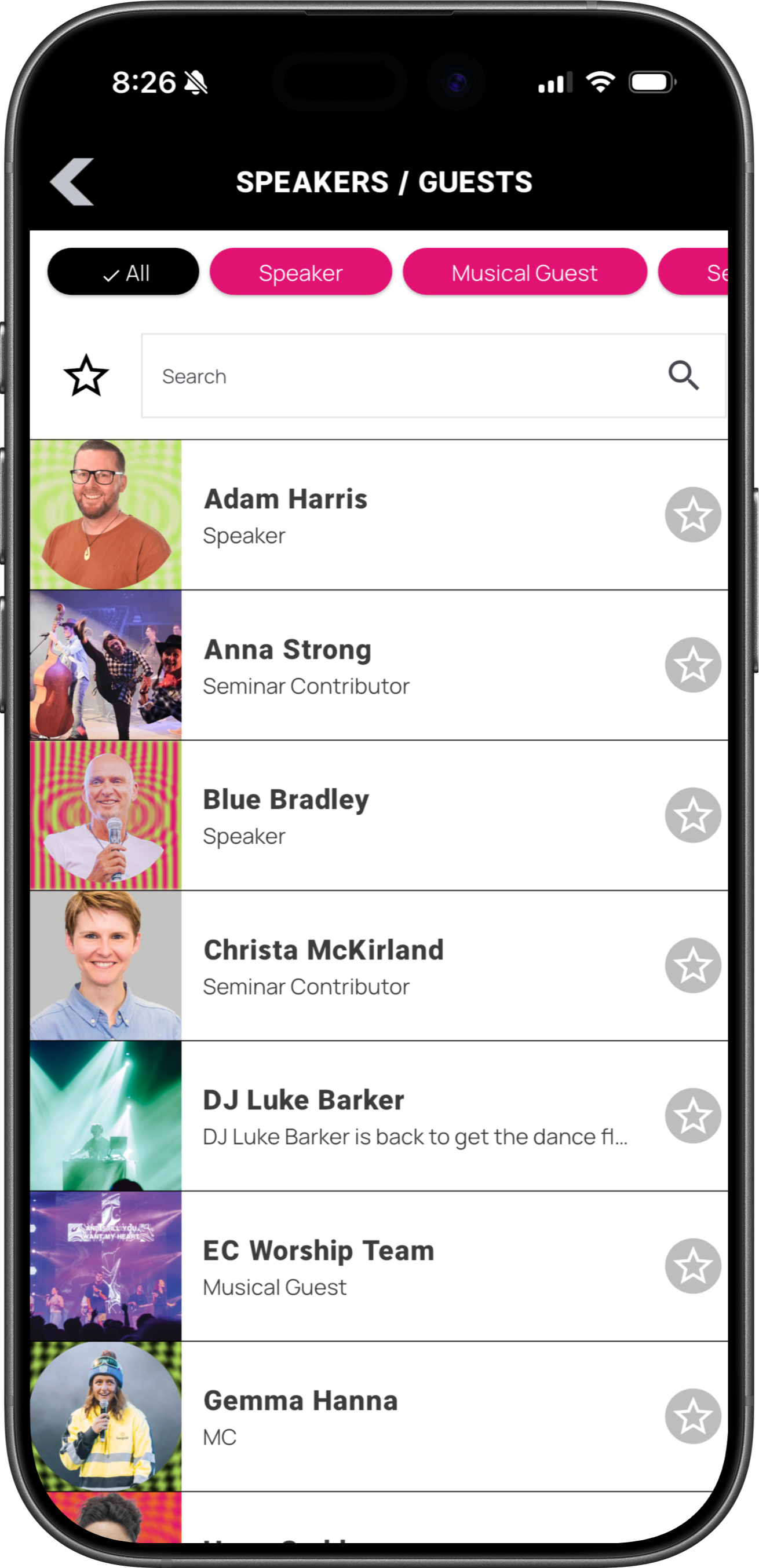
Give attendees speaker profiles, exhibitor listings, descriptions, and supporting links. Connect relevant entries to sessions or locations so people can move naturally between details.
Find the right place
Use your existing venue or show-floor graphic with supported map features to help attendees find rooms, booths, and amenities. Relevant listings and schedule details can connect people to locations.
Explore Interactive Maps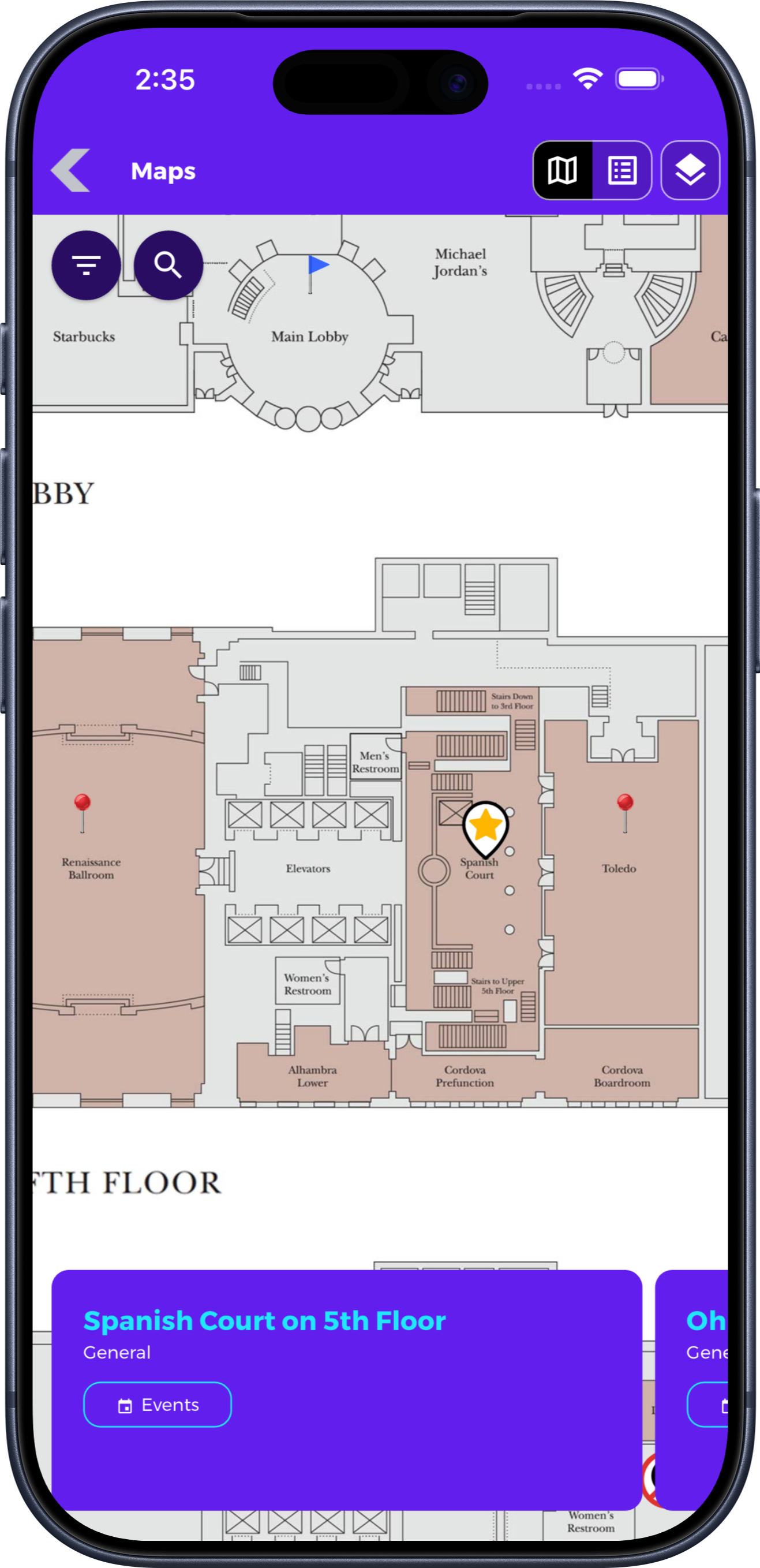
Communicate changes
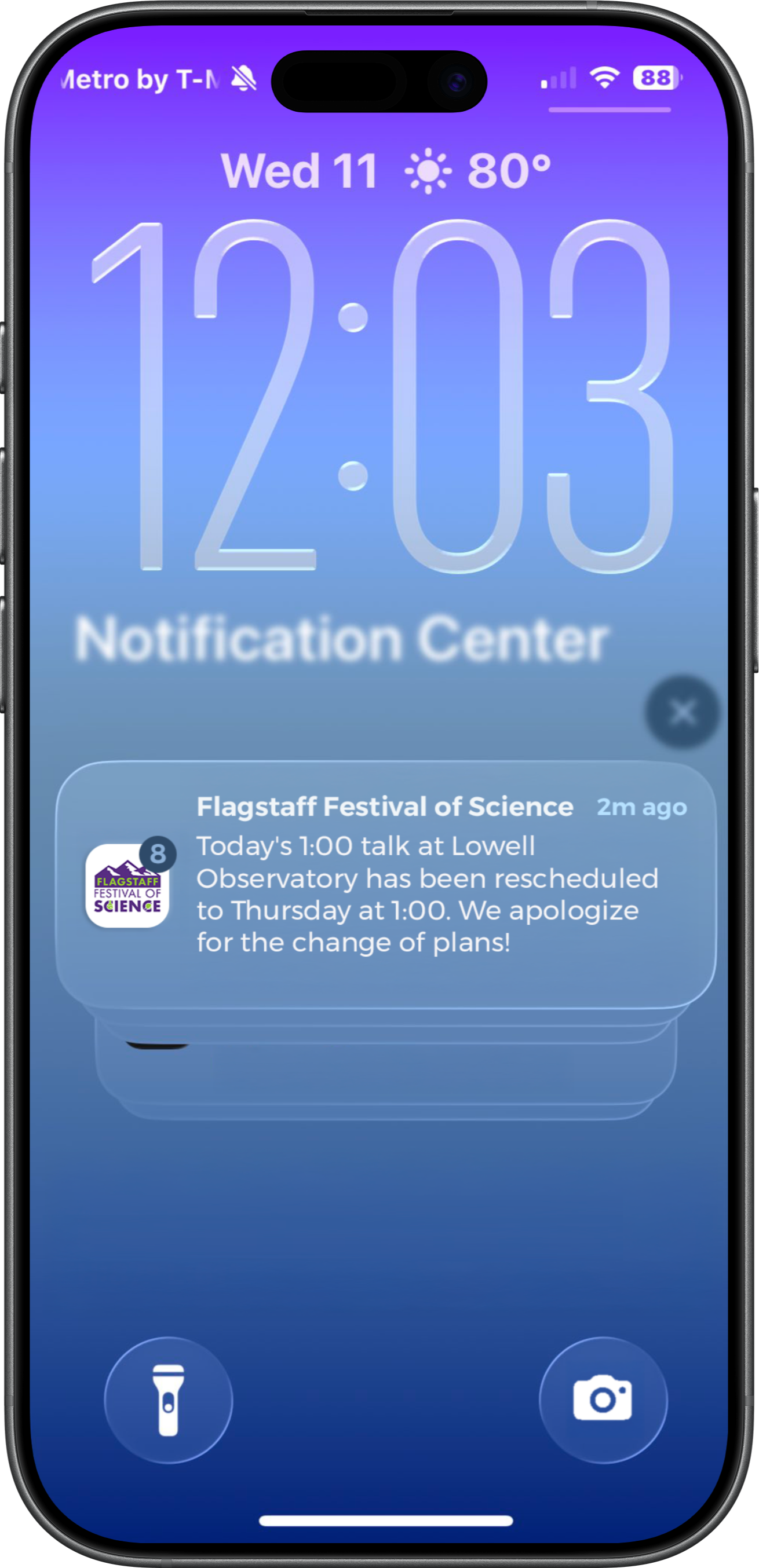
Share room changes, schedule updates, reminders, and important announcements. Notification audience settings determine who receives an alert; they are distinct from permission to access content inside the app.
Personalized attendee information
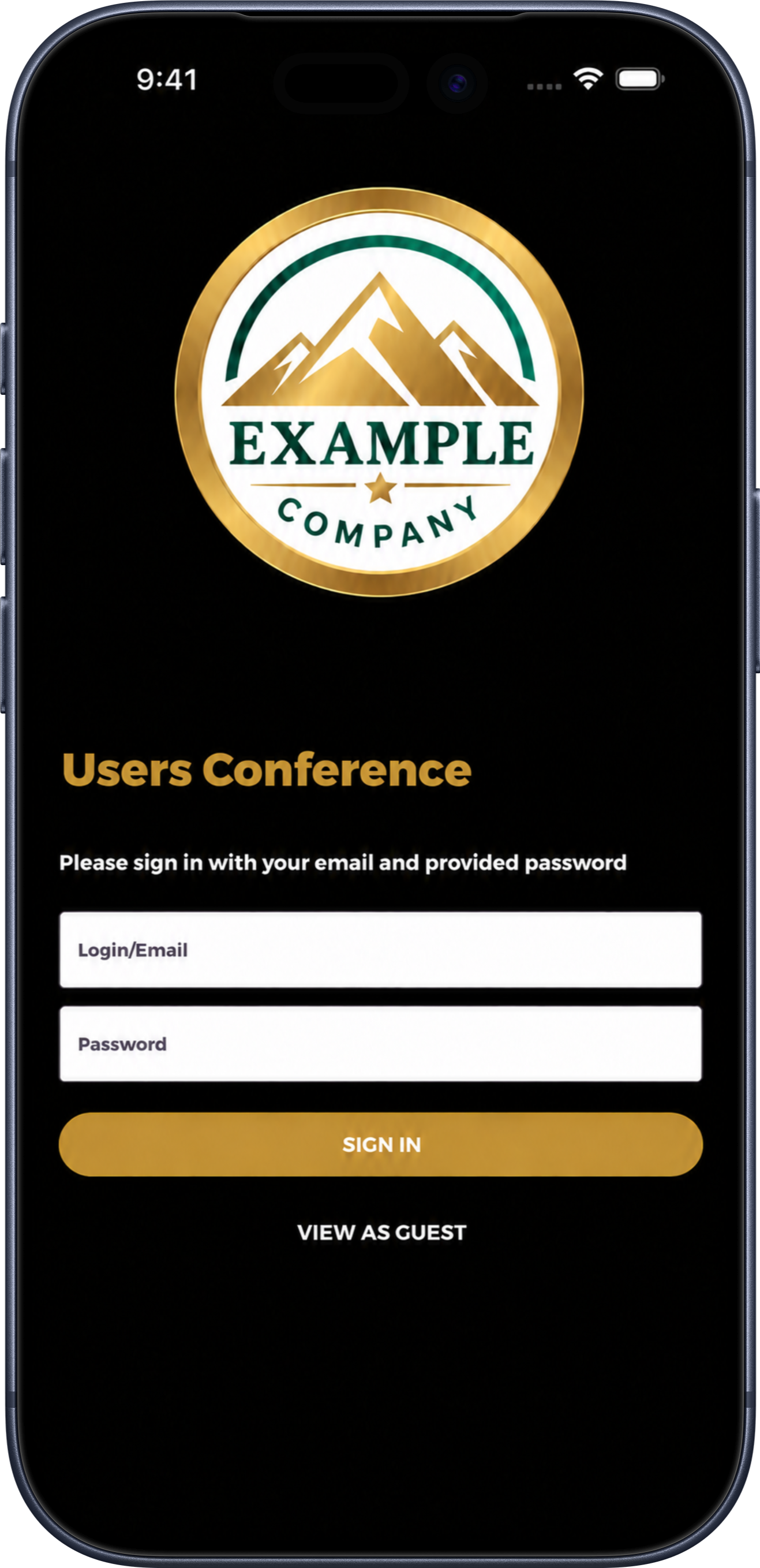
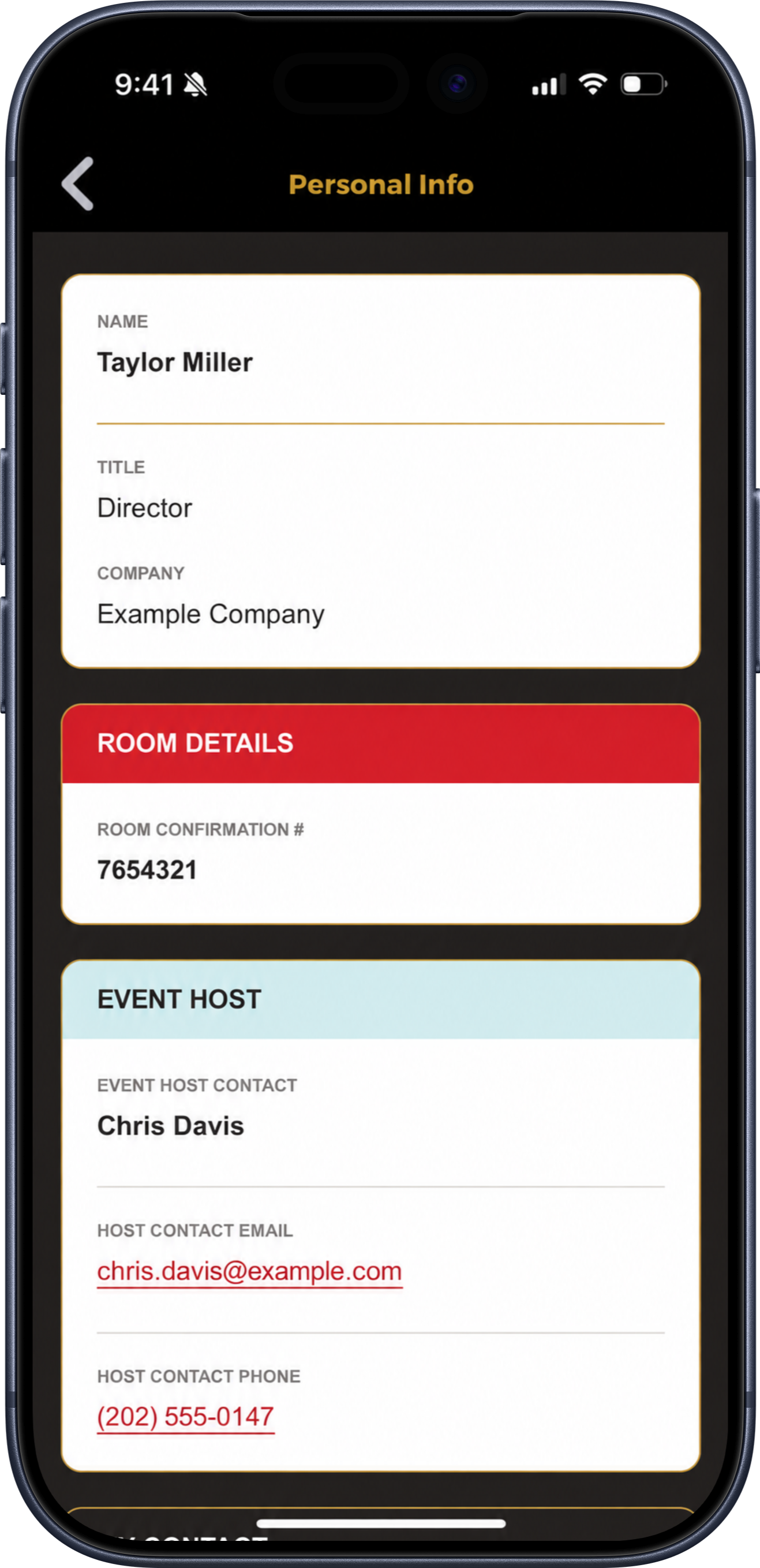
Large corporate meetings, user group meetings, and trade shows often involve details that are different for every attendee. Combine an app login with custom information assigned to each user to give attendees a convenient place to find the information specific to them.
Enter information individually or batch upload it into Grandstand Admin. Once attendees sign in, they can view their own details alongside the schedules, maps, and other resources in your event app.
Details for each attendee: Share information such as hotel confirmation numbers, assigned tables, meeting groups, or individual instructions.
The right contacts: Include assigned hosts, company contacts, and the phone numbers or email addresses attendees may need.
Manage individuals or entire groups: Enter custom information for one user or batch upload attendee data for a larger meeting.
Manage it your way
Manage it yourself: Update agendas, speakers, exhibitors, maps, and announcements through Grandstand’s browser-based tools.
Get help with setup: Design and content assistance are available, with scope and fees depending on the selected service.
Reuse it for future events: Refresh the app for your next conference or maintain relevant content between events.
App Analytics & Audience Insights
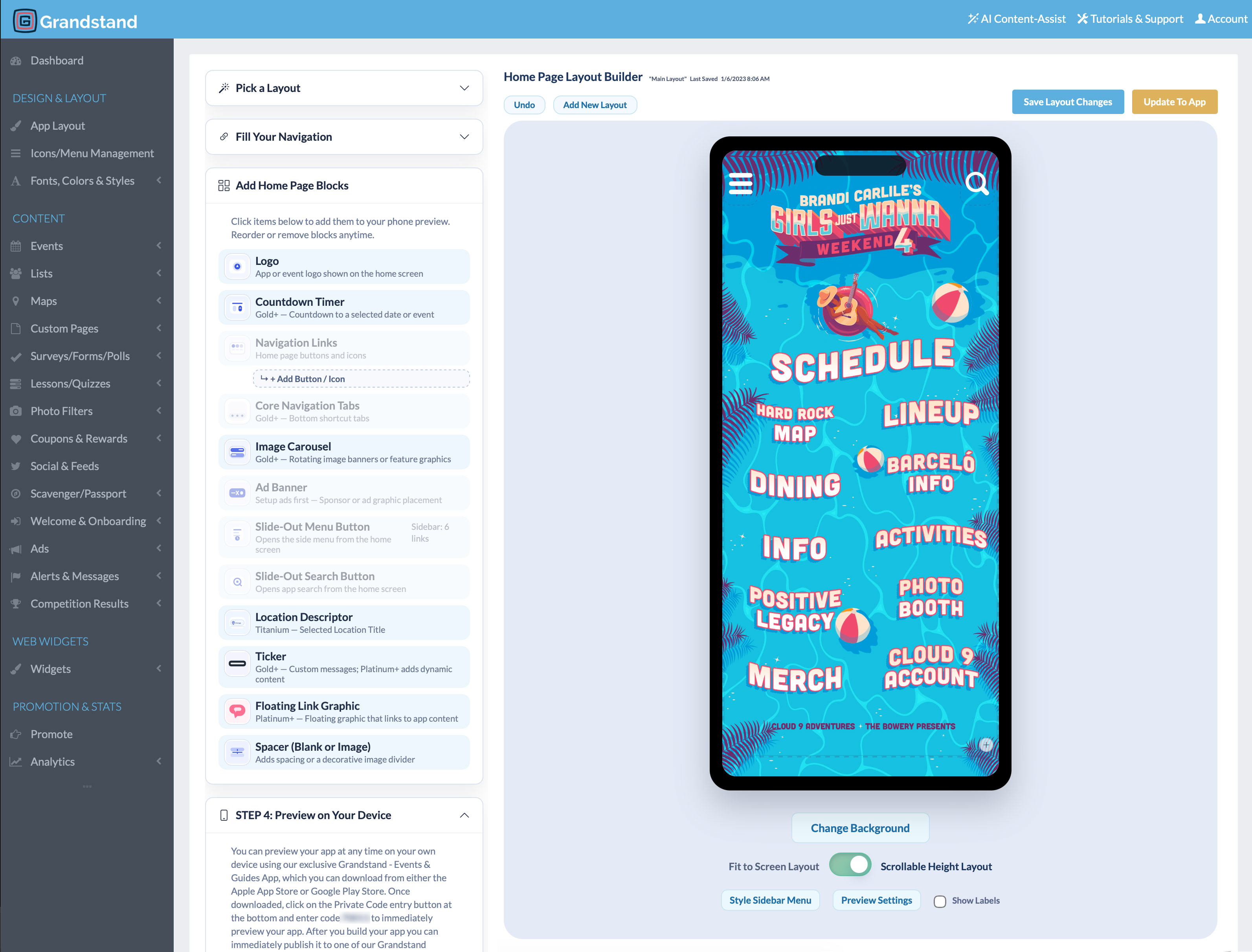
Review engagement with sessions, speakers, exhibitors, and event resources. Use those insights to improve information access and guide planning for your next event.
Available reports vary by package. Platinum and Titanium include realtime activity from the last 30 minutes and geographic heatmaps of recorded app usage.
App and website
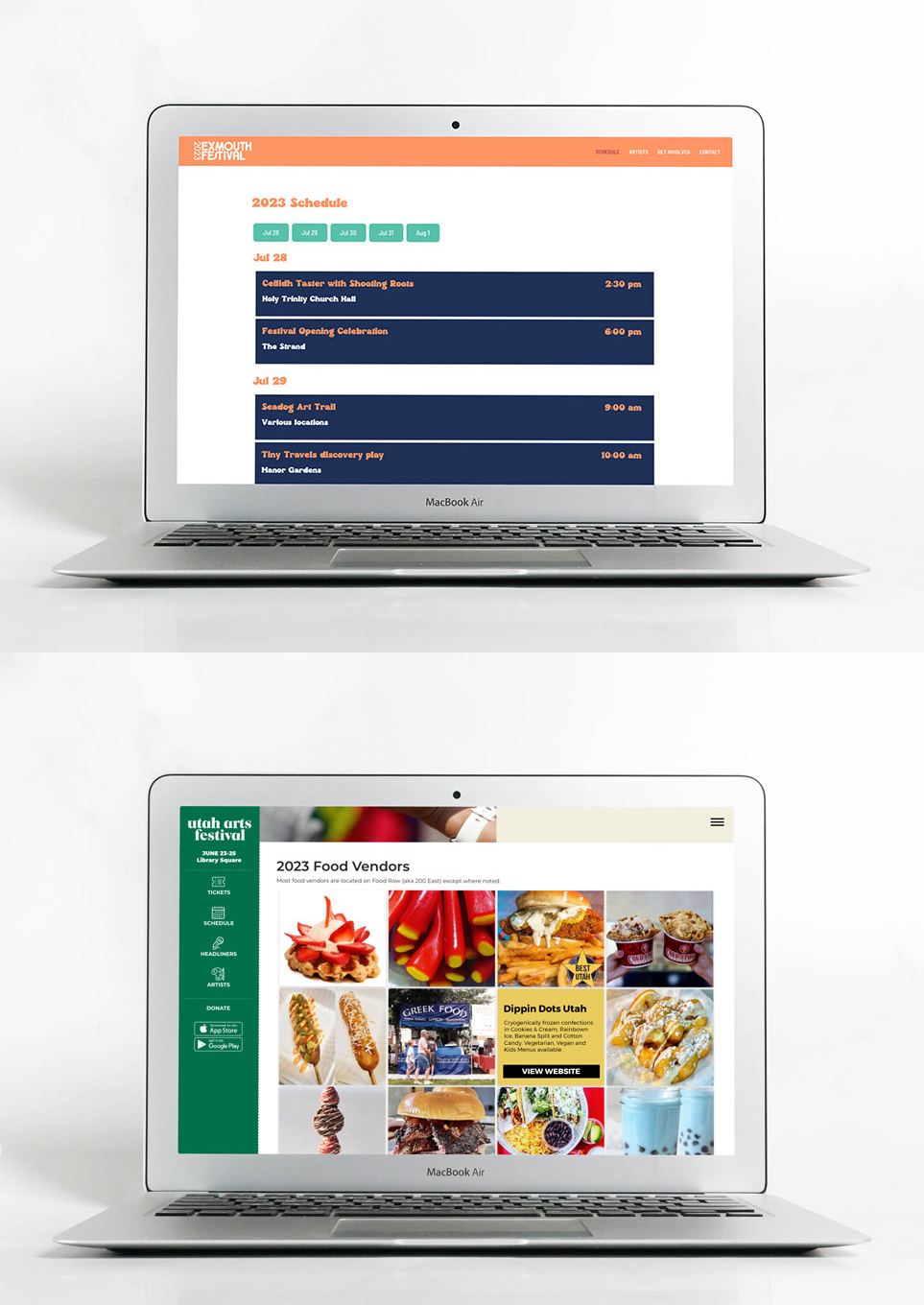
Manage supported schedules and lists in Grandstand, then display shared event information in both your app and your existing website.
Web Widgets are available for an additional fee. Publish only content intended for your website; widgets do not imply that app restrictions or one-to-one page permissions carry over to public web content.
Learn about Web WidgetsMore ways to engage
Recognize partners through featured listings, banners, linked content, and supported placements.
Gather attendee feedback and ask timely questions during sessions or after the event.
Encourage booth visits with sponsor-supported challenges using available check-in methods.
Offer promotions or rewards that connect attendees with participating exhibitors and sponsors.
Add branded photo frames and interactive quizzes to make participation more memorable.
Organize additional event information, help attendees find it, and discuss supported content sources.
Planning and purchasing
Yes. Login is optional: your event guide can remain open to everyone, or you can require attendees to sign in before they access the app.
Yes. Selected content within the app can be restricted to its intended audience while other event information remains available more broadly. Restricted content is separate from requiring login for the entire app.
Yes. A one-to-one page is assigned to an individual user and is available only to that assigned user. It can deliver individual instructions, assigned details, or personal resources—not simply a saved list or a page displaying the attendee’s name.
Pricing depends on the publishing option and services your event selects. Review current packages on the Conference Pricing page or contact Grandstand for help choosing an option.
Yes. Schedules can organize sessions by day, track, room, or other useful categories, and attendees can save favorites to plan their event.
Yes. Event teams can use graphical maps such as a PDF, PNG, or JPG and add searchable pins, or build map content over supported native maps.
Yes. Authorized team members can use Grandstand’s browser-based tools without coding. Design and content assistance are also available; scope and any additional fee depend on the package and services selected.
Grandstand offers publishing within a supported container app as well as stand-alone branded app-store options. Availability and pricing vary by package.
Yes. Grandstand’s native apps store downloaded content on the device, allowing visitors to keep using nearly all core app content without an internet connection. Visitors should download and open the app while connected before attending. A connection is needed to receive new content updates, push notifications, and access features that depend on online services.
Yes. Grandstand provides reporting on app usage and supported content activity, including views, favorites, shares, and searches. Available reports vary by package. Platinum and Titanium also include realtime analytics and geographic app-usage heatmaps. Explore App Analytics.
Bring your event guide together with the access your event needs—from public information to login-required content and private pages for individual users.
View Conference App Pricing