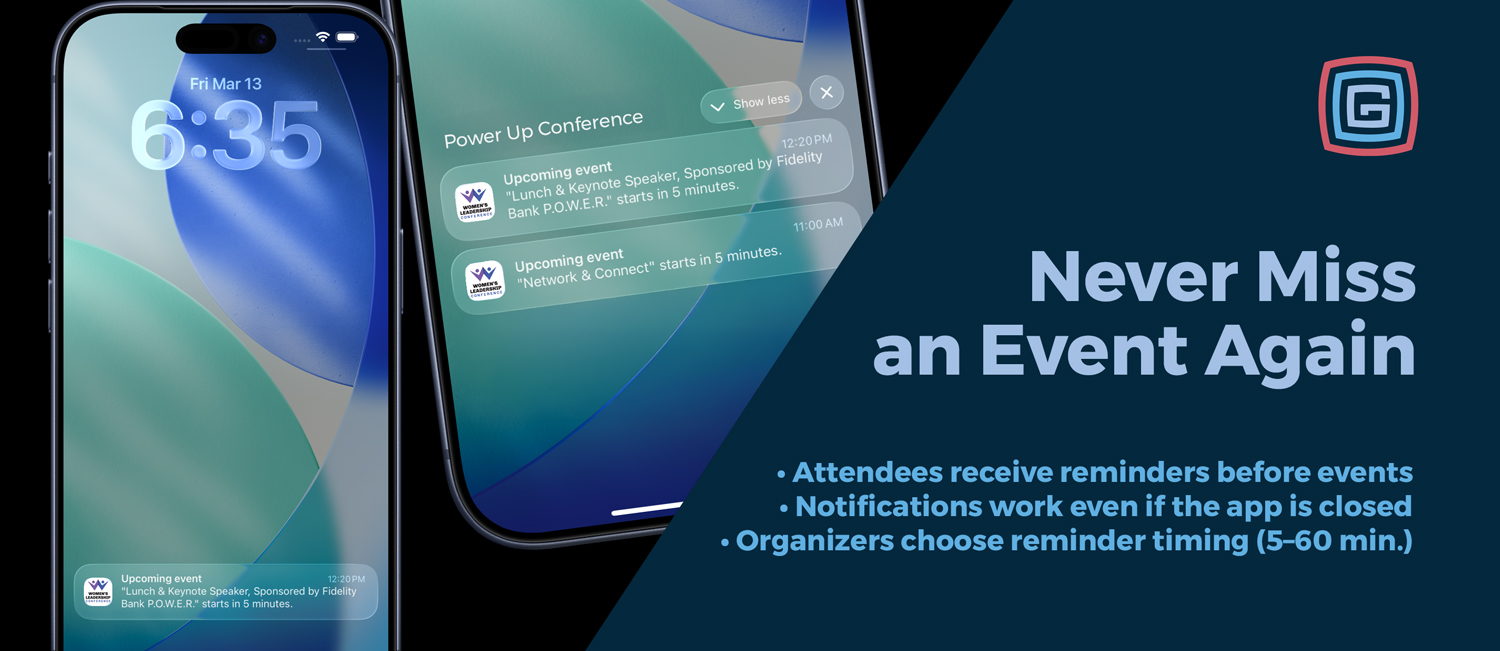
Never miss an event again
We have introduced a new event reminder system that allows attendees to receive a notification before an event begins. Whether they are browsing the schedule or viewing event details, users can now easily set a reminder and return right when the event is about to start.
Set reminders directly from the schedule
Attendees can now set reminders in two convenient places:
- From the schedule list next to an event
- From the event detail screen
If an attendee favorites an event, the app can also automatically schedule a reminder depending on the configuration chosen by the event organizer.
Flexible reminder modes for organizers
Event organizers can choose how reminders behave within the schedule.
Manual Mode: Attendees can favorite events and optionally set reminders using the reminder button.
Auto Reminder Mode: When an attendee favorites an event, a reminder is automatically scheduled.
This allows each event to decide whether reminders should be optional or automatically created when users build their personal schedule.
Organizer-controlled reminder timing
Event organizers can also choose how far in advance reminders are sent. The reminder timing is set at the calendar level and applies to all reminders within that schedule.
Available reminder timing options include:
- 5 minutes before the event
- 10 minutes before the event
- 15 minutes before the event
- 30 minutes before the event
- 60 minutes before the event
This ensures notifications arrive at the right moment for attendees to make their way to the session, performance, or activity.
Reminders work even if the app is closed
Reminders are delivered as system notifications on the user’s device, meaning attendees will still receive them even if the app is closed. Tapping the notification takes the user directly to the event details inside the app.
Reminders stay accurate if schedules change
If an event time is updated after a reminder has been set, the app automatically adjusts the reminder to match the new start time the next time the schedule refreshes. This helps ensure attendees still receive reminders at the correct time.
If the change is significant, the app can also notify attendees that the event time has been updated so they stay informed about schedule changes.
Smart scheduling logic
Reminders are only scheduled when they are still helpful. If an event is already about to begin, the app will not send a last-second notification.
Optional performer and speaker reminders
Reminders can also work when events are connected to performers, speakers, or other list items. For example, if a band or speaker page is linked to a single event in the schedule, favoriting that item can automatically set a reminder for the associated performance.
This feature is optional and can be enabled independently of standard event reminders. Automated reminders linked to favoriting of performers and speakers are available with Platinum packages and above.
Reminder analytics for event insights
Reminder activity is also tracked to help organizers better understand attendee engagement. The system records when reminders are set, canceled, and opened. This provides insight into which sessions attendees are most interested in and planning to attend.
Multi-language support
Reminder labels have been localized across all supported languages including English, Spanish, French, German, Dutch, Italian, and Faroese, ensuring a consistent experience for international audiences.
Availability
Event reminders will be available for Gold packages and above for all apps submitted after March 19, 2026.