When a person leaves the organization or is no longer involved in day-to-day expectations for the app, you might want to transfer ownership of the Apple account to a new admin user. Below are the necessary steps to transfer the Account Holder role for your Apple Developer account to another team member. Remember, this must be done by the owner of the account currently.
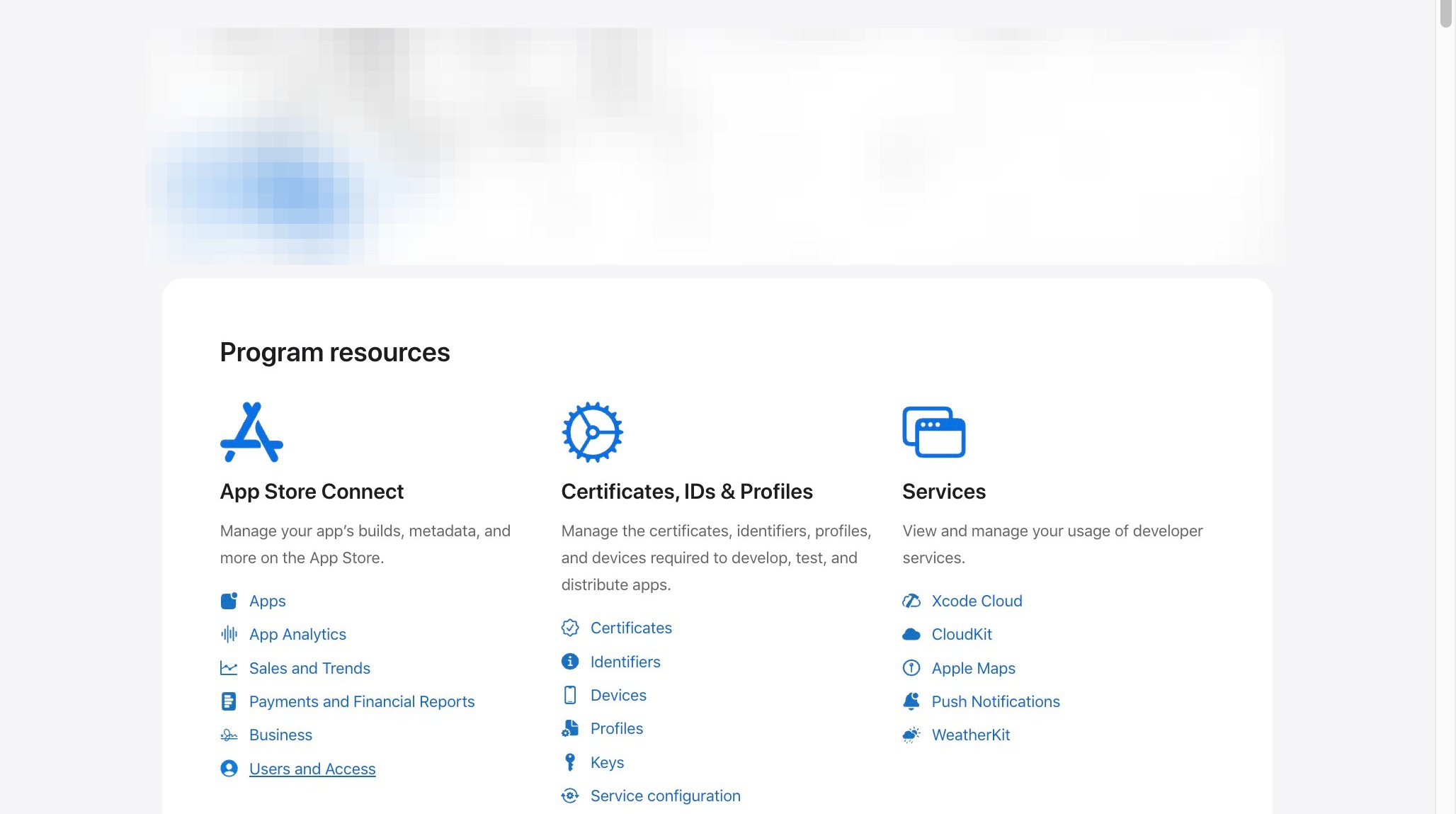
1. Login to https://developer.apple.com/account
Set Up User as Admin
2. Click "Users and Access"
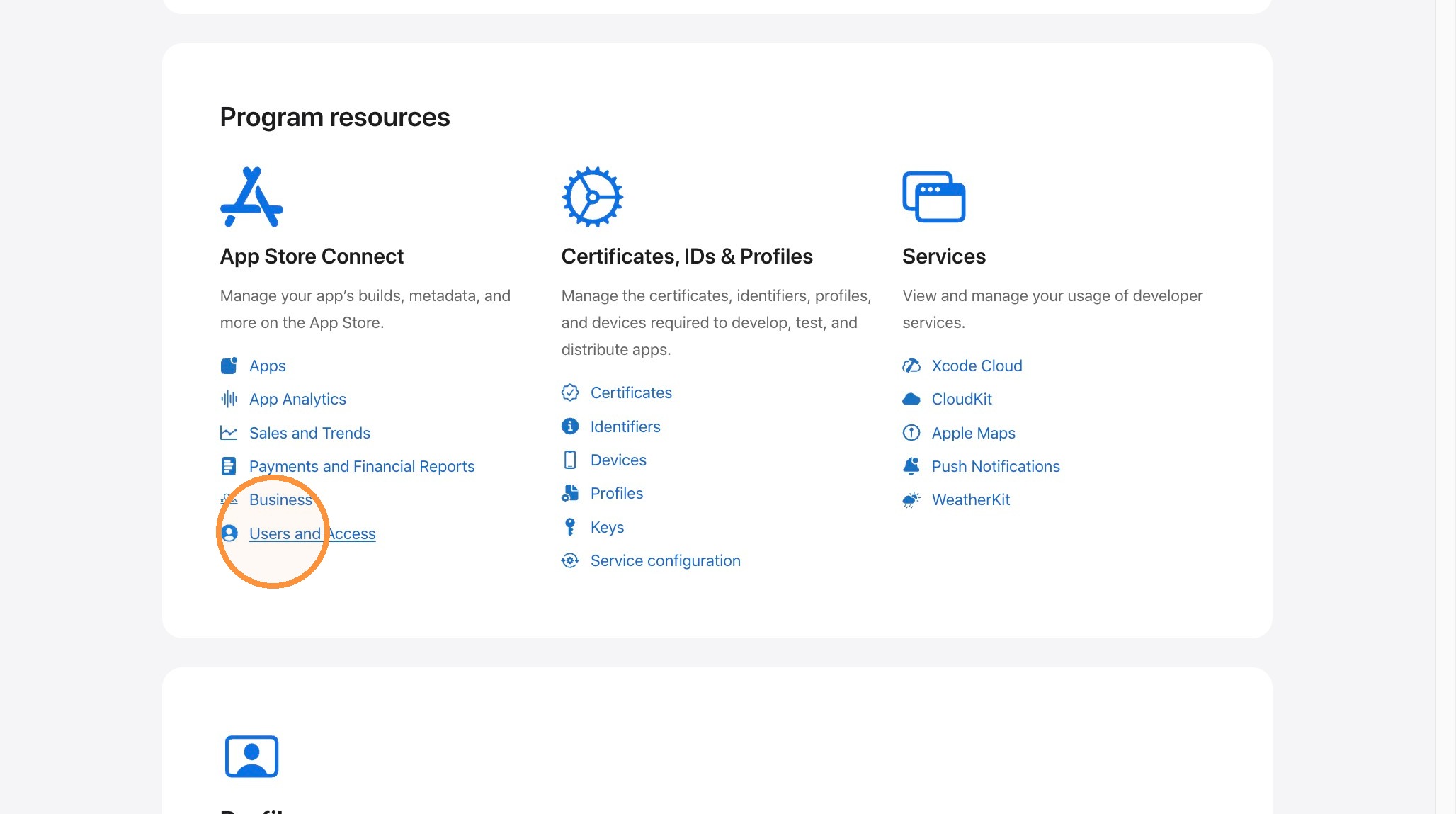
3. Click the Add User button.
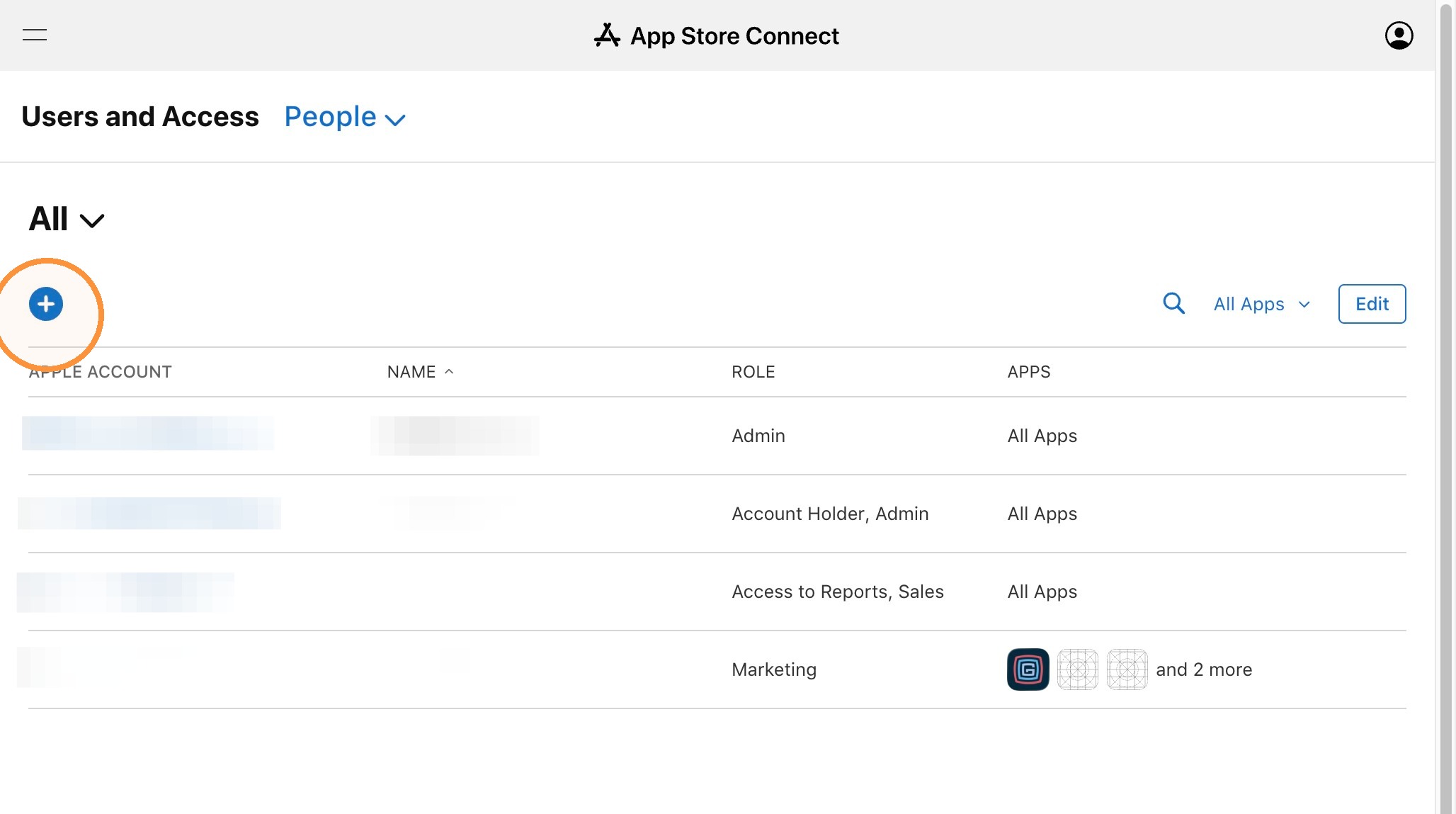
4. Fill out name & Email of the new admin to be added to the account. The email address should be the one they use to log in to their Apple Account. If they don't have one, they should set one up.
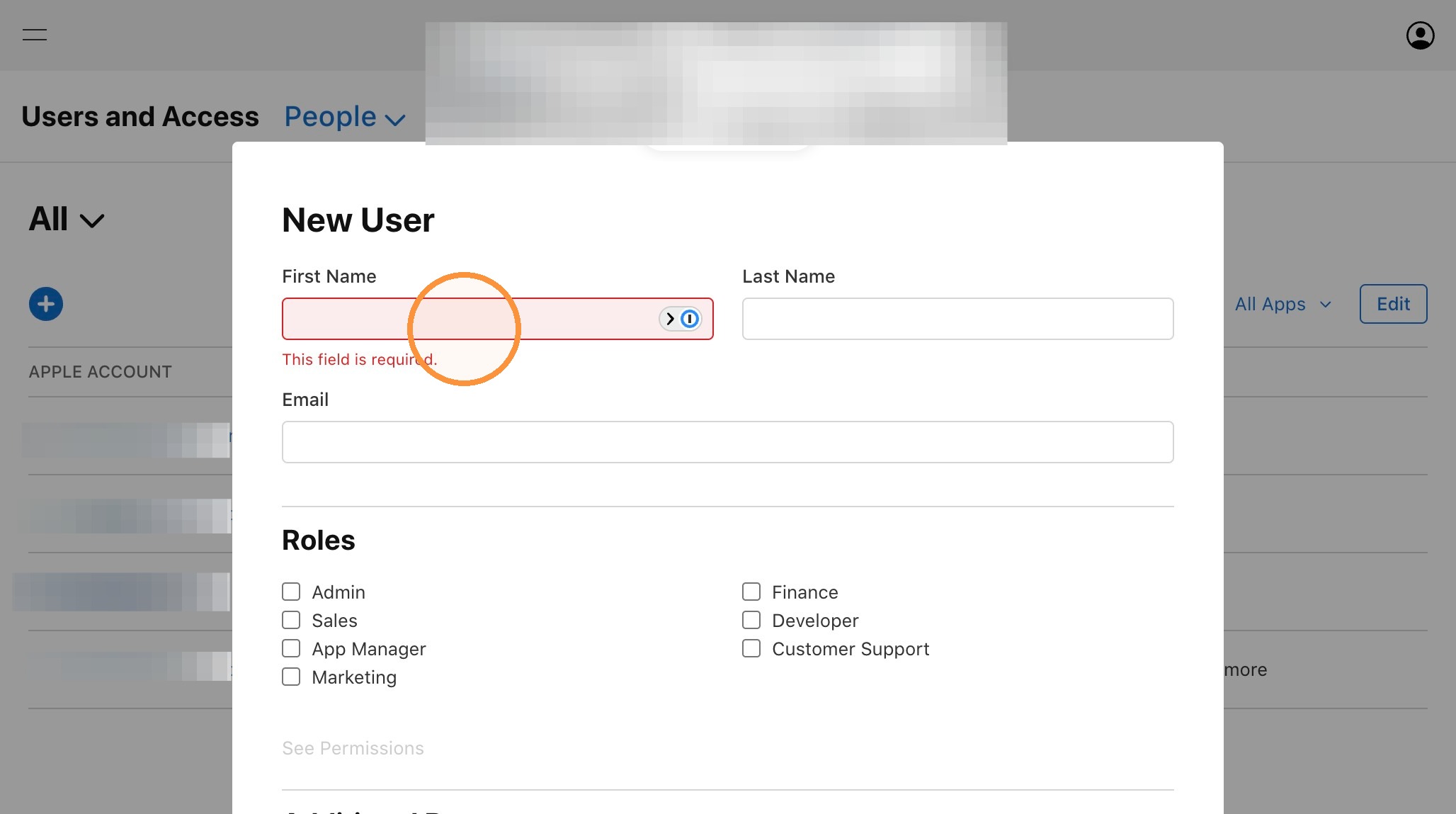
5. Make sure to select the Admin role. for this person
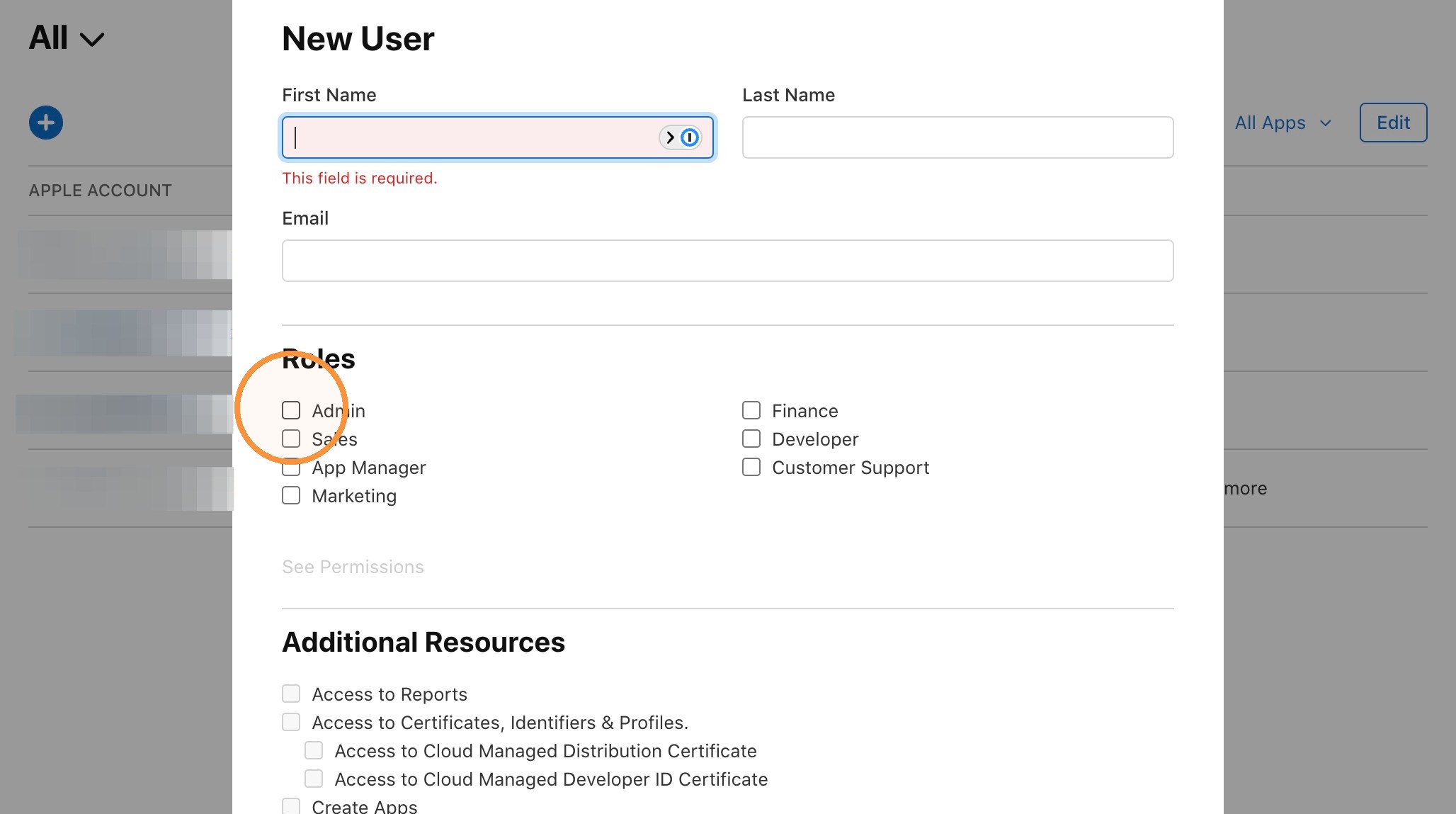
6. The new added user will receive an email asking them to accept the new invite. They should accept that by logging in to the link in the email.
Alert: You now have the new admin added. If you are not the current owner of the account, and the current owner is not able to log in, the process below will not work. You will just need to contact Apple Customer Service and ask them to help with the process. You will need to provide necessary information to transfer ownership to the new person.
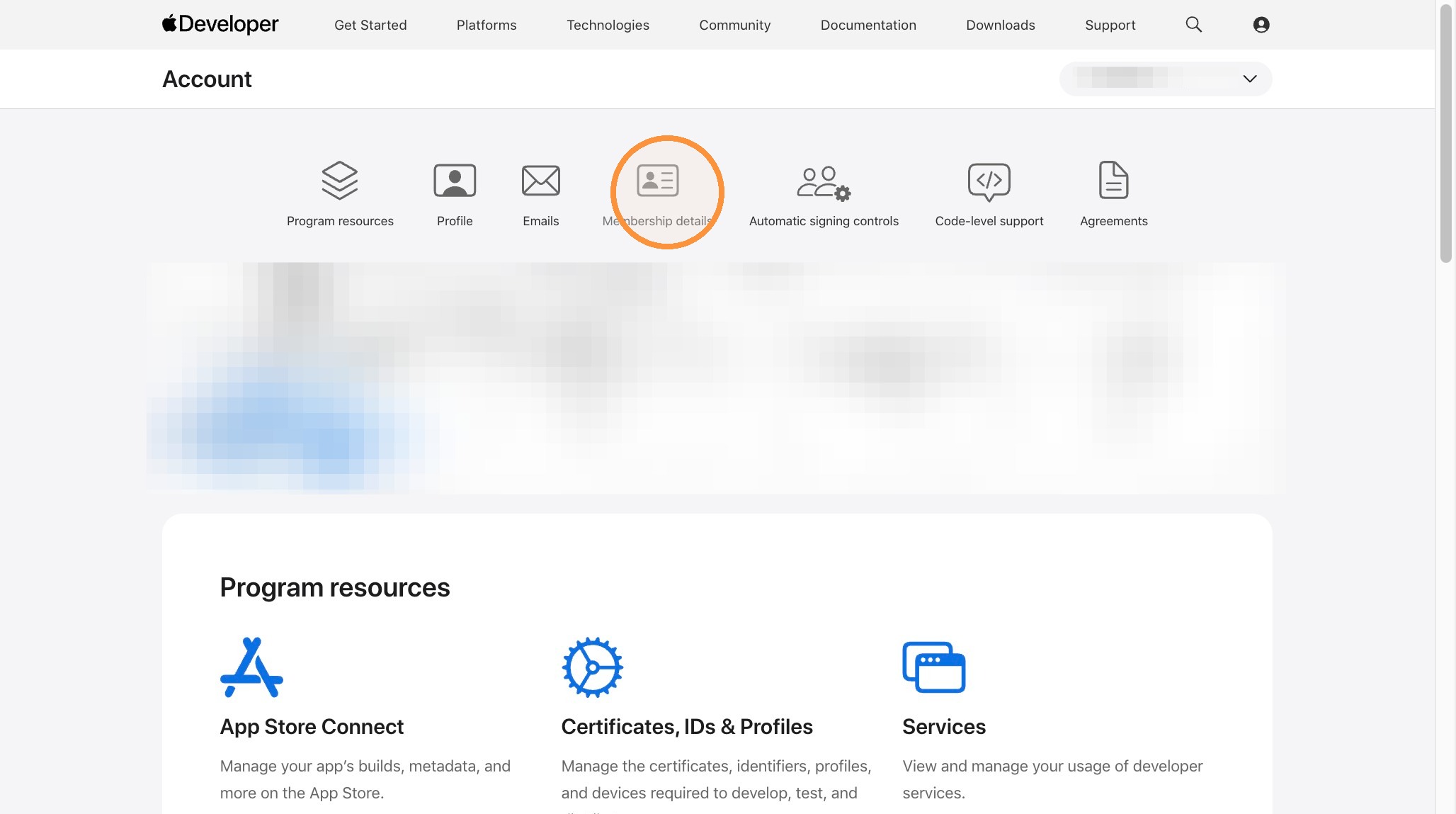
Membership Details
Tip: After the new member of the team has been added as an Admin, you can continue with the next steps.
7. Click Membership details.
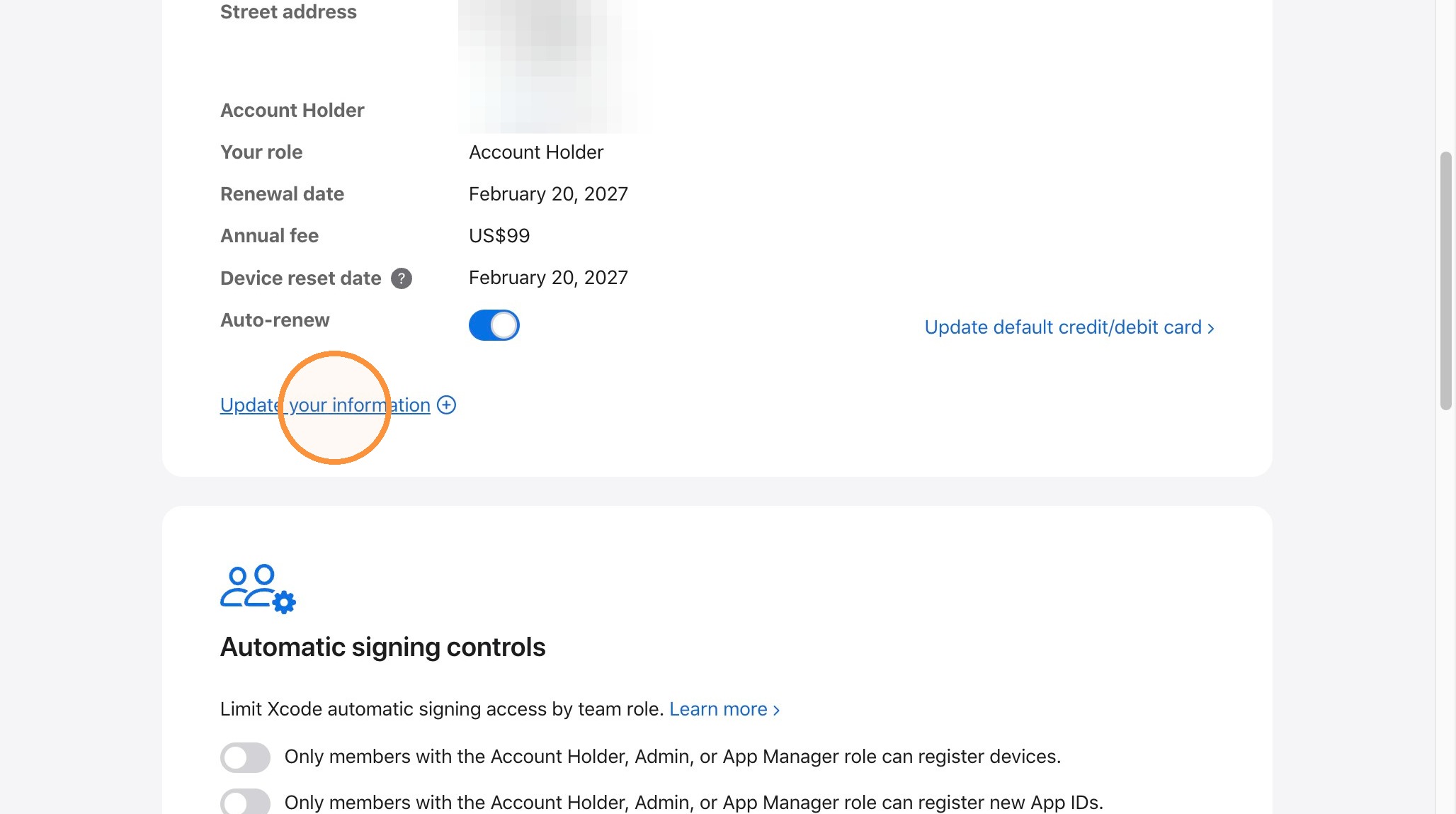
8. Click "Update your information"
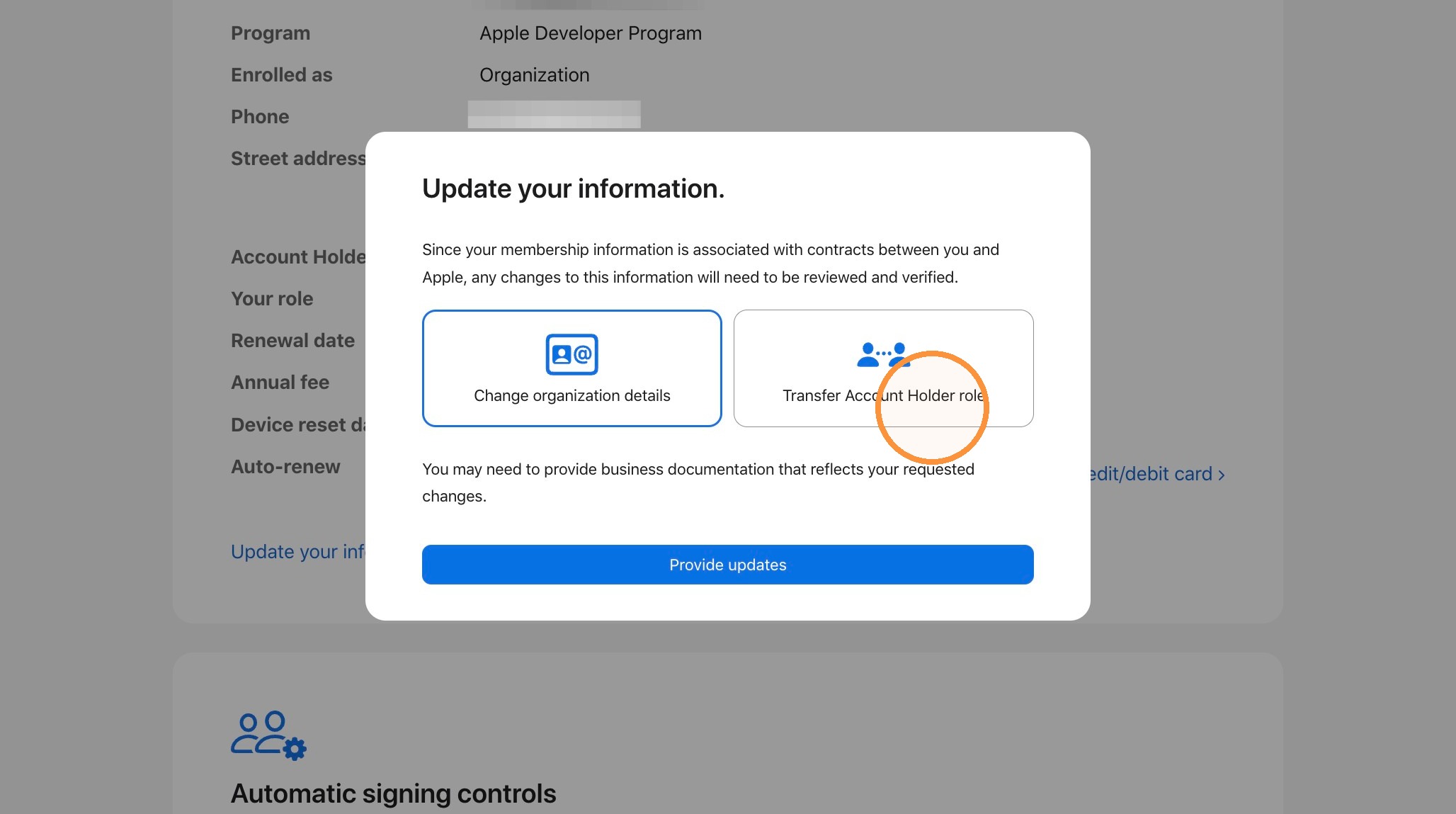
Account Holder Transfer
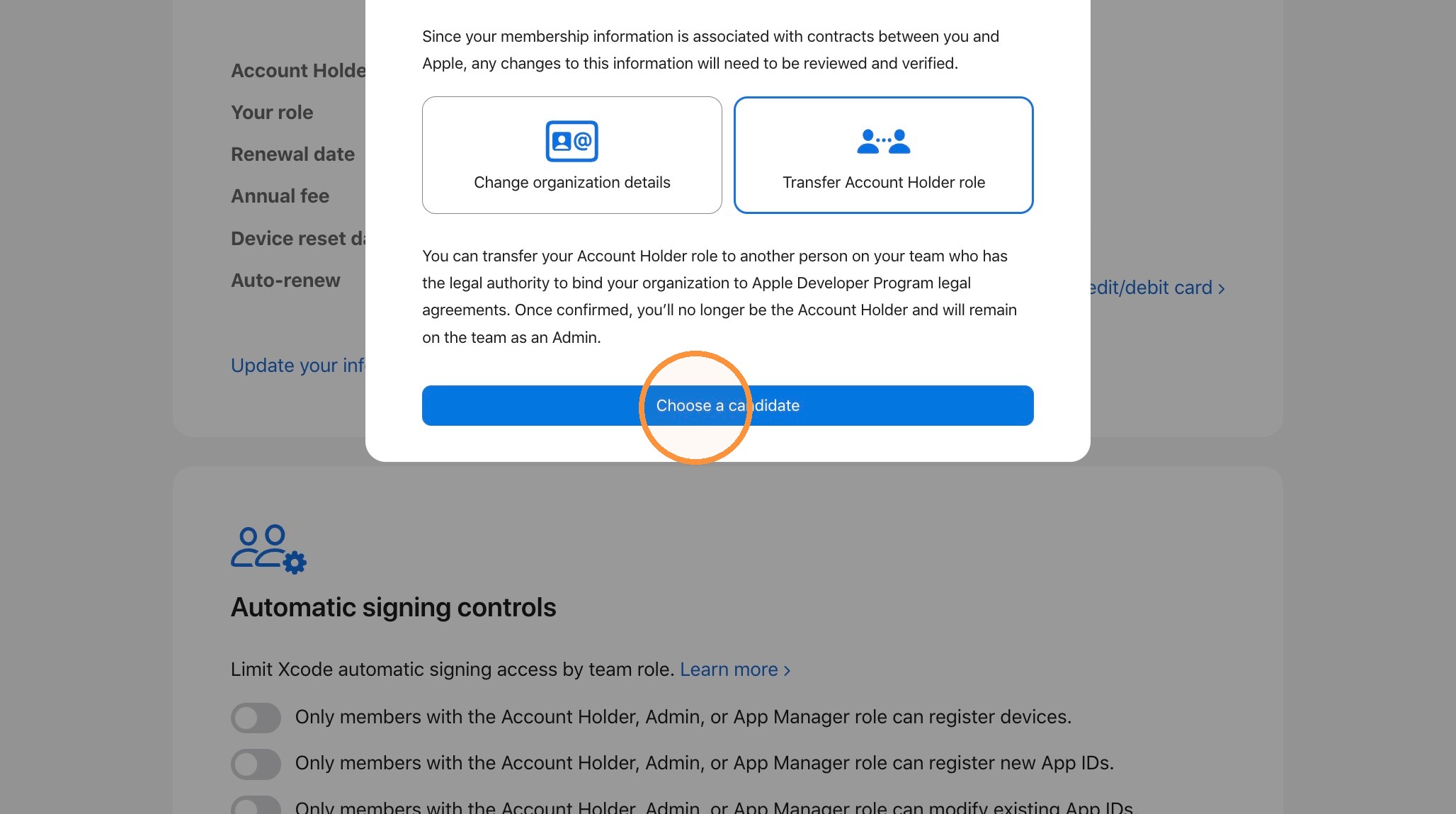
9. Select Transfer Account Holder role.
10. Click "Choose a candidate"
11. Open the Transfer to dropdown and select the person you would like to assign as the new Account Holder.
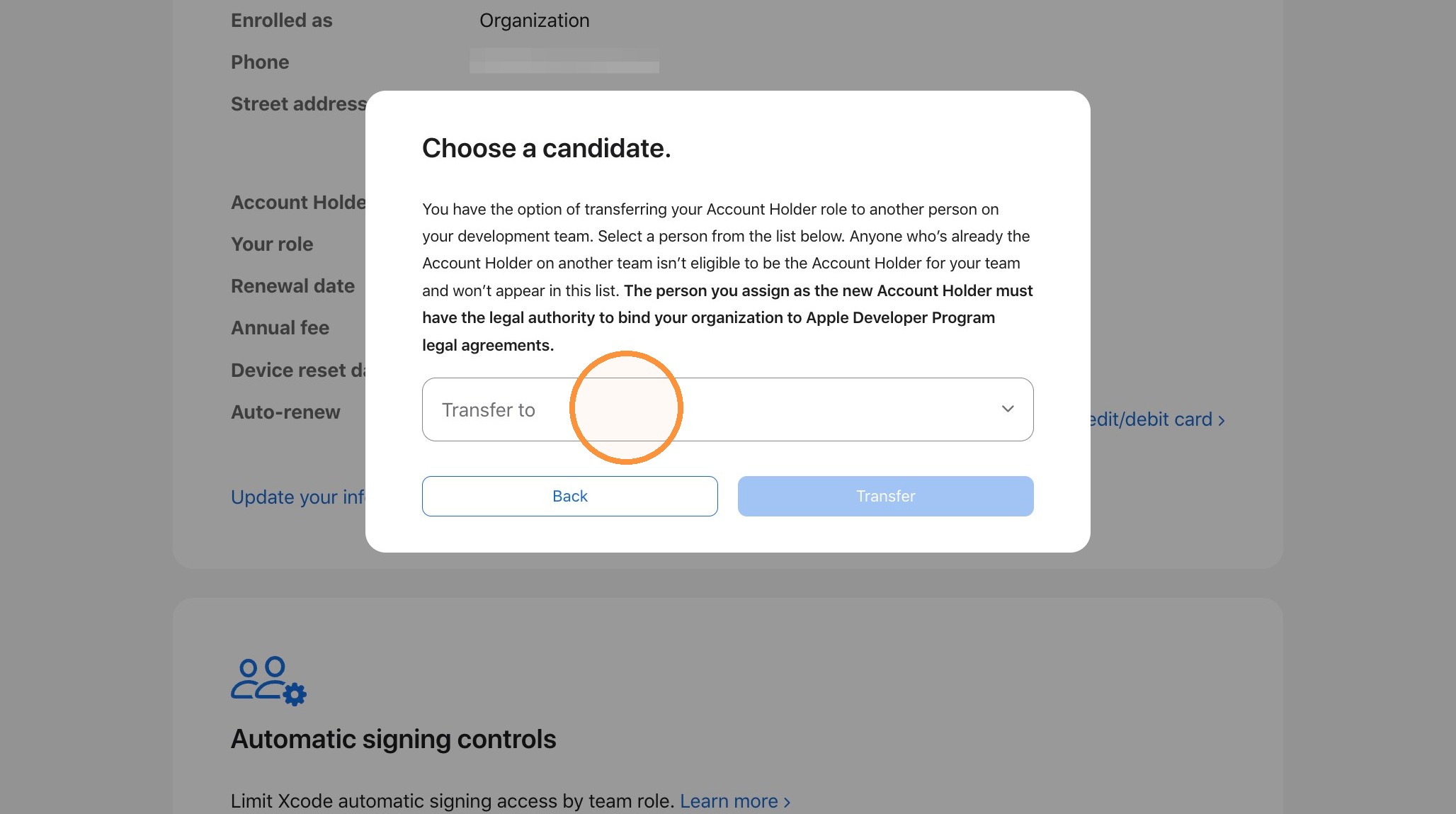
12. A message will be sent to the new account holder asking for identity validation. They will upload a photo ID and some type of official documentation identifying them as a decision-maker for the organization. Once they upload that info, they will be the new owner of the account and will be responsible for accepting agreements and renewing the account.
Apple, Account