Learn how to update your app layout to include website links. The links can be used to open a website within your app frame or open it in an external web browser.
1. Navigate to the Home Page Layout page.
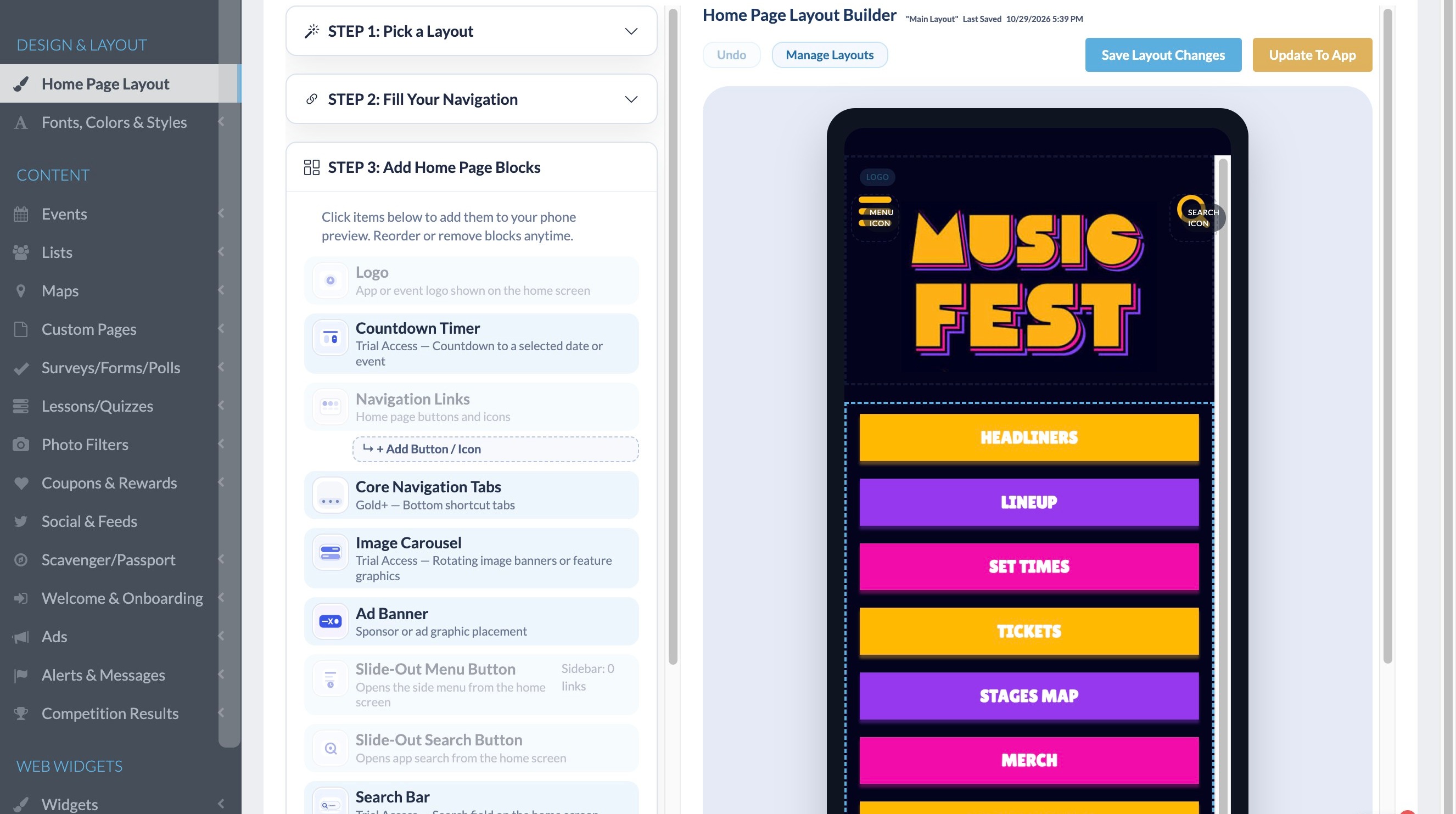
Select Navigation Link
2. Click the navigation link you would like to be set up as a web browser link.
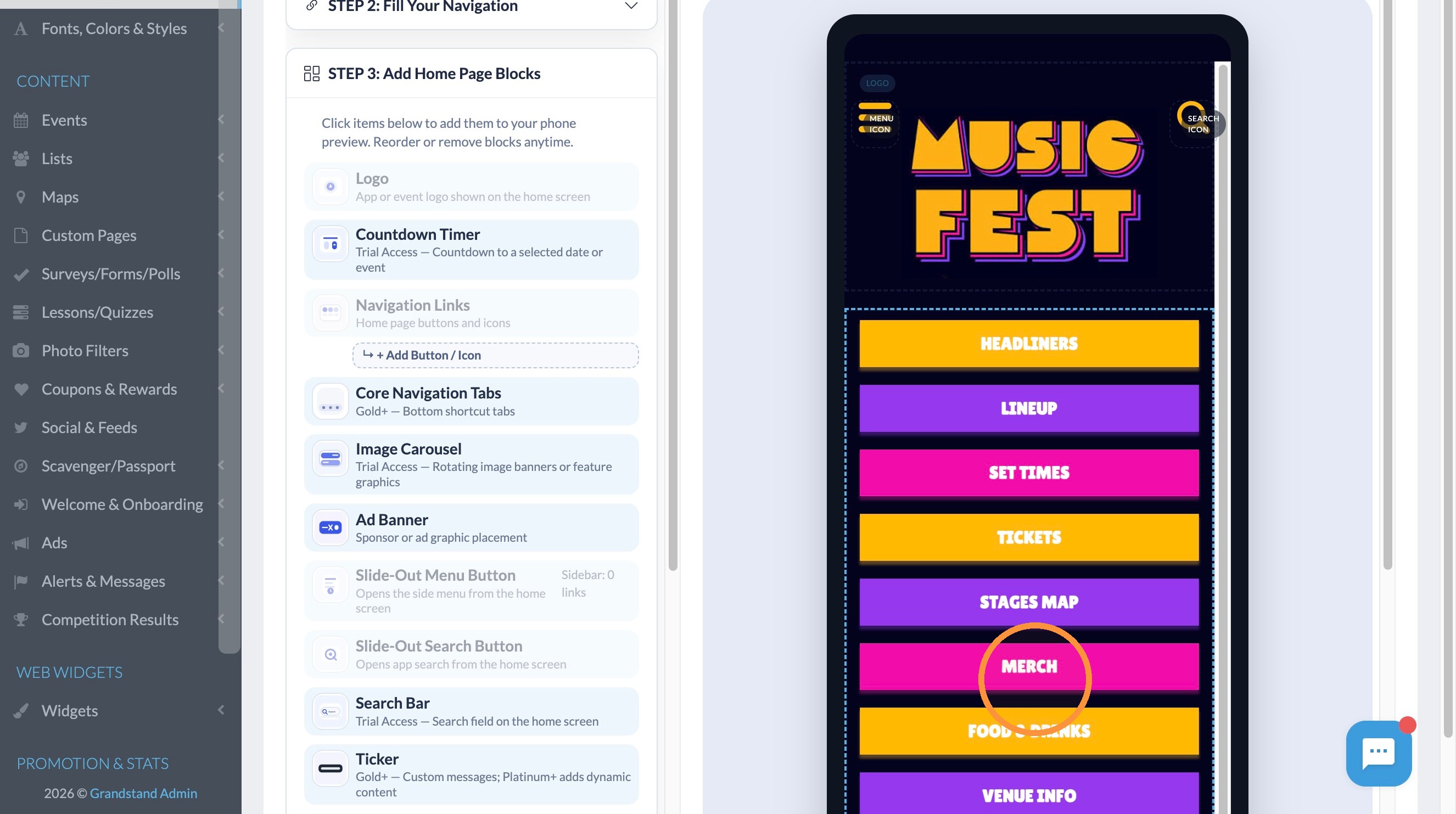
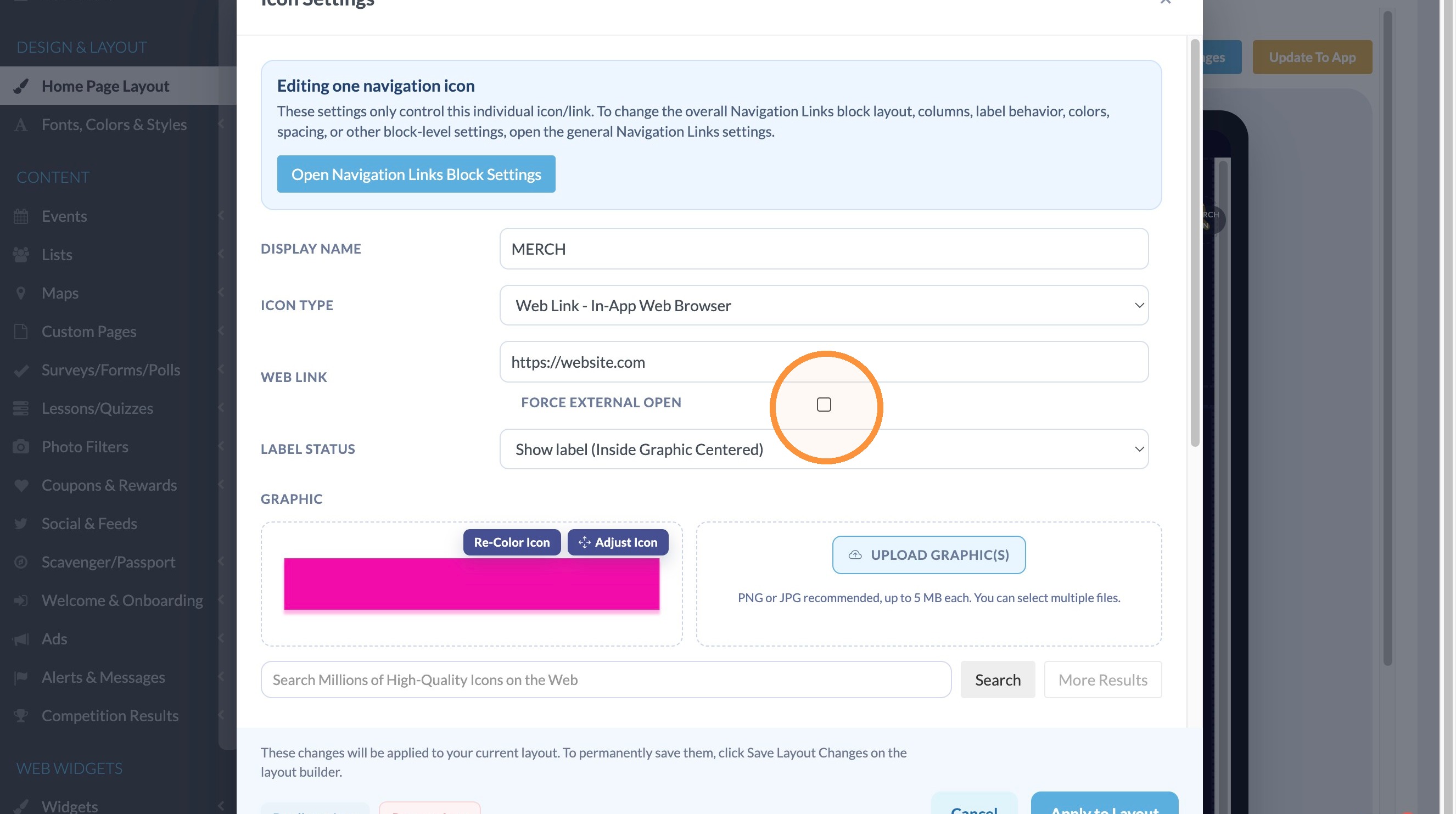
3. In the Icon Type dropdown select "Web Link - In-App Web Browser."
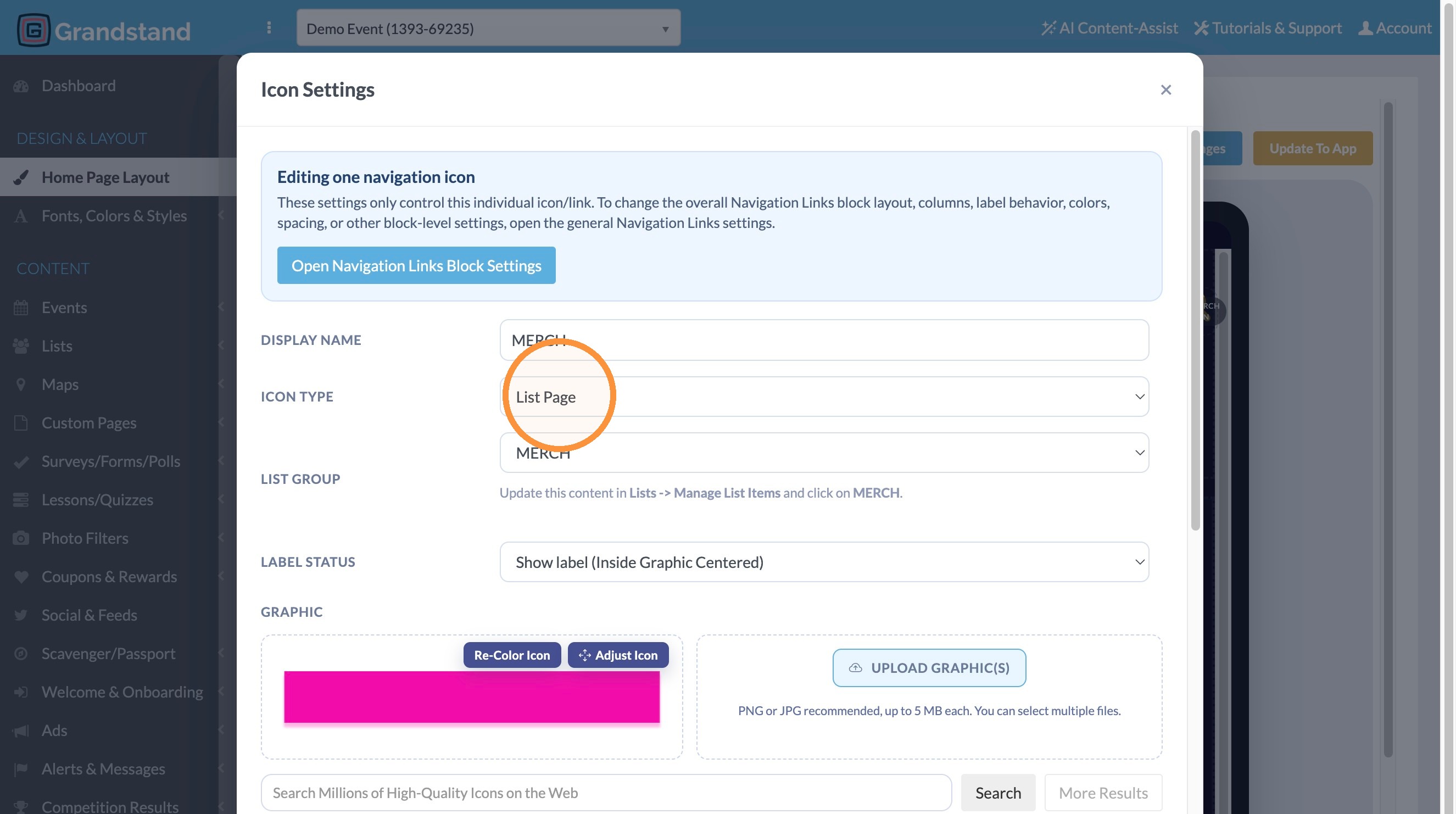
4. Click the Web Link field and enter the weblink the menu item should connect to. Make sure to include the full address including https://
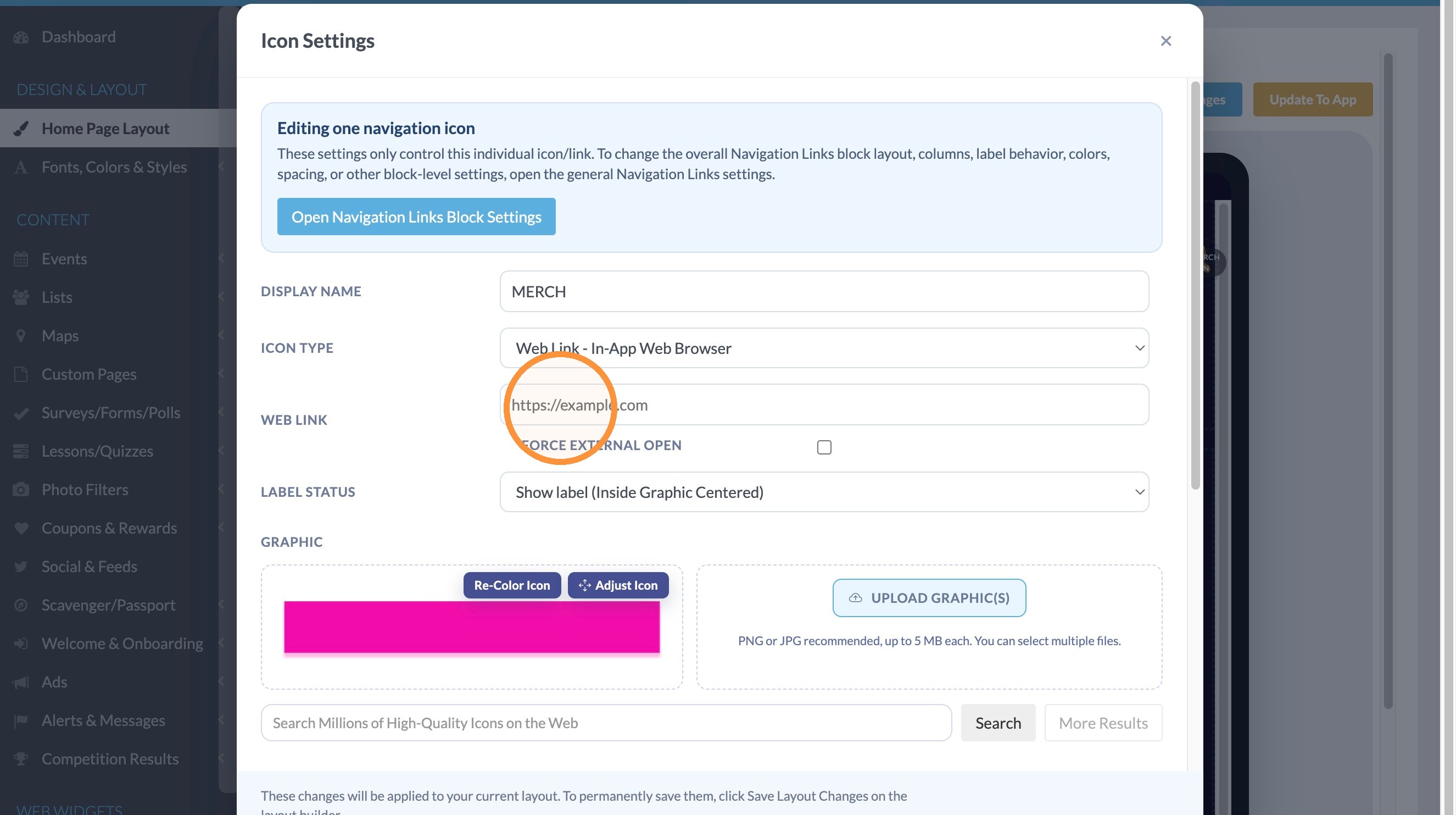
5. If you would like the webpage to open inside the app framework, leave the checkbox unchecked, if you would like the site to open in an external web broswer, Select the "Force External Open" checkbox.
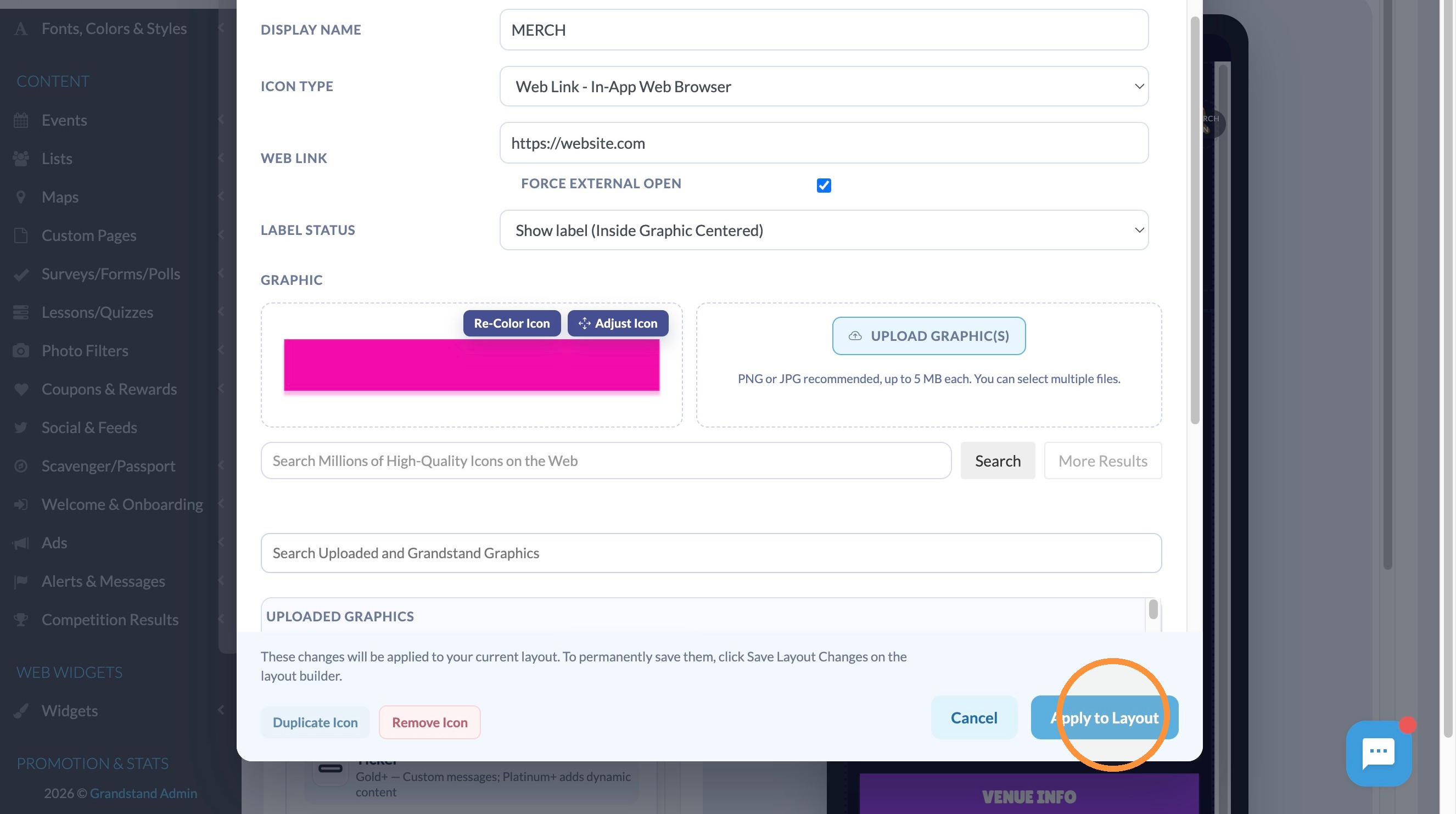
6. Click "Apply to Layout"
Save and Publish
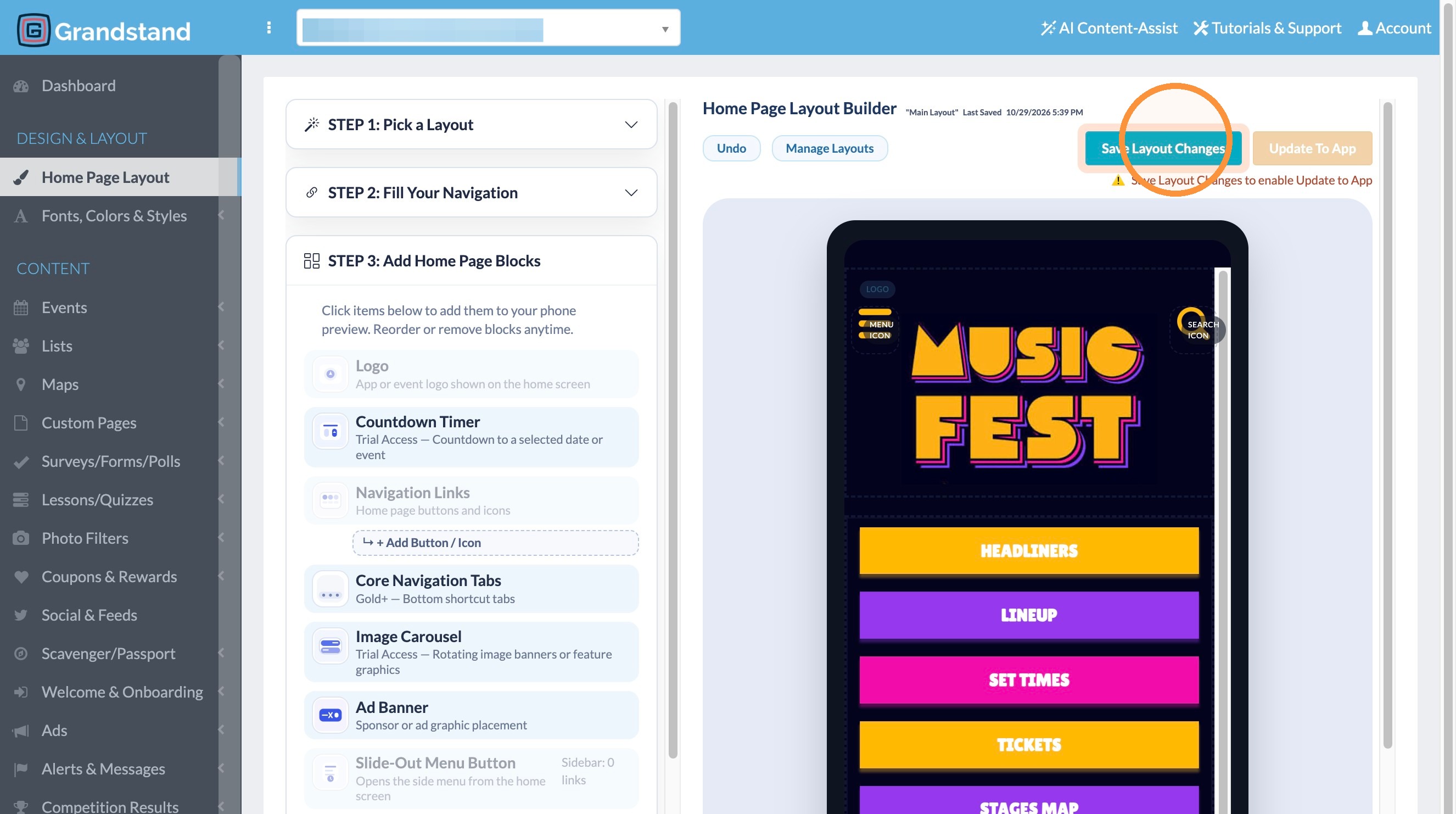
7. Click "Save Layout Changes"
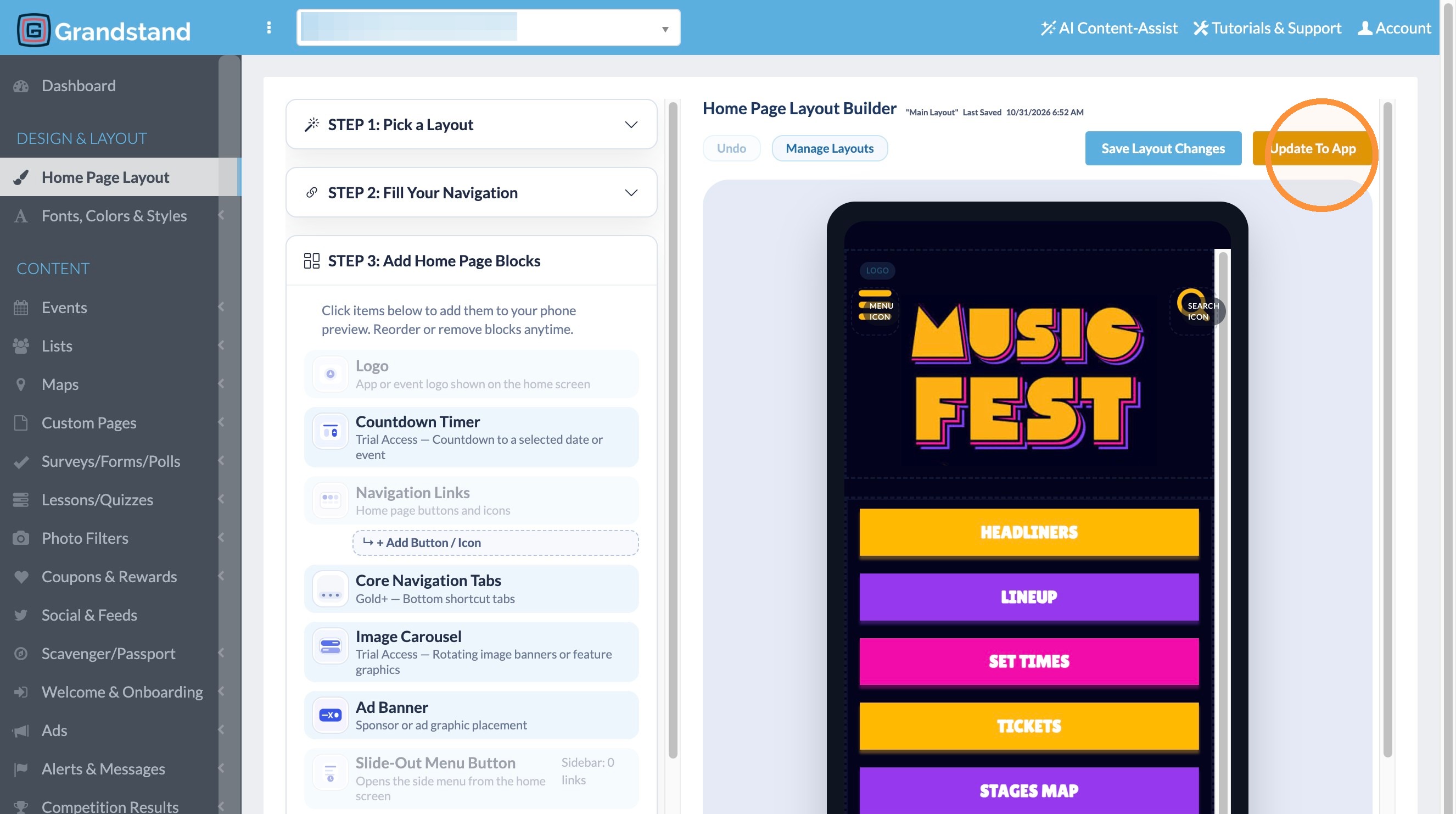
8. Click "Update To App"
Layout