Learn how to make changes or additions to your app's sidebar menu. This guide walks you through the configuration and styling steps needed to ensure your changes are saved and updated for all users.
1. Navigate to https://www.grandstandapps.com/admin/general/app_layout.php
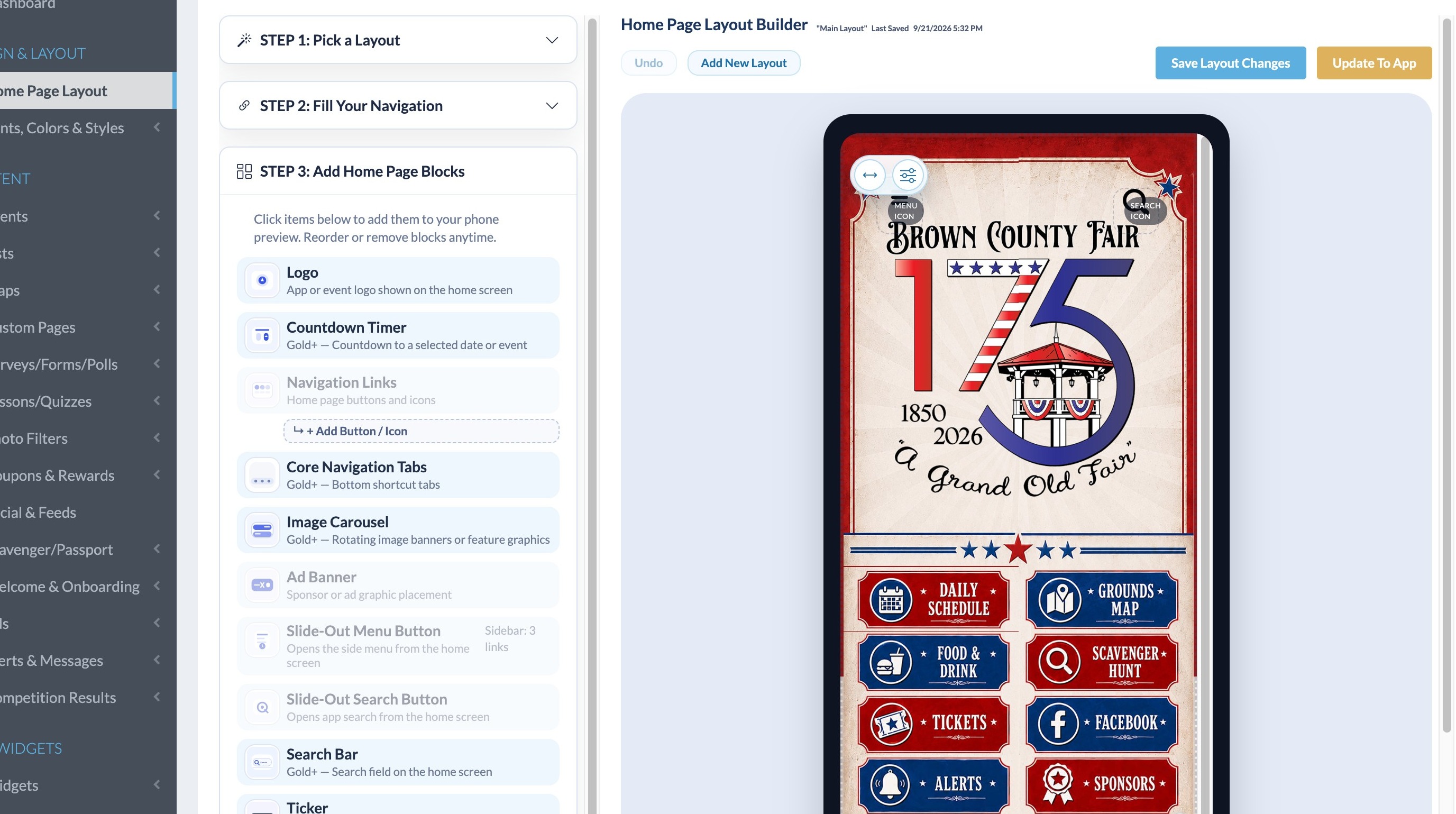
Layout Configuration
2. Click "Menu Icon"
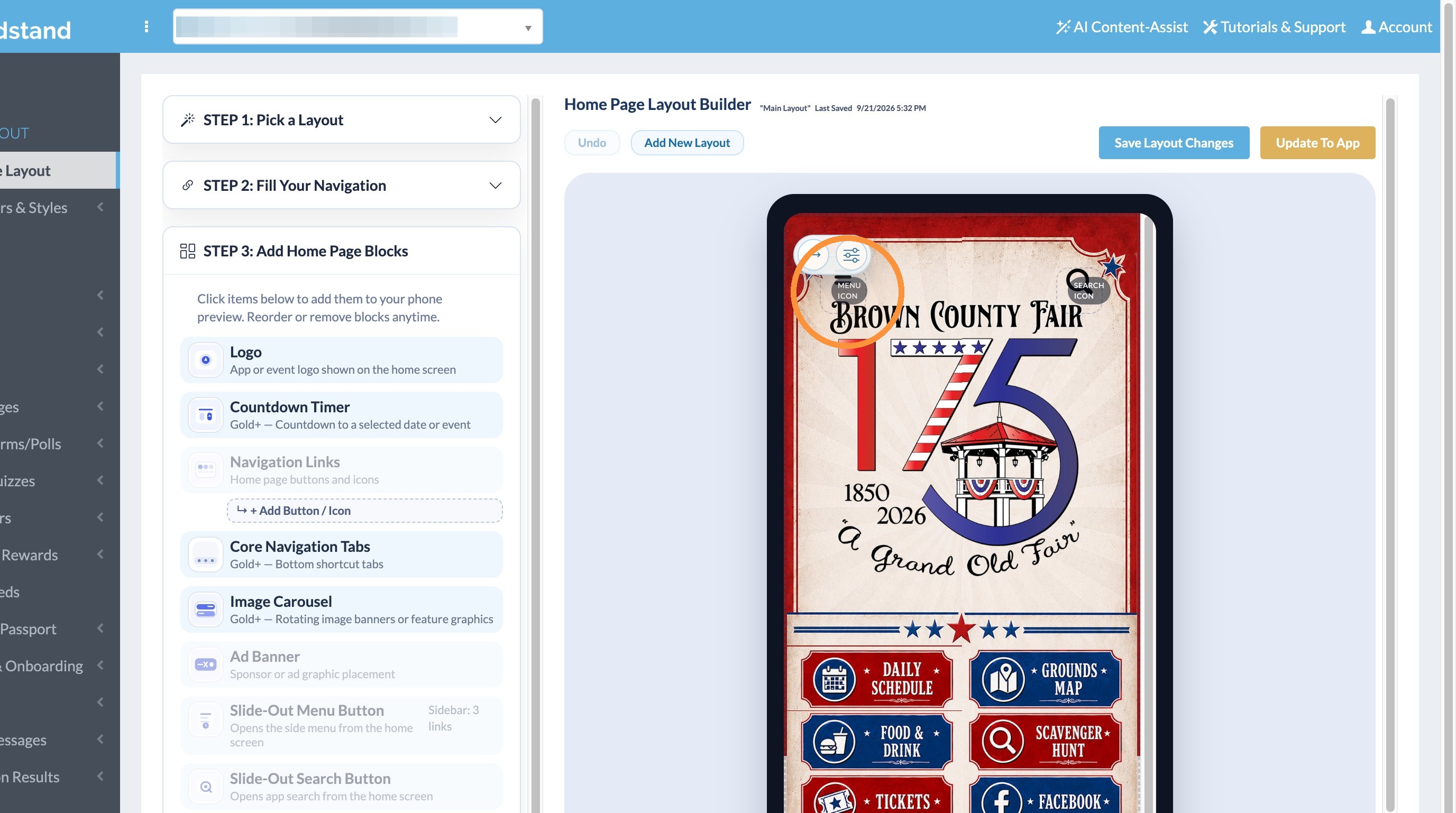
3. Click the Menu Icon
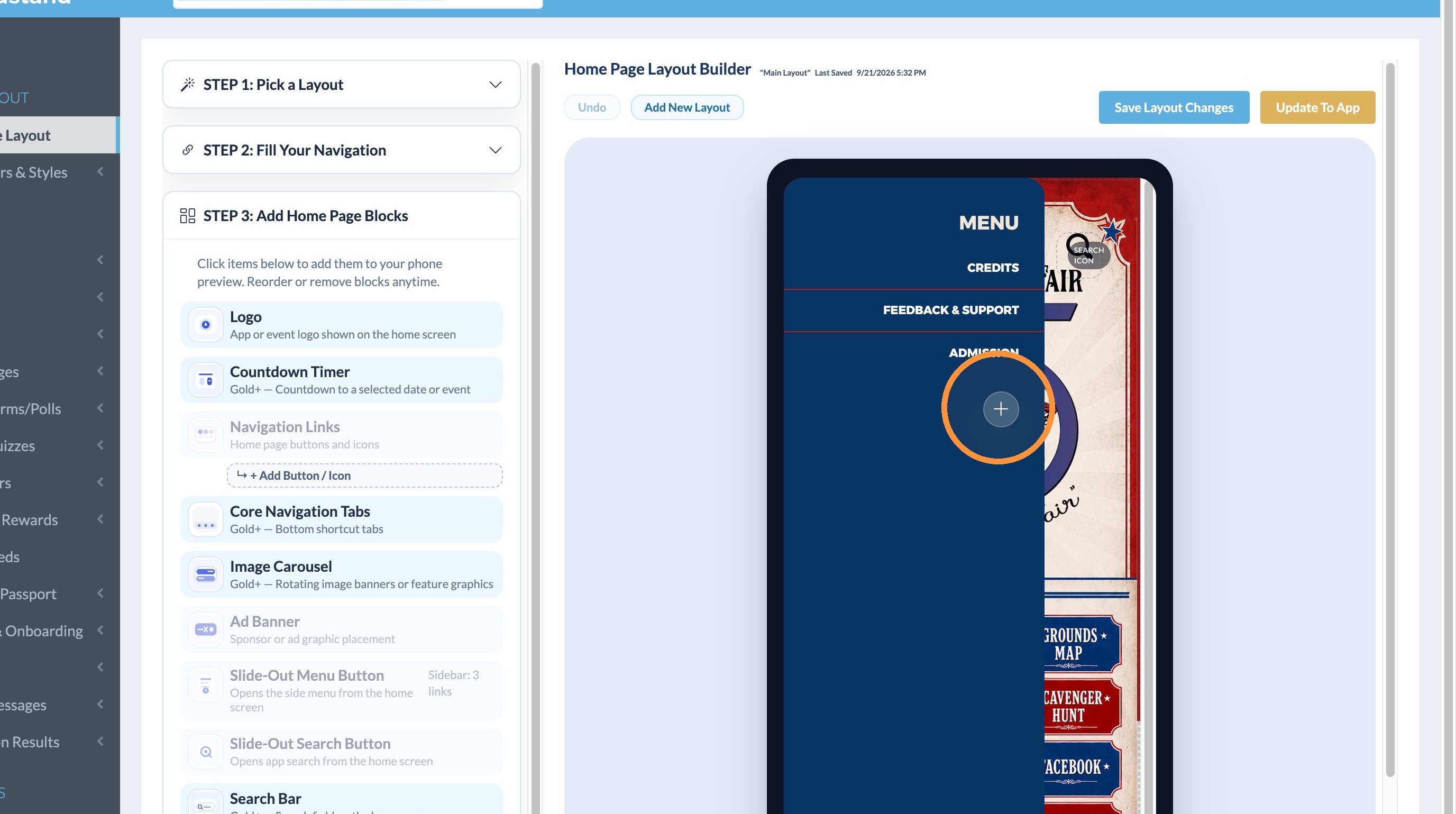
FAQ Sidebar Link
4. Enter FAQs in the New Sidebar Link field
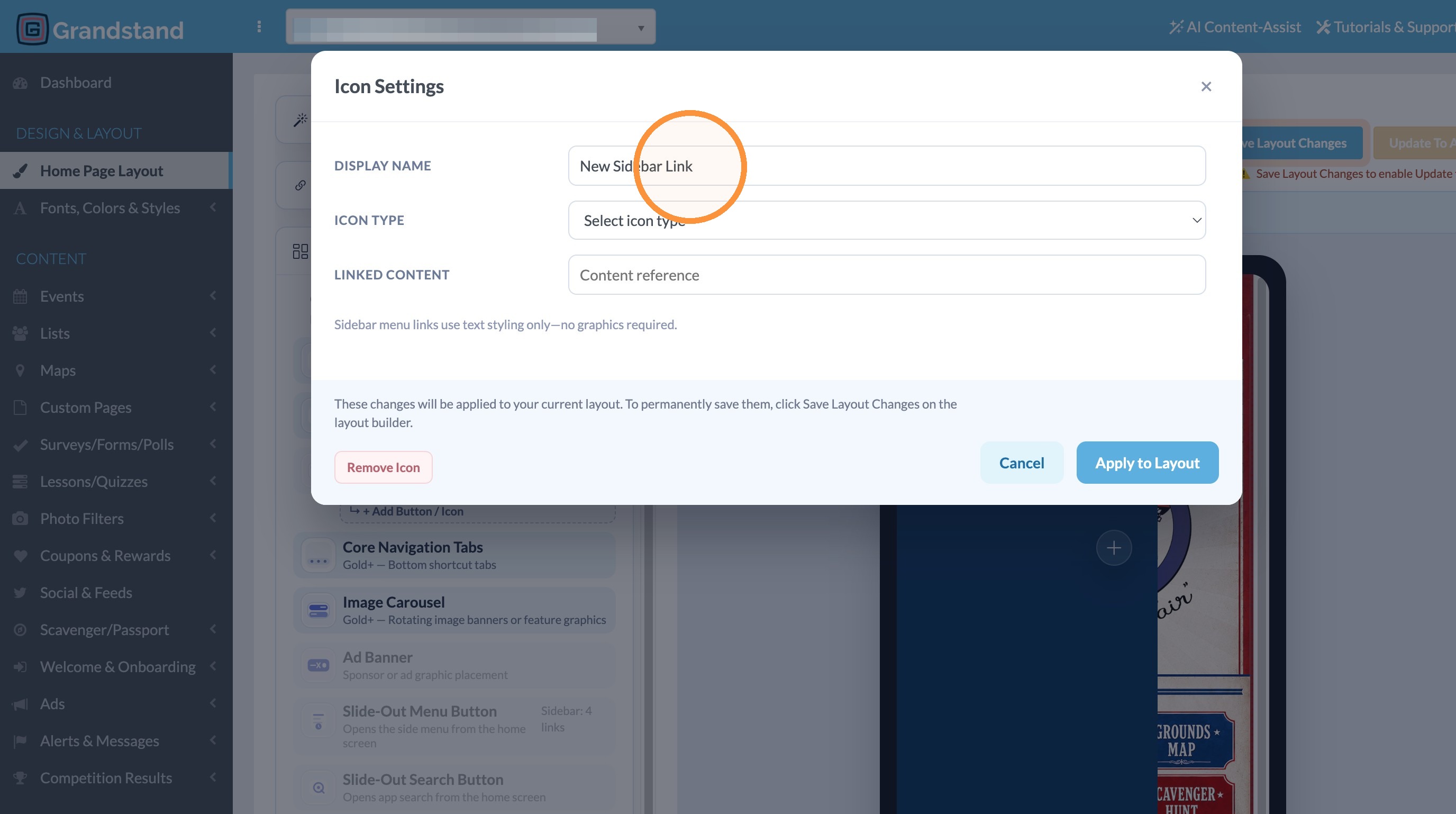
5. Select FAQ from the dropdown
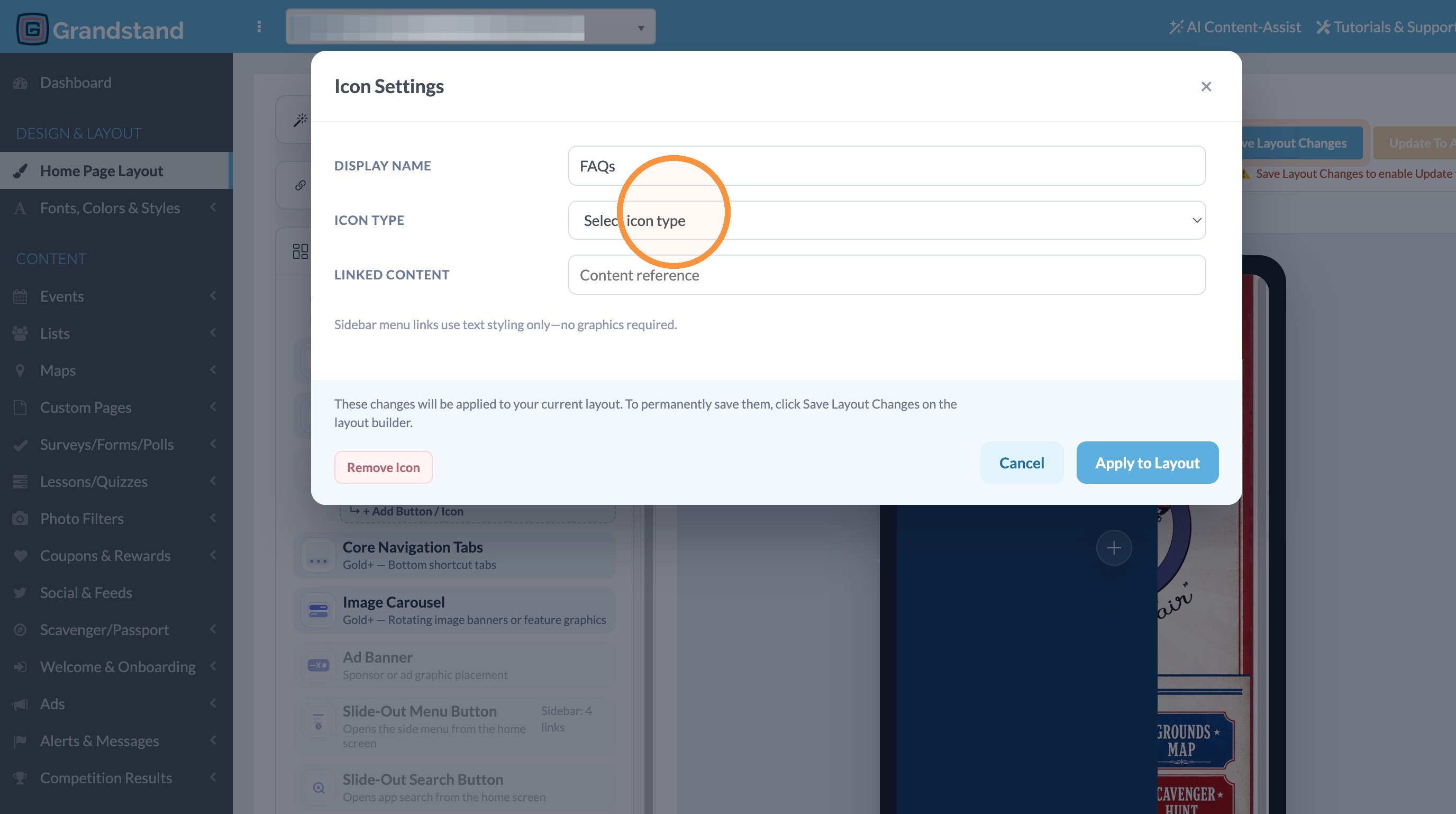
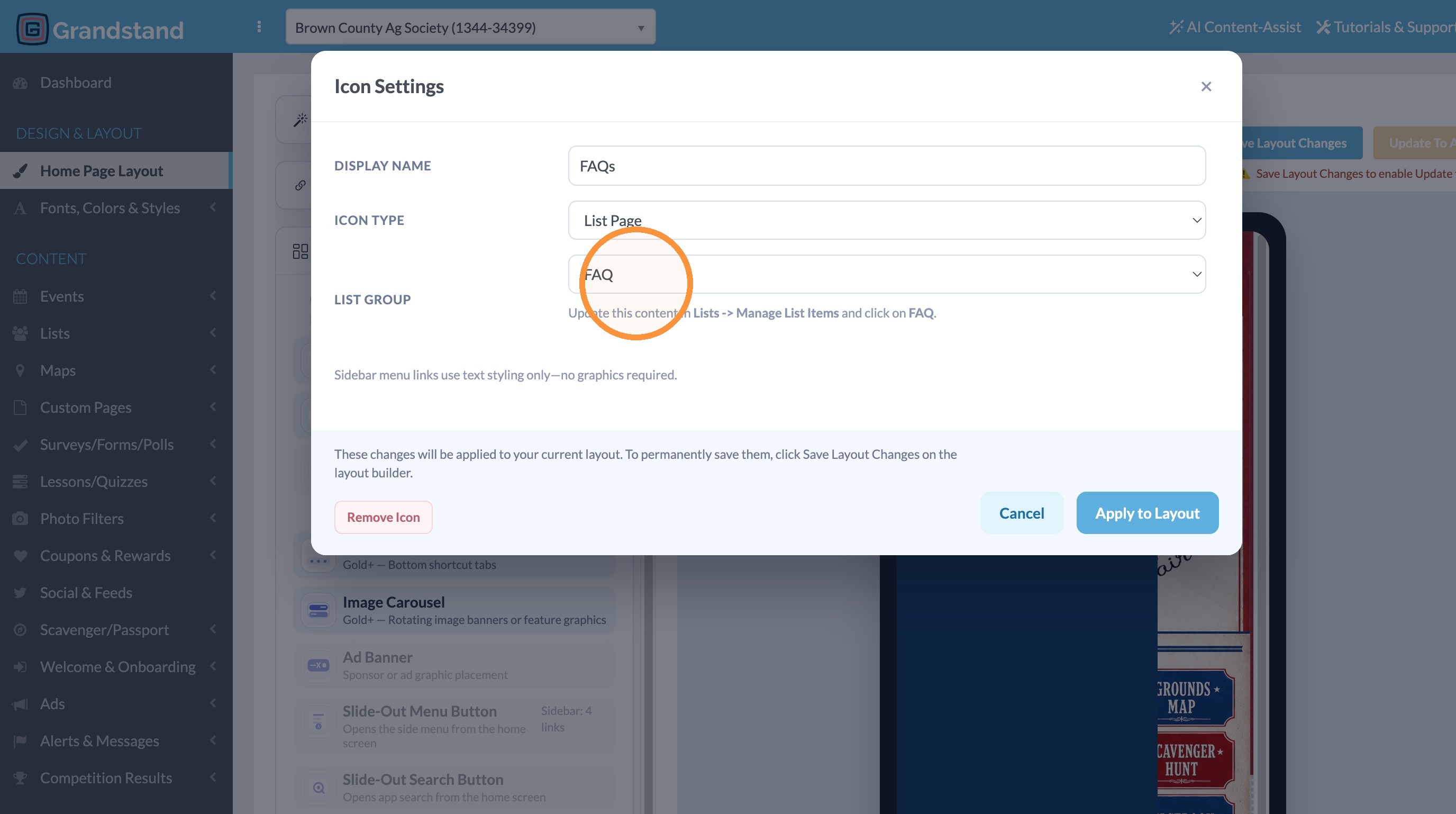
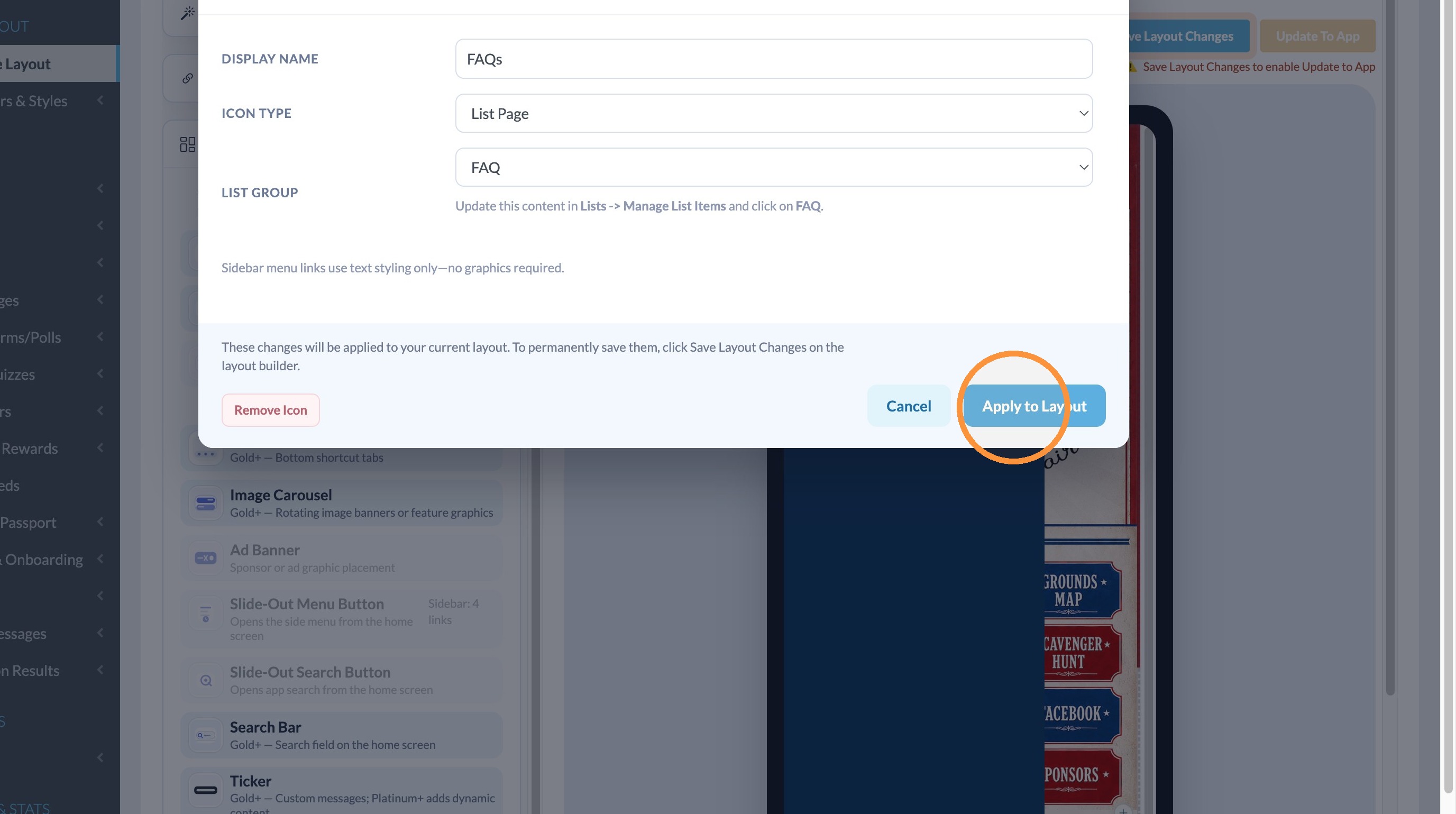
6. Click "Apply to Layout"
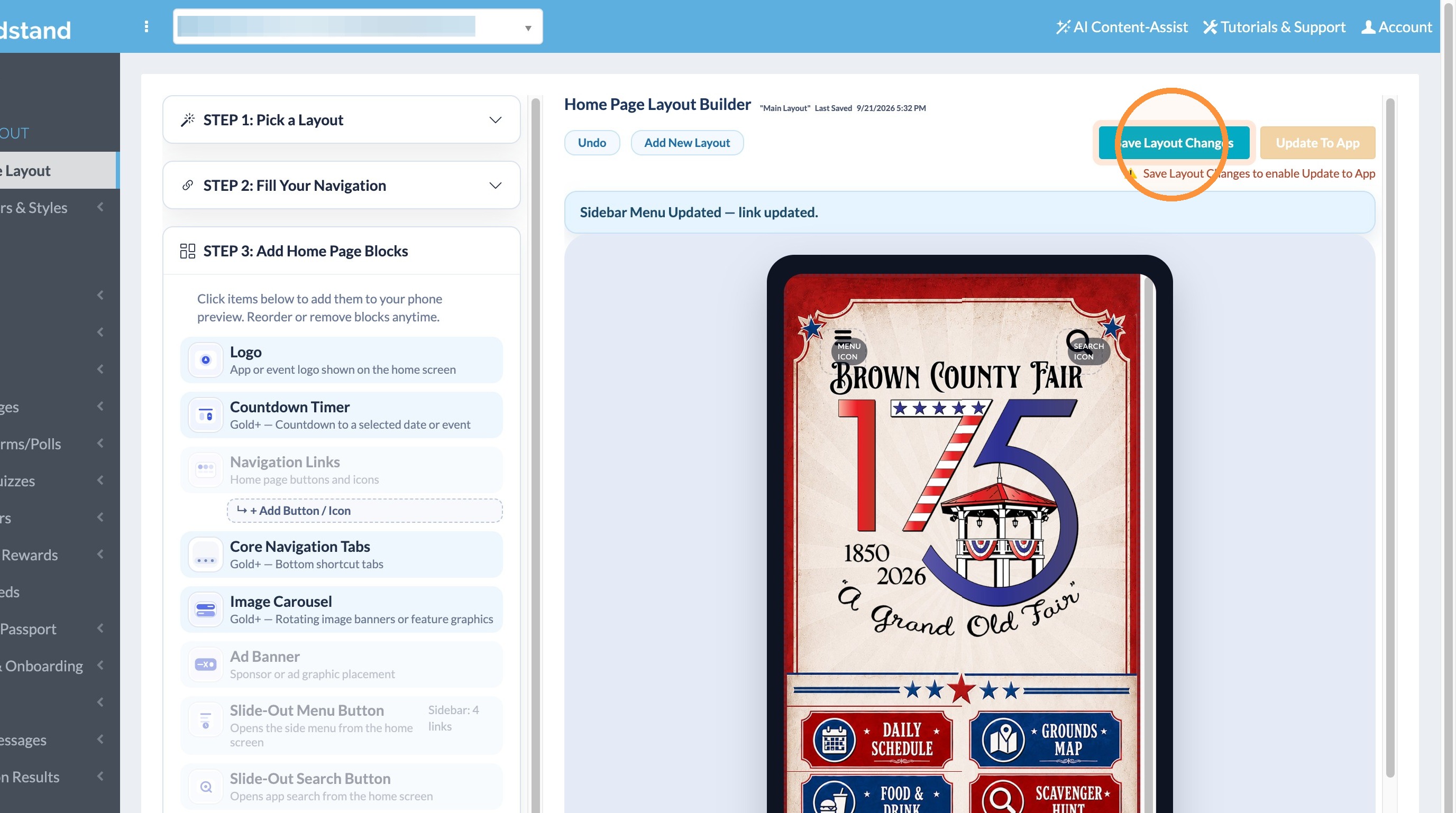
7. Click "Save Layout Changes"
Sidebar Styling
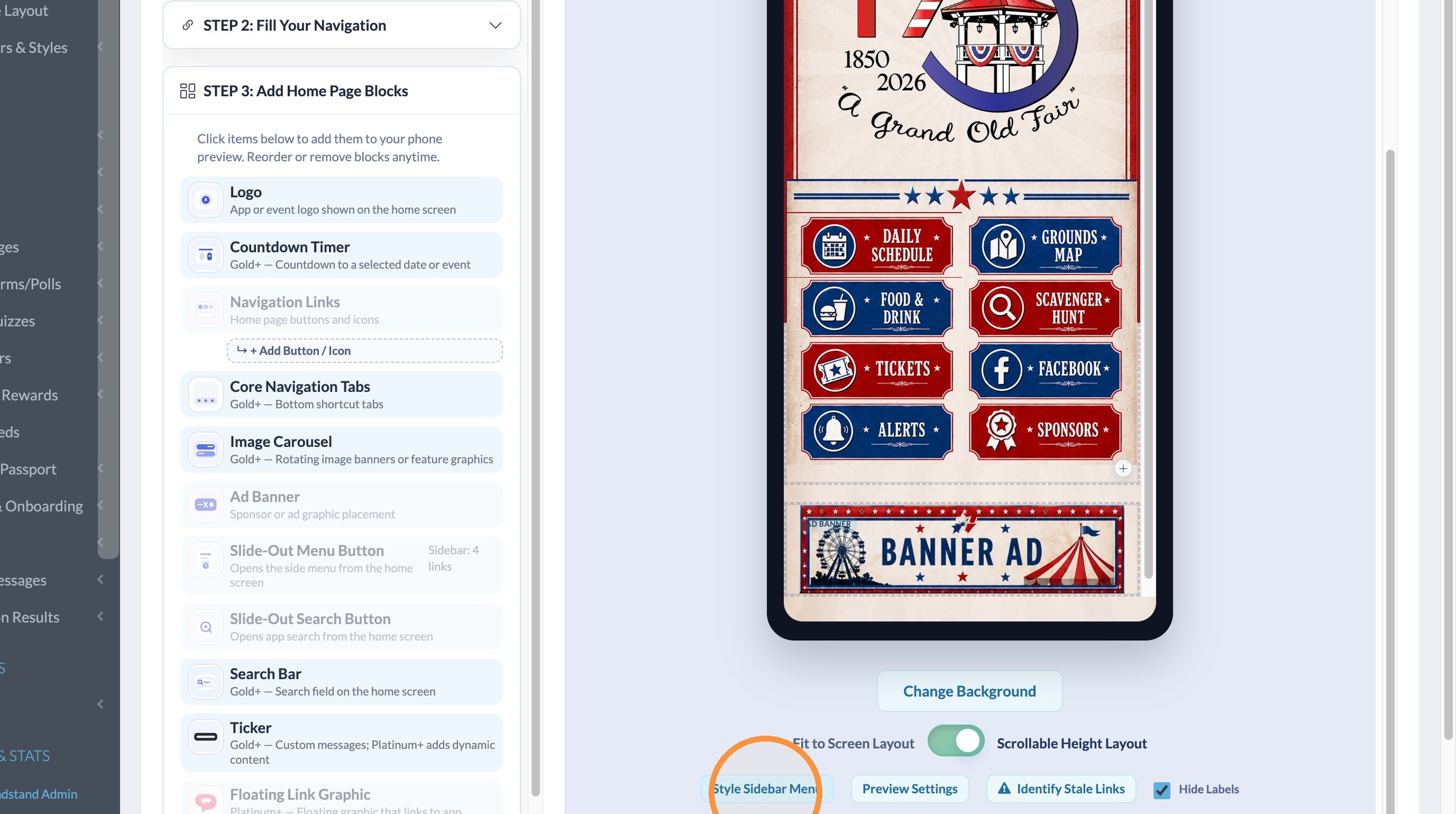
8. Click "Style Sidebar Menu"
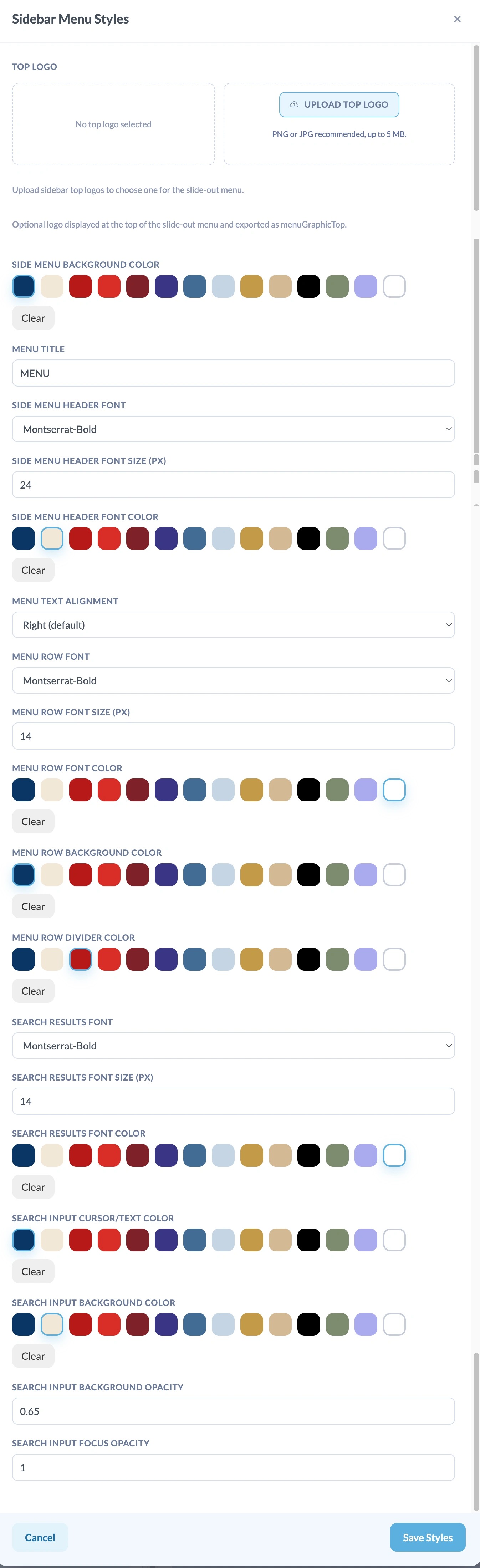
9. Make edits to the Style Settings for the Side Menu. See in the screenshot below that there are a variety of settings for font styles, colors, sizes, background colors, etc. Once done, click Save Styles.
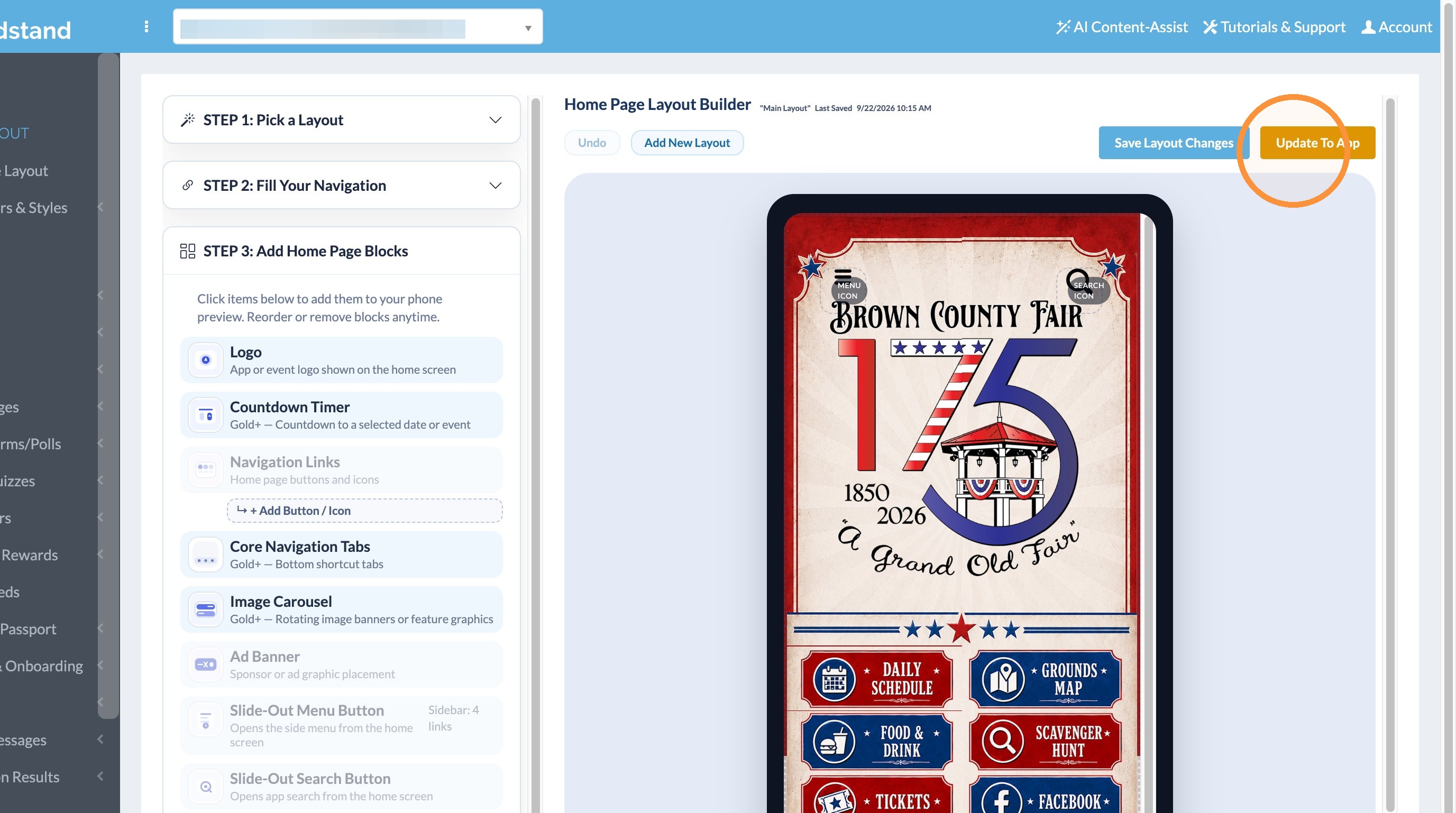
10. Click Save Layout Changes, then Click "Update To App"
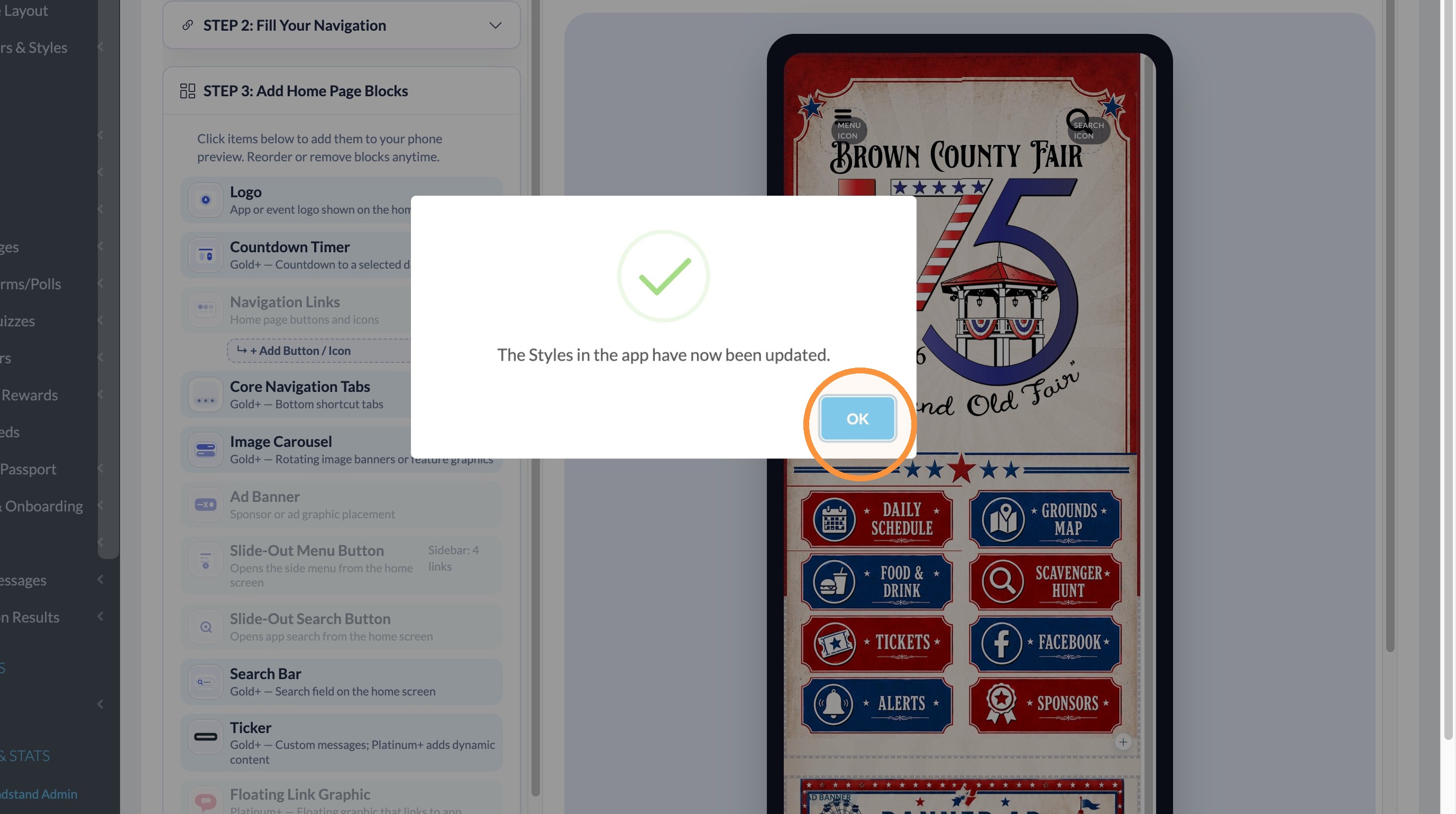
11. Click "OK"
Layout