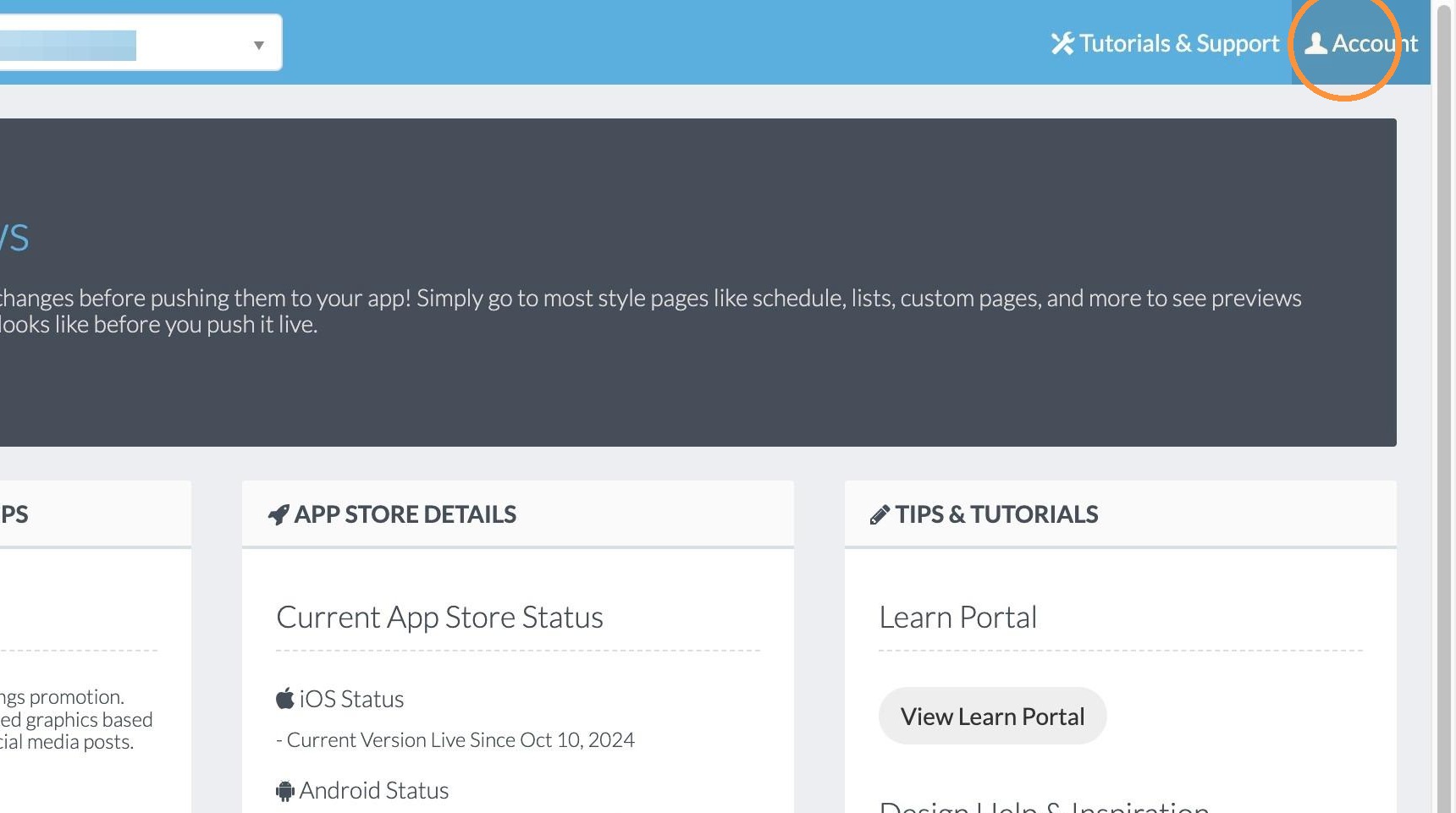
1. Click "Account"
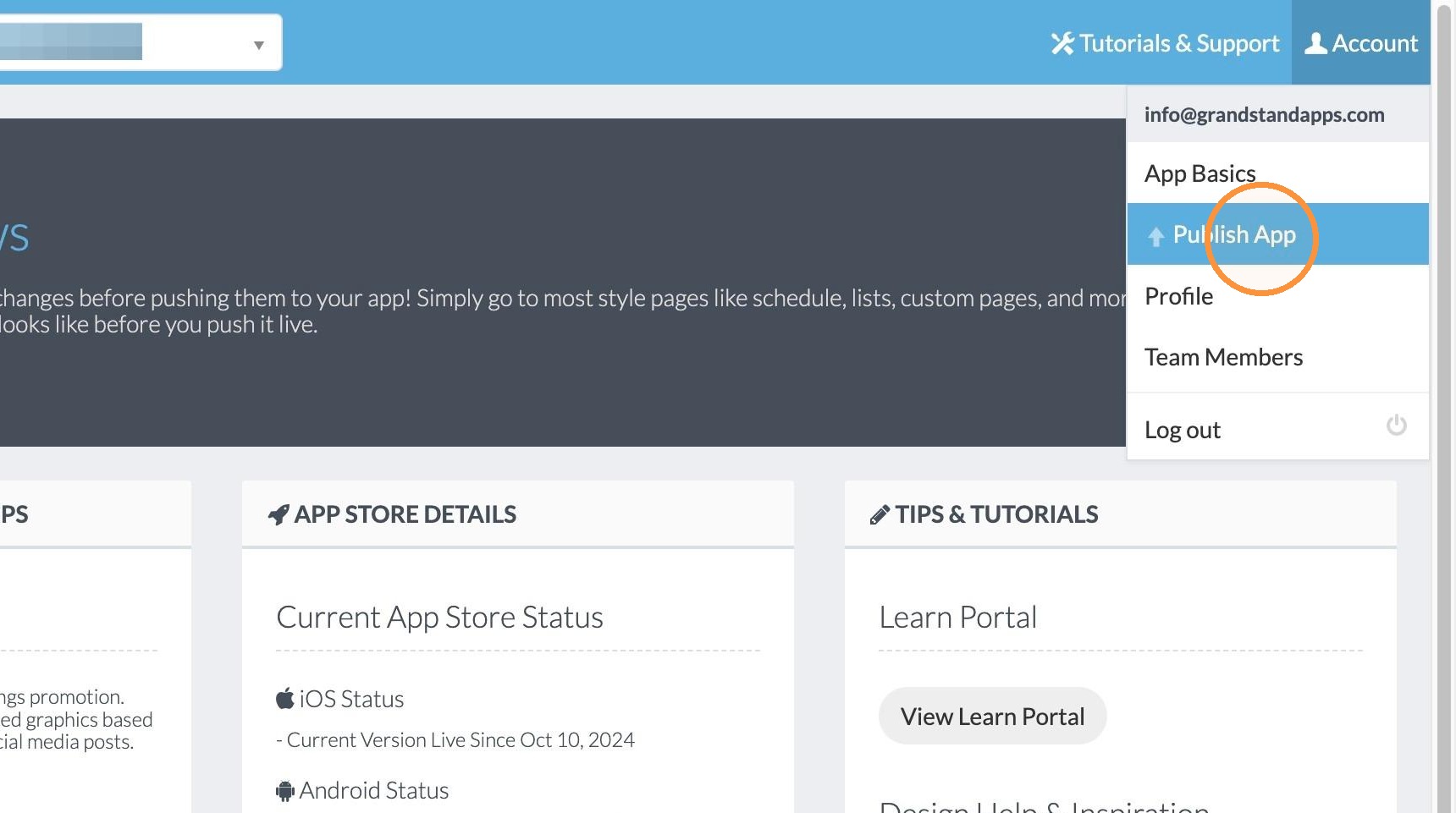
2. Click "Publish App"
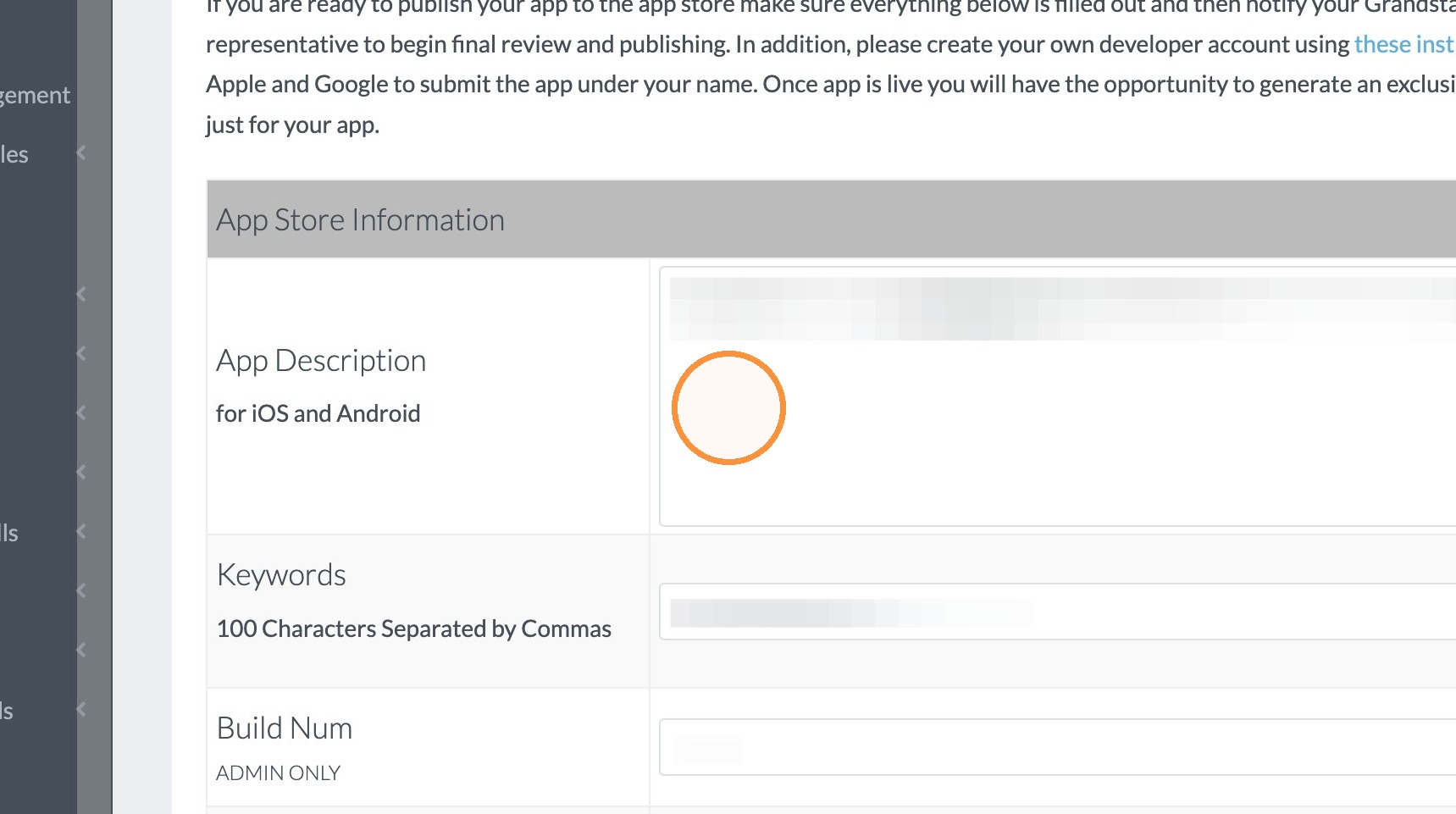
3. Click in the App Description field and enter the text for the description.
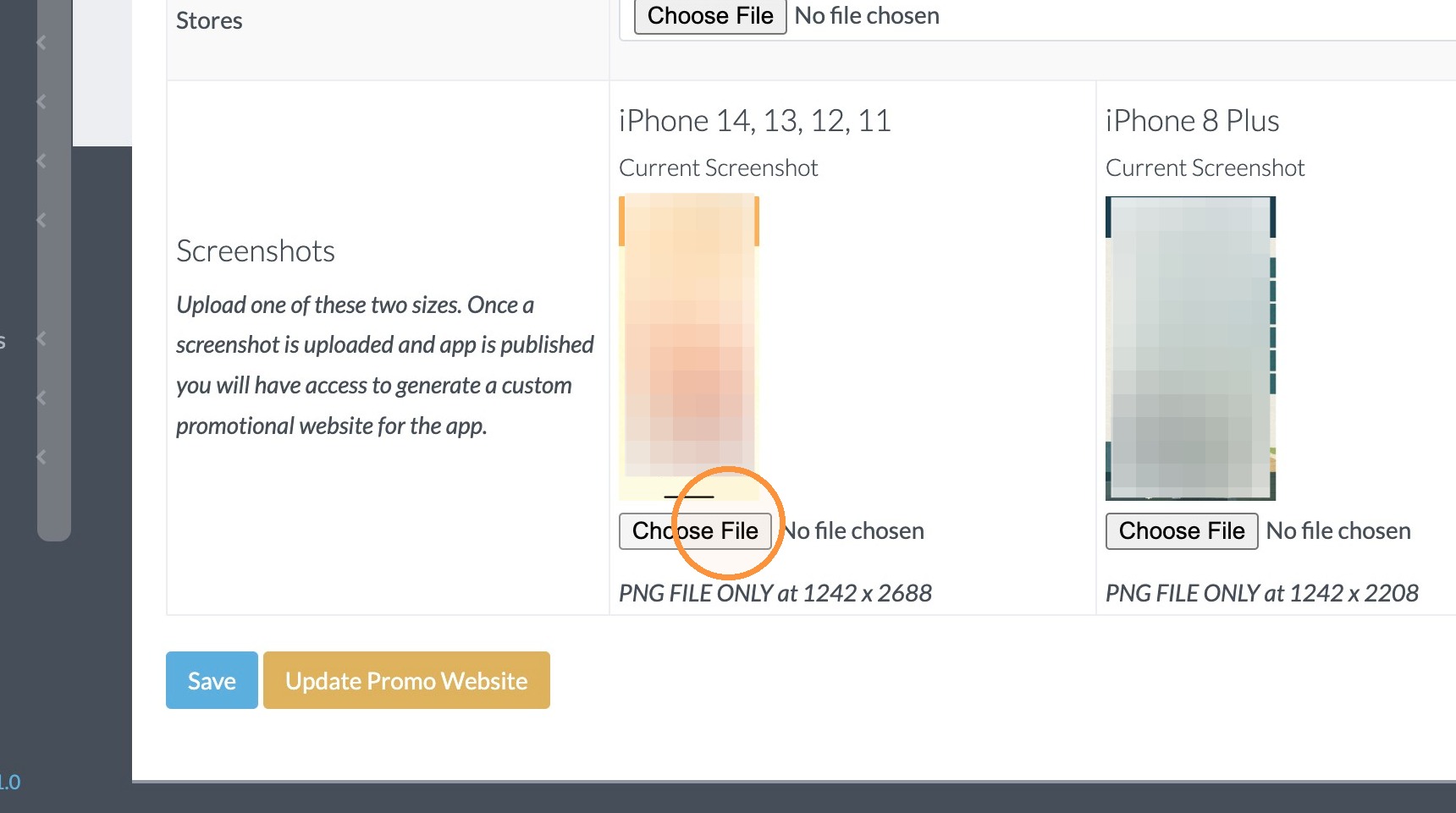
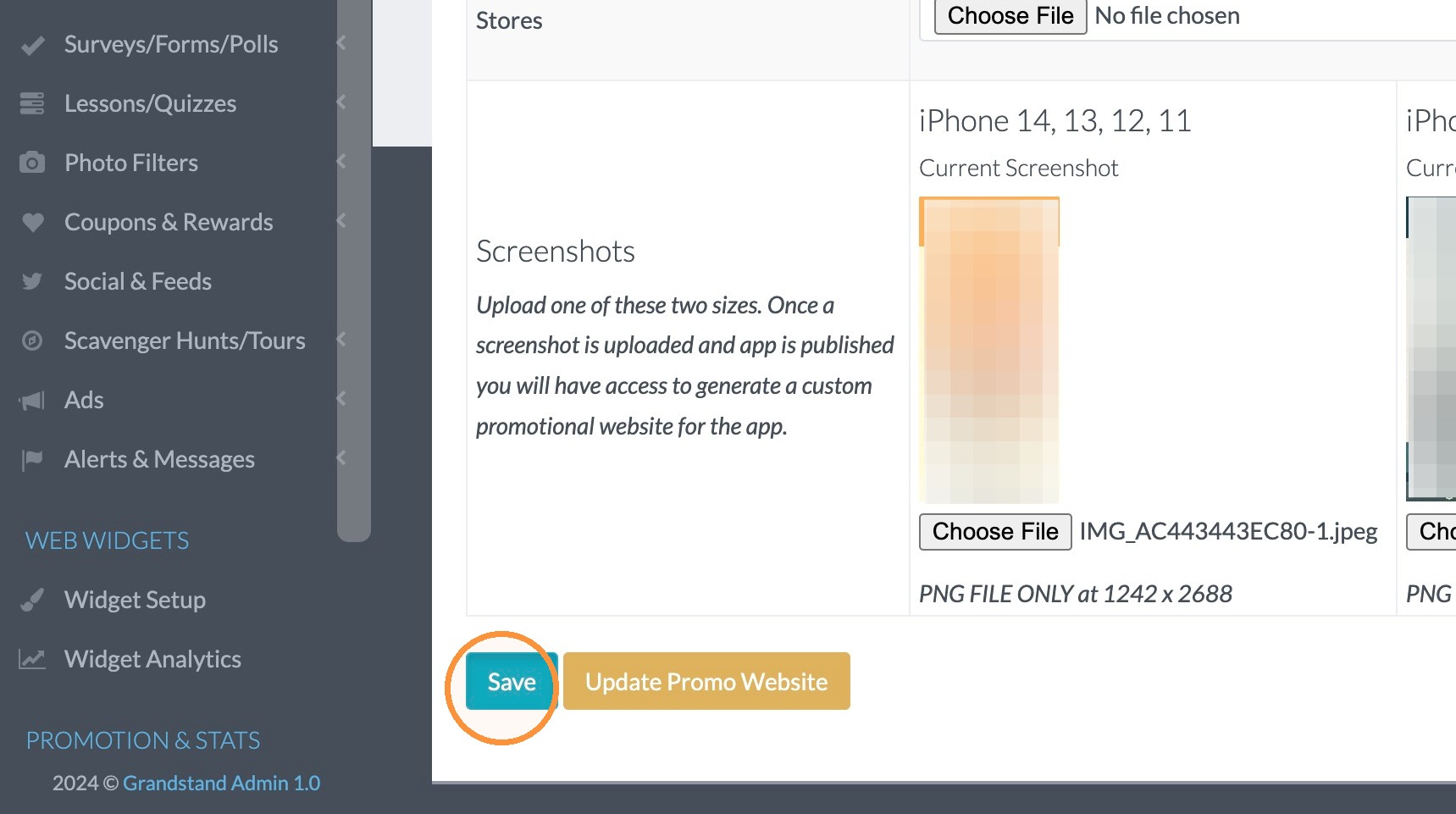
4. Take a screenshot of your app page on your personal device make sure you share it with your computer so it can be selected from the webpage. Then click the Choose File button in the Screenshots section. Select the screenshot you saved.
5. Click "Save"
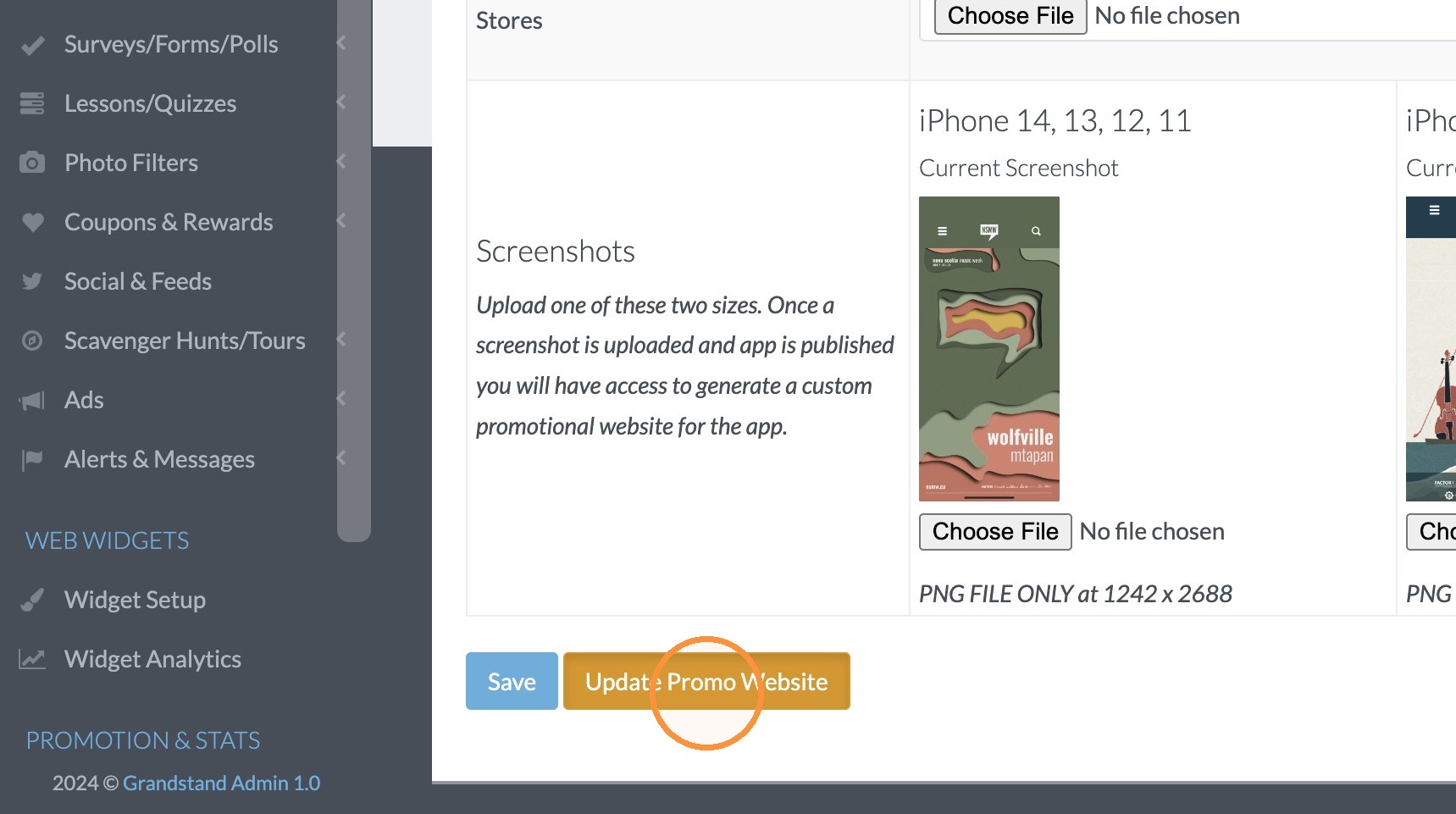
6. Click "Update Promo Website"
Promo, Account