1. Navigate to https://www.grandstandapps.com/admin/locations/manage.php
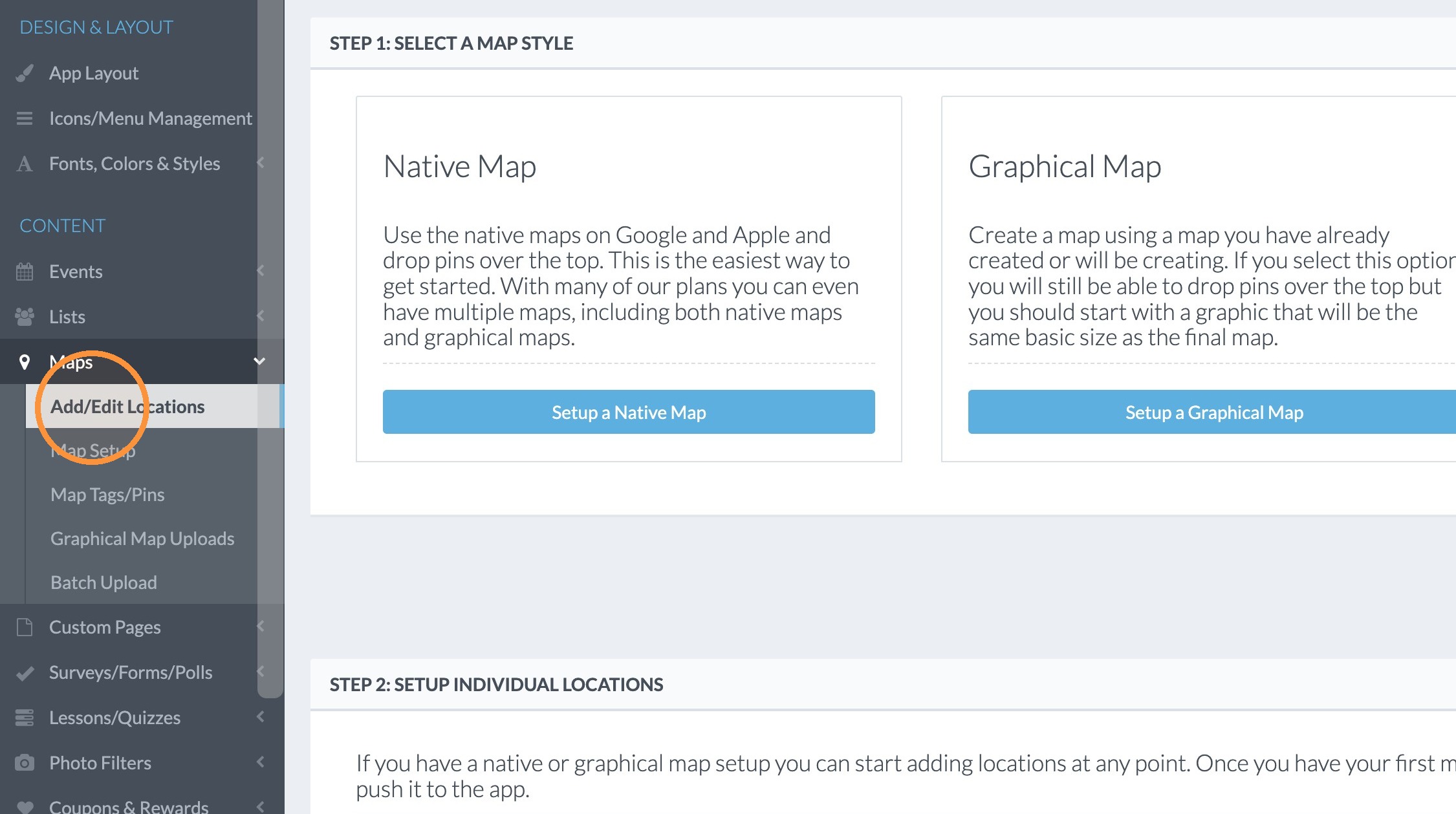
2. Click "Add/Edit Locations"
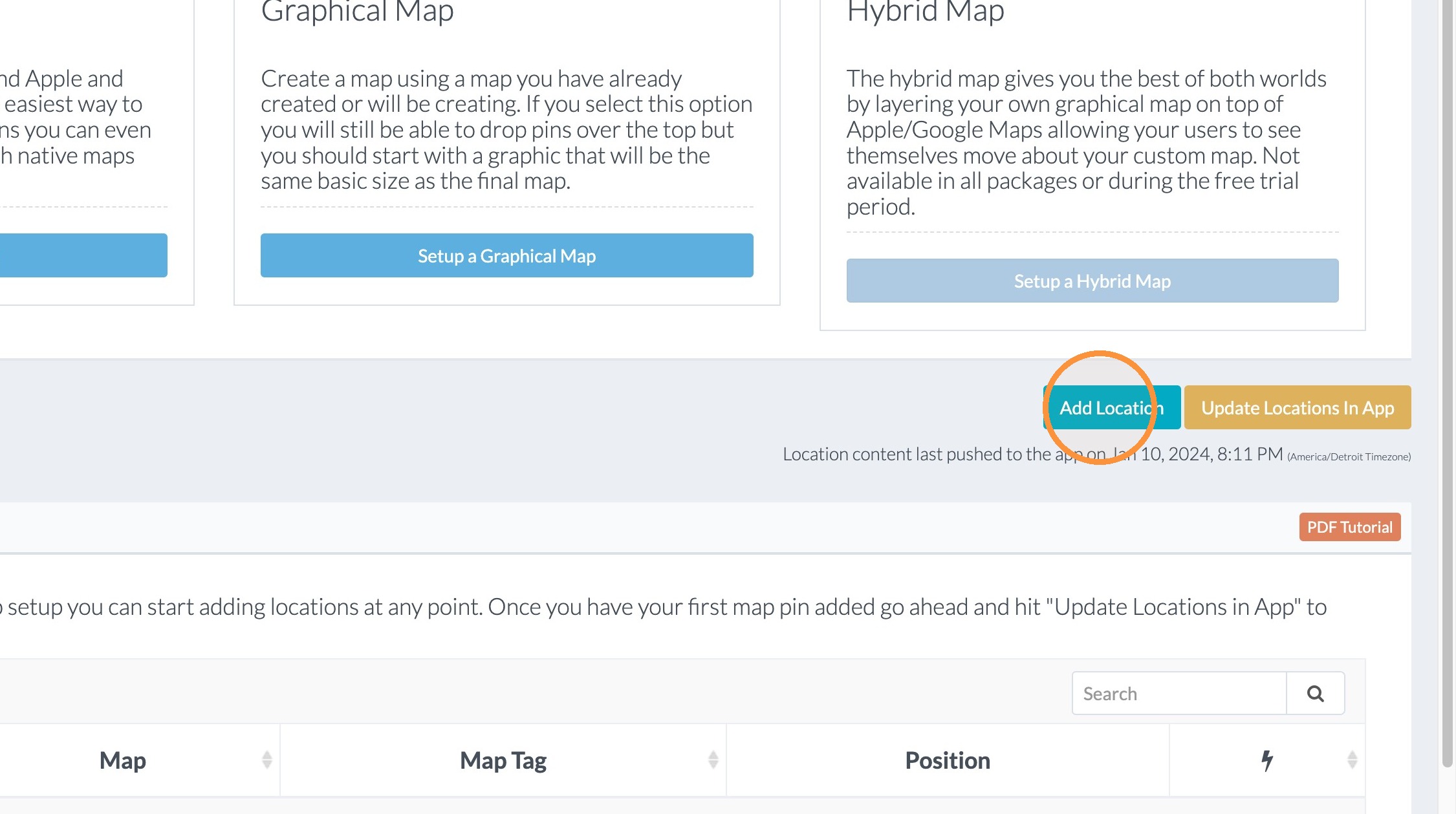
3. Click "Add Location"
4. Click the "Location Title" field and type the name of the location.
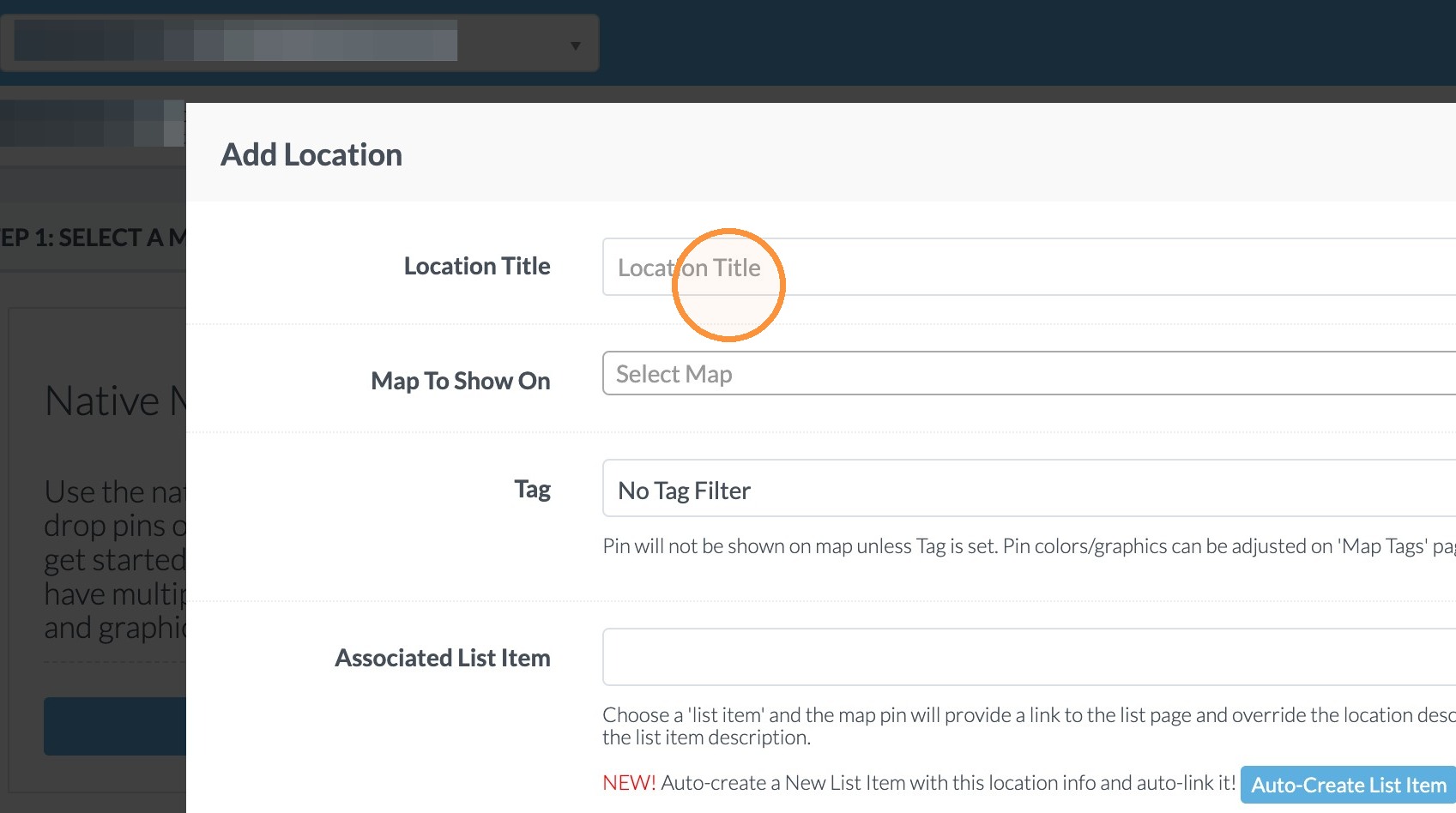
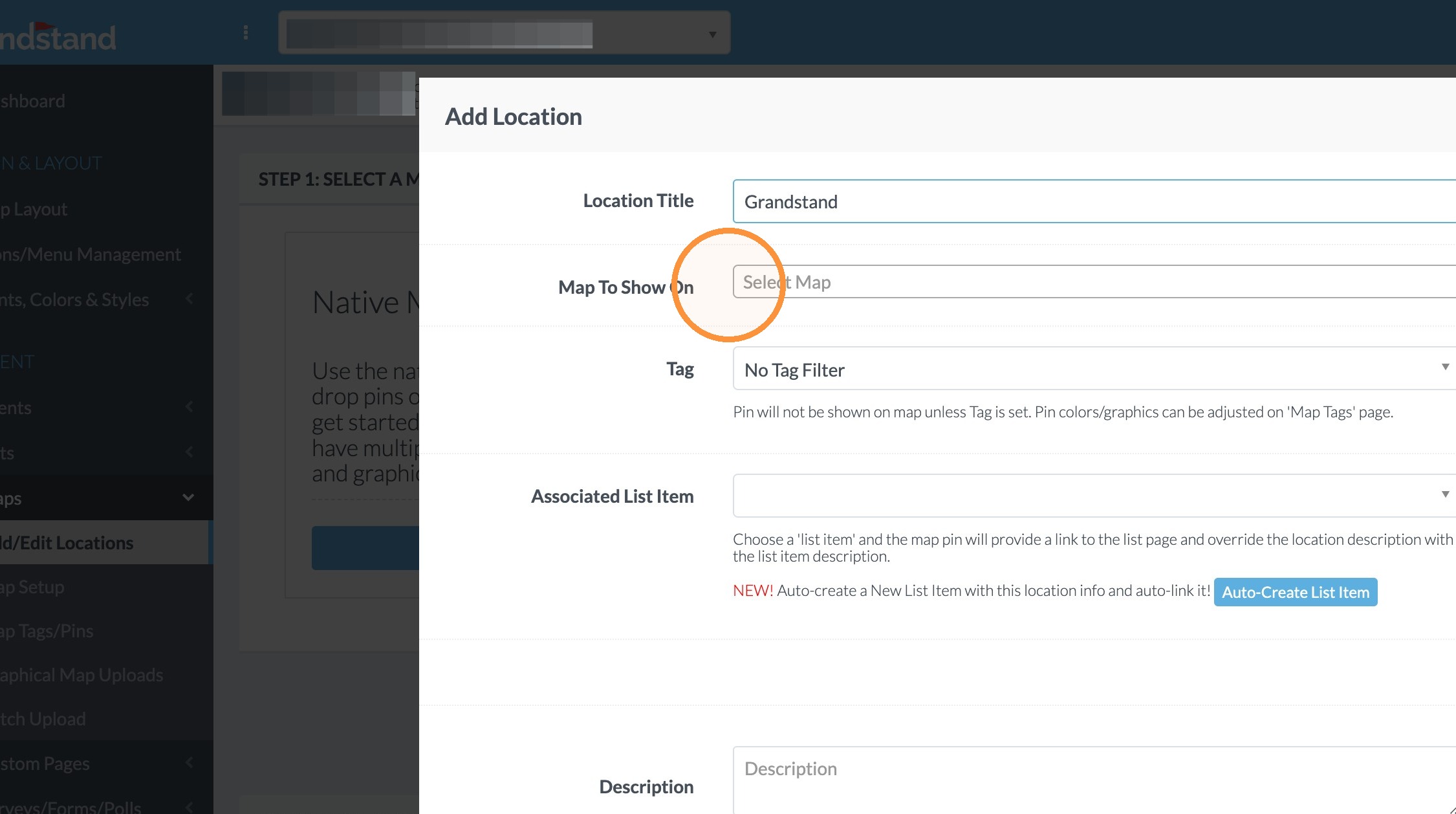
5. Click in the field titled "Map to Show On"
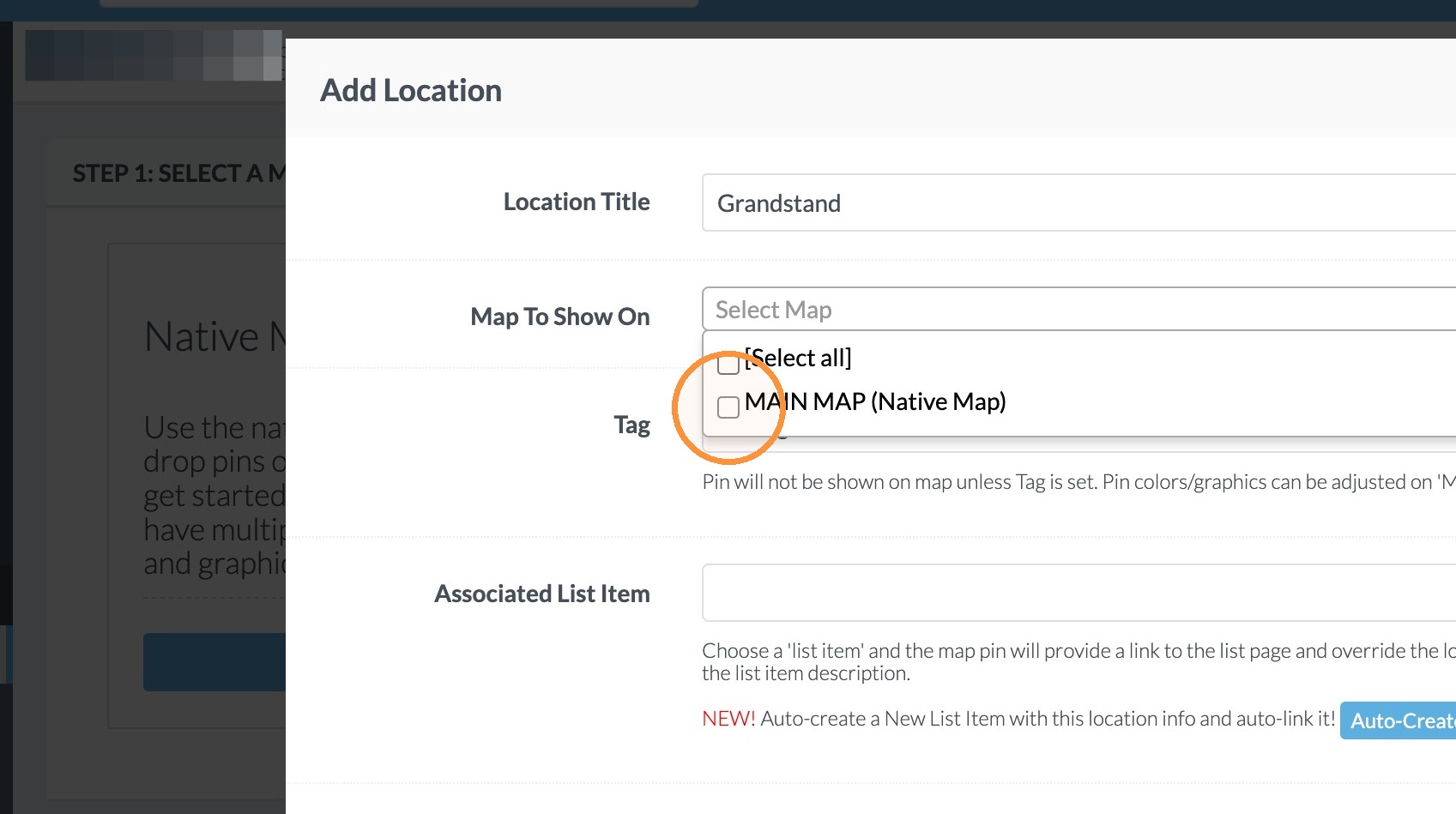
6. Click the map you would like add the location to (in this case "MAIN MAP (Native Map)".
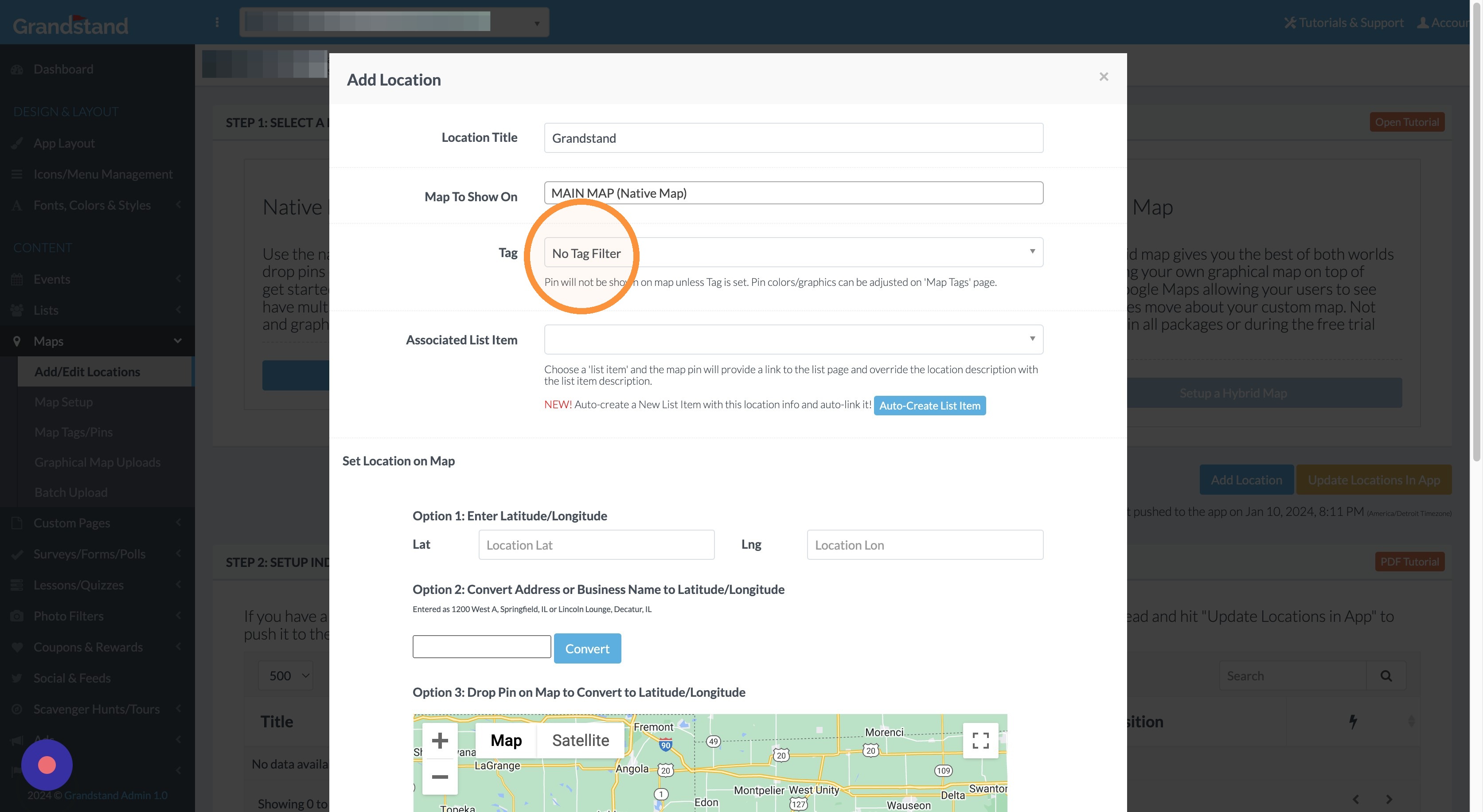
7. Click Tag dropdown
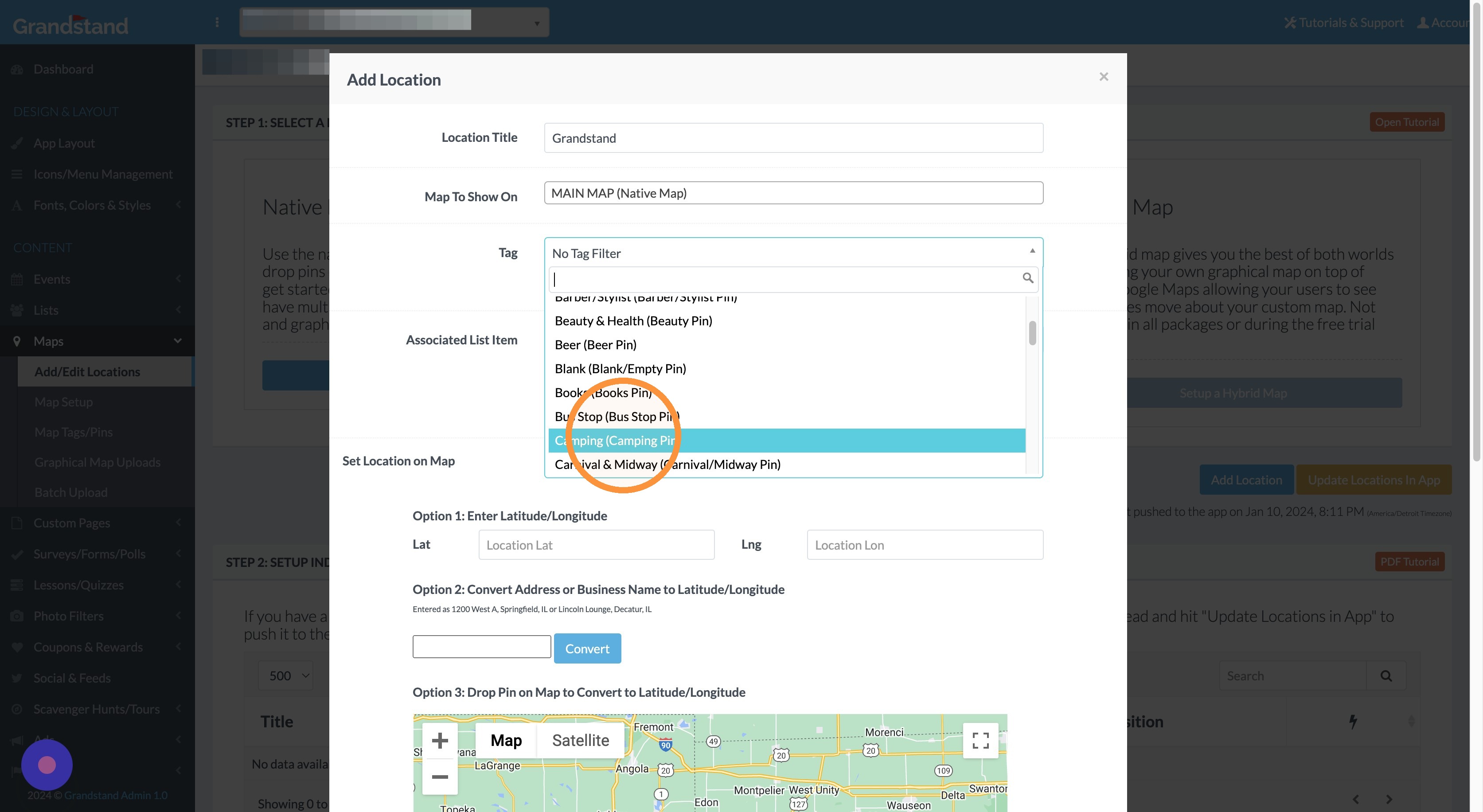
8. Select the type of pin it should be (in this case we selected Camping).
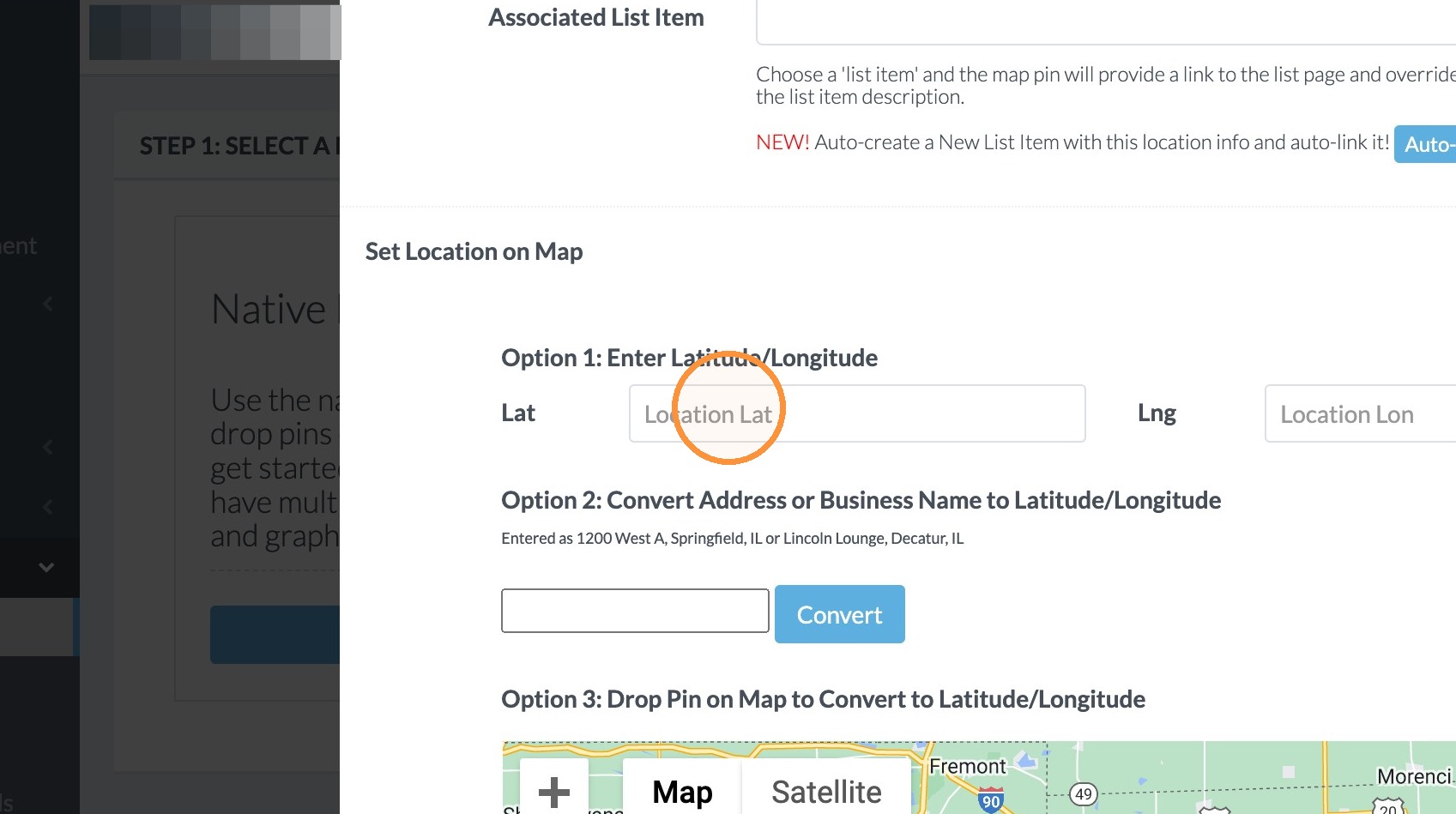
9. Click the "Location Lat" field and enter the latitude for the location.
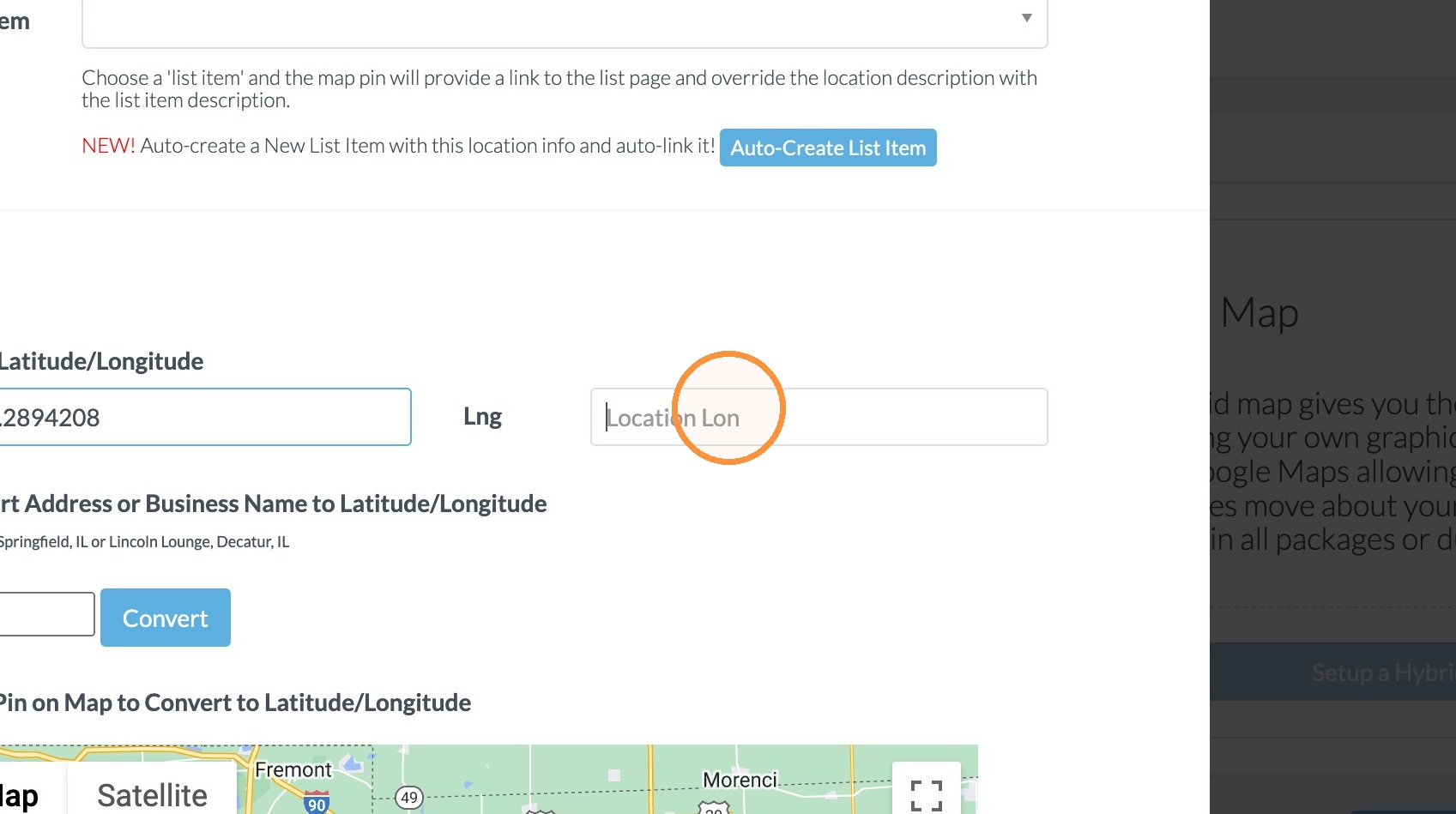
10. Click the "Location Longitude" field and enter the longitude for the location.
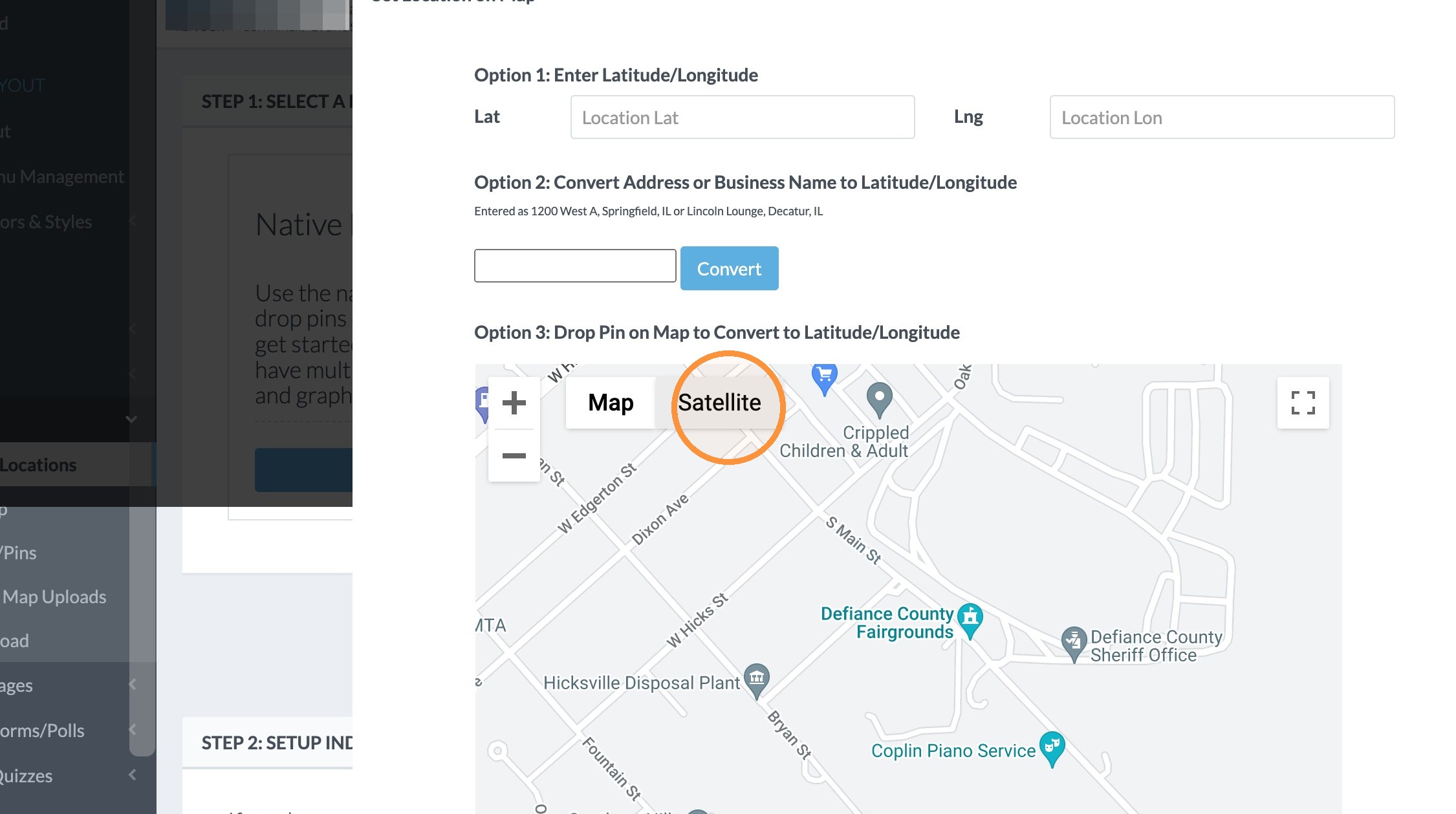
11. Alternatively, you can move to the map image and click "Satellite" or "Map" for how you would like to find the location.
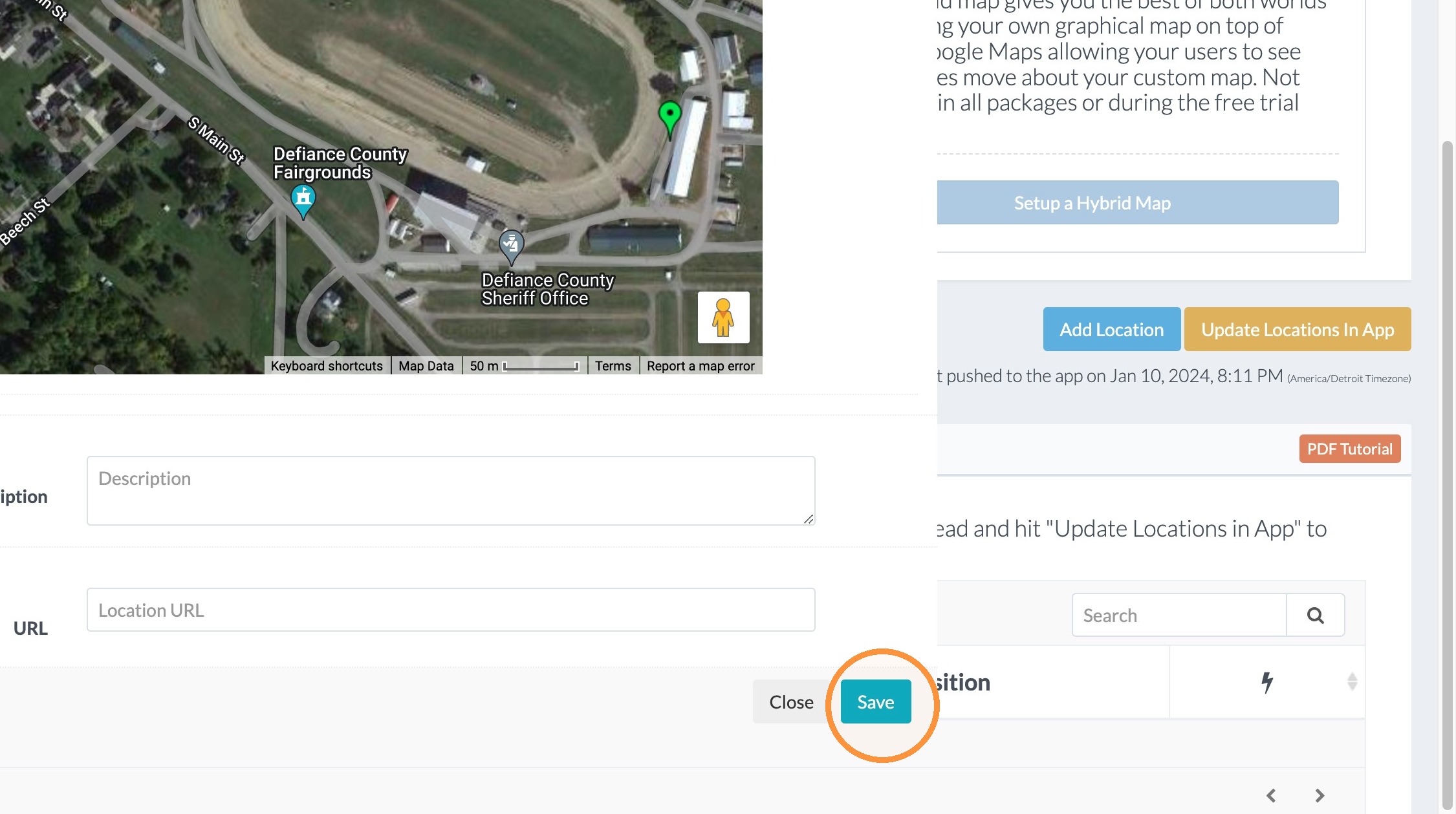
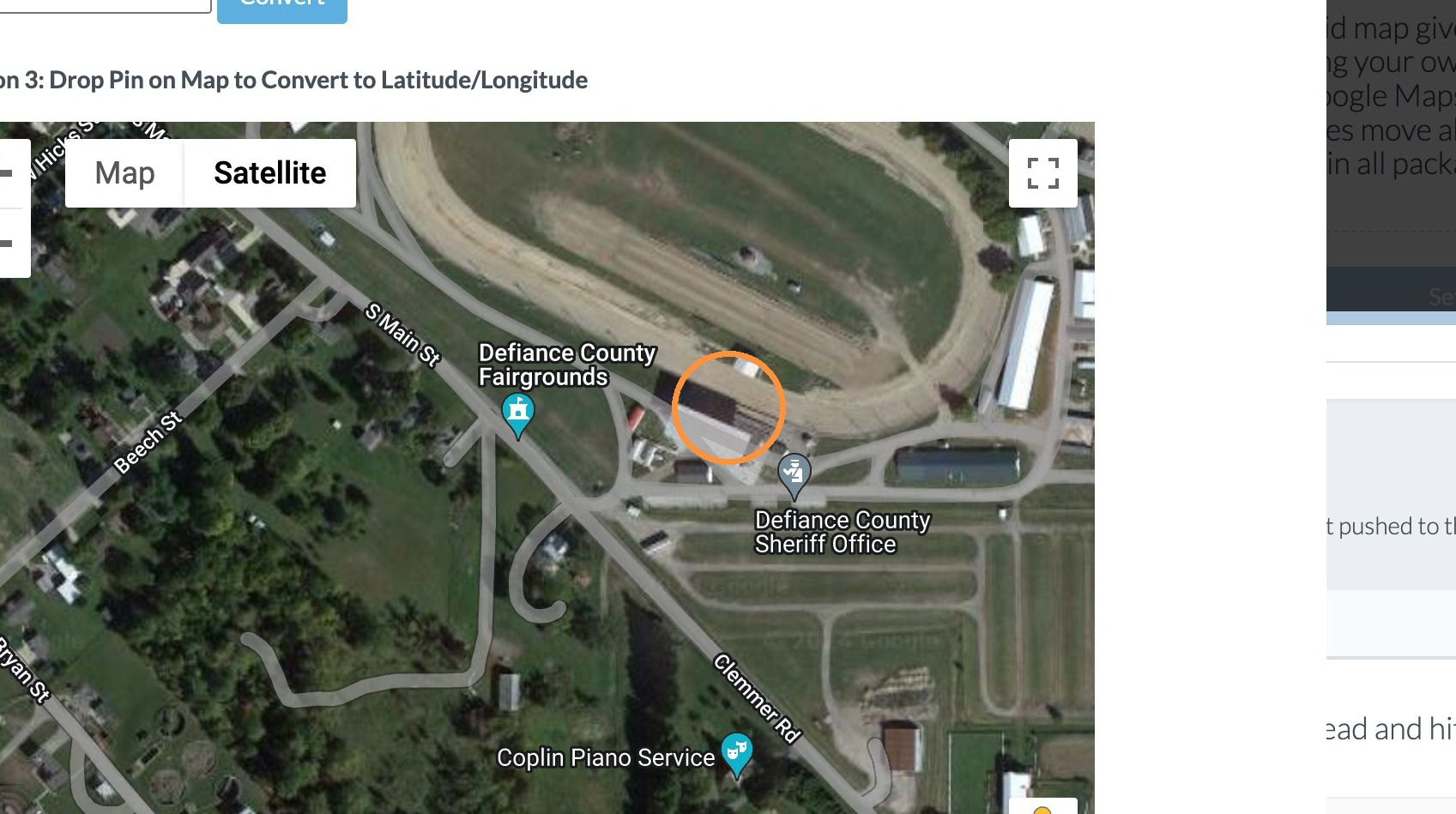
12. Click on the map image where the location is and it will add the latitude & longitude for you.
13. Click "Save"