Learn how to efficiently assign a single location to multiple events simultaneously. This guide will walk you through the process of selecting events and applying a location change, saving you time and effort.
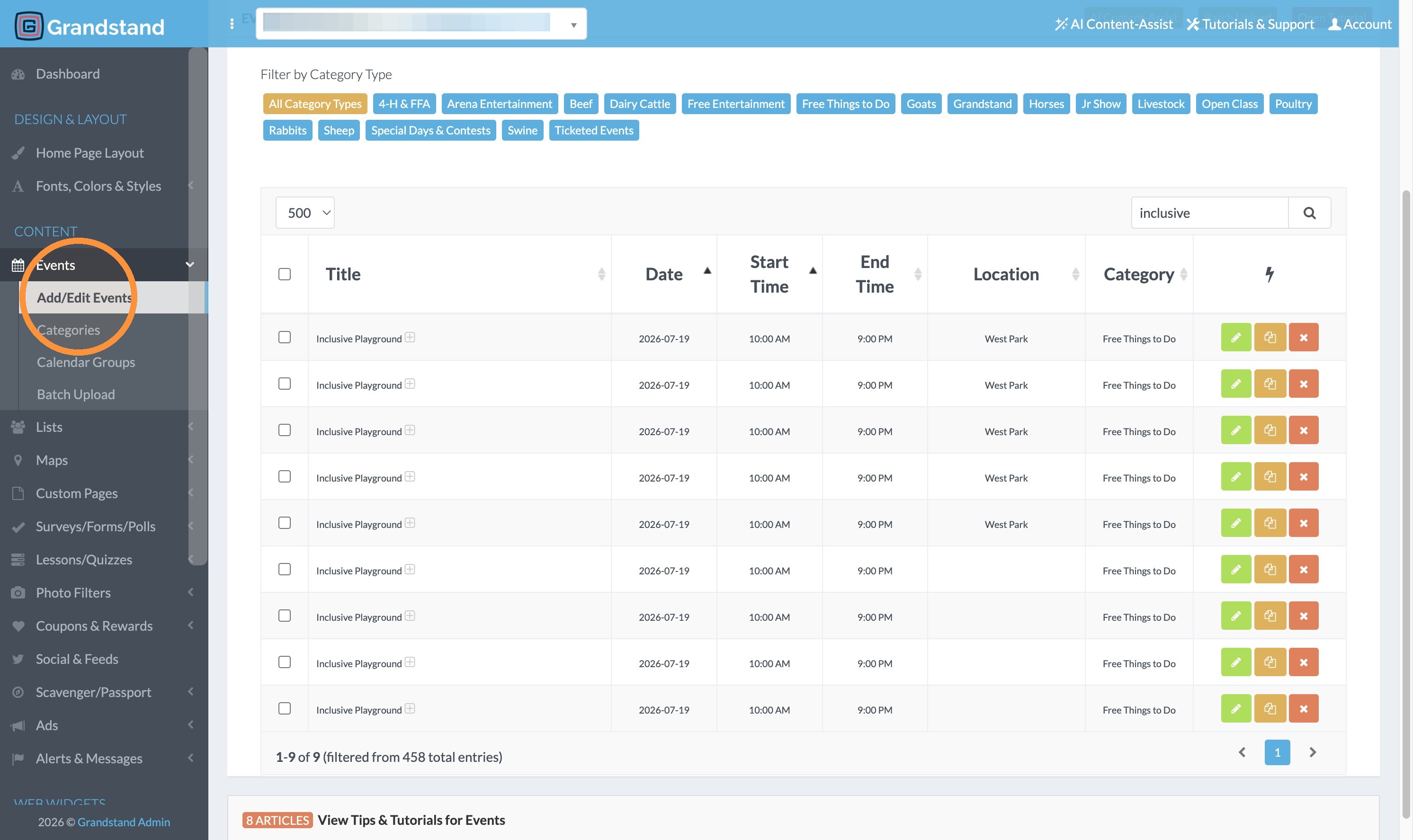
1. Click "Add/Edit Events"
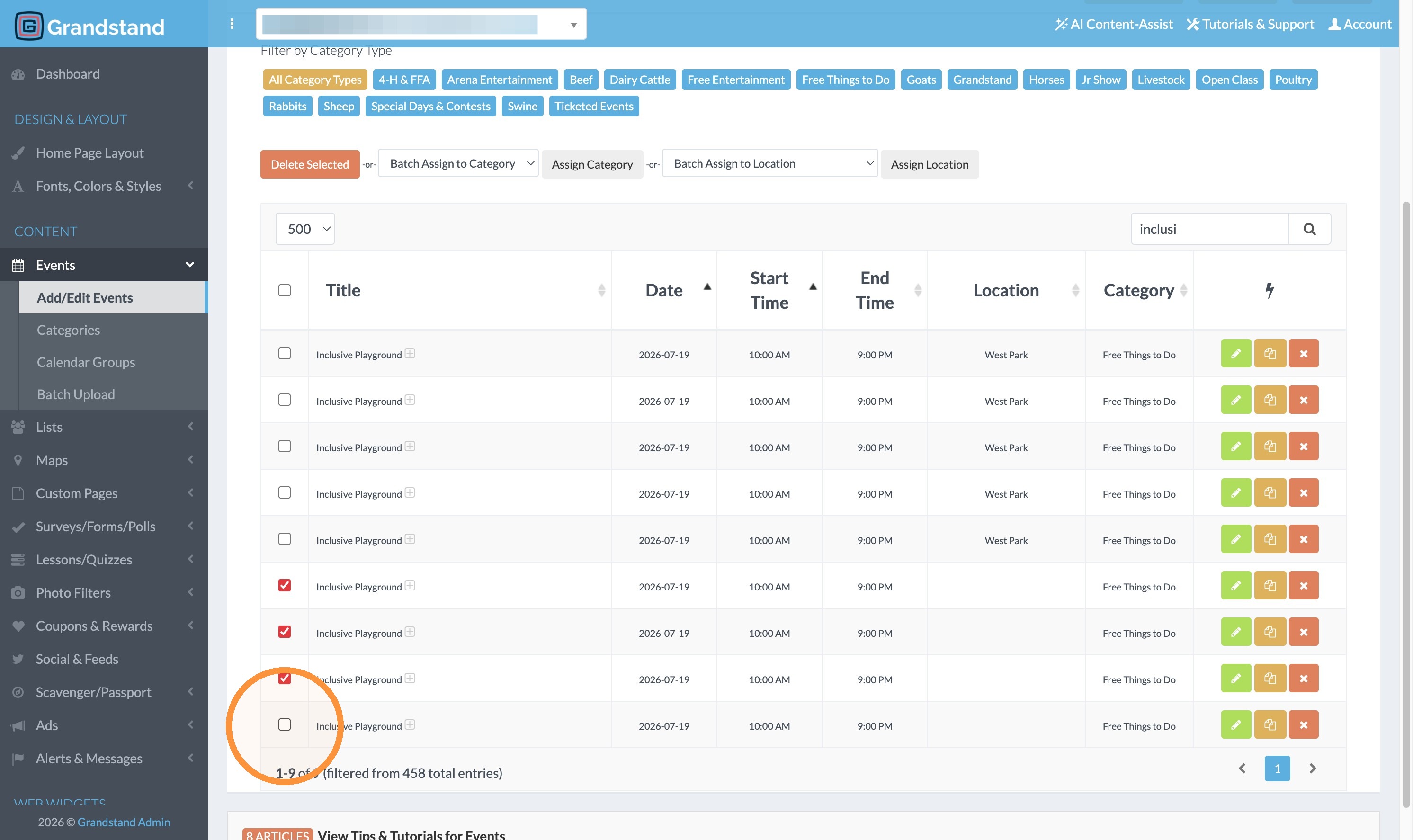
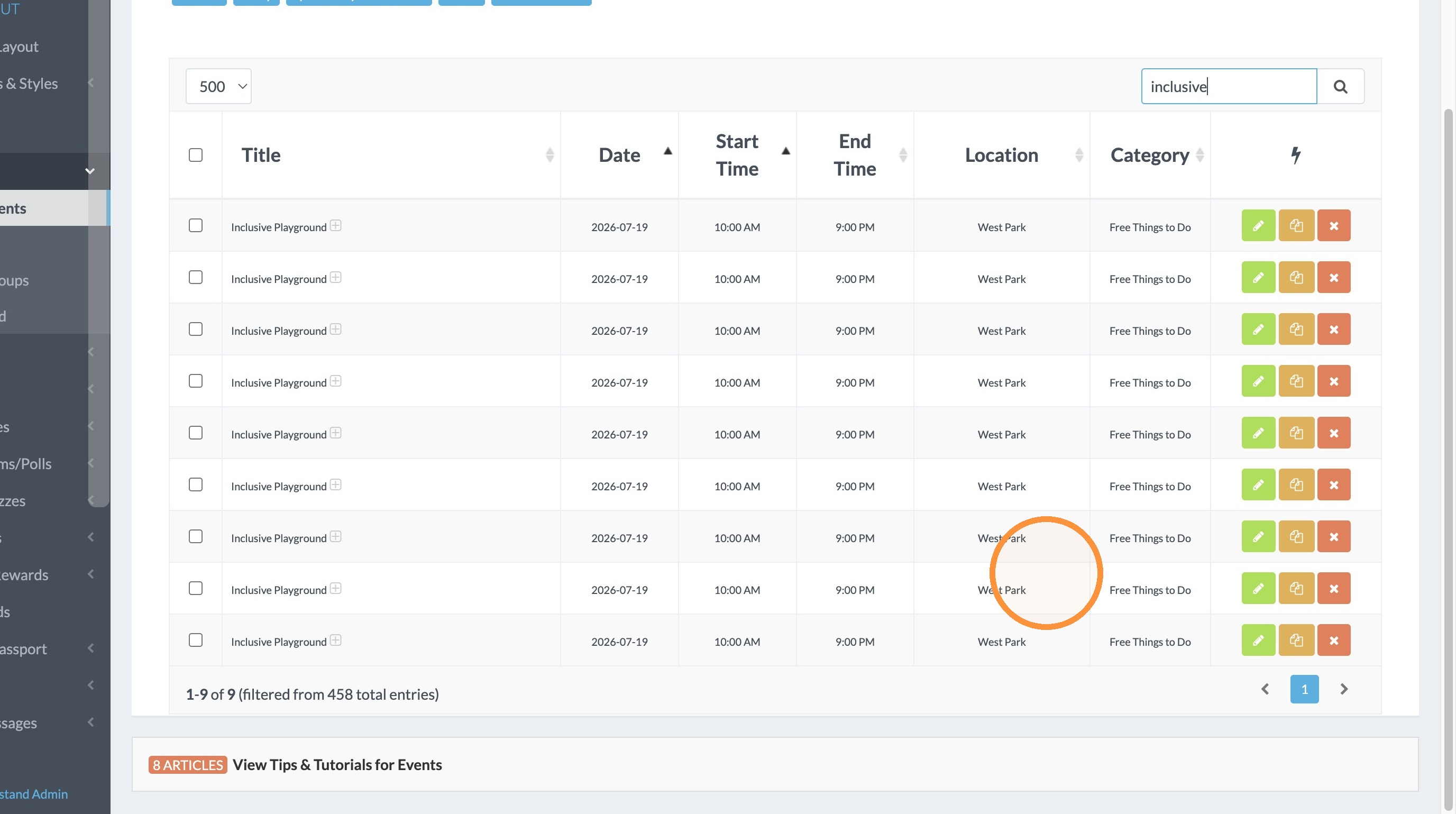
2. Click the checkbox for all of the events you would like to add to a single location.
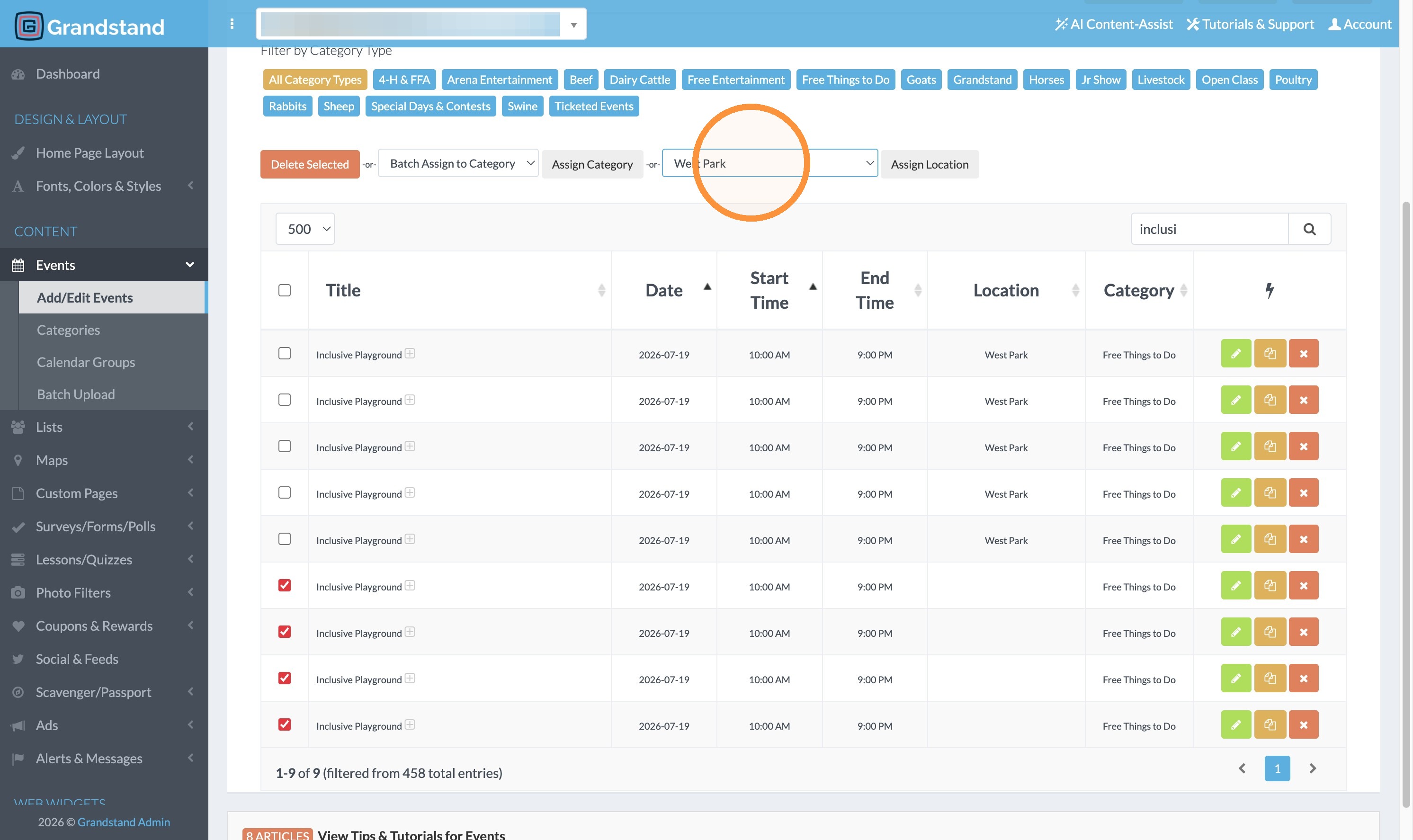
3. Select the location from the dropdown menu for the Assign Location option.
4. Click "Assign Location"
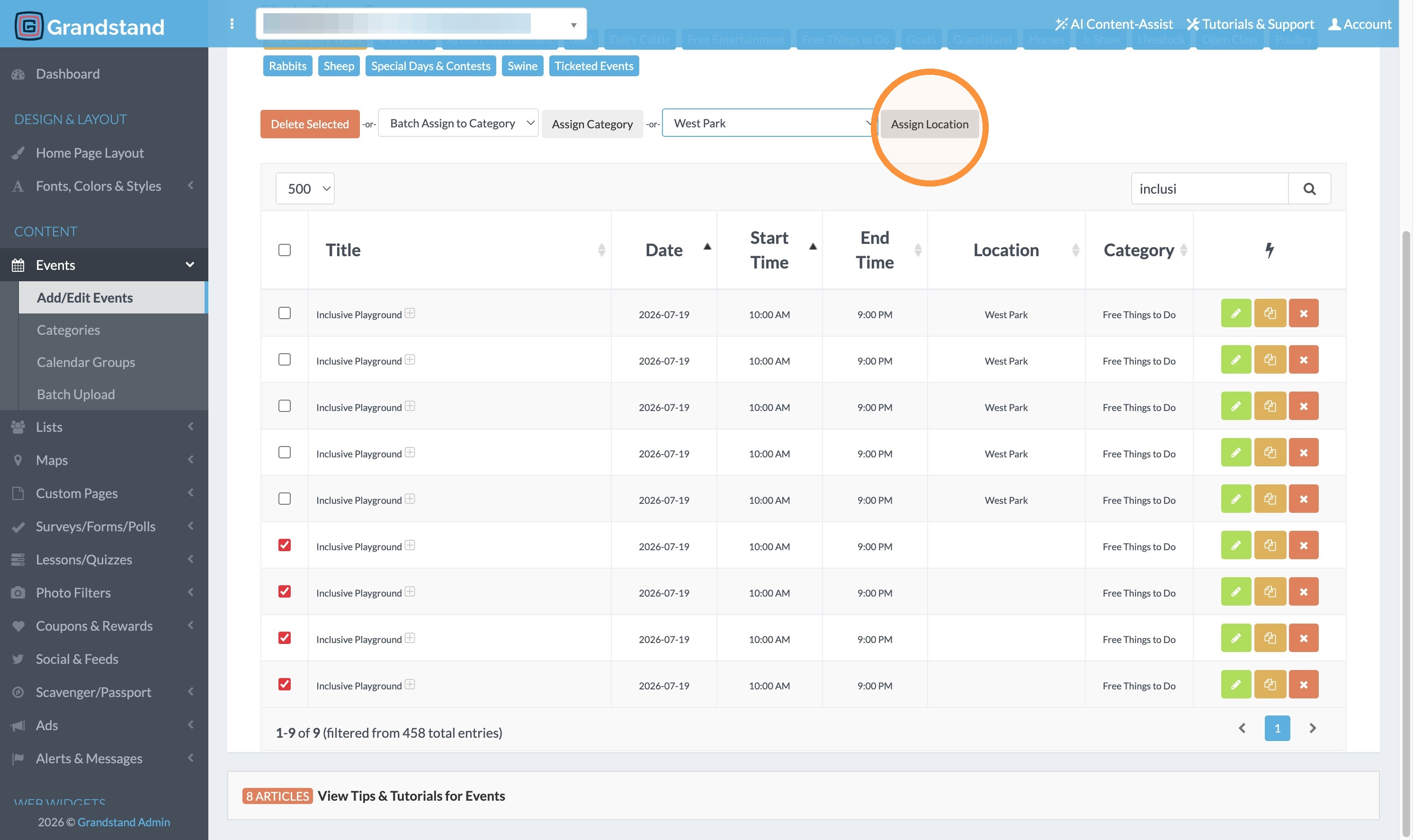
5. Now all of the Inclusive Playground times show the correct location of West Park.
Events