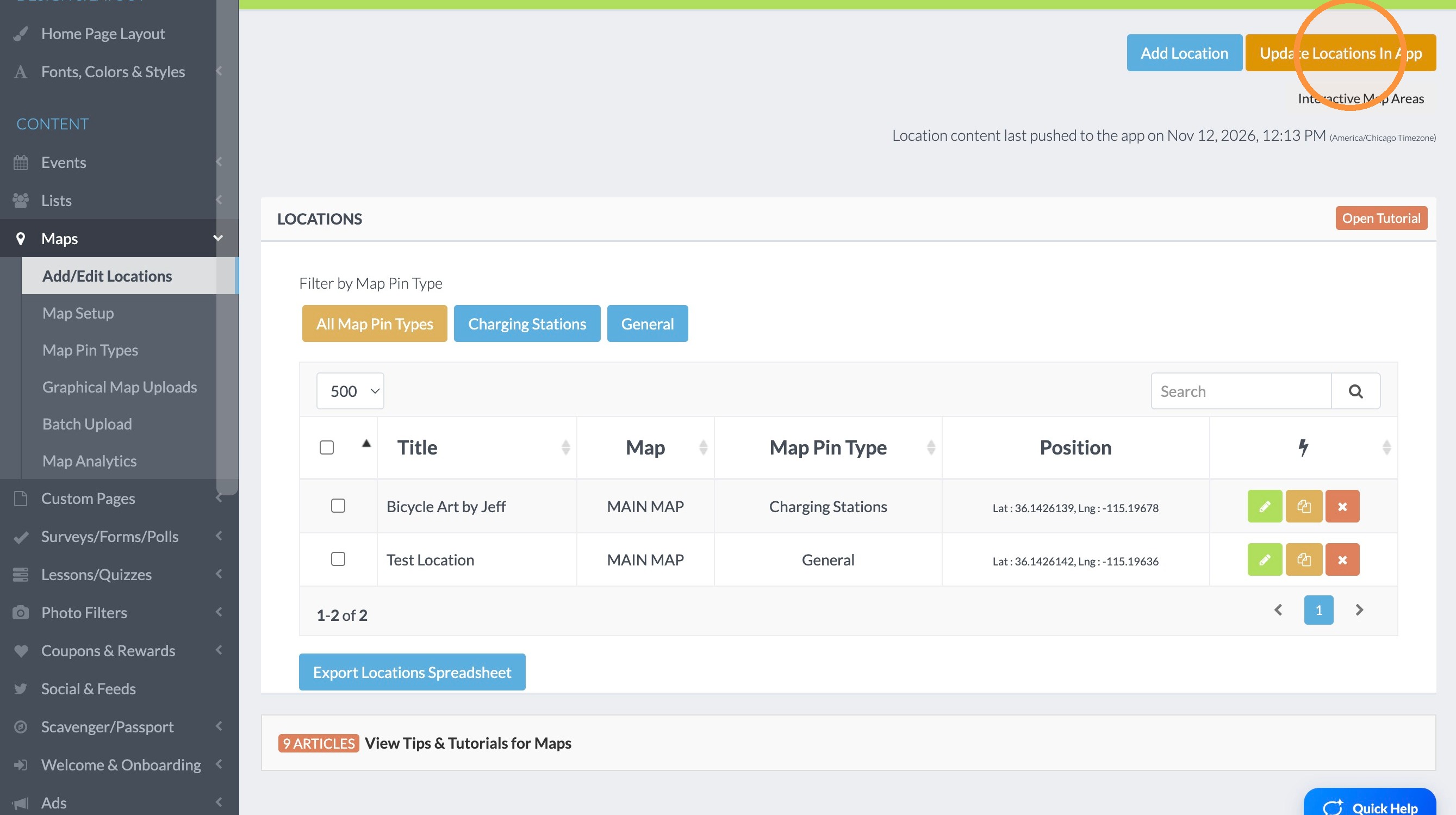
Things change year to year, and locations at your event are different. If you find a tent or activity has changed places at your event, you will have to go into the map and change it. Rather than deleting the old one and adding a new one, the easiest way to do it is Editing the current location. Just follow the steps below.
1. Click "Add/Edit Locations"
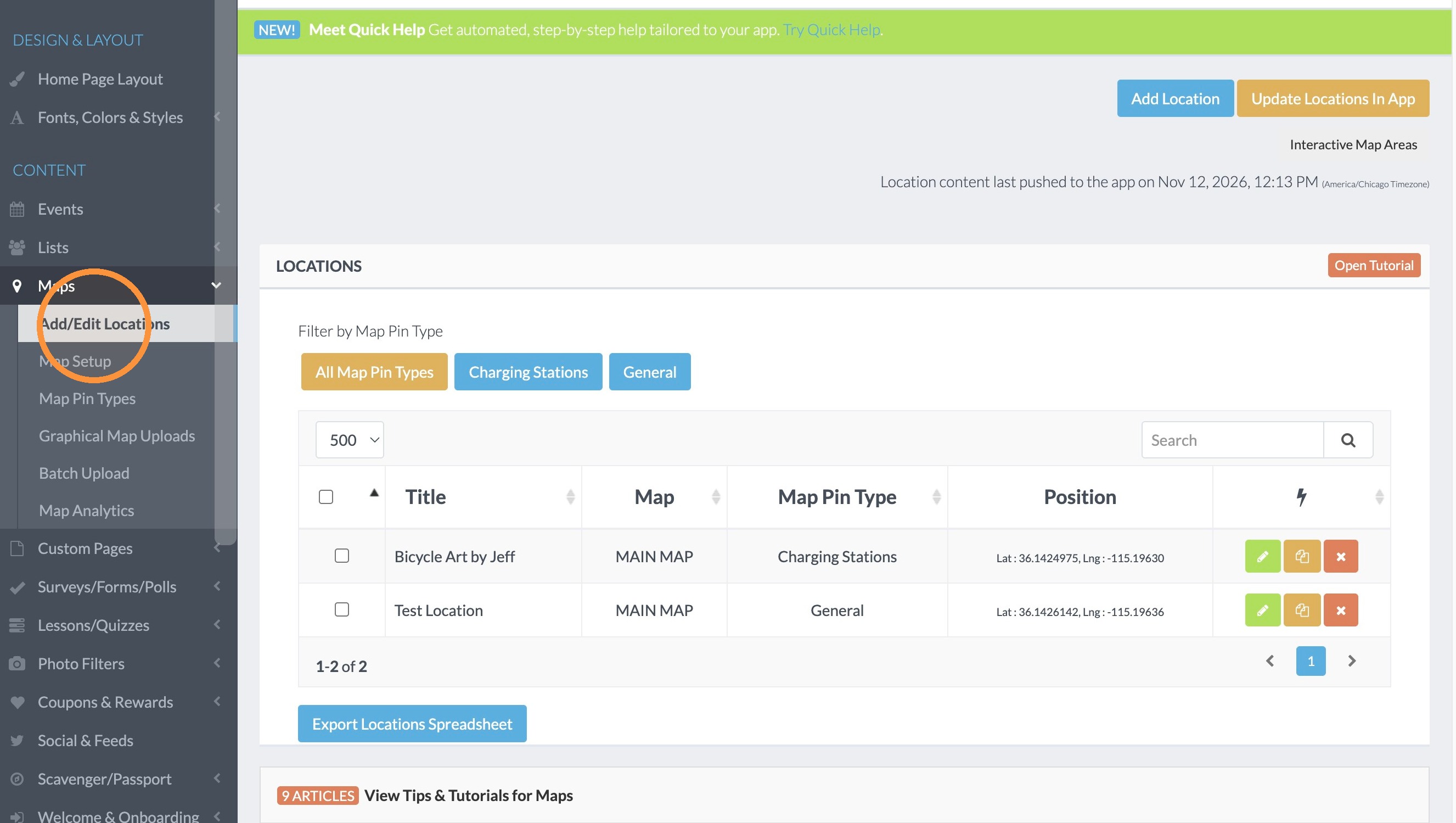
Location Editing
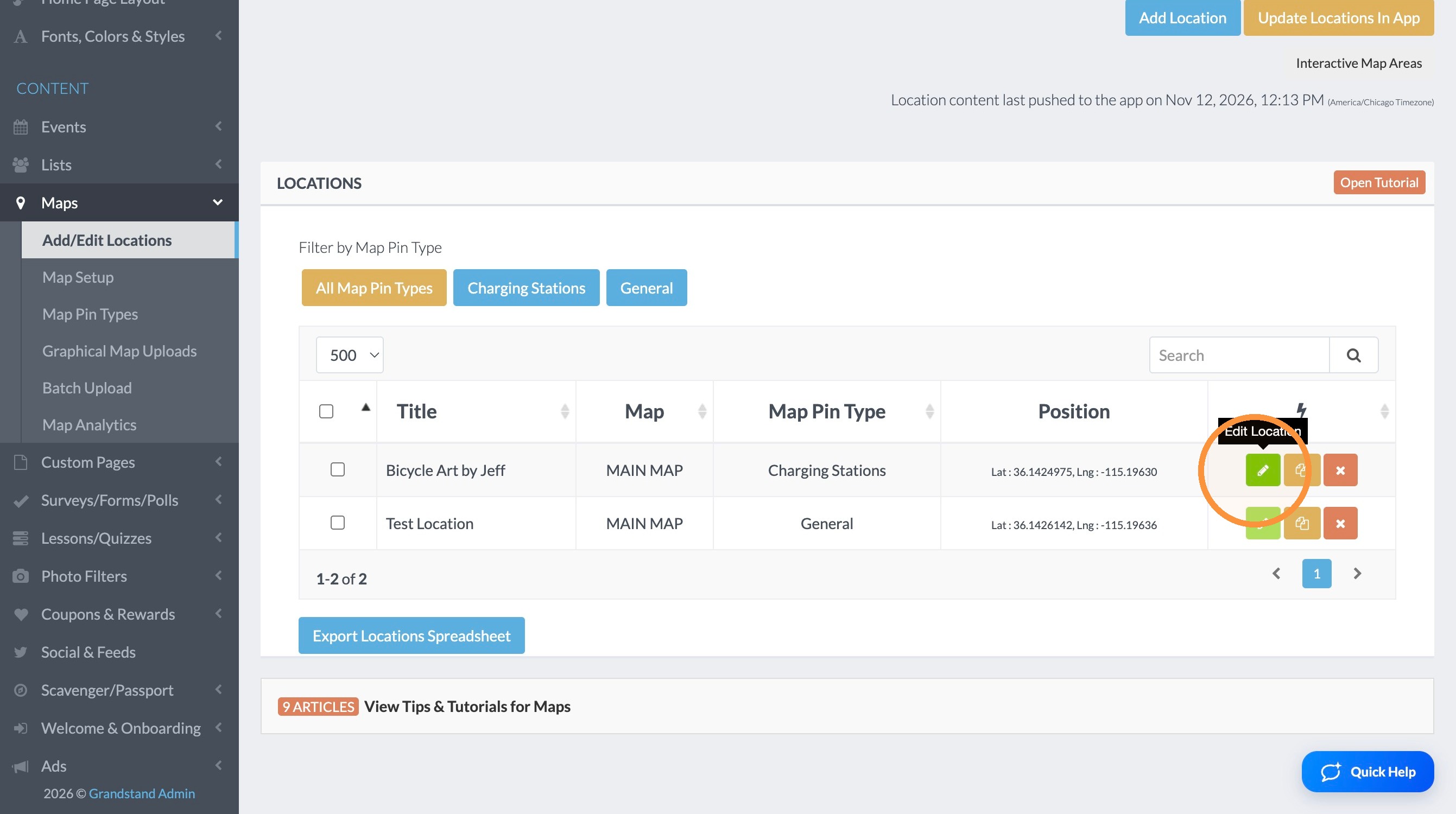
2. Click the green edit button next to the location you want to update.
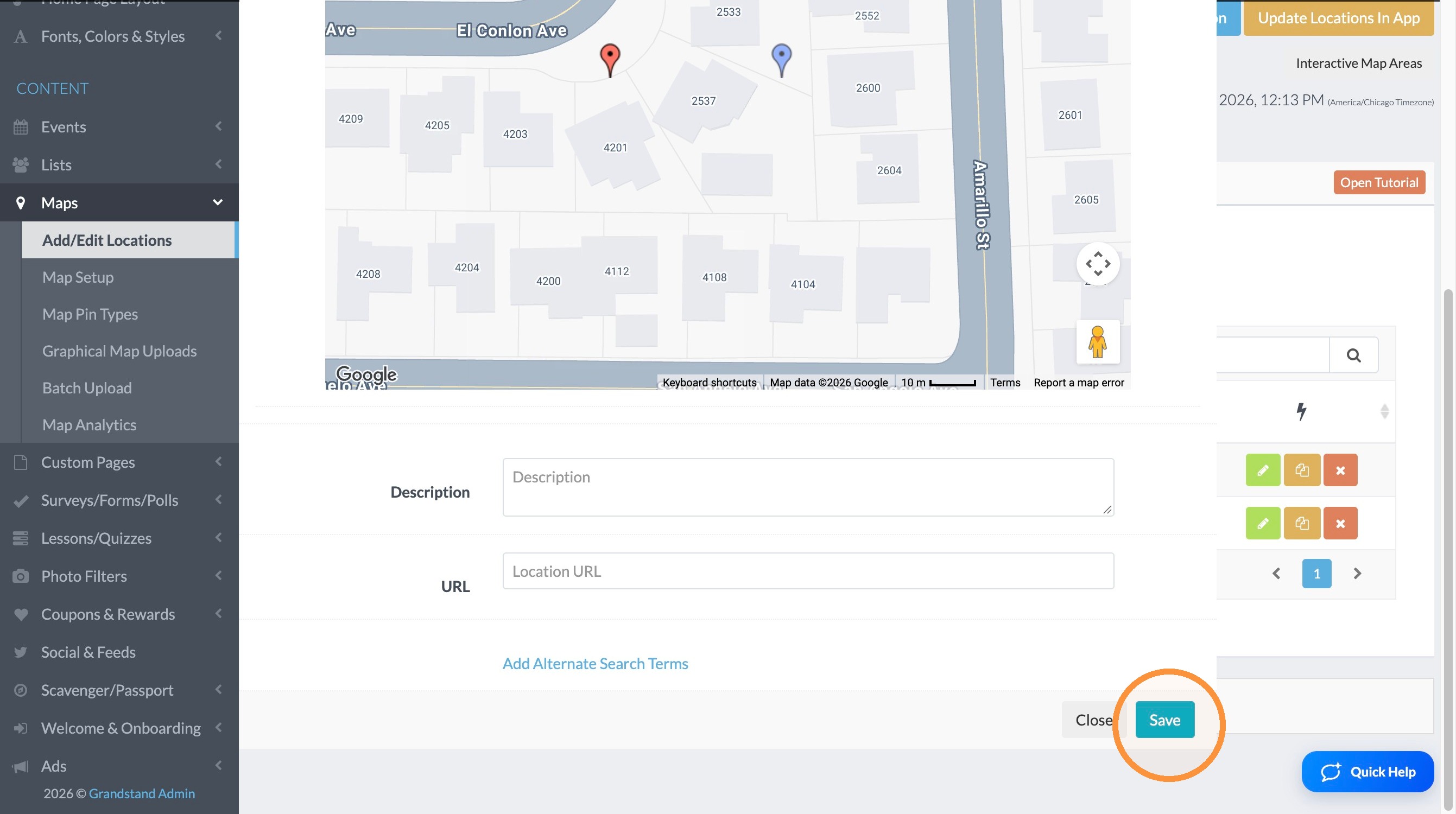
3. Change the location you want the location to be by adjusting the latitude & longitude, including the address and clicking convert or clicking on the map in the correct location (graphic maps will only allow clicking on the map location).
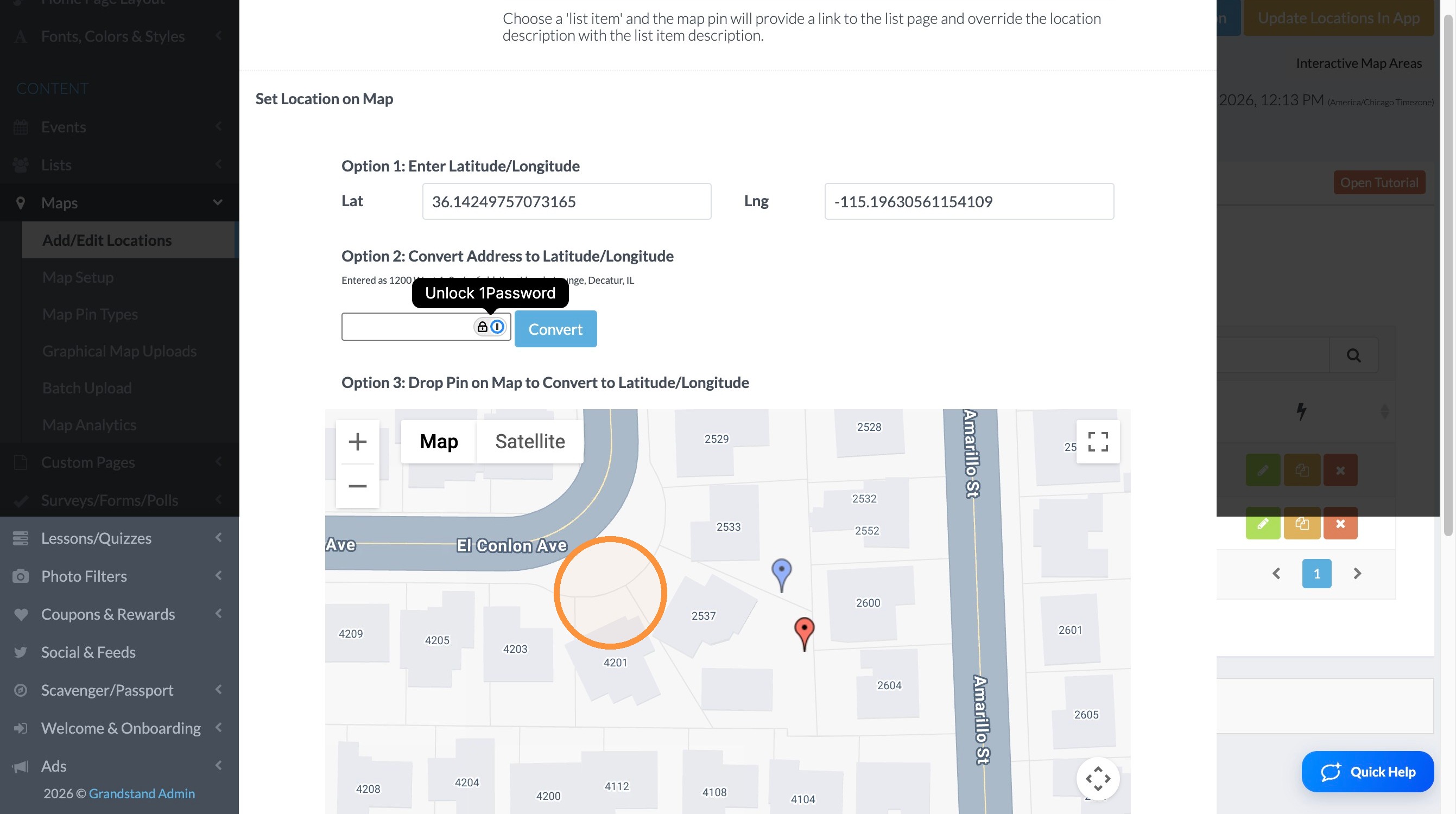
Save Changes
4. Click "Save"
Publish Update
5. Click "Update Locations In App"