1. Log in to the Admin at https://grandstandapps.com/admin
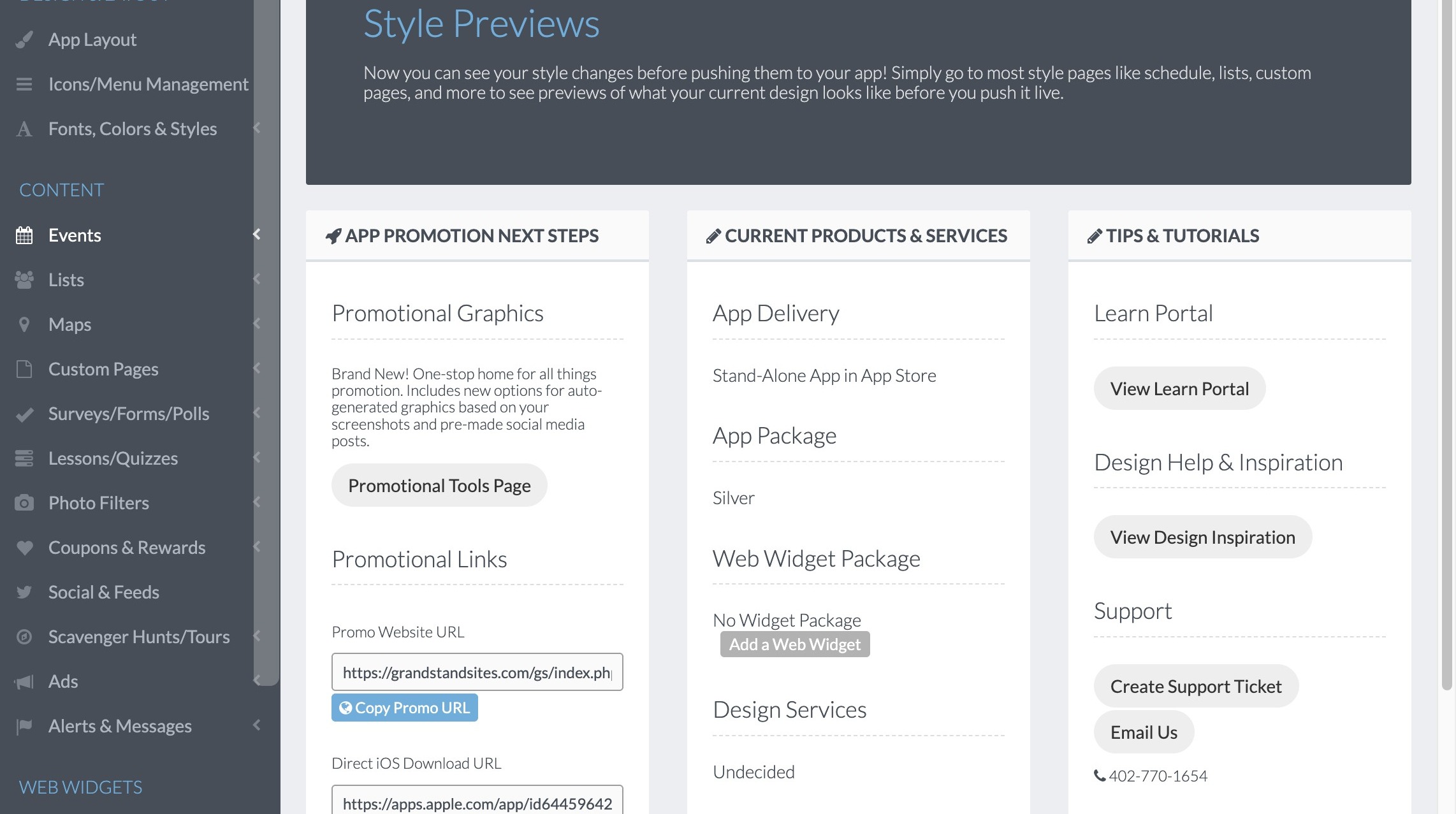
2. Click "Events"
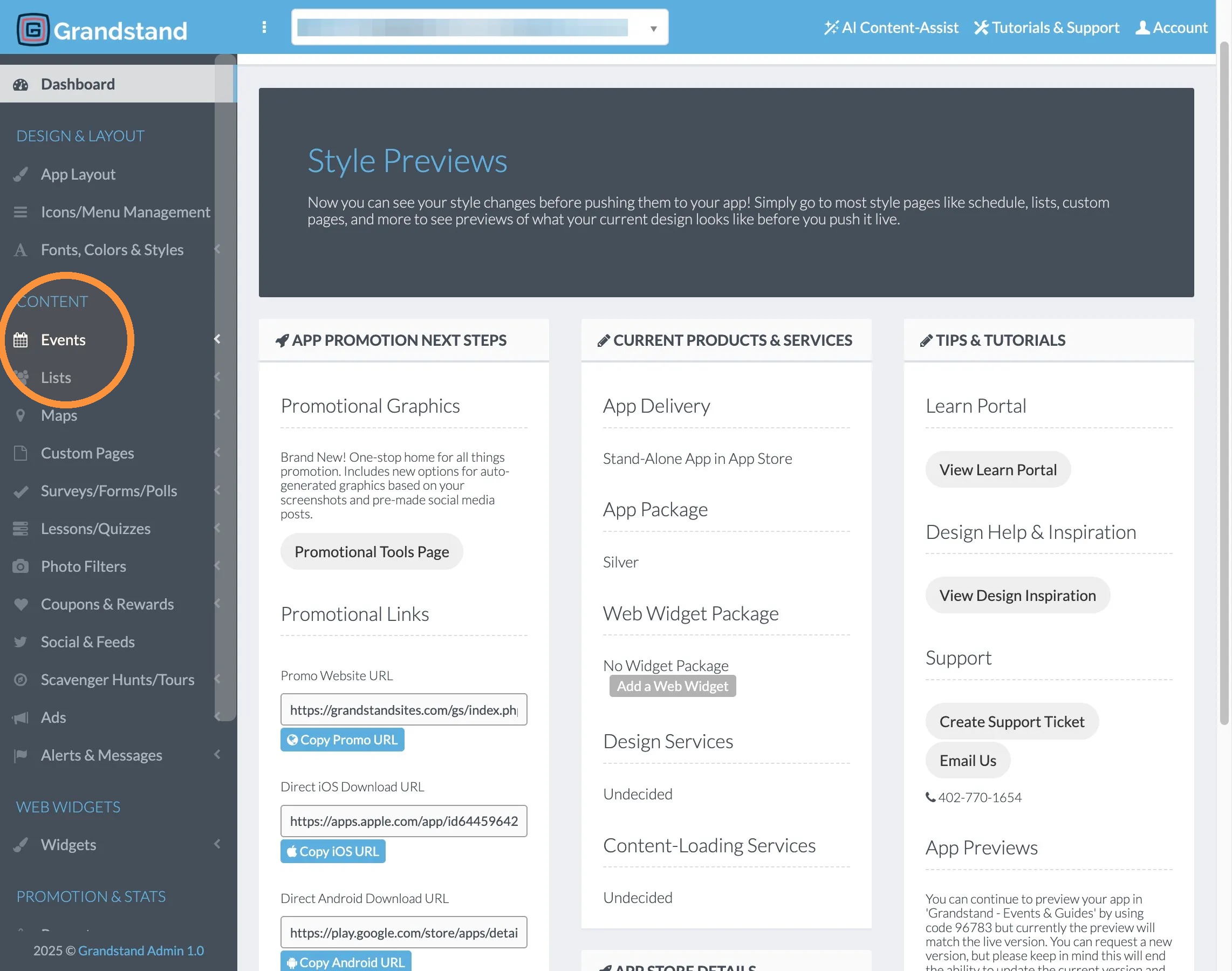
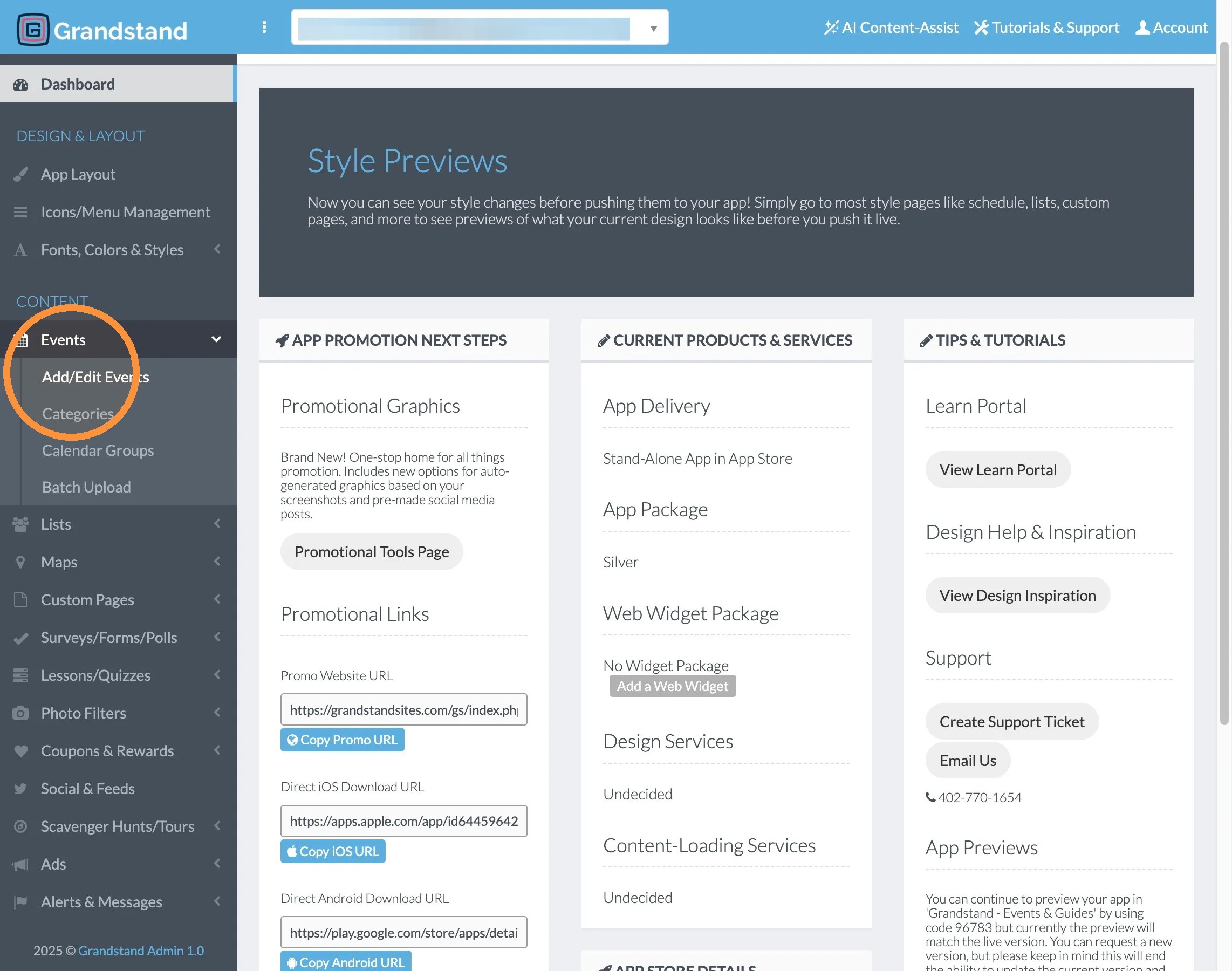
3. Click "Add/Edit Events"
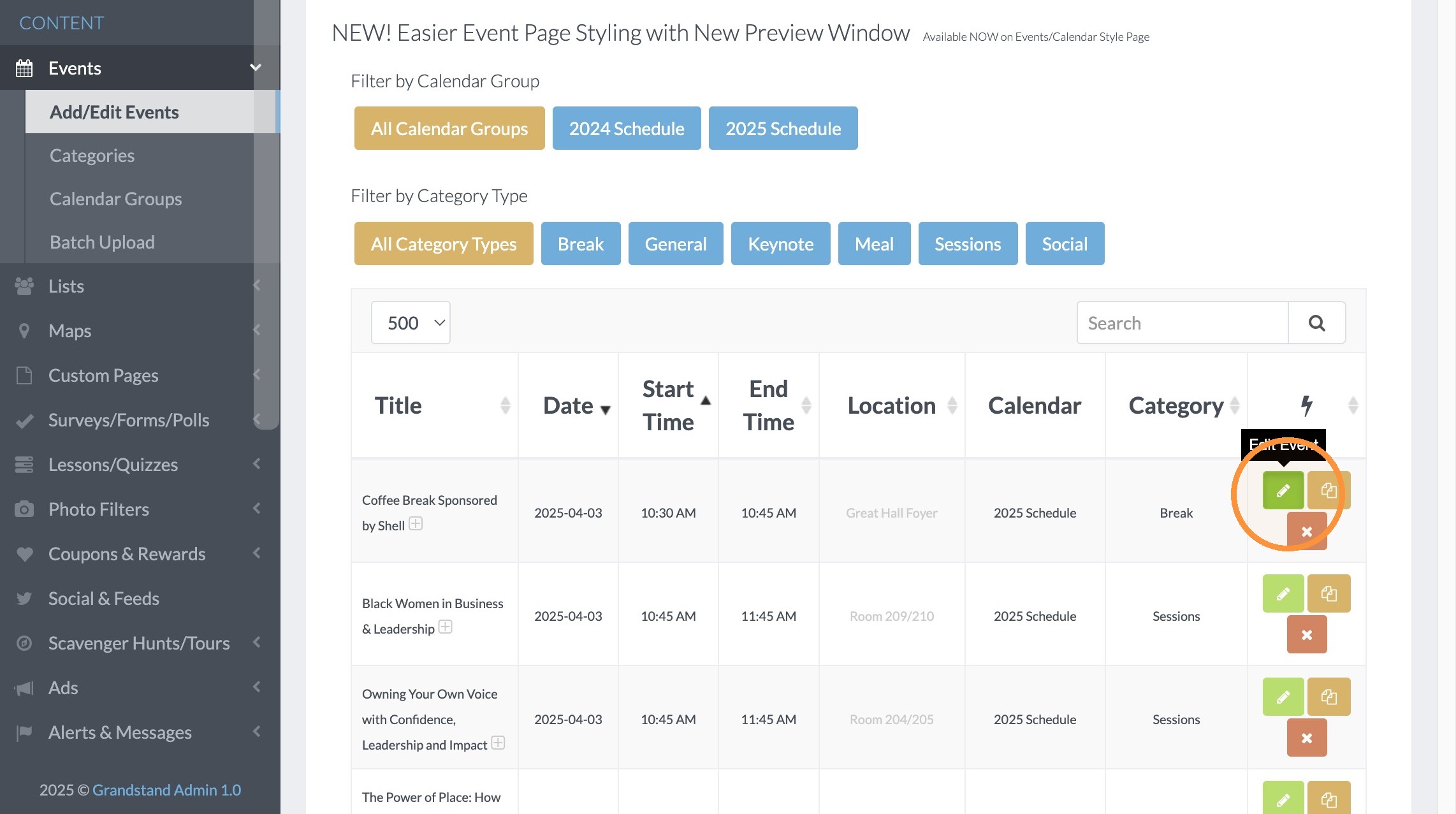
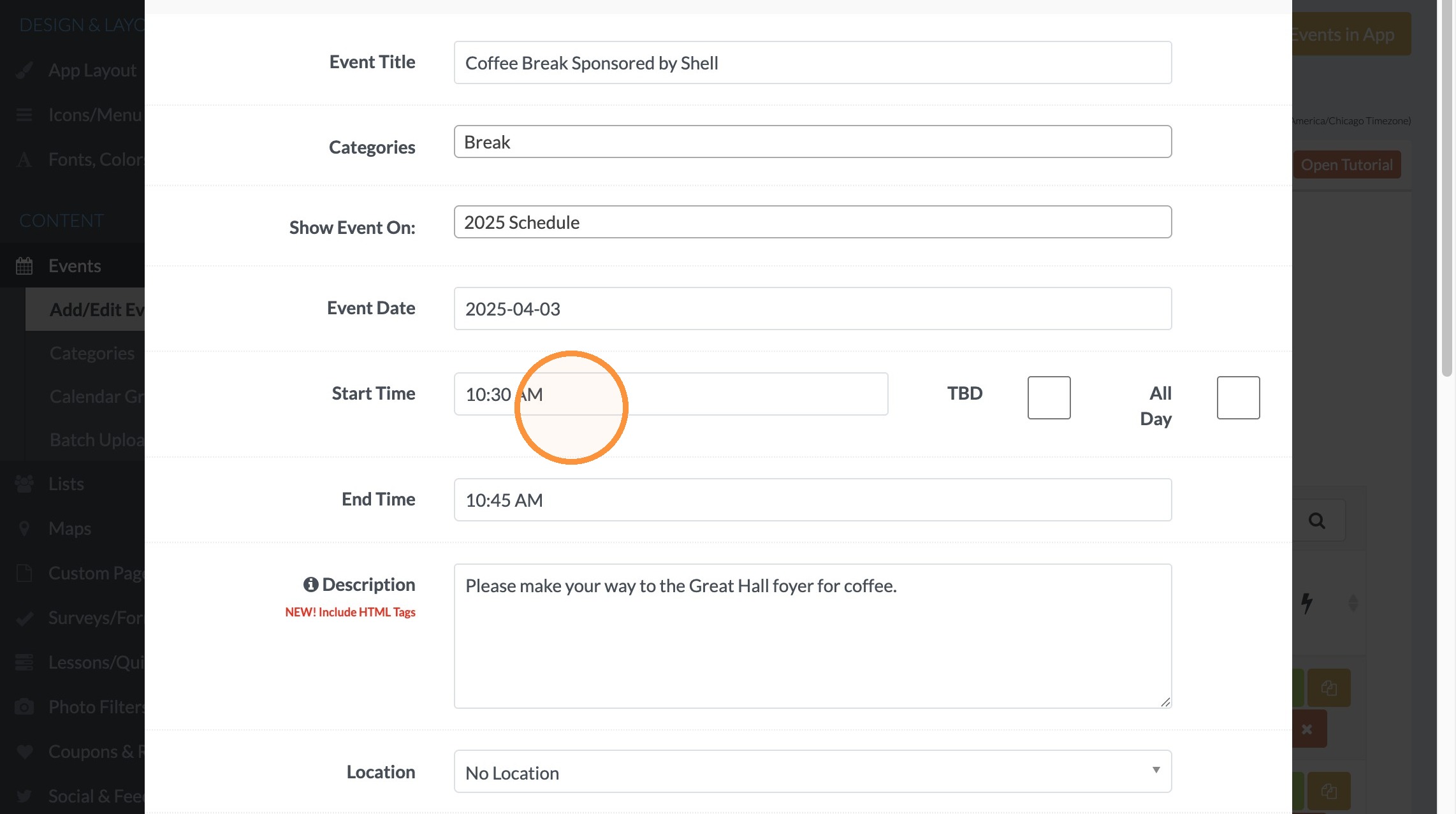
4. Click green edit button for the item you would like to edit.
5. Click the fields you would like to edit and adjust them.
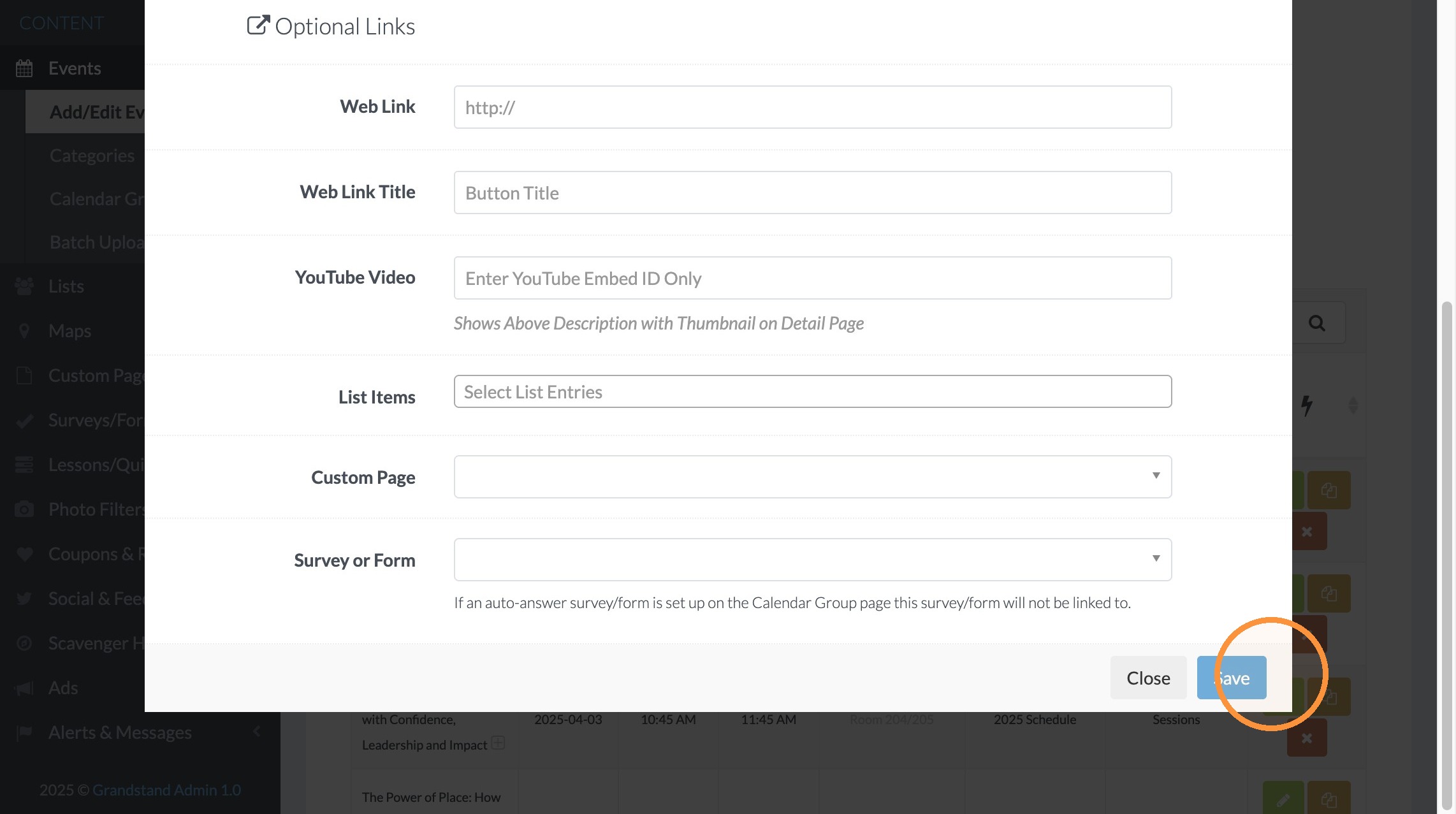
6. Click Save.
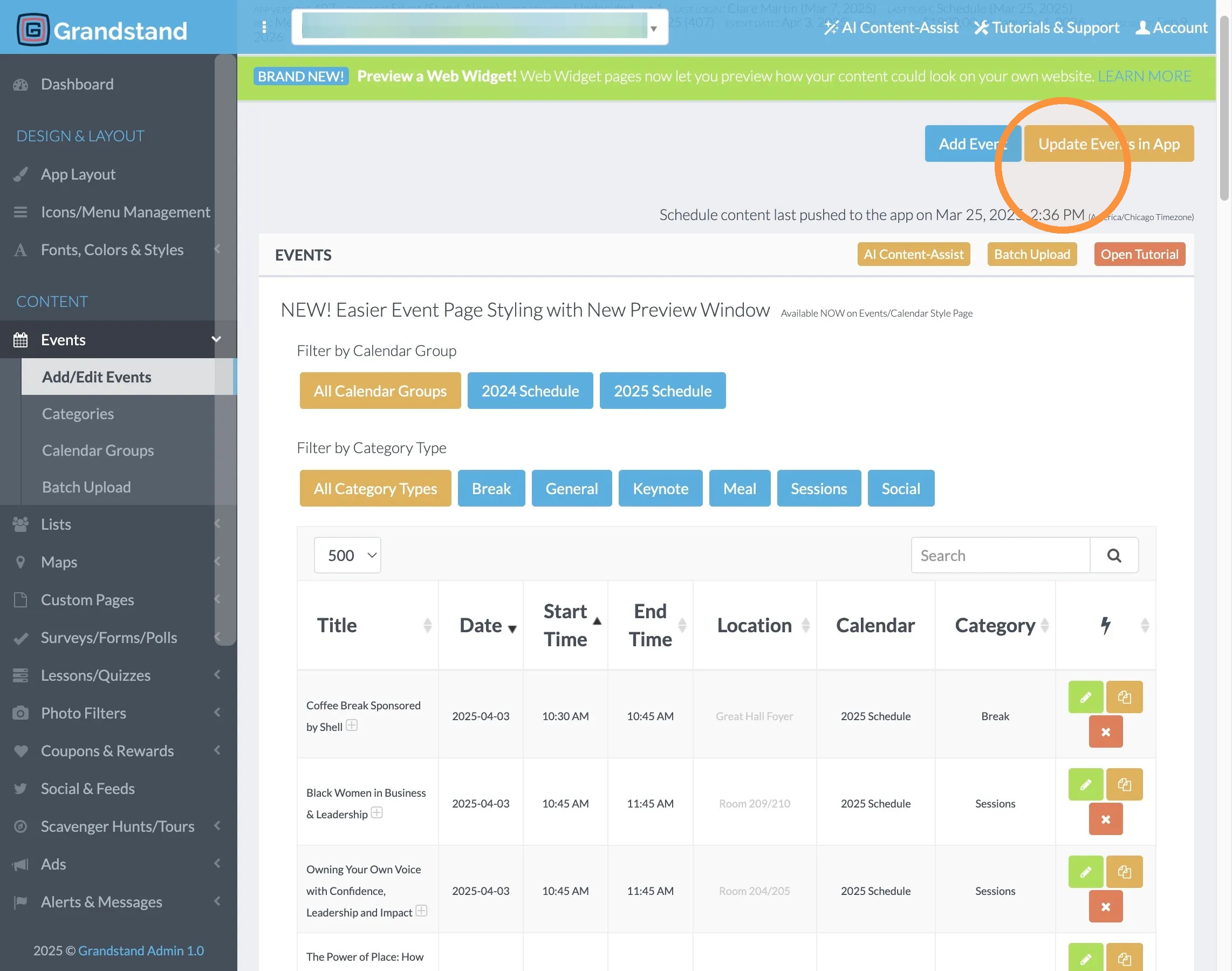
7. Click Update Events in App.
Events