You may want to use the previous year's schedule as a guide for the new schedule, or you might want to export the schedule from the app to be used as a pdf on your website. You can use our export tool to download it as an Excel File.
1. Login to grandstandapps.com/admin
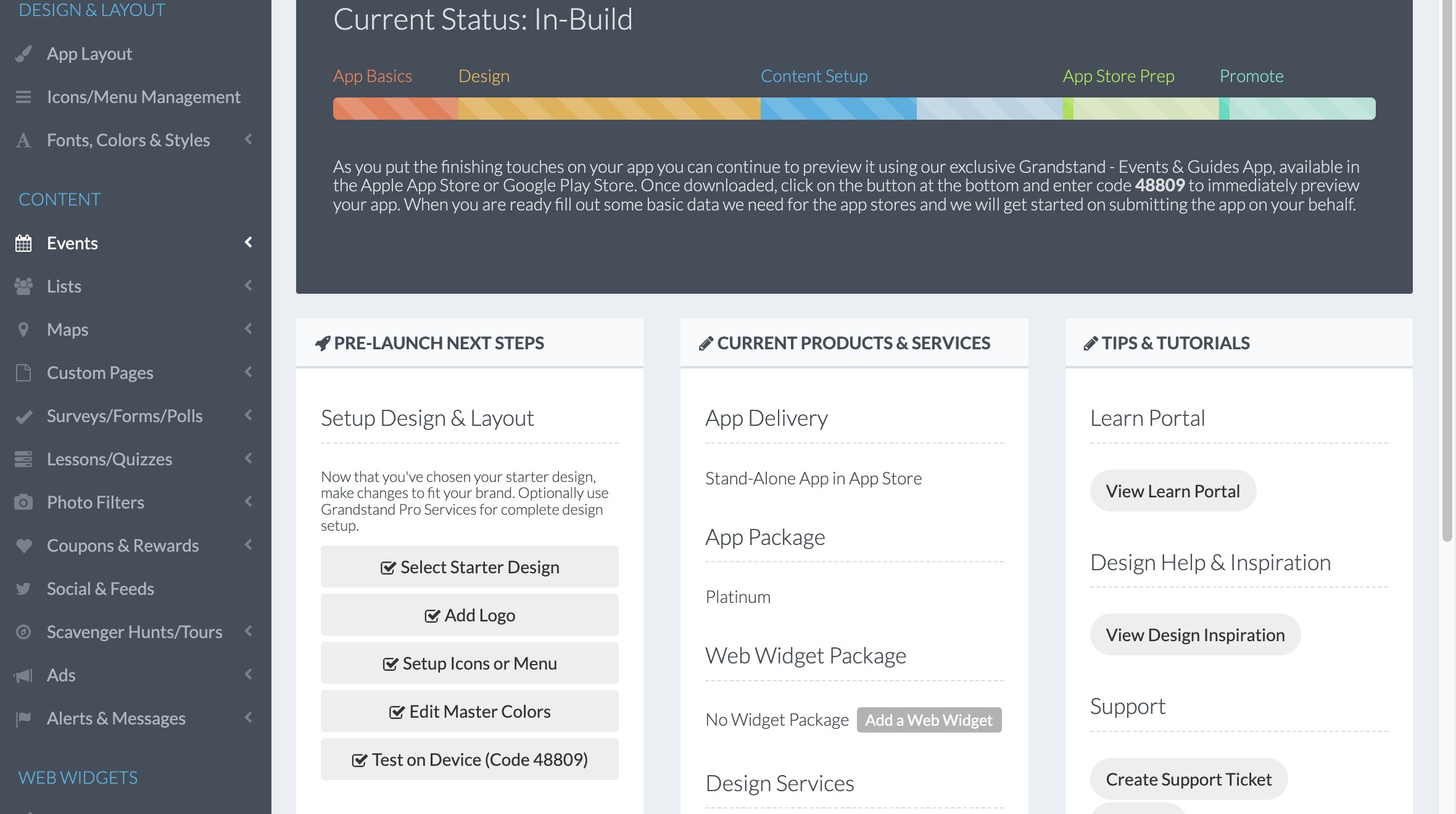
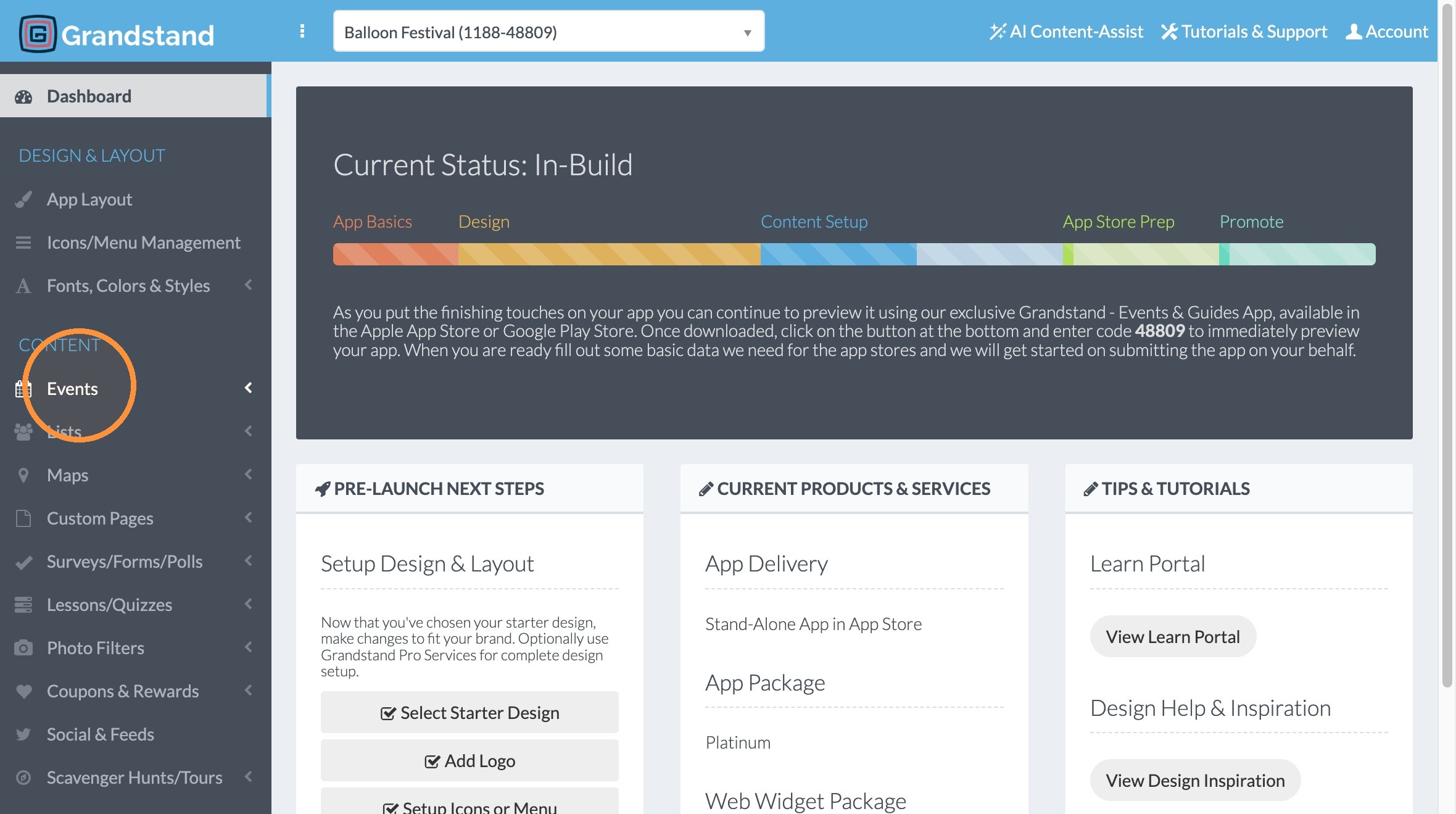
2. Click "Events"
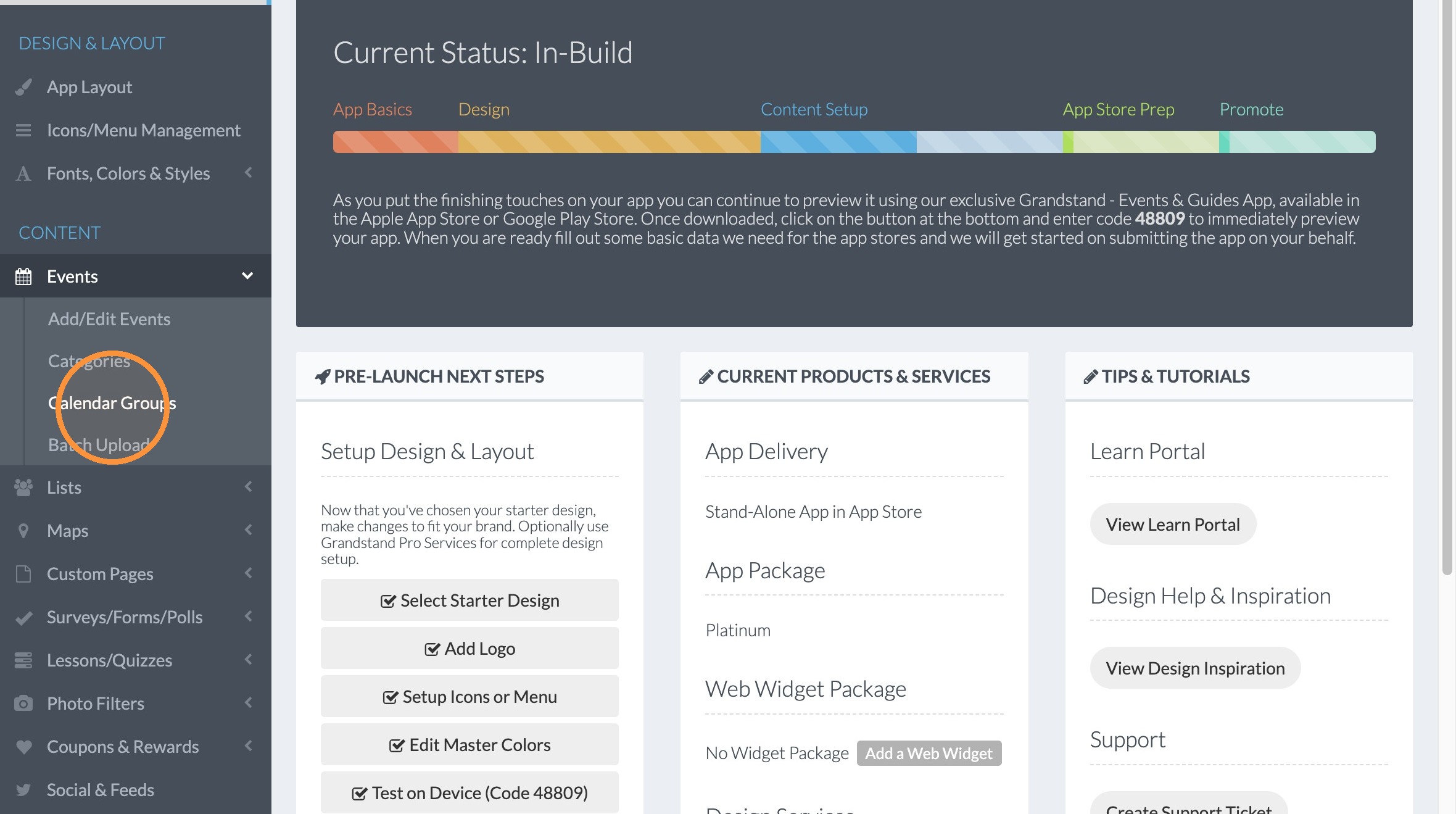
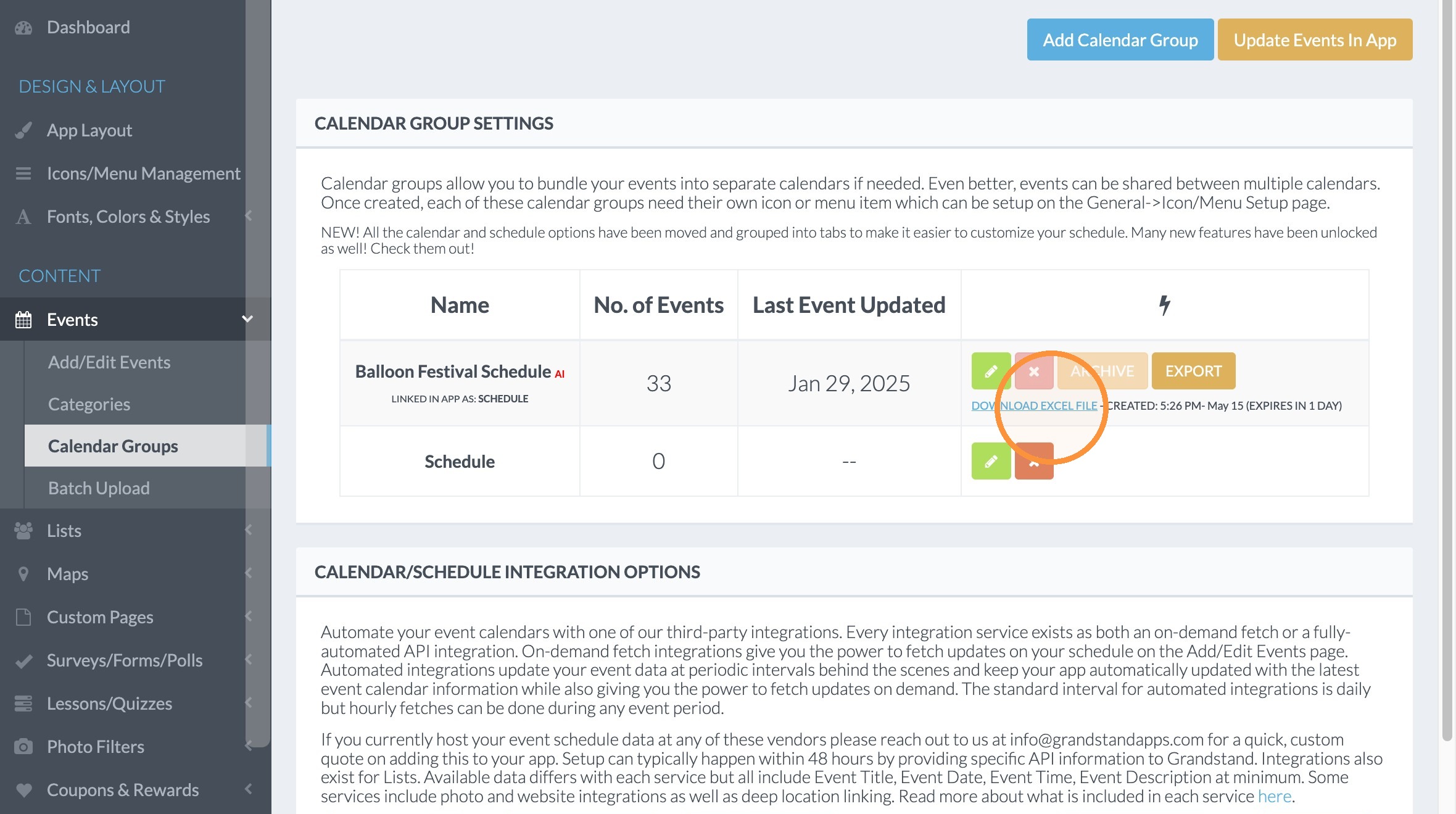
3. Click "Calendar Groups"
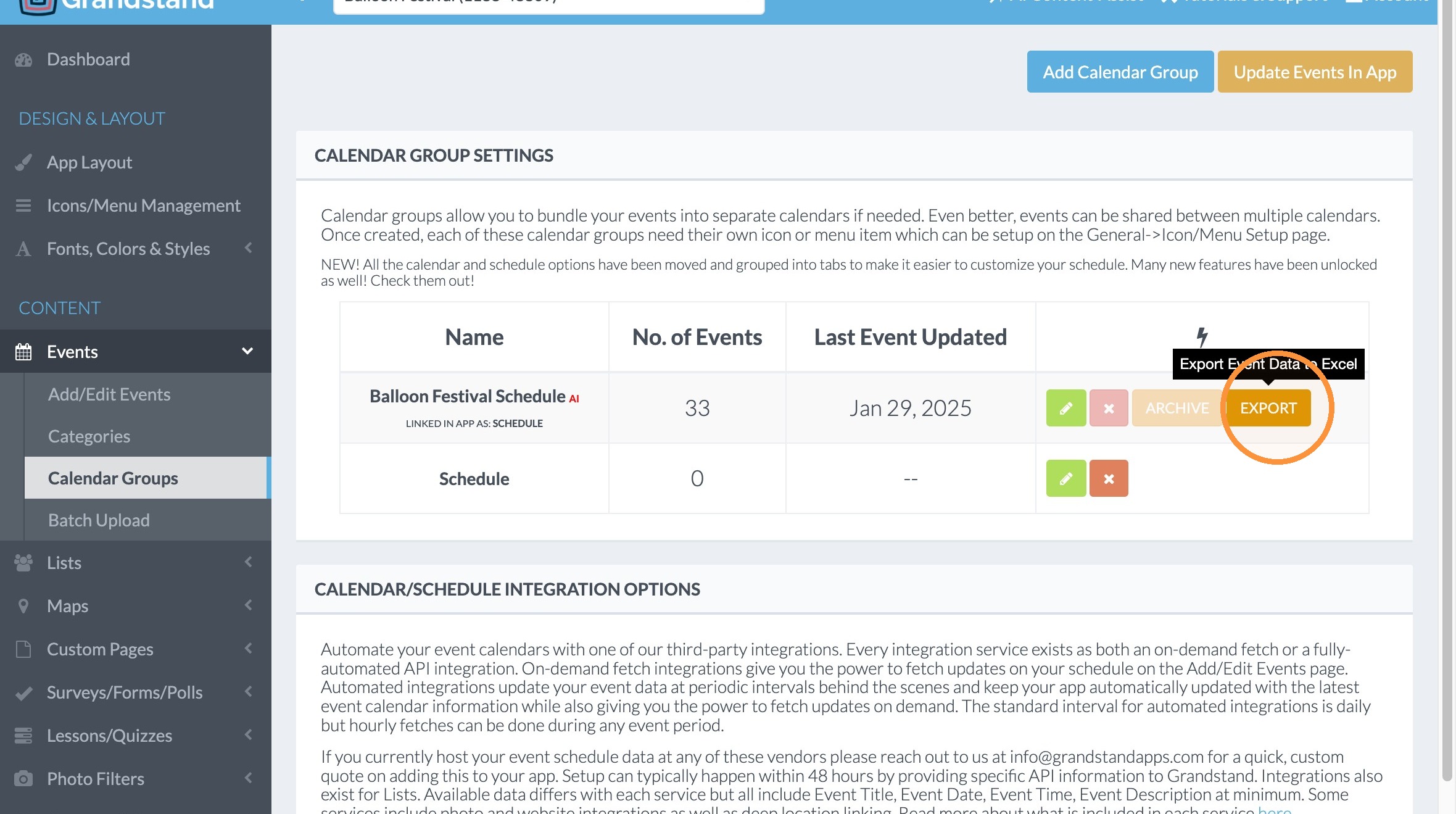
4. Click "EXPORT" for the schedule you would like download as an excel file.
5. Click "DOWNLOAD EXCEL FILE" and the file will be saved in your download folder. Please note that the file is downloaded as it is in that current time, if you make changes to the schedule you will have to redownload the file.
Events,Batch Upload