1. Login to grandstandapps.com/admin
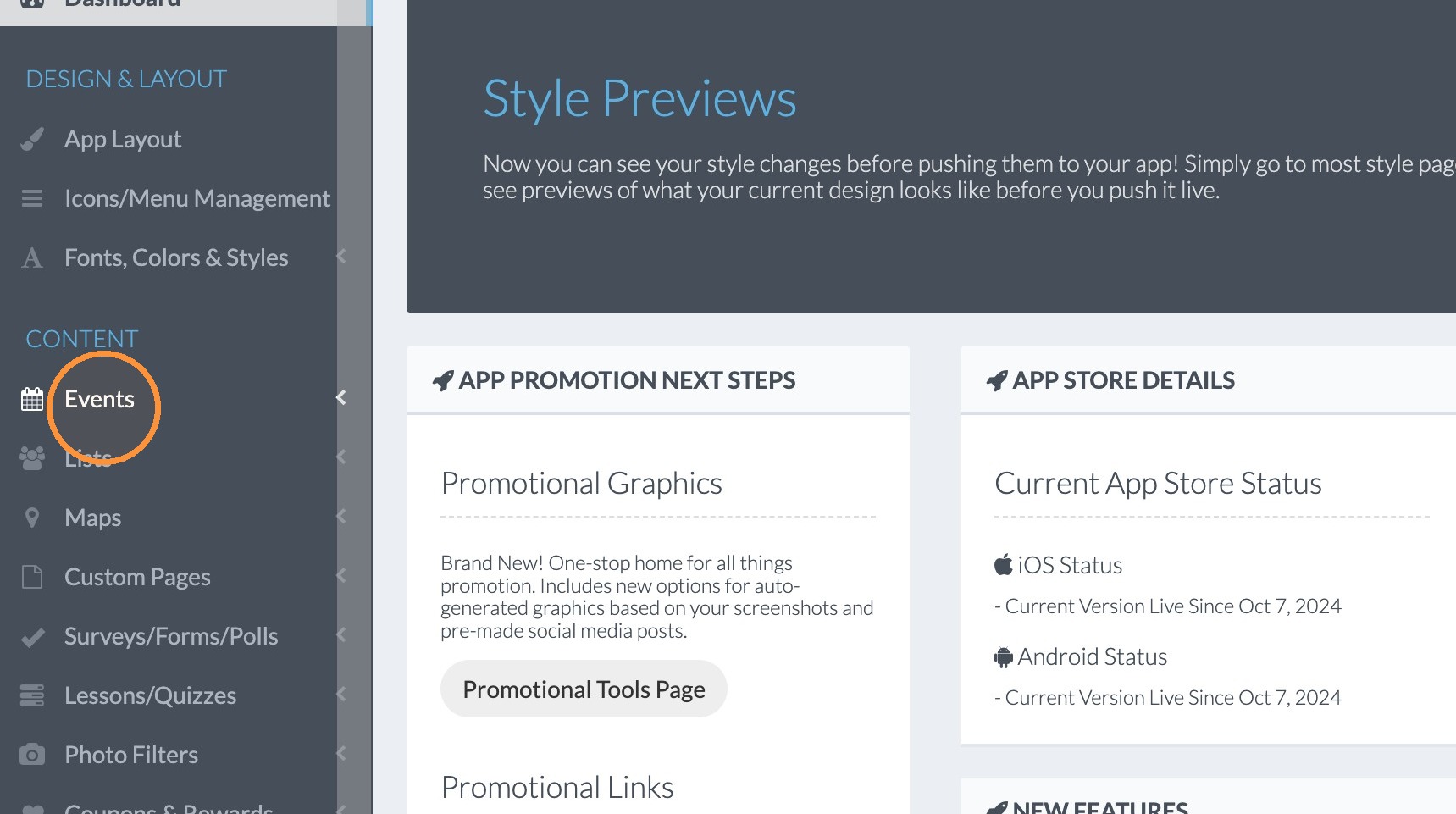
2. Click "Events"
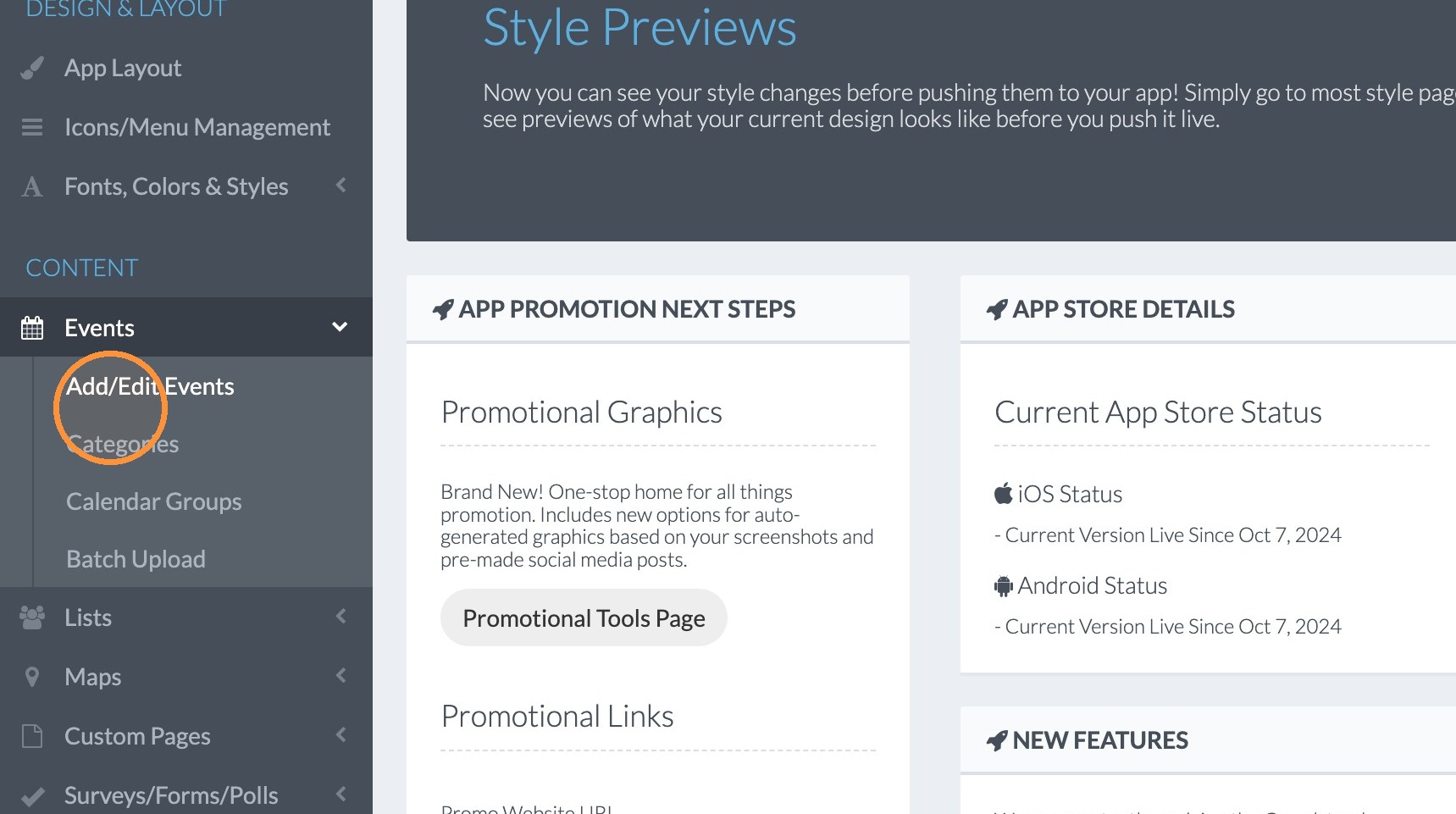
3. Click "Add/Edit Events"
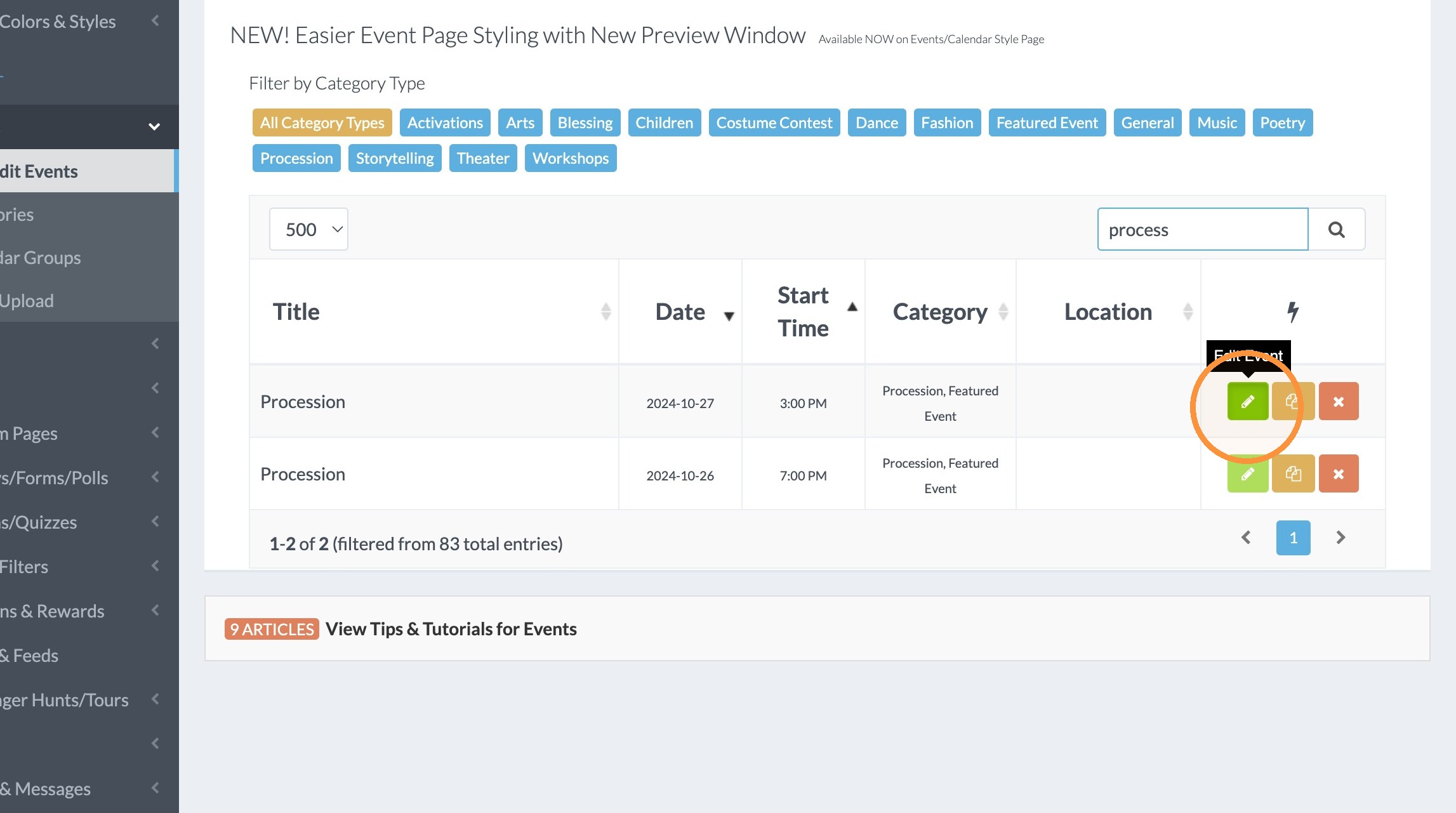
4. Click the green edit button next to the event you would like to edit.
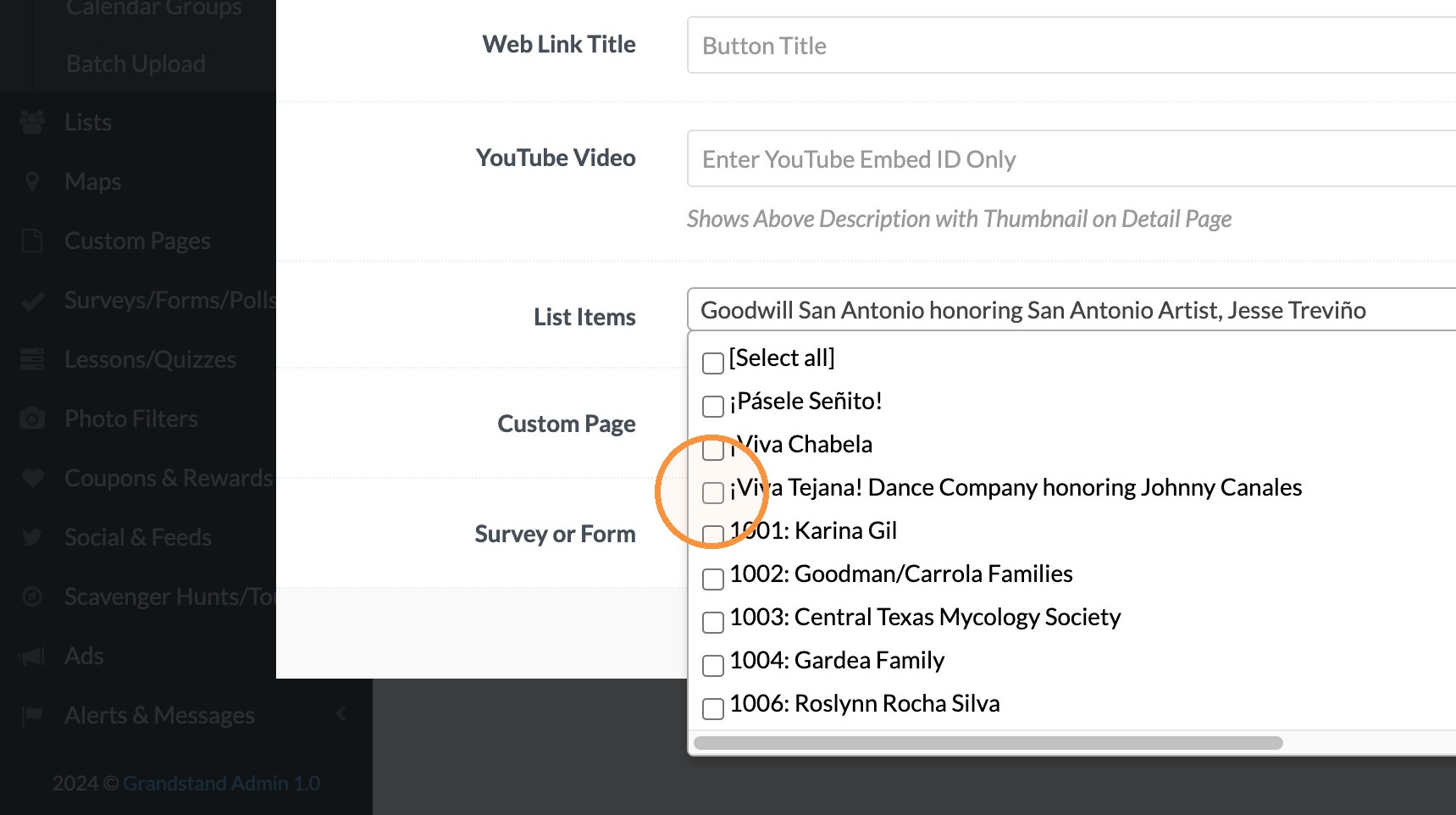
5. Click on the drop down menu for "List Items"
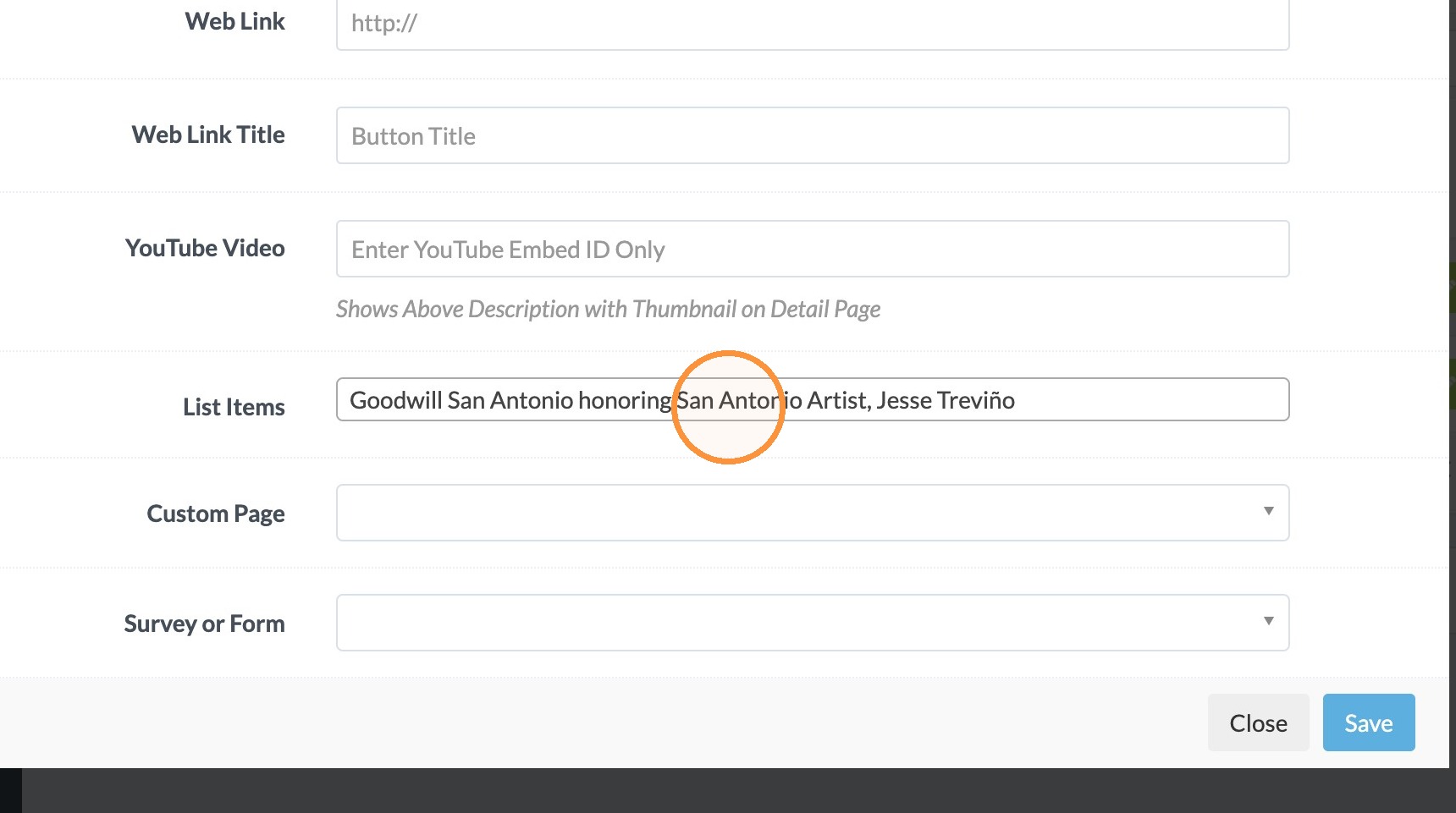
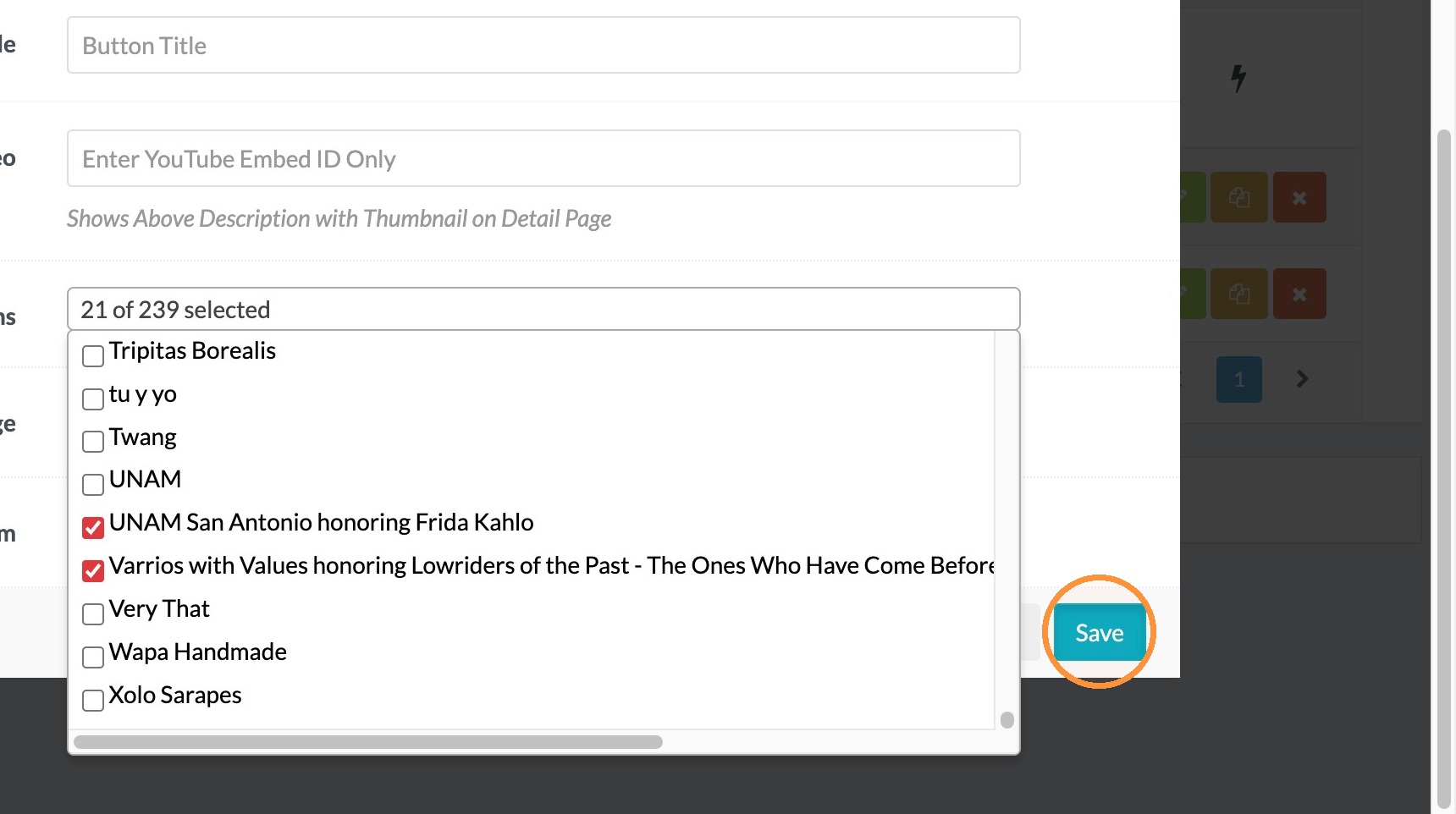
6. Select the list item names for the performers or list items that should be associated with that event. You can select multiple items.
7. Click "Save"
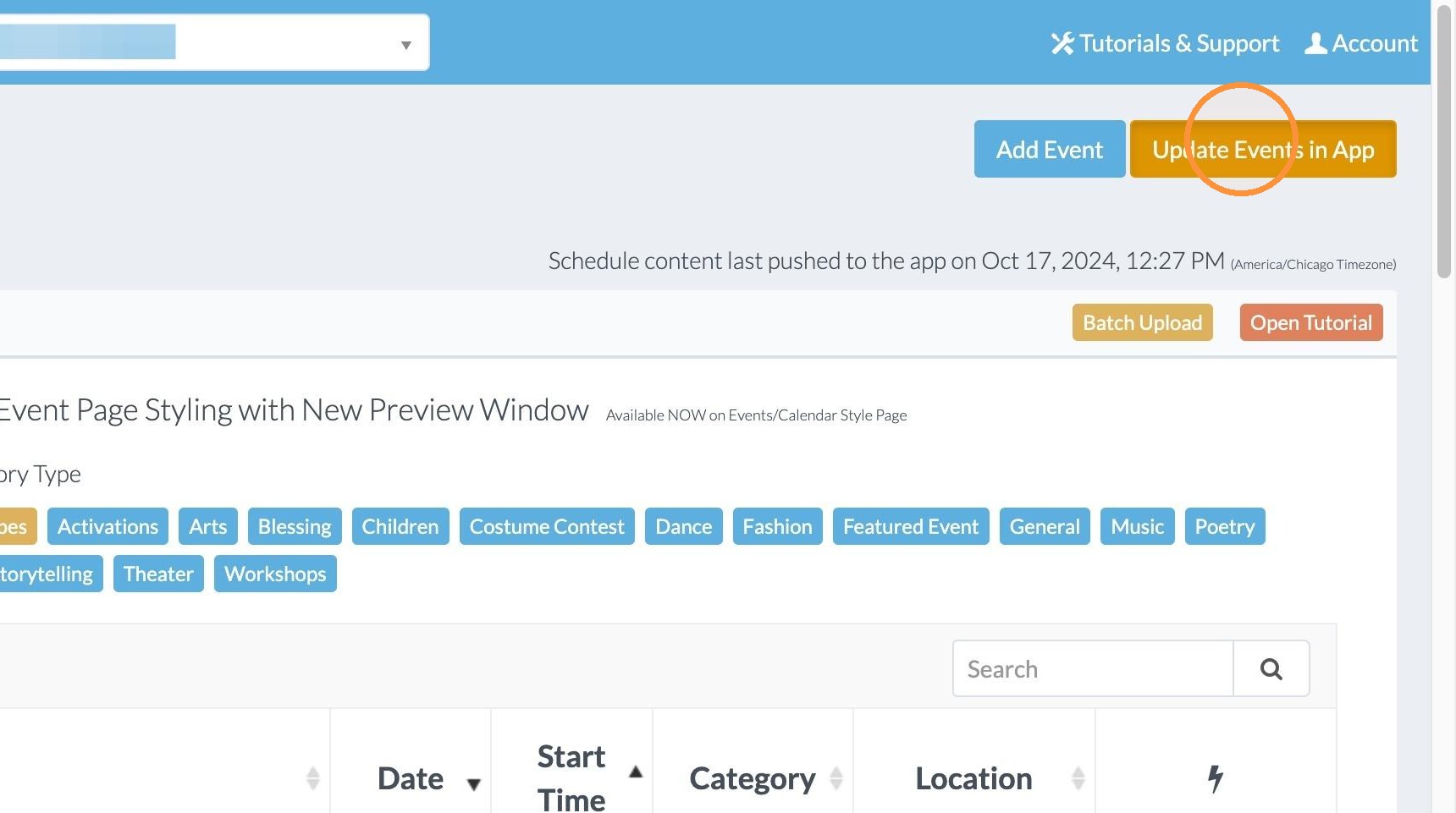
8. Click "Update Events in App"
Events,Lists