You may want to collect info before unlocking a coupon. Your app users will be required to fill out your form before they get the redemption message on the reward. Examples are: - Coupon worth $15 off a $30 purchase and want to require collection of the user's email before redeeming this coupon since it is of high value. - A scavenger hunt where participants names are drawn for a large prize. In this case you would have a coupon unlocked upon completion of the hunt.
Set up Form to Collect Info
1. First, set up the survey that you will use to collect contact information. Instructions can be found here: https://grandstandapps.com/learn/survey-create
Set up Coupon
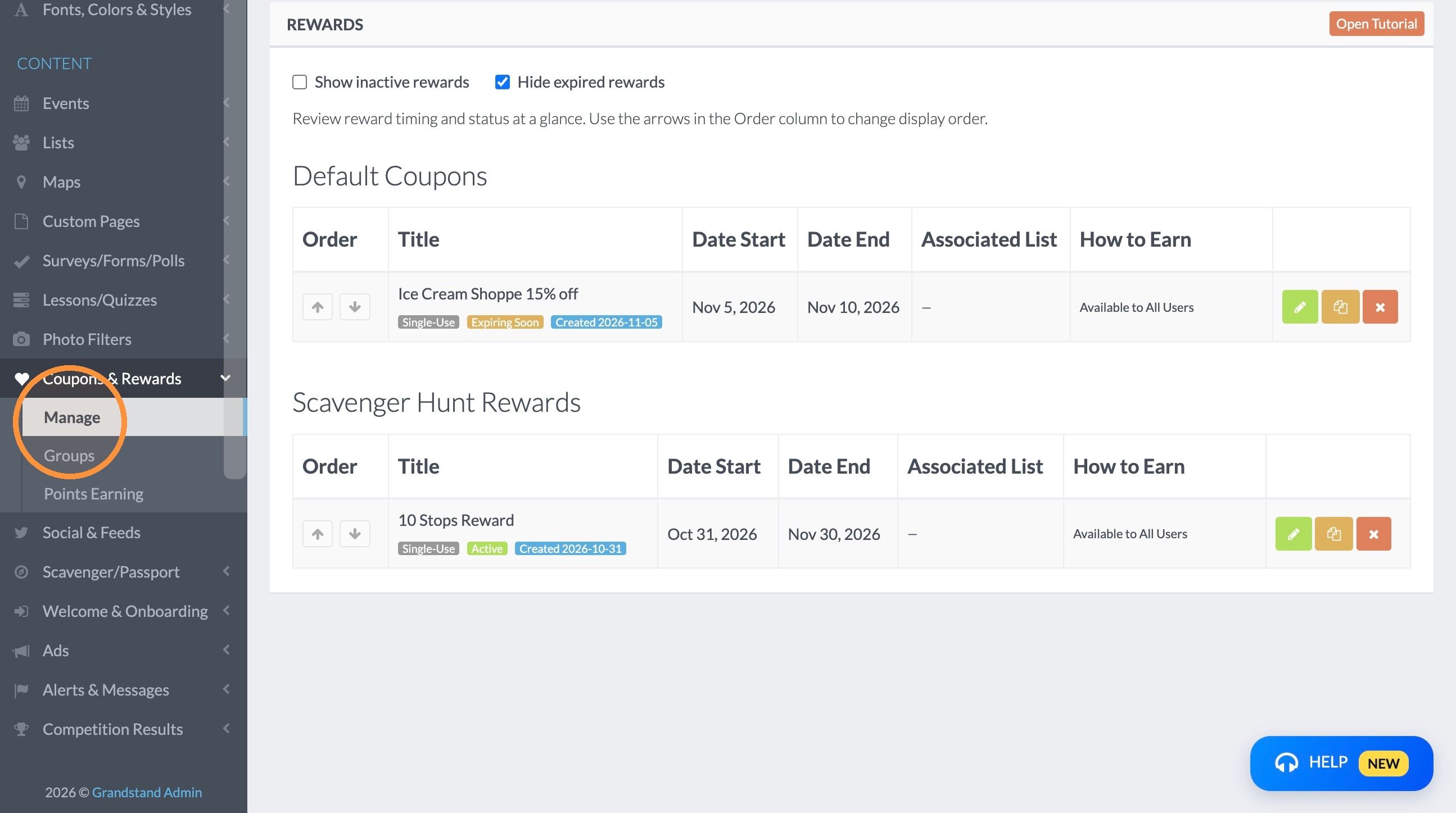
2. Click "Manage"
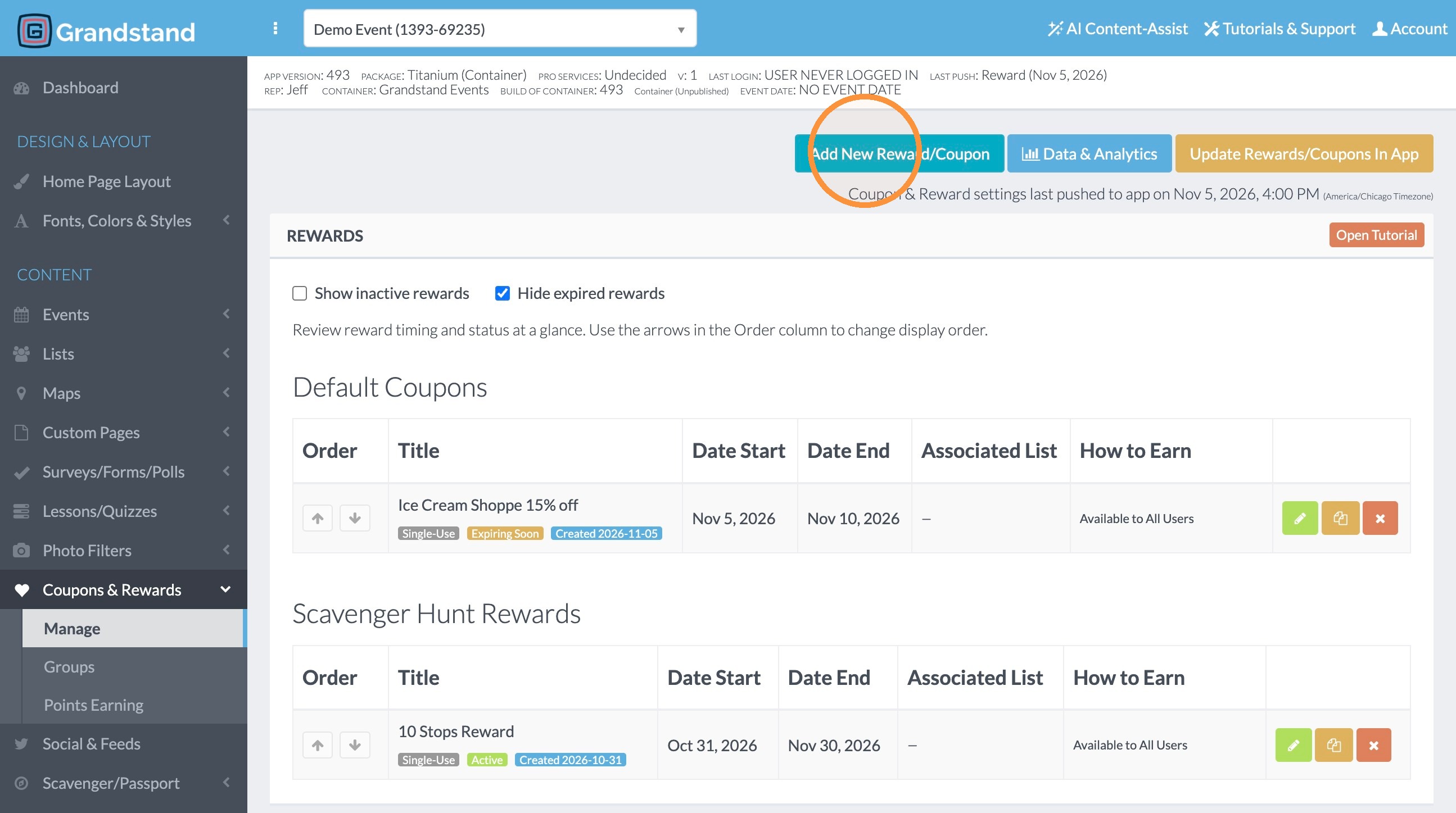
3. Click "Add New Reward/Coupon"
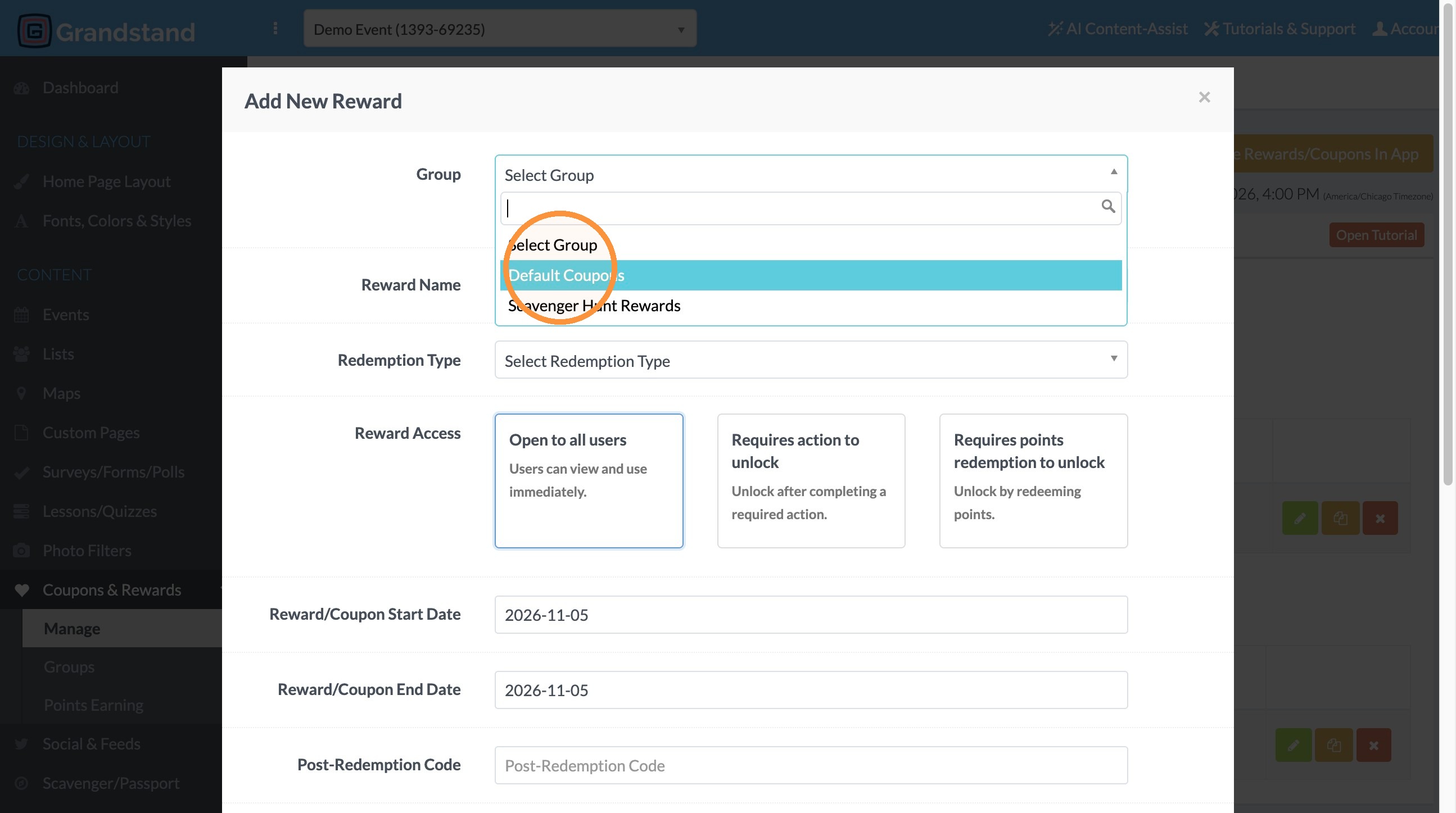
4. Under Group dropdown, select the group the coupon should be included in.
5. Enter the reward name in the Name of the Reward field
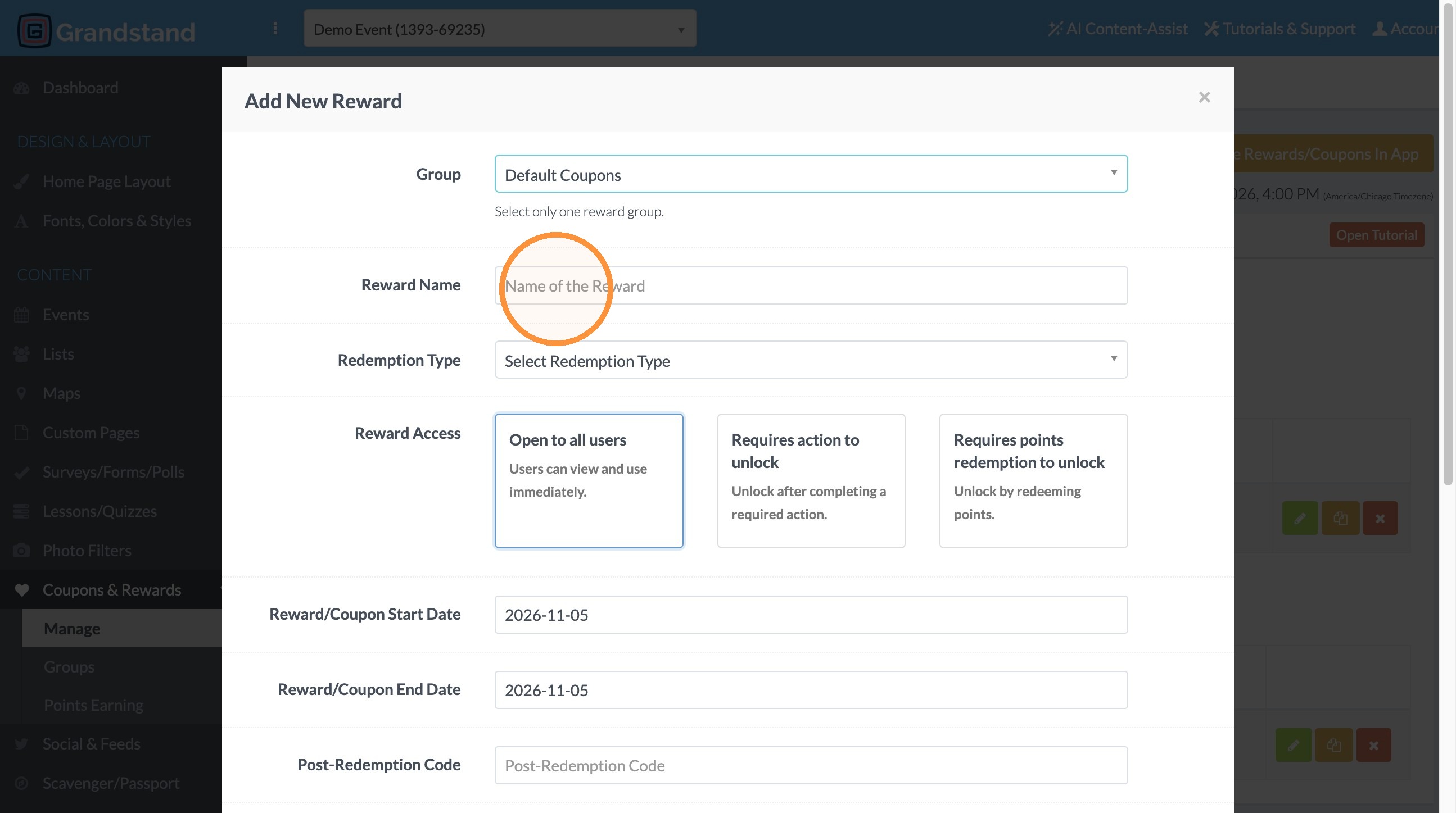
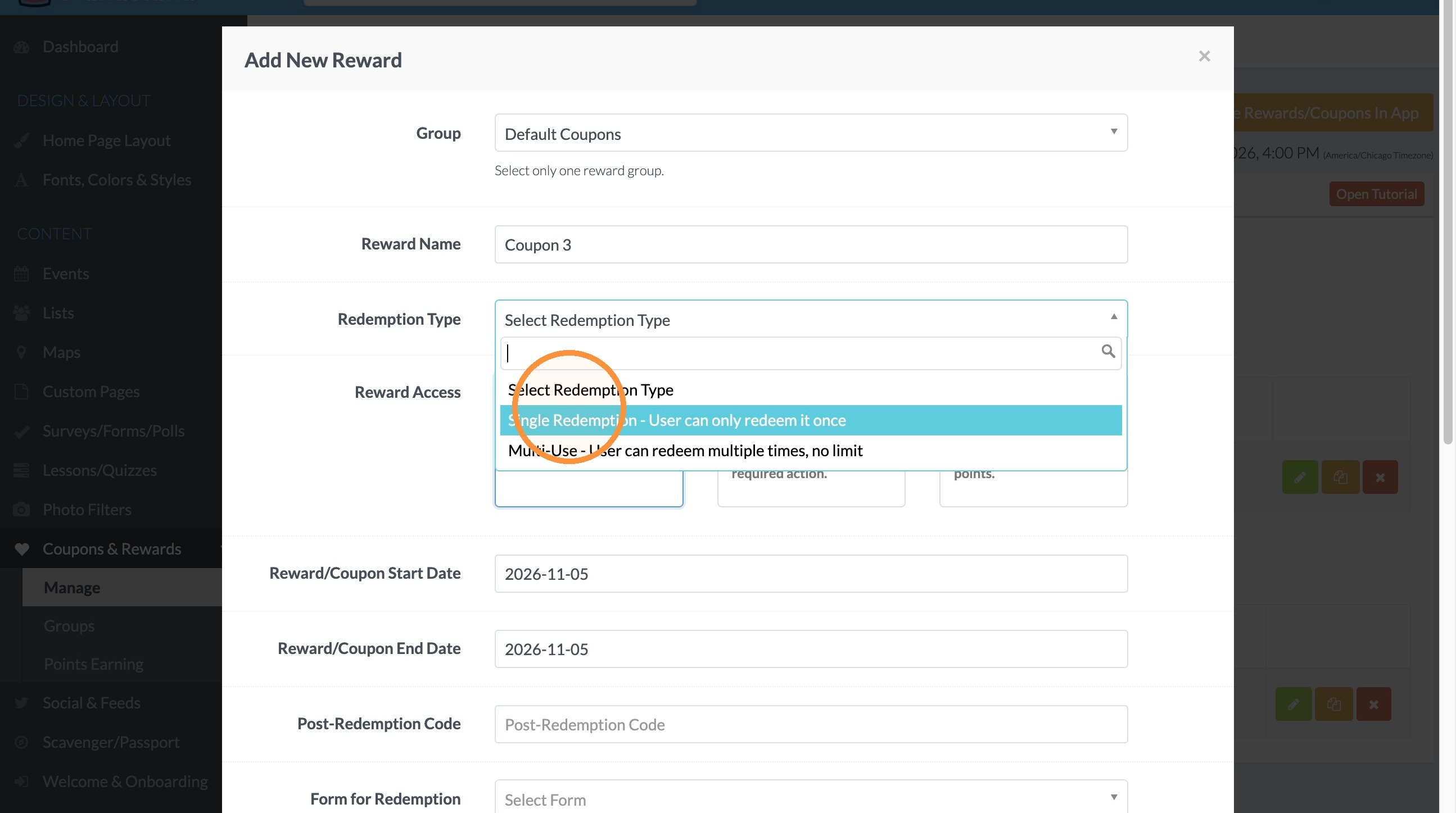
6. In Redemption Type, select "Single Redemption - User can only redeem it once"
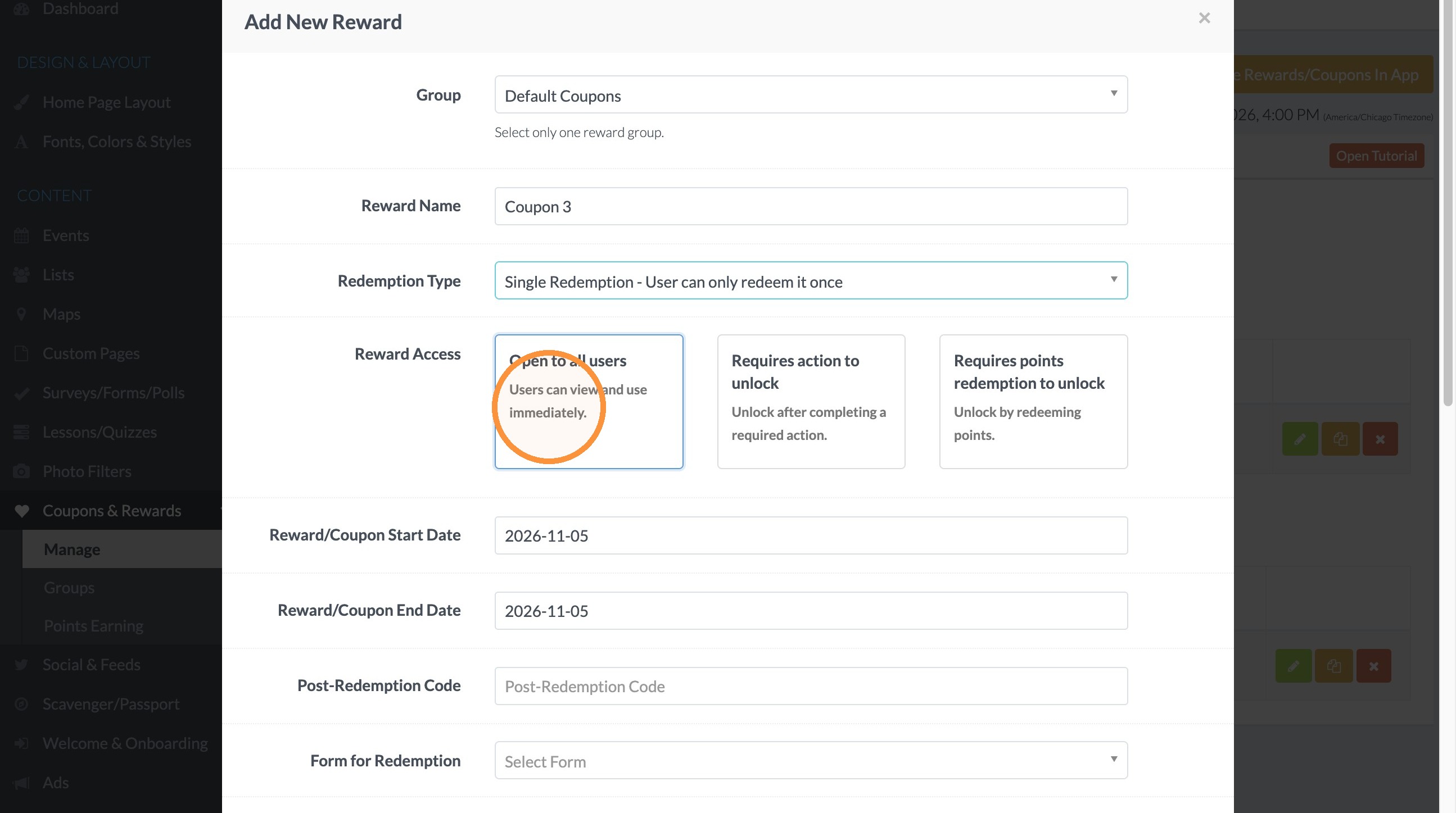
7. For the Reward Access, select "Open to all Users"
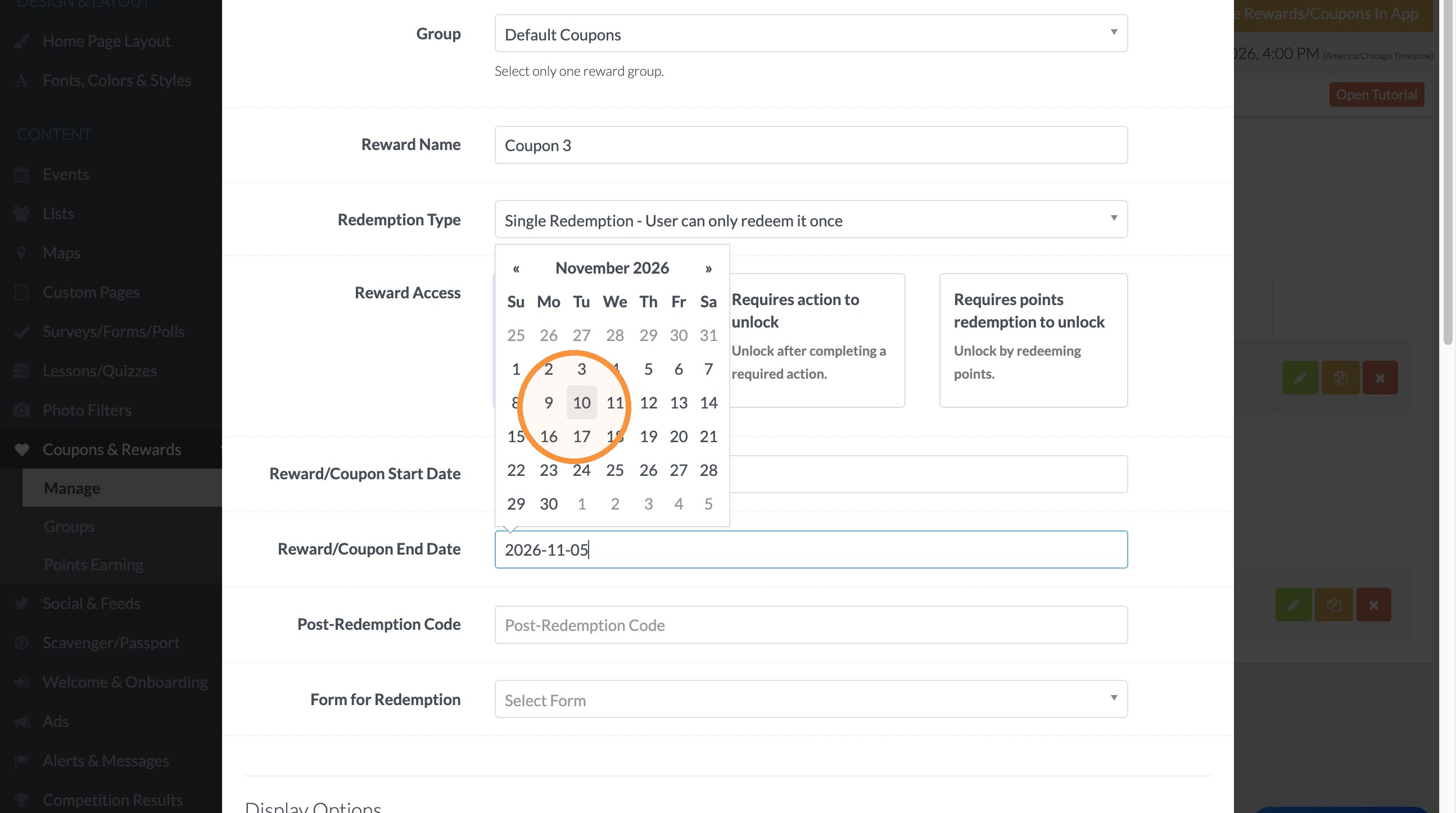
8. Set the reward start & end dates
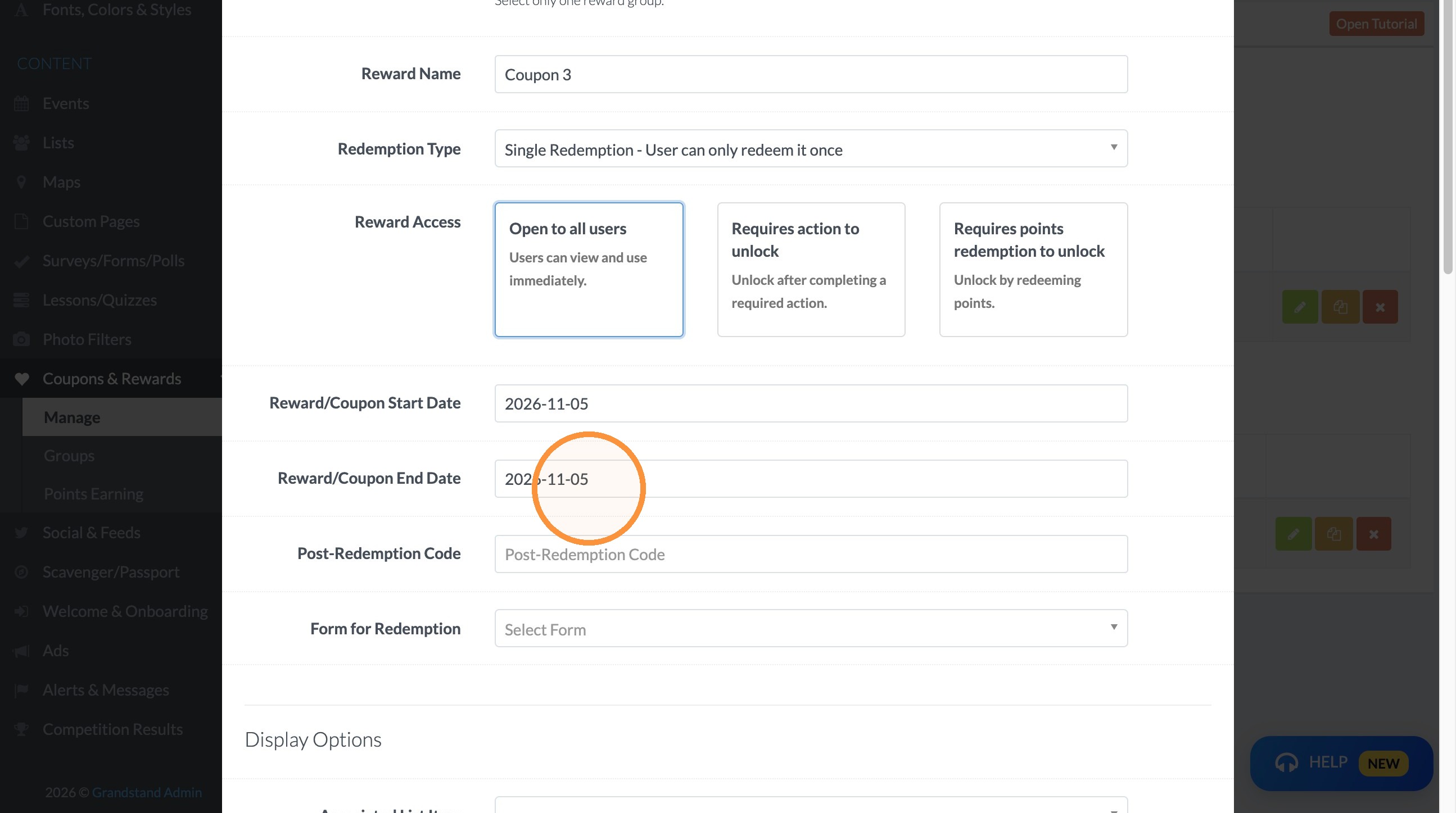
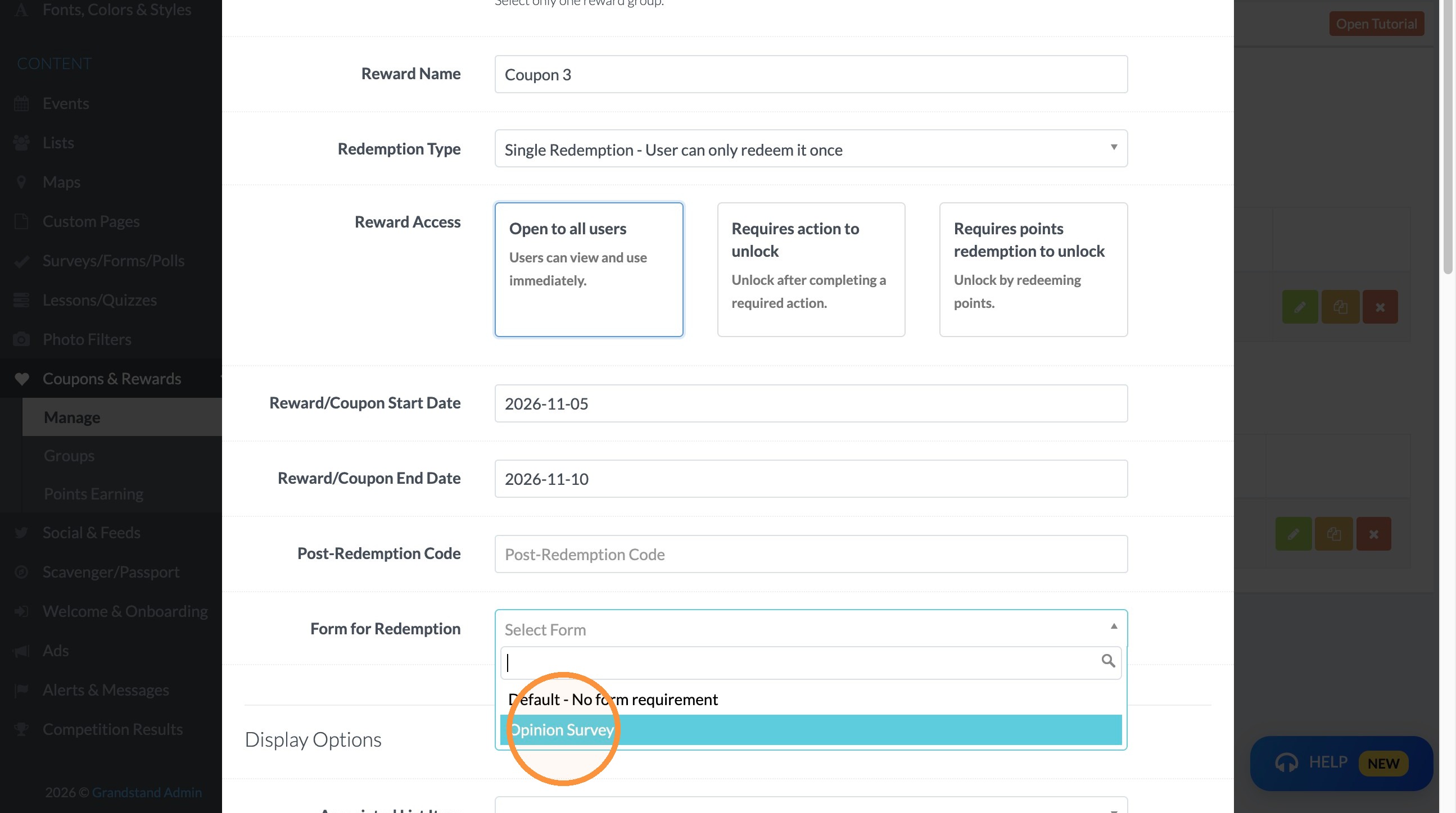
9. Under Form for Redemption, select the form you created that collects information on the participant.
Reward Content
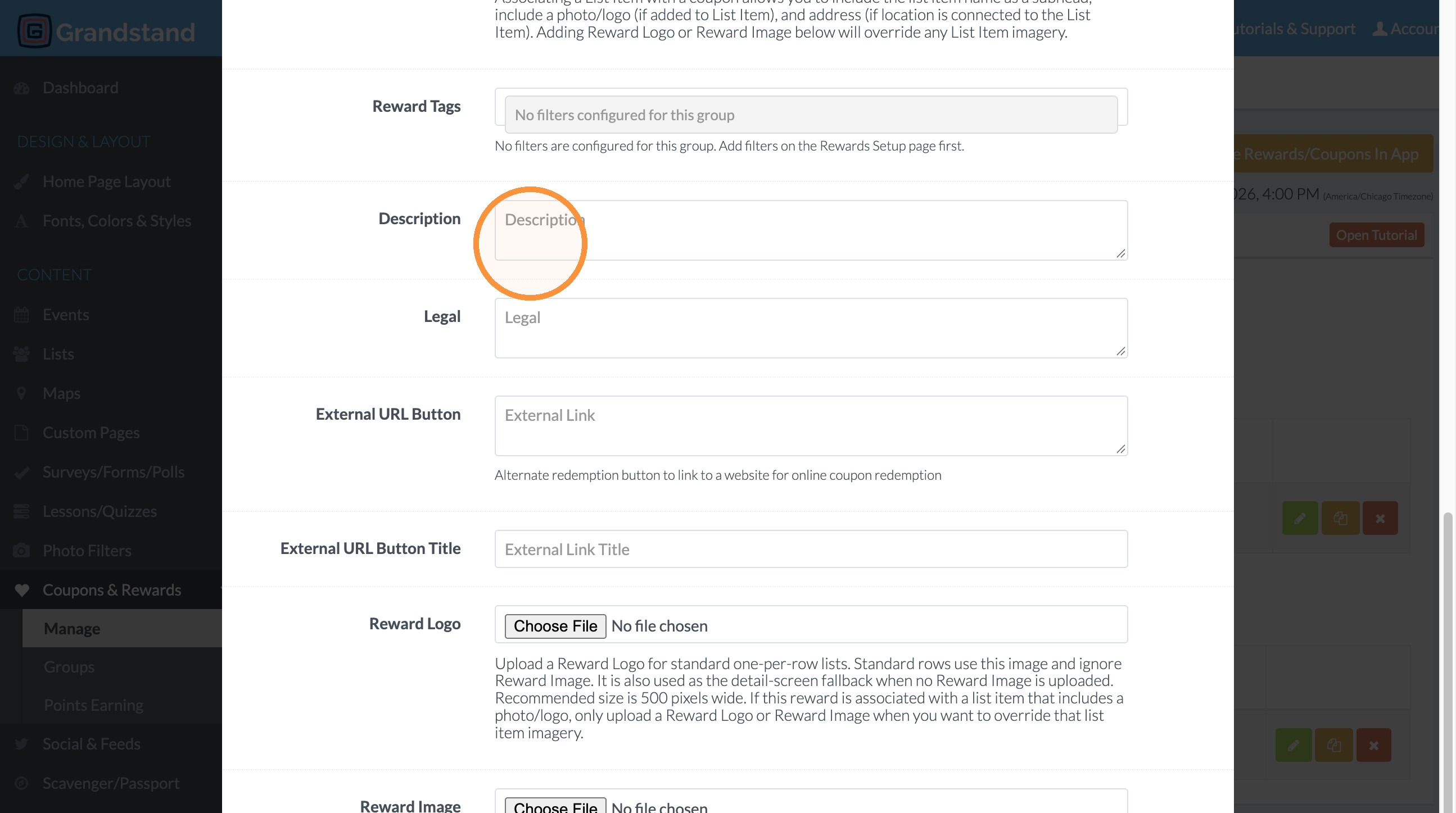
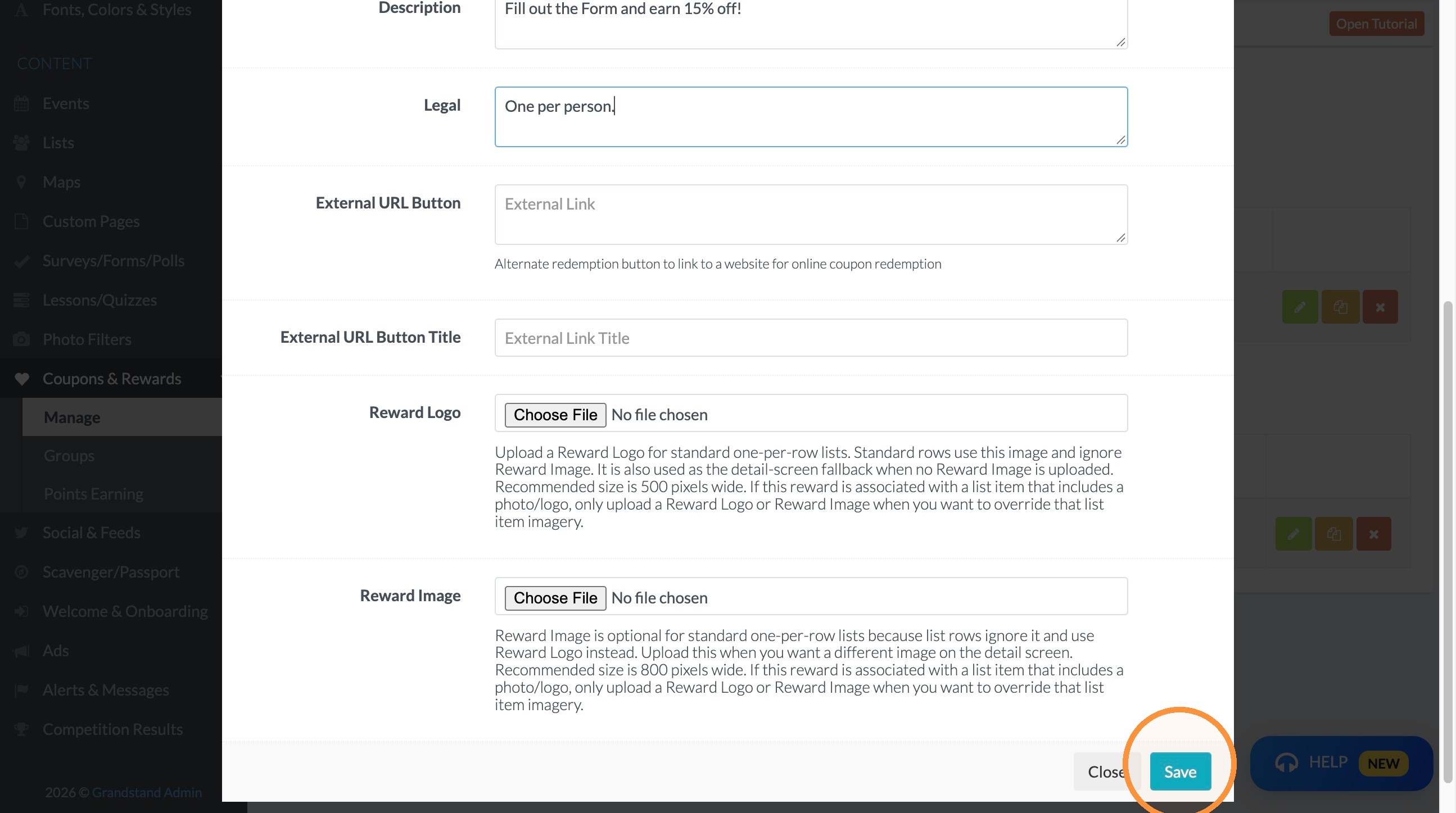
10. Enter the reward description in the Description field.
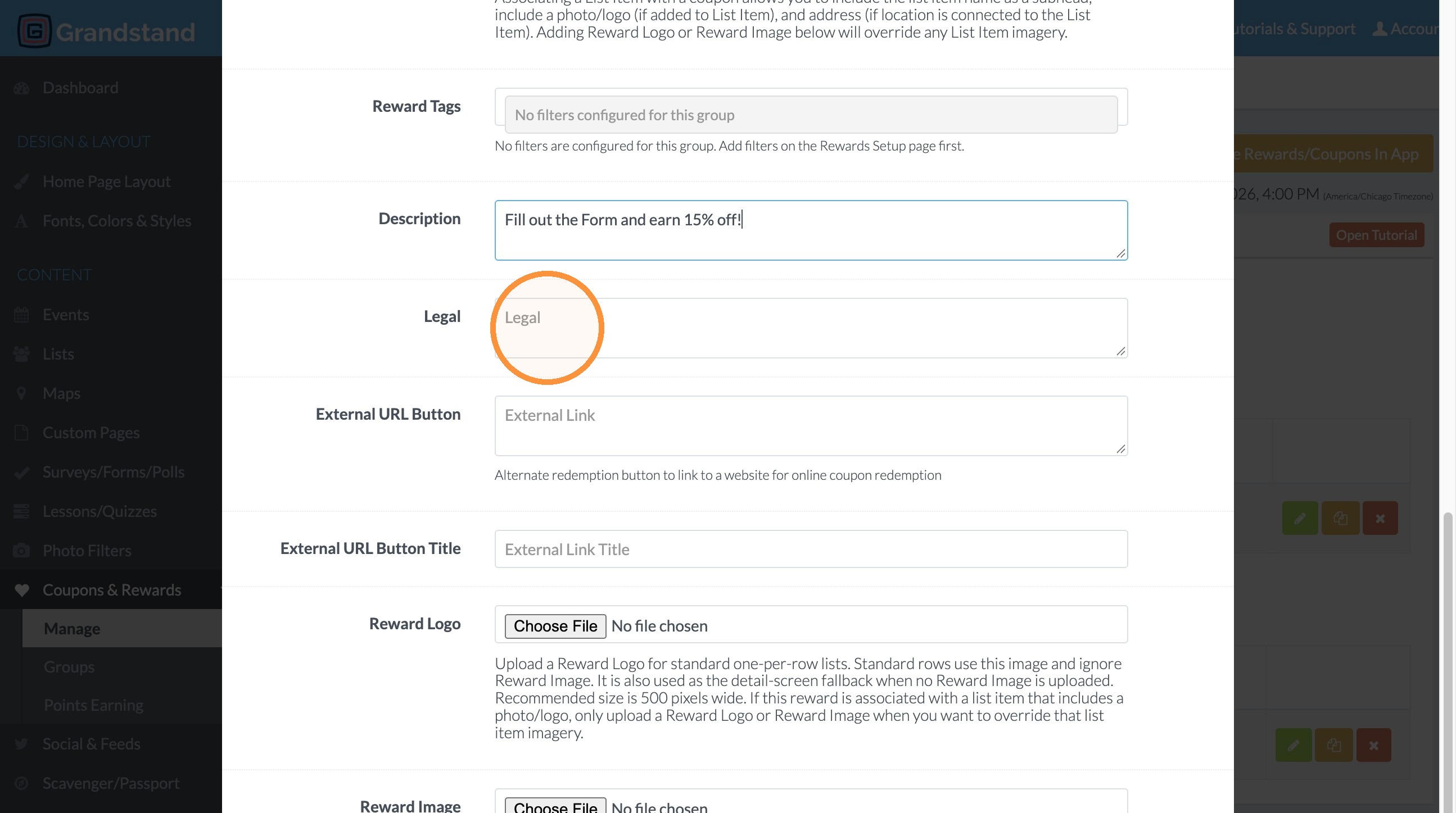
11. Enter the redemption terms in the Legal field.
Publishing
12. Click "Save"
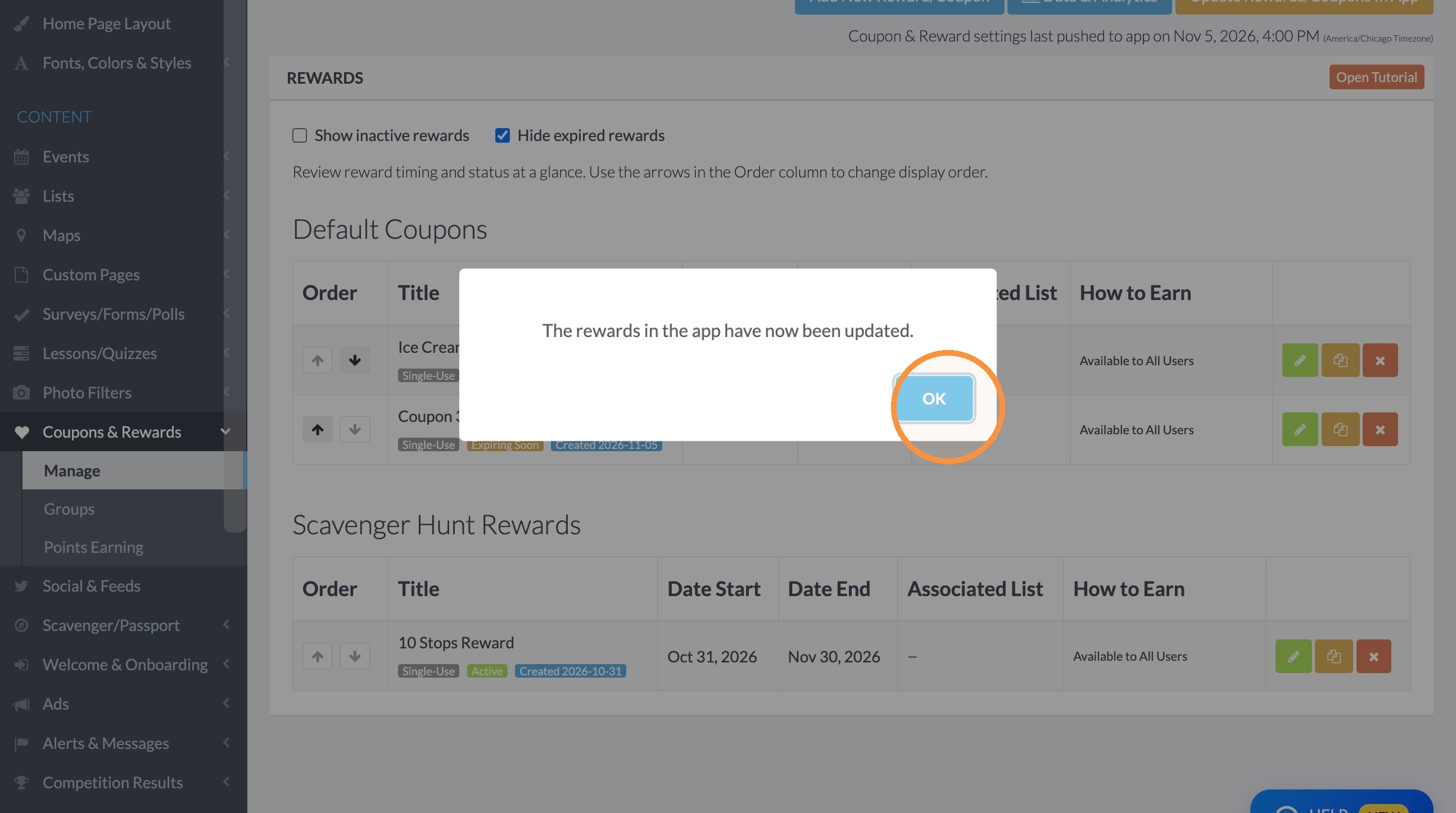
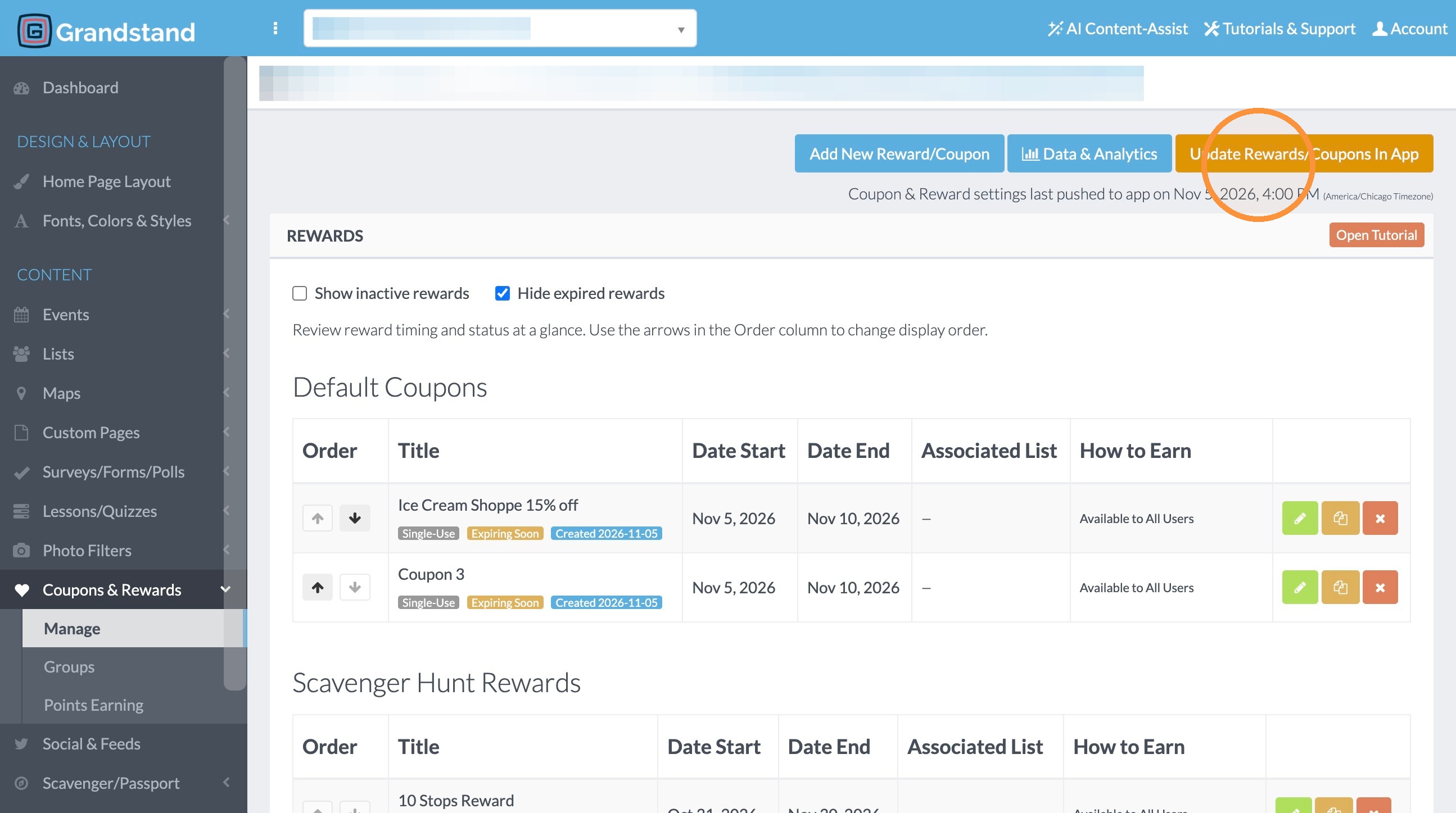
13. Click "Update Rewards/Coupons In App"
14. Click "OK"