
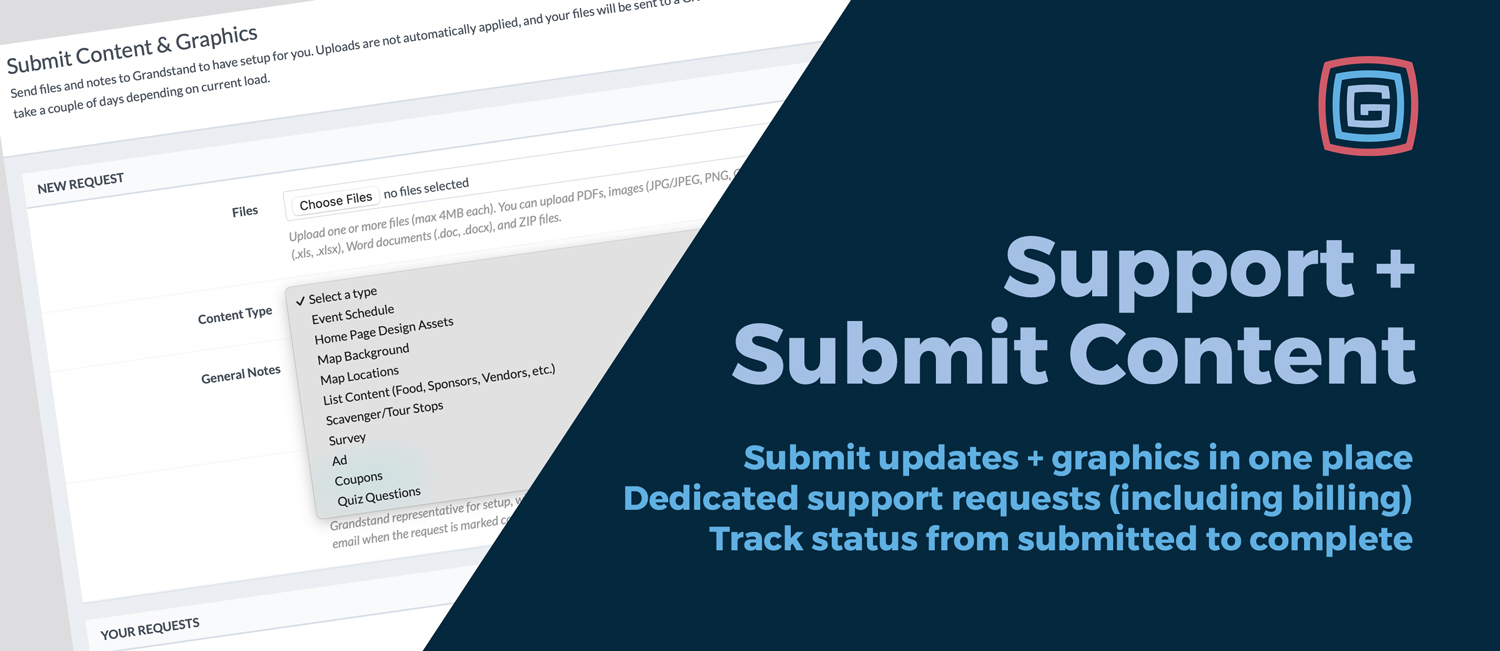
We’ve redesigned how you send updates and get help inside the Grandstand Admin. These improvements replace the previous basic support feature and make it easier to share files, add context, and track progress in one place.
Use Submit Content & Graphics when you have updates you want Grandstand to apply to your app—plus a new option for Home Page Design Assets.
Use Support Requests when you need help, have a question, or want to report an issue—now with better structure and visibility.
Both tools make it easy to see what’s happening with each request—without relying on scattered email threads. You can track progress, respond if more info is needed, and know when something is complete.
Response times aren’t changing. In most cases, if you typically work with Melissa or Jeff, they’ll still be the ones handling your requests. This update simply streamlines how information gets to us, so everyone spends less time chasing details.
NEW